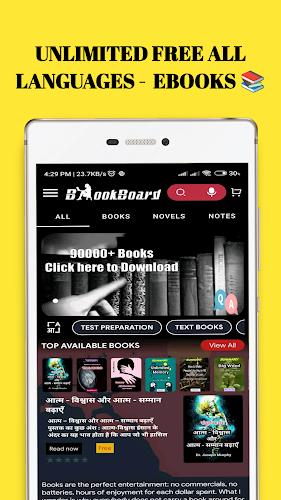
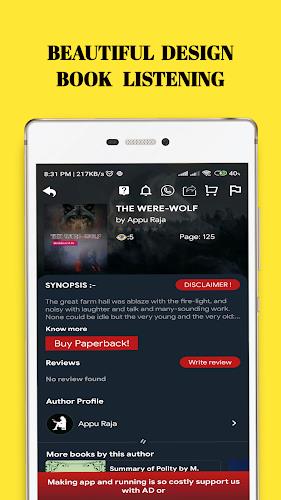
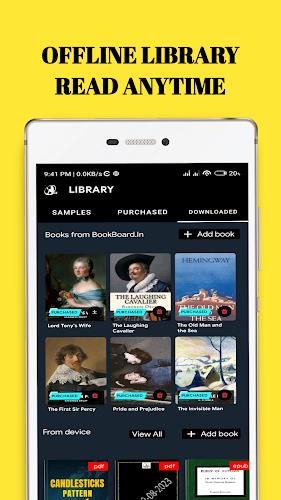
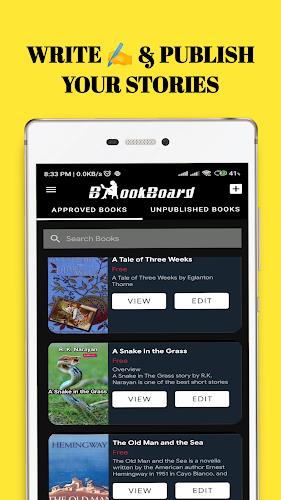
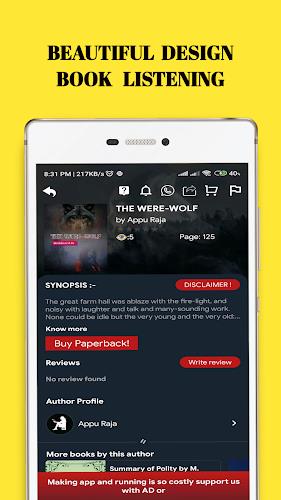
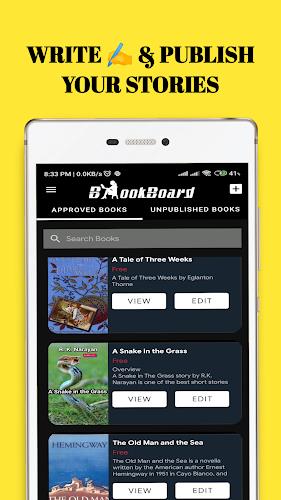
zLibrary is a lightweight Android app that organizes and delivers access to digital texts, ebooks, and personal documents. Designed for fast browsing and clean reading, zLibrary combines powerful search, format conversion, offline storage, and bookmarking tools so you can build and manage a legal personal library on your device.
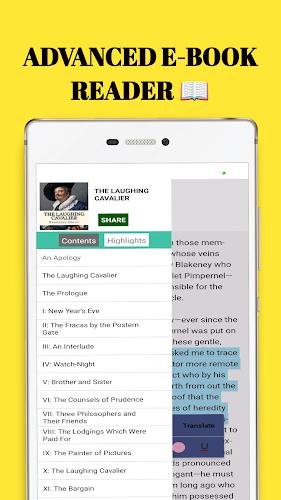
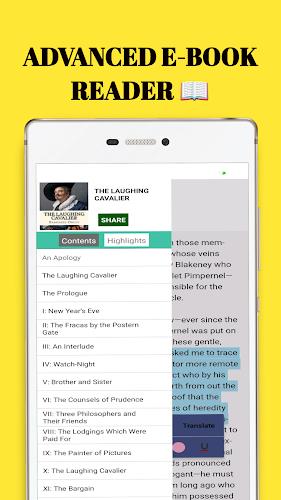
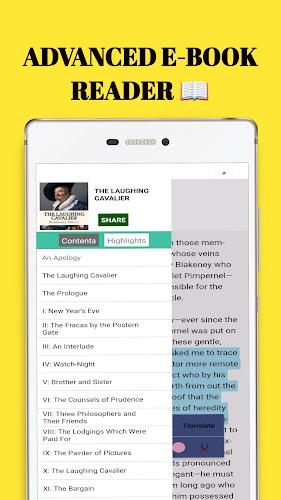
zLibrary focuses on core reading and library management capabilities. It supports multiple file formats, including EPUB, PDF, MOBI, and plain text, and can open files from internal storage or cloud services. Built-in bookmarking and highlighting let you mark passages and add notes. Format conversion tools simplify moving content between devices and readers without third-party software.
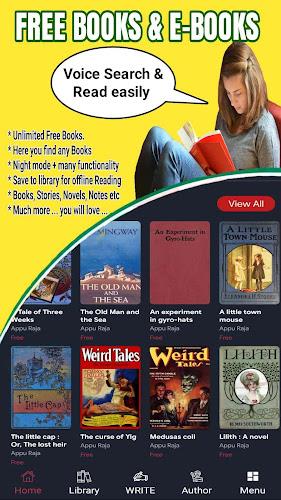
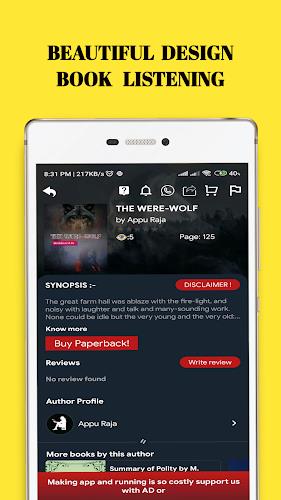
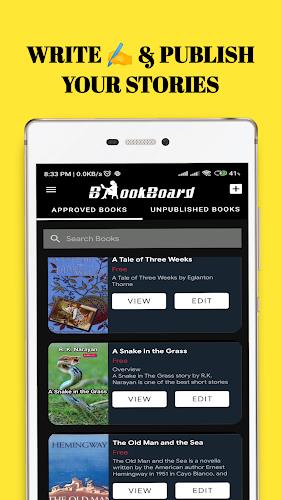
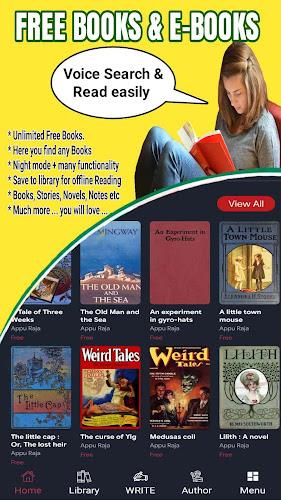
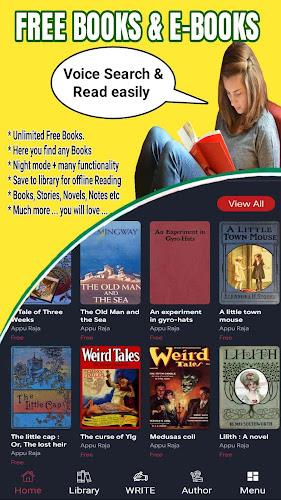
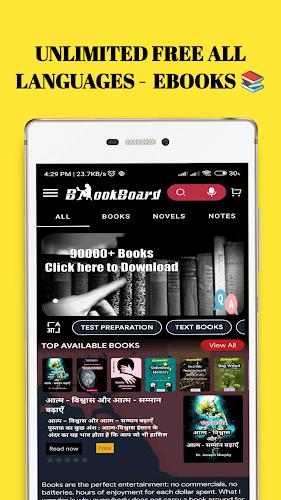
The user interface emphasizes clarity: a minimal top bar, a persistent search field, and a sliding drawer for quick access to categories and recent reads. Thumbnails and list views are available so you can choose a grid for visual browsing or a compact list for faster scanning. Touch gestures control page turns and zoom, while long-press menus reveal organizational actions like move, rename, or tag.
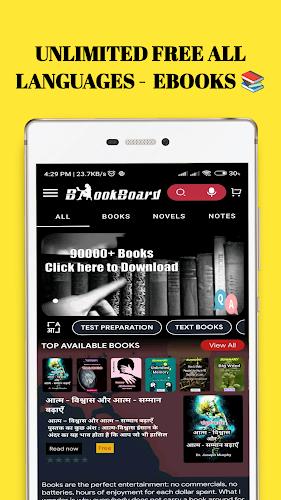
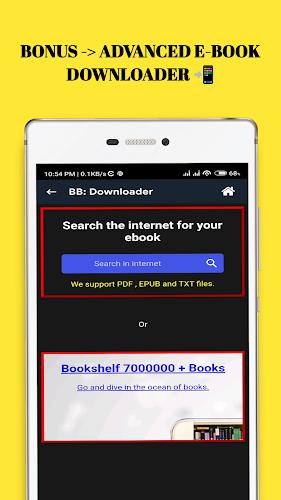
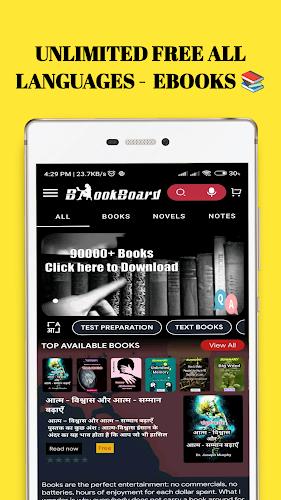
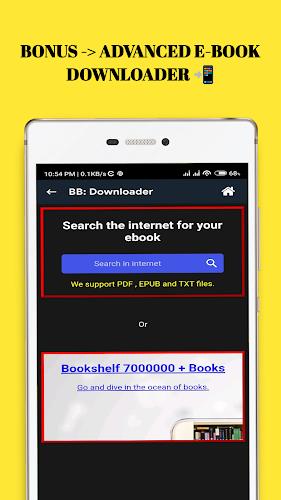
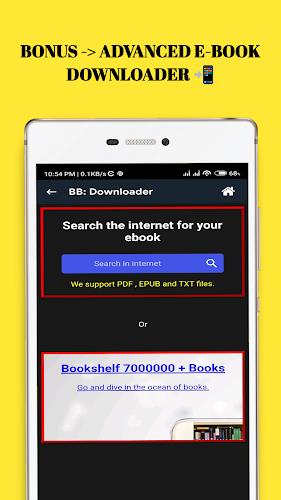
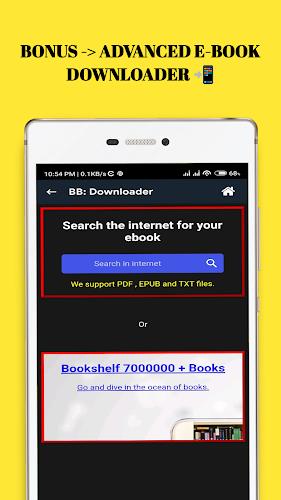
Search is a central part of zLibrary. The app offers fast keyword search across titles, authors, tags, and document contents where supported. Filters let you narrow results by format, date added, or file size. For curated discovery, the app shows recommended reads based on your recent activity and browser history, helping you find materials that match your interests.
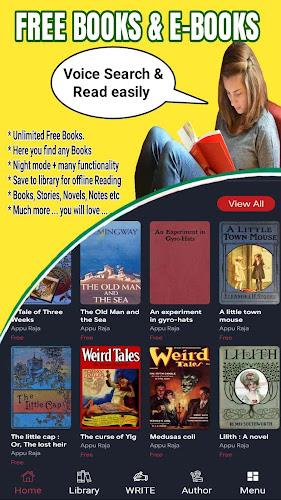
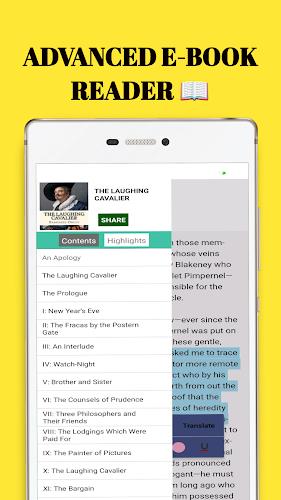
The reading environment prioritizes readability and customization. Adjustable font sizes, line spacing, and background themes (light, sepia, dark) allow comfortable reading in any light condition. The reader supports text reflow for responsive layout, a night mode for low-light use, and a progress indicator that shows location and estimated remaining time. Annotations sync with your library so highlights and notes stay attached to the source file.
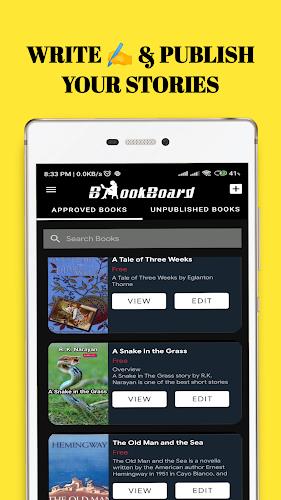
Managing a large collection is straightforward with zLibrary's tag system and nested folders. You can create custom shelves, assign multiple tags to a single item, and batch-edit metadata like author or series. Integration with popular cloud providers lets you import and export files easily, and an optional auto-sort feature places incoming files into preconfigured folders based on rules you set.
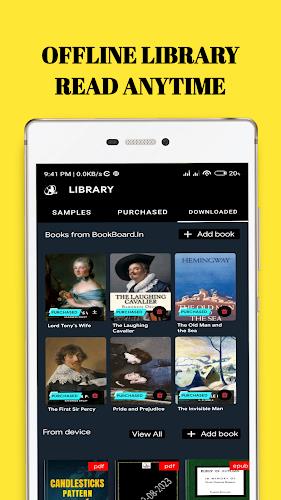
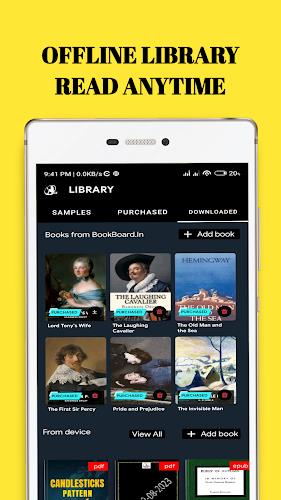
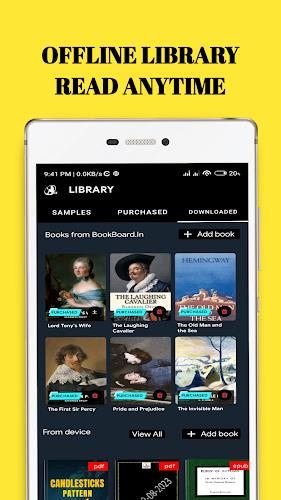
zLibrary is optimized for offline access. Once a book is downloaded, it remains available without connectivity, and the app stores a local cache of recent cover images to minimize load times. For users who want continuity across devices, optional account-based syncing keeps reading positions, annotations, and reading lists in sync through a secure cloud service.
Performance is tuned for low memory overhead and fast launch times. The app supports Android versions commonly used on phones and tablets, with adaptive layouts that scale to larger screens. Background tasks like indexing and thumbnail generation are throttled to preserve battery life, and users can schedule heavy operations to run only on Wi‑Fi or during charging.
zLibrary gives you control over data and permissions. Local files remain on your device unless you choose to upload them, and the app's optional cloud features use encryption to protect synced annotations and library metadata. Permission requests are limited to necessary operations such as storage access and optional cloud authentication. Clear privacy settings allow you to disable analytics or personalized recommendations.
zLibrary is designed for readers who want a reliable, uncluttered way to manage digital books and documents on Android. With a focus on search, reading comfort, and efficient file organization, it fits well for students, professionals, and casual readers who need a versatile mobile library tool.