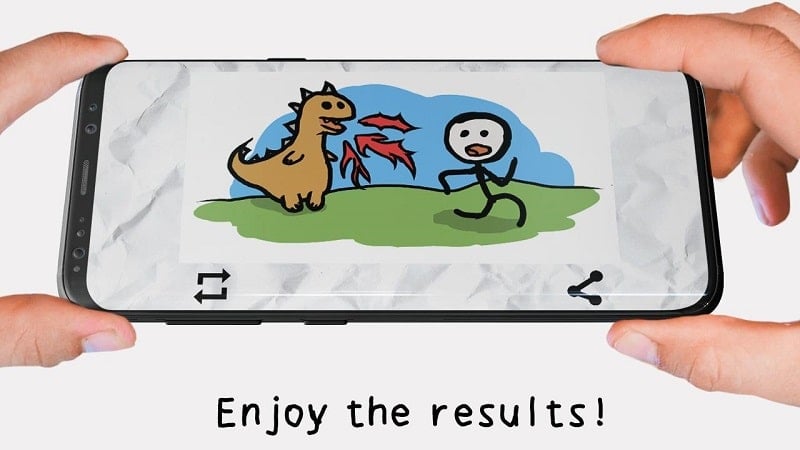
Draw and animate - Stickman: draw animation puts a simple sketching and frame-by-frame workflow on your Android device so you can turn quick doodles into short animated clips. The app is built around drawing stick figures and basic characters, with a focus on easy controls and repeatable frames so you can build short stories or looping animations without a steep learning curve. Whether you sketch rough poses or polish a tiny scene, this app aims to make basic animation accessible for creators of all ages.
Open a blank canvas: Tap to create a new project, pick a canvas size and start with a rough pencil stroke to plan poses.
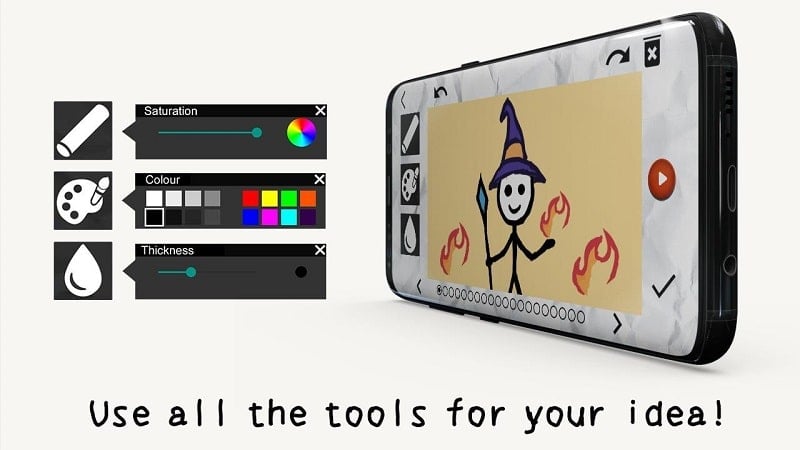
Select your pen and color: Choose brush thickness and a color palette so your stick figures and accents read clearly on every frame.
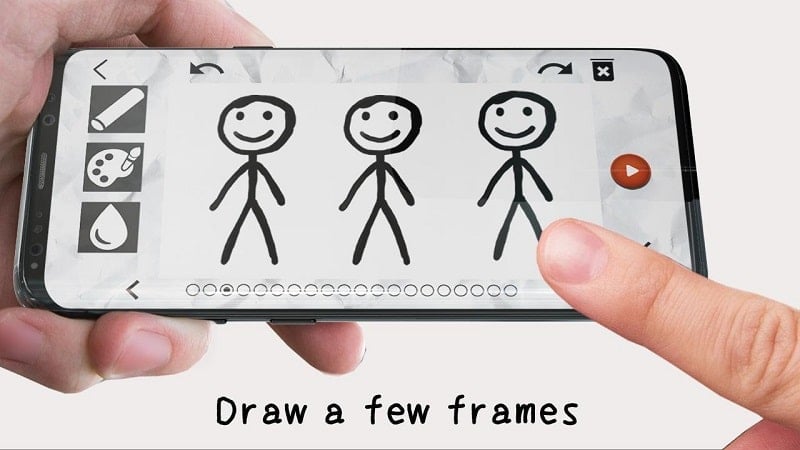
Create frames: Add new frames one after another and redraw your character in slightly different positions to build motion.
Preview and refine: Use the playback control to watch your frames in sequence, then tweak timing or redrawing until the movement feels right.
Focused drawing tools: The interface concentrates on essentials like brushes, erasers and simple color fills so you aren’t overwhelmed by options.
Frame-based animation: Build motion by stacking frames; previewing lets you check timing and smooth out transitions between poses.
Character templates and props: Start from basic stickman shapes or simple templates to speed up scene setup and maintain consistent proportions.
Simple sharing options: Save your finished sequences to your device or export short clips to show friends and social feeds.
Sketch first, polish later: Begin with loose frames to map out movement, then return to clean lines once the timing works.
Use thumbnail frames as a storyboard: Lay out a series of tiny frames to plan a short gag or visual beat, useful when you’re waiting in line or between tasks.
Keep motion subtle: Small changes between frames often read as smoother movement than large jumps; experiment with easing by repeating frames.
Is the app suitable for beginners?
Yes. The toolset is simplified to help newcomers learn basic animation concepts without complex menus or technical jargon.
Can I export animations to share outside the app?
You can save your completed sequences to the device and share short clips; availability of formats may vary by version.
Does it include ready-made characters or props?
Stickman: draw animation offers basic templates and simple props to speed up creation, while encouraging hand-drawn customization.
Stickman: draw animation is a straightforward space for sketching motion and building short animated scenes on Android; it’s great for quick experiments and learning the basics, though more advanced animators may miss deeper editing tools or advanced export choices (features can change across updates).