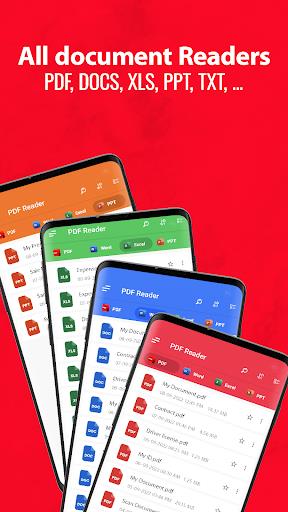
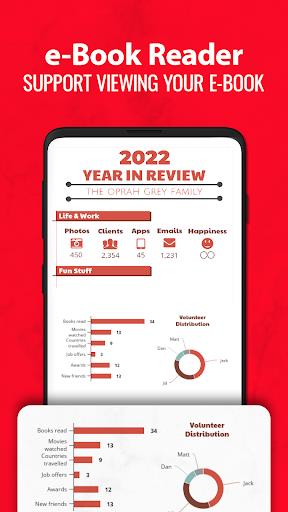
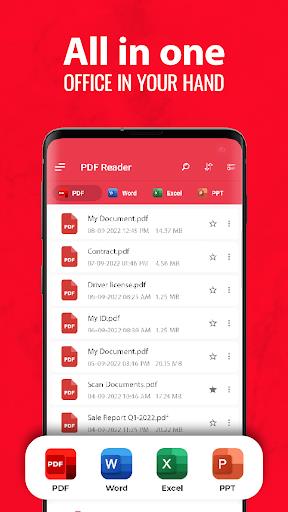
Waiting in a crowded lobby and needing to check a contract or scan a receipt? All PDF Reader aims to simplify those small but urgent document tasks by letting you open, scan and convert PDFs straight from your phone. The app centers on fast file access and a lightweight viewer, with tools for turning photos into PDFs and exporting documents back to image formats. If you often handle receipts, handouts or long manuals on the move, All PDF Reader brings basic digitization and sharing into a single mobile workflow.
Install and launch: Download the app from your store, grant basic permissions such as storage and camera, then open it to see a simple home screen that lists recent files.
Import files: Tap to browse device storage or cloud folders to add PDFs and images; the reader queues items for quick access so you can open large files without hunting through folders.
Scan and convert: Use the built-in camera tool to capture documents or receipts, crop and adjust the image, then export directly as a PDF ready to attach to an email or save for later.
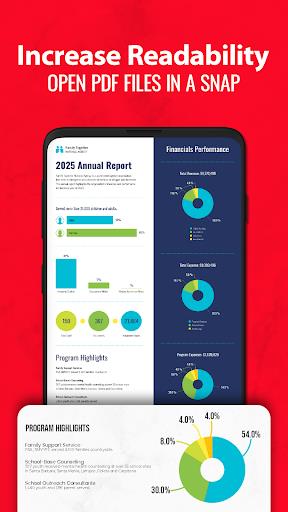
Fast file loading: The viewer is optimized to render pages quickly even when your network is unreliable, so you can open long documents in seconds and keep reading.
Flexible reading modes: Choose single-page or continuous scrolling layouts and switch between portrait and landscape orientation to suit dense tables or long text passages.
Scanner and converter: Capture paper documents or photos and convert them into searchable PDF files; you can also convert PDFs back to common image formats like JPG for easier editing or sharing.
Multi-format support: Create PDFs from PNG, JPG, TIFF and GIF images, making it simple to combine screenshots, photos and scanned pages into a single document for distribution.
Name files immediately: After scanning, rename the document with a clear title such as 'Expense_Mar2026' so you can find it quickly when compiling reports.
Use landscape for wide tables: Switch the page orientation before reading spreadsheets or brochures to reduce pinch-zooming and speed up navigation on a phone screen.
Adjust scan quality: If you need to email many receipts, try lowering image resolution to reduce file size, but raise it again for contracts or forms that require clear text.
All PDF Reader provides a compact set of tools for viewing, scanning and converting documents on Android, making routine tasks faster when you're away from a desktop. It excels at quick loading and straightforward conversion between images and PDFs, but it may not replace a full-featured editor if you need advanced annotation, form filling or redaction. For day-to-day scanning and fast file access, it is a practical choice that keeps basic document workflows mobile.