
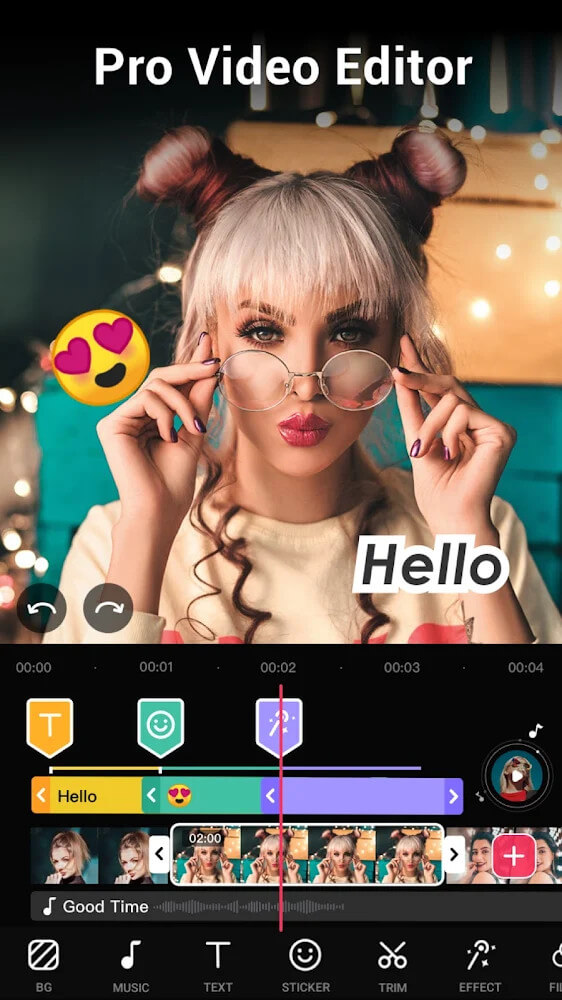
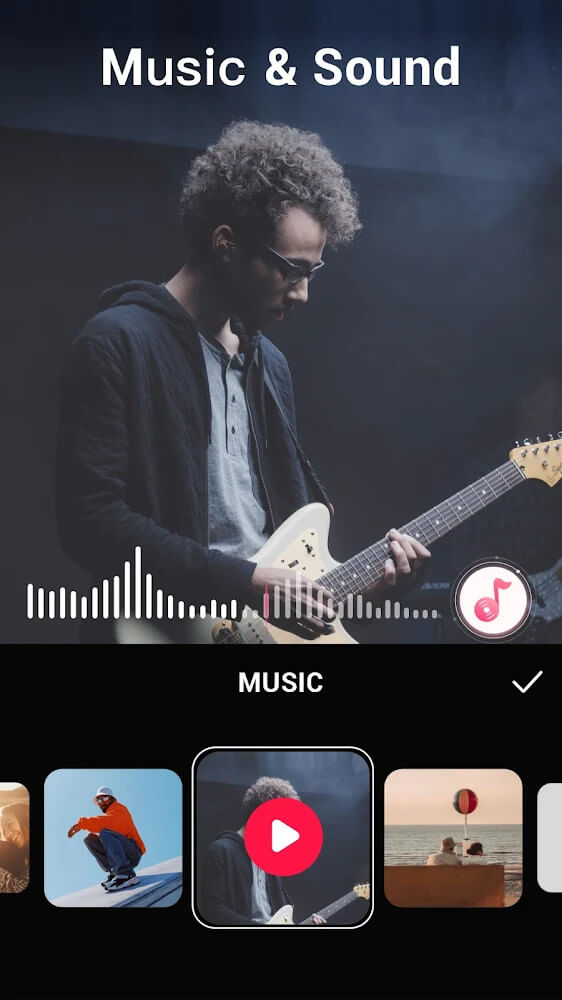
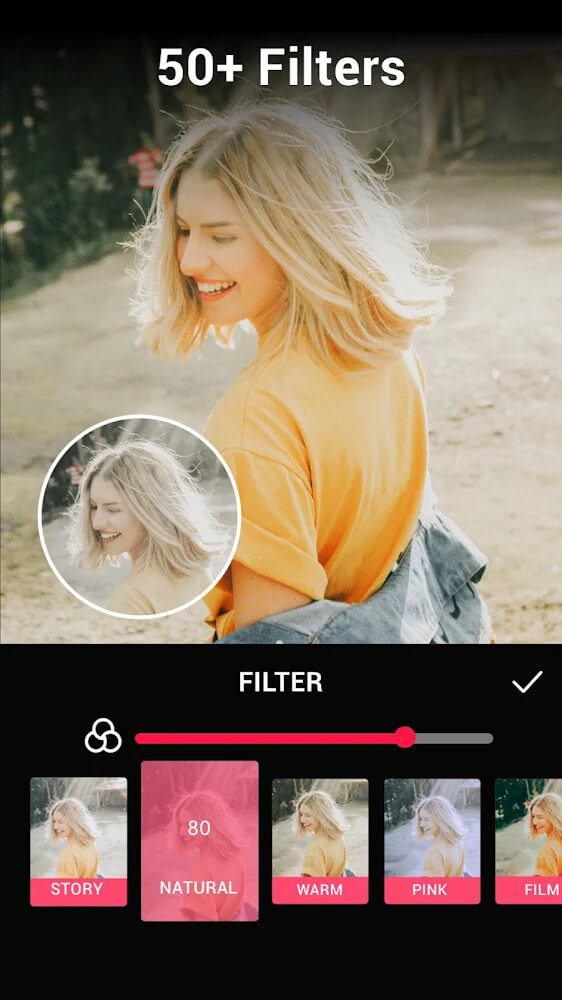
Video.Guru is a compact, tab-based video editing app designed to help creators cut, polish and export social-ready clips with a minimal learning curve. Video.Guru organizes core functions into separate tabs and keeps a single main content layer while offering dedicated sub-layers for audio, effects and keyframes so creators can make fine adjustments without managing dozens of stacked tracks. The interface emphasizes a focused timeline, quick trimming tools and export presets that map directly to common social platforms, making it easy to move from rough cut to publishable clip.
The app splits work into three editing modes so you can concentrate on one stage at a time: trimming and arranging clips, applying visual effects and filters, and final polishing for titles, overlays and audio. The keyframe editor in Video.Guru gives precise control over motion, opacity and effect parameters so transitions feel smooth; keyframes are applied on a sub-layer that sits alongside audio and effects, preserving the simplicity of the main content track. Multiple aspect ratio presets and platform-oriented frames are built in, enabling quick resizing for vertical, square or landscape feeds while maintaining a consistent composition.
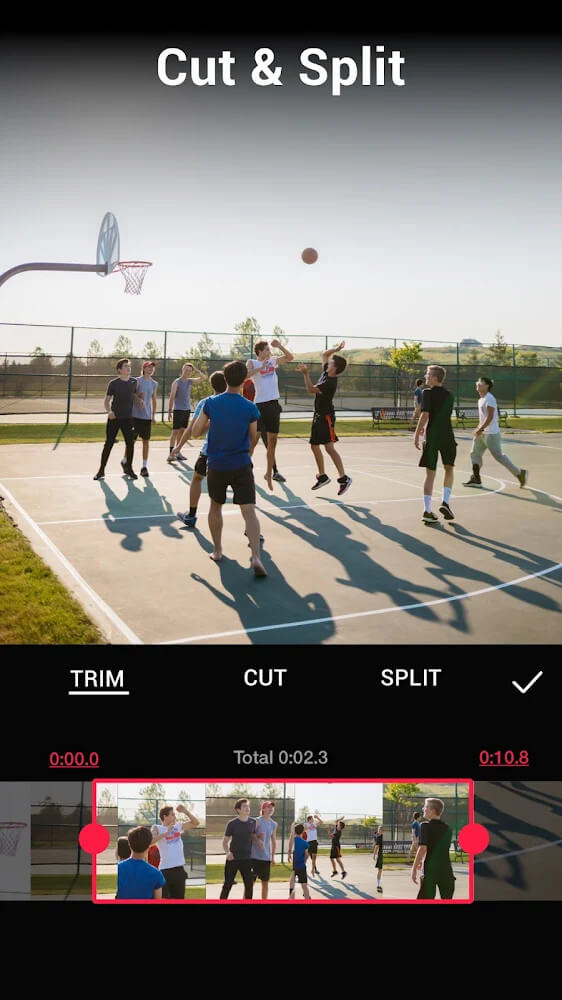
Controls are optimized for touch. Timeline gestures include drag-to-trim handles, pinch-to-zoom on the timeline for frame-level precision and tap-to-snap for aligning clips and overlays. Audio and effect sub-layers are accessed from the same timeline view, letting you mute, solo or nudge elements without leaving the main editing screen. For fine adjustments, the keyframe editor exposes numerical values and scrubbing, so you can refine motion or opacity with millisecond accuracy and immediate visual feedback.
Projects proceed through clear stages: import media, assemble clips in the main track, add effects and keyframes, then finalize audio levels and titles before export. Export presets simplify delivery to social platforms by setting resolution, frame rate and bitrate automatically, while custom export settings are available for users who want specific control over file size and quality. The app supports common codecs and container formats so exported files are broadly compatible with other apps and desktop workflows.
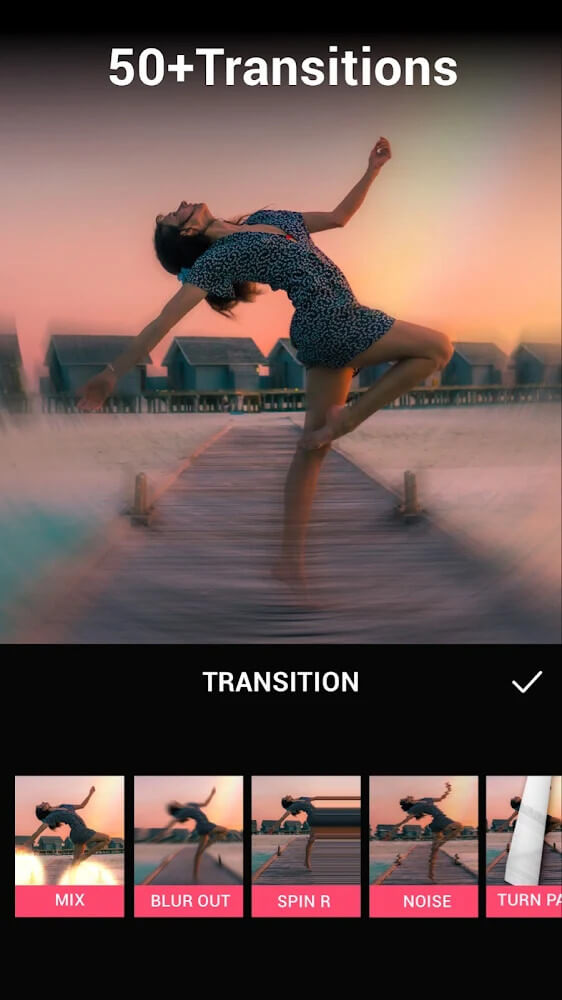
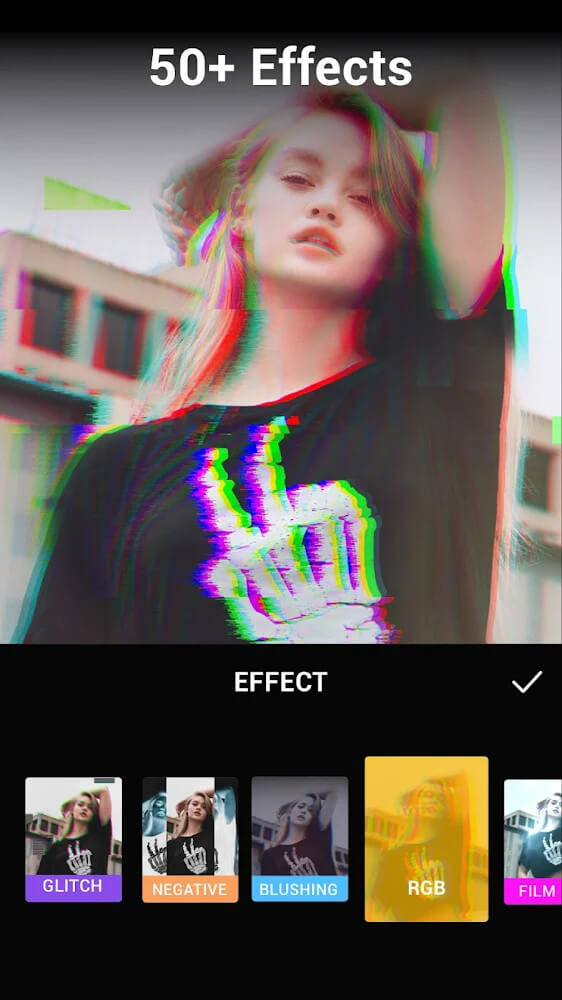
The visual design of the editor favors a clean, tabbed layout with subtle contrast and readable typography to reduce visual clutter during long editing sessions. Built-in templates for titles, lower-thirds and transitions let you apply a coherent visual style quickly; each template can be tweaked for font, color and timing. Filters and basic color adjustments are included for quick mood changes, and overlay controls allow placement and scaling of graphics or logos without complicated masking tools.
Replay value comes from reusable templates and presets: once you create a branding pack of titles, color grades and music beds, you can apply them across multiple projects to speed up production. The workflow also encourages iteration; saved projects can be reopened and revised, and the same media assets can be repurposed for different aspect ratios using the app’s framing tools. These features make the app suitable for creators who produce regular short-form content and need consistency across posts.
Video.Guru is built to work offline so you can edit without a network connection, which is useful when traveling or working on location. The interface supports adjustable UI scaling and clear labels to help users who prefer larger controls, and basic accessibility compatibility improves navigation with screen readers and alternative input methods. The editor is approachable for beginners but offers progressively finer controls for users who want to deepen their skills; keyframe workflows and timing require practice, and the app includes inline hints and sample projects to shorten that learning curve.
While the single main content layer keeps the interface uncluttered and speeds up common tasks, it can feel limiting for complex multi-track compositing or advanced visual effects that are typically handled by desktop software. The keyframe tools are powerful but require practice to master precise timing, and the app intentionally focuses on essential editing features rather than replicating every desktop-level capability. For creators seeking a fast, mobile-first editing path to polished social clips, Video.Guru strikes a practical balance between simplicity and control while remaining lightweight enough for on-device editing.