Call - then connect, imo video calls and chat steps in when you need a quick, reliable way to reach friends or family across smartphones and desktops. The app ties your phonebook to live conversations so you can send messages, share photos, or place voice and video calls without juggling multiple accounts. It aims for simplicity: register with a phone number, let the app scan contacts for existing users, and start chatting right away. Expect basic privacy controls, group conversations, and cross-device syncing for ongoing threads.
Sign-up with a phone number: Enter your mobile number and confirm it with the received code; this links your account to the contacts already saved on your device so you can quickly find people who use the app.
Set up your profile: Pick a display name and profile photo, then review privacy options to control who can see your last seen, profile image, or add you to groups.
Sync devices: Install the desktop or web companion and scan a QR code or follow the on-screen link to mirror messages between phone and PC so conversations continue on larger screens.
Create groups and shortcuts: Make group chats for family, friends, or work and pin frequent conversations to the top of your list for fast access.
Free messaging and calling: Send text, voice messages, and make audio or video calls over cellular data or Wi-Fi without SMS fees; data usage depends on your carrier.
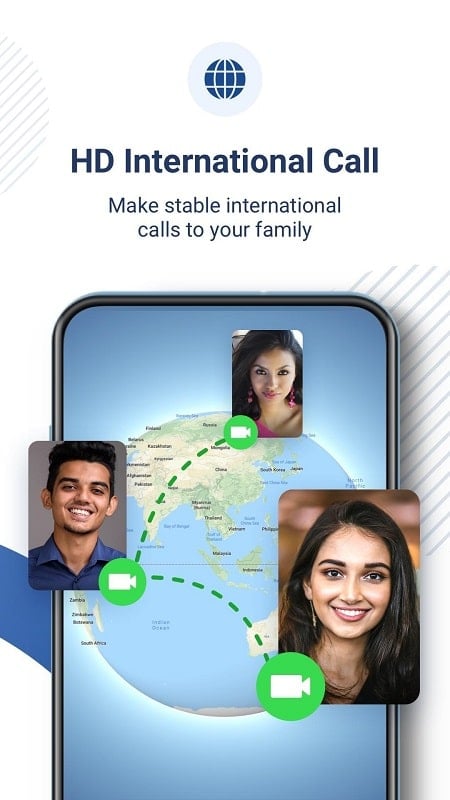
High-quality voice and video: Calls adapt to available bandwidth so connections stay clear on stable networks and remain usable when conditions are modest.
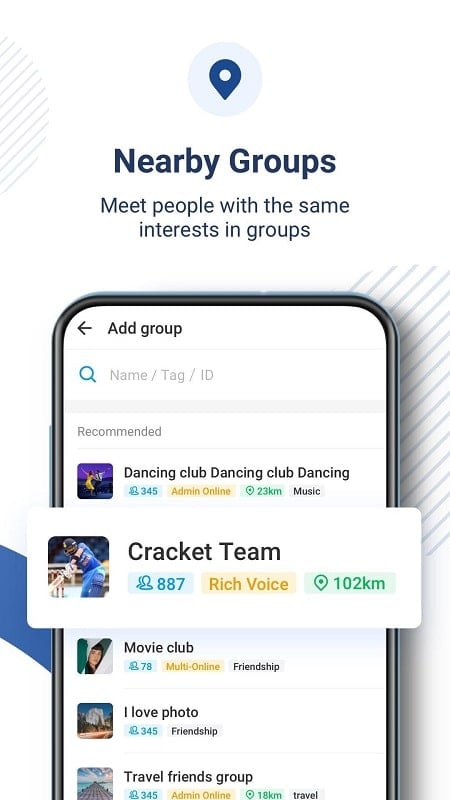
Group calls and channels: Start multi-party voice or video chats and invite contacts into shared conversations for remote hangouts or casual planning.
Media sharing and storage: Exchange photos, short videos, and files within chats; larger items may be compressed or queued to send when the network improves.
Offline delivery: Messages and media are held for delivery if a contact is temporarily offline and delivered when they reconnect, keeping the exchange continuous.
Manage notifications: Mute noisy group threads or set custom notification tones so you only get alerted to what matters at the moment.
Prioritize HD on Wi-Fi: Switch to a Wi-Fi connection for higher resolution video calls and to save mobile data during long conversations.
Use the desktop companion for work: When typing long messages, sharing documents, or running a group catch-up, the PC app keeps things more comfortable than a small screen.
Is the app free to use?
The app is free to download and lets you message and call using your internet connection; standard carrier data charges or Wi-Fi fees may apply.
How does the app protect my privacy?
You control who can contact you via privacy settings and can block or report unwanted users; sensitive data is kept within the app's account system rather than public profiles.
Can I add many people to a single call?
Group calling is supported, though the number of reliable participants depends on each person’s device and network quality rather than a fixed limit stated here.
imo video calls and chat offers a straightforward way to keep conversations anchored to phone contacts and move between devices with minimal setup; feature behavior and performance may vary across versions and devices, so expect occasional differences after updates.