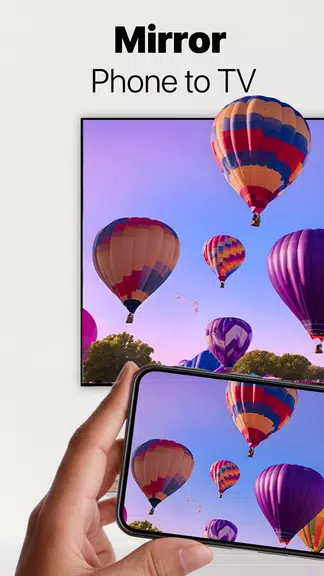
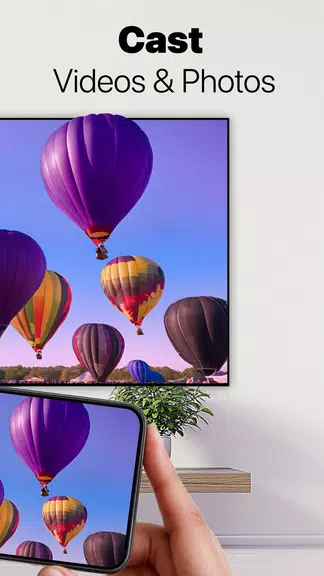
Ever wanted to mirror your phone screen to the living room TV without fumbling with cables or confusing adapters? Screen Mirroring - 1001 TVs brings a simple, cross-device way to cast whatever is on your Android phone or tablet to smart TVs, computers and even other phones. The app focuses on wireless connections and quick pairing, offering options for Chromecast-style browser casting, direct TV apps, and PC viewing. If you regularly share videos, presentations or mobile apps on a bigger display, this tool aims to make the process straightforward and flexible.
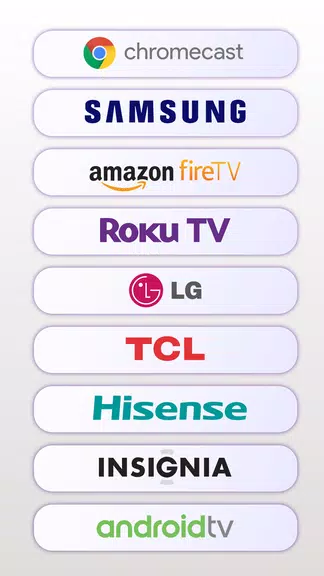
Wide device compatibility: Supports a broad range of targets including Roku, Fire TV, Chromecast-enabled devices, and major smart TV brands so you can connect to most living room screens.
Cross-platform reach: Mirrors work with Windows and Mac computers as well as iOS and Android devices, letting you switch the receiving device depending on the situation.
Multiple casting modes: Choose between direct TV casting, streaming via a web browser URL, or projecting to a desktop app, giving you options when a native app isn’t available on the target device.
QR code pairing: Pair your phone with a TV or PC by scanning a QR code for a quick, on-screen handshake instead of complex setup menus.
Chromecast and browser casting: Generate a web link that the receiving device can open, making it possible to view your screen on computers or devices that accept browser streams without extra installations.
YouTube streaming: Select a YouTube clip on your phone and choose the TV device to play it directly on the big screen, useful when you prefer not to open a separate YouTube app on your handset.
Phone-to-phone and phone-to-tablet casting: Send one mobile display to another for quick sharing, demoing apps, or troubleshooting a friend’s device remotely.
Wireless screen extension: Use a phone, tablet or TV as a second display for your computer to boost productivity or keep reference material visible while you work.
Install and open the app: Add the mobile app to your phone or tablet and launch it to discover nearby devices on the same network.
Pick a target and scan: If the receiving device shows a QR code, scan it with your phone to establish the connection; for browser casting, open the provided URL on the target machine.
Adjust display settings: Change orientation, resolution hints or audio routing from the app when supported to match the receiving screen and your content.
Stop or switch quickly: End the session from the phone app or swap targets if you want to move from a TV to a laptop without reconnecting from scratch.
Practical scenarios: Share a slide deck during a small meeting by mirroring your phone to a conference display, or stream a workout video from your tablet to a gym TV so a group can follow along.
Do I need all devices on the same Wi-Fi network?
Generally yes; most casting methods rely on devices sharing the same local network. Browser-based casting can sometimes work across subnets if both devices can reach the provided URL.
Can I stream YouTube without the YouTube app installed on my phone?
Yes. The app lets you pick videos and direct the playback to a chosen TV device so the clip plays on the big screen even if your handset doesn’t run the native YouTube app.
Will older smart TVs be compatible?
Compatibility depends on the TV platform. Many modern smart TVs and streaming sticks support browser casting or have companion apps; for older sets you may need a connected streaming stick or a PC bridge.
Compared with plugging in HDMI or juggling adapters, Screen Mirroring - 1001 TVs offers a wireless-first approach that fits casual sharing and small-group presentations alike; it’s especially handy if you move between TVs, laptops and mobile devices. While results will vary with network quality and some legacy TVs may need extra hardware, the app is a practical pick for users who want fast, flexible screen sharing across a range of devices.