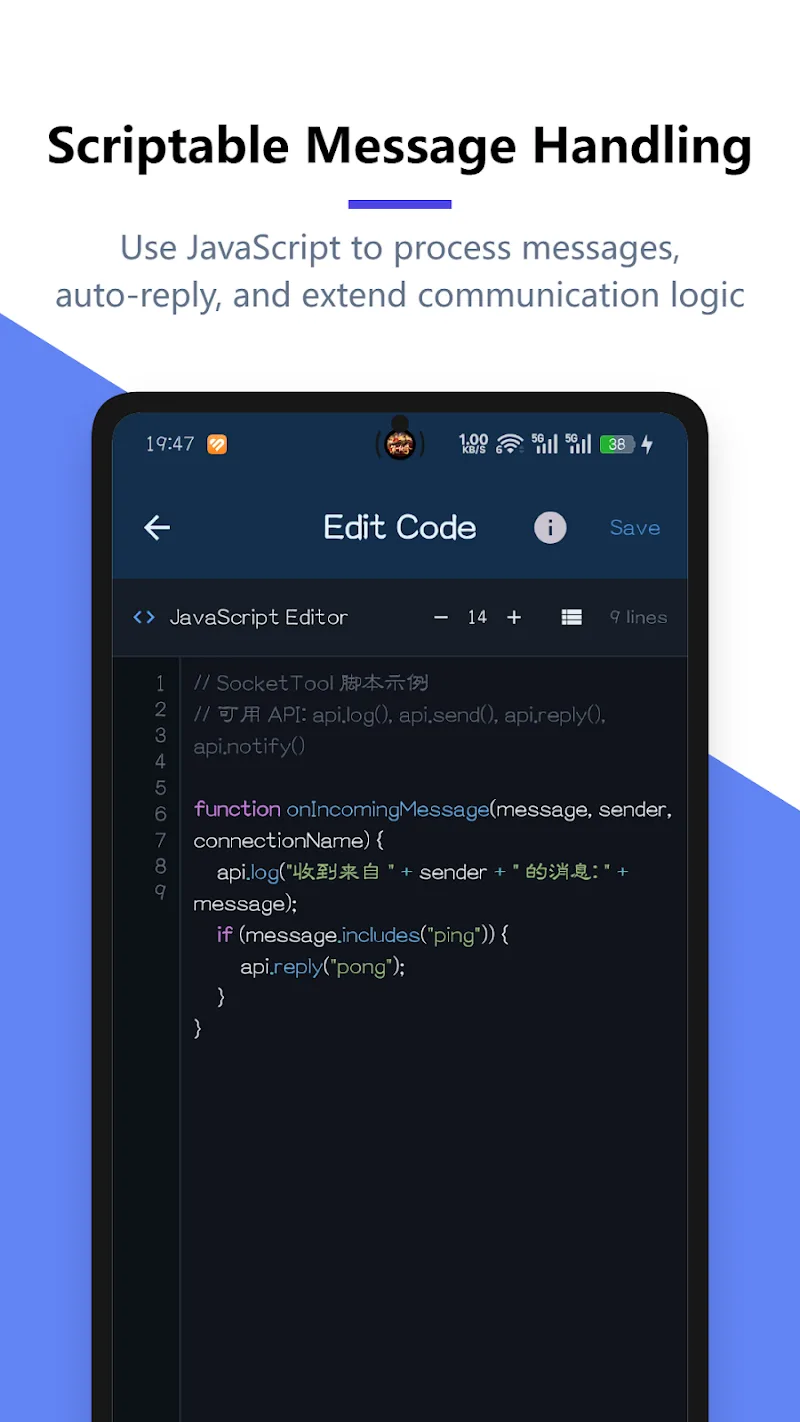
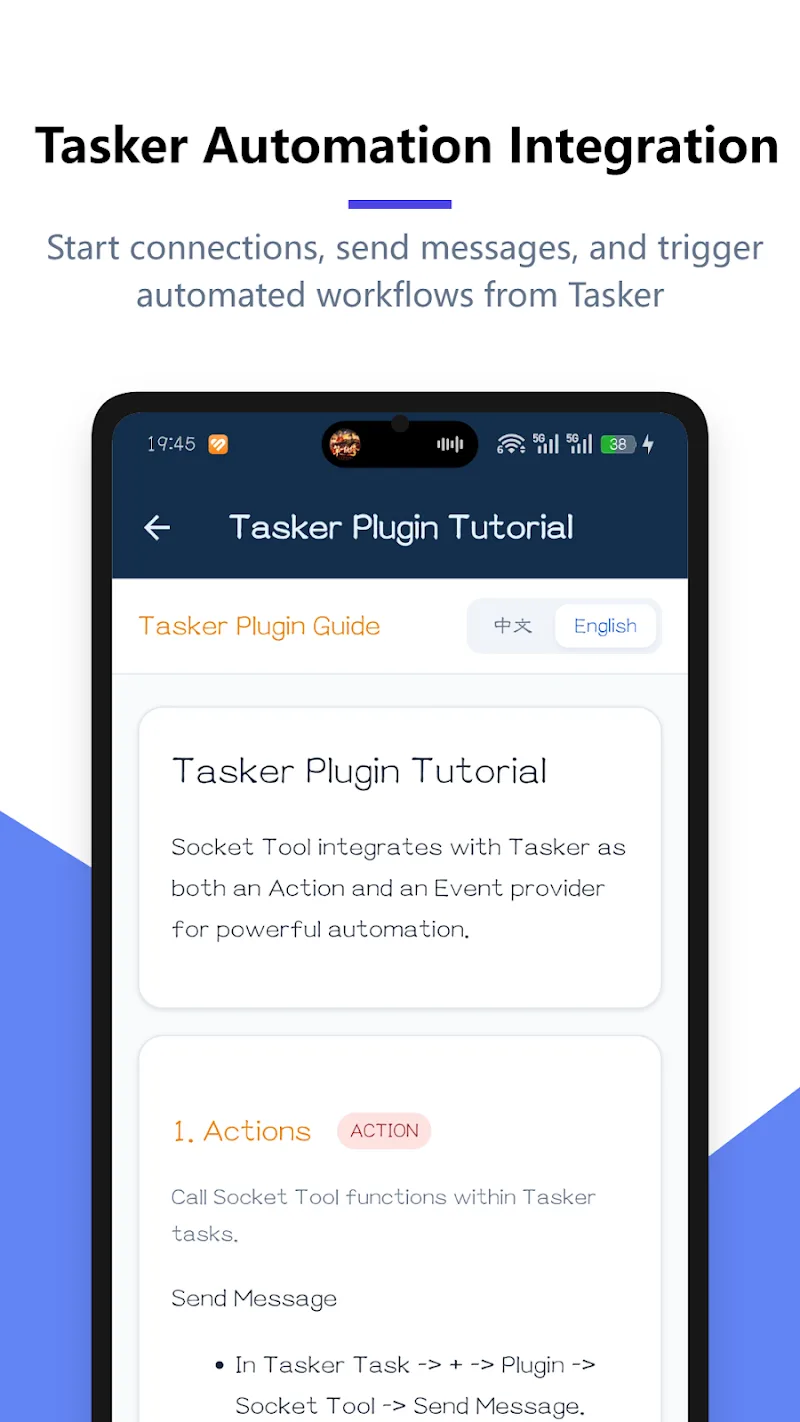
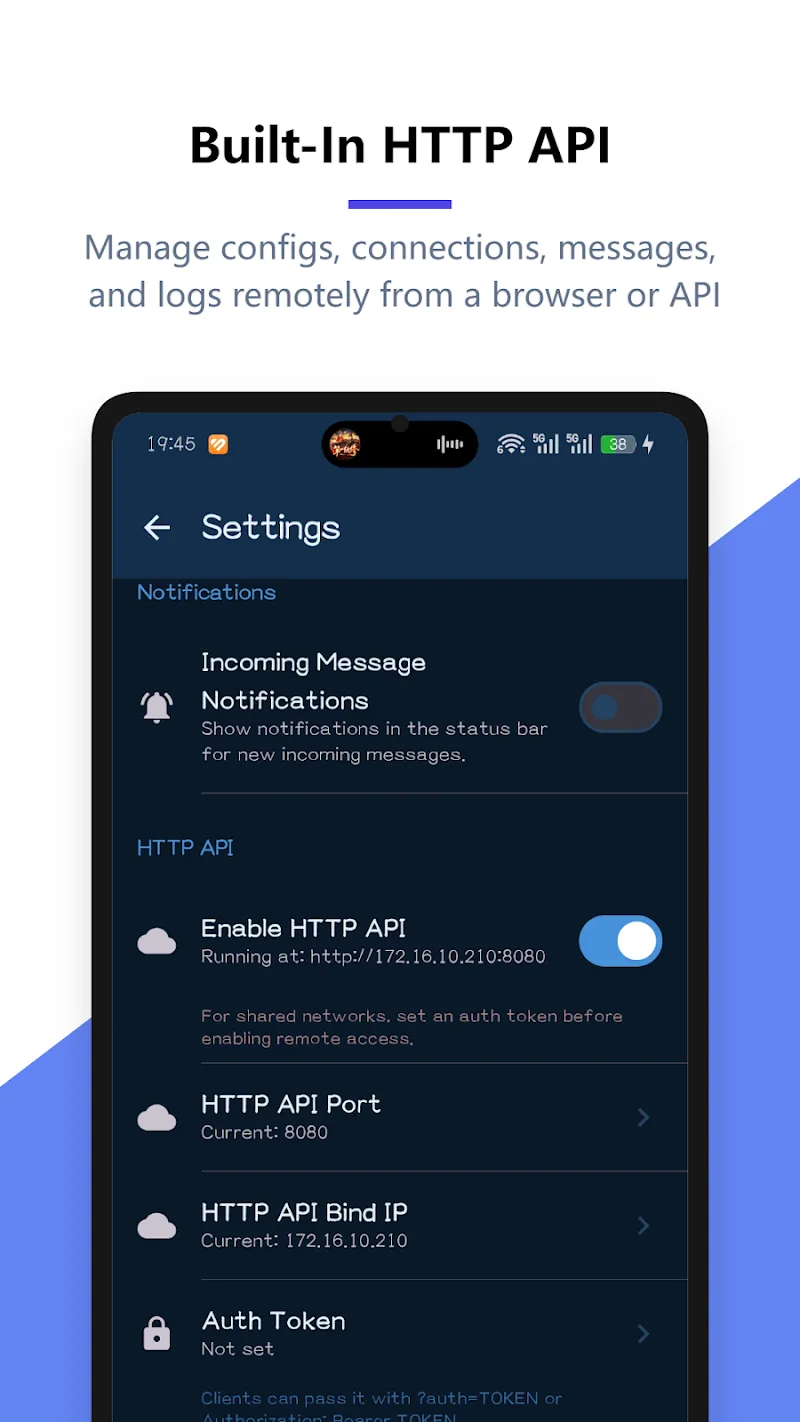
Socket Tool: TCP UDP WebSocket is a compact network utility for testing and debugging TCP, UDP and WebSocket connections. It provides connection simulators, message inspectors, and scripting support, enabling developers and network engineers to reproduce, analyze and troubleshoot real-time traffic from a mobile device or tablet with minimal setup.
Socket Tool: TCP UDP WebSocket is designed for professionals and hobbyists who need an on-device way to validate network behavior. The app supports raw socket connections plus modern bidirectional WebSocket sessions, making it useful for backend testing, IoT device diagnostics, and learning how protocols behave under different conditions.
The app organizes powerful tools into a clean workflow. A few of the most useful capabilities include:
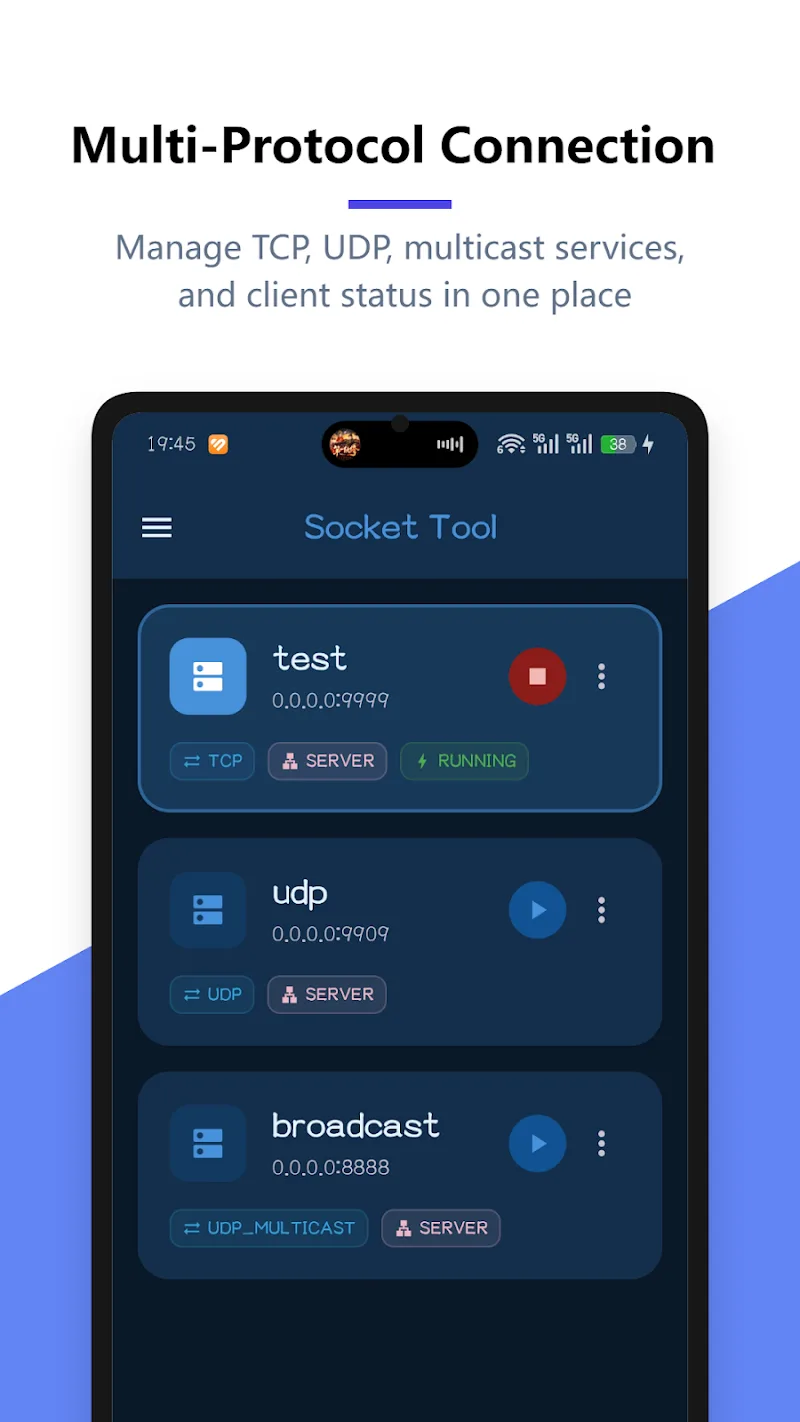
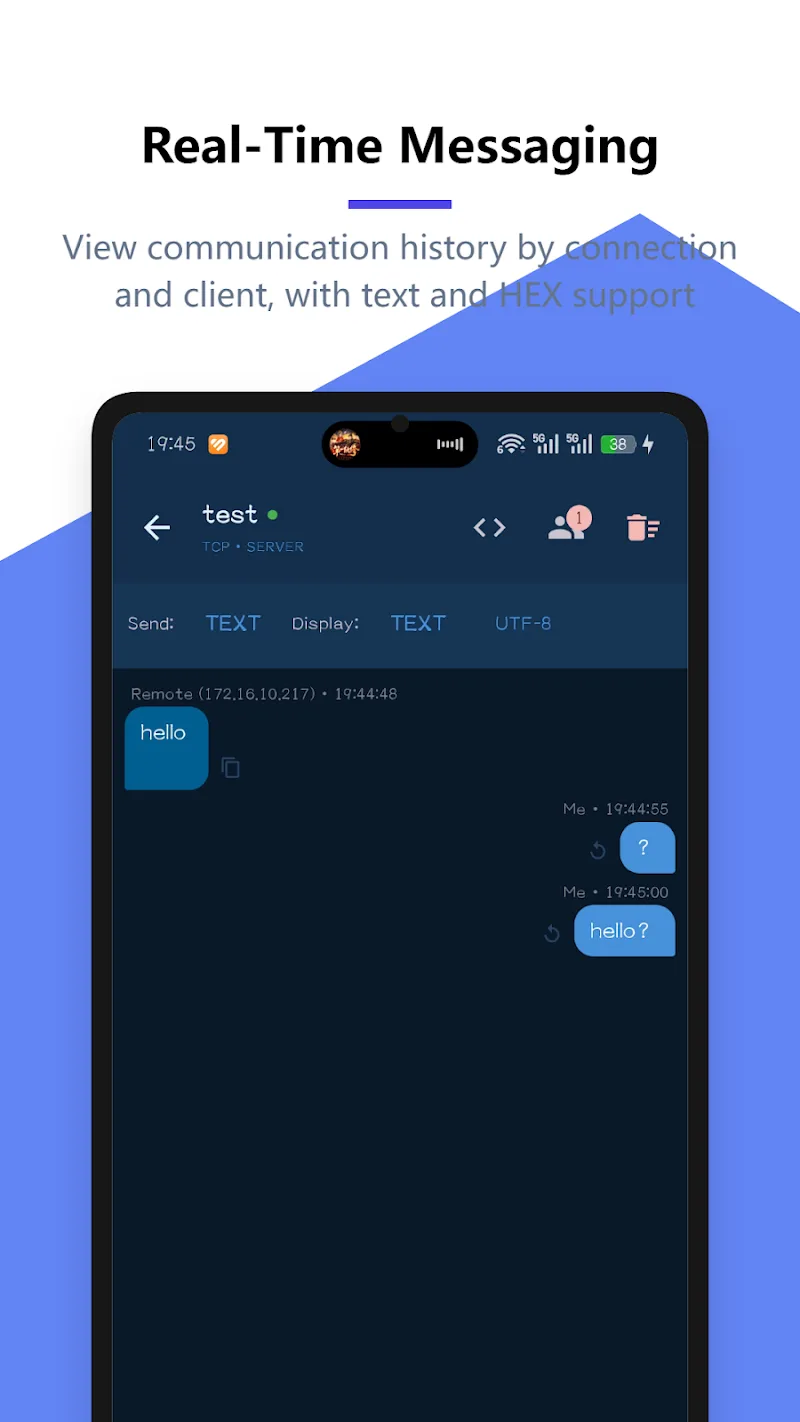
Using the tool begins with creating a connection profile. Select TCP, UDP, or WebSocket, enter the remote host and port, and tweak optional settings such as keepalive intervals, timeouts, or TLS certificates. Once connected, the integrated terminal displays incoming and outgoing frames. Users can type messages manually, paste prepared payloads, or execute a stored script.
The interface emphasizes clarity: a main terminal pane, a side panel for saved sessions, and a bottom area for log filters and controls. Performance is tuned for responsiveness on modern devices; parsing and rendering of large binary payloads use efficient buffering to avoid UI jank. Network metrics such as round-trip time and throughput are presented in lightweight charts for quick assessment.
Network engineers, backend developers, QA testers, and IoT integrators will find value in this compact suite. The app balances advanced options with approachable defaults, so newcomers can quickly test sockets while experienced users can fine-tune behavior for complex scenarios.
Socket Tool: TCP UDP WebSocket allows secure connections but users should avoid testing against systems they do not own or have authorization to probe. Keep credentials out of shared profiles and rotate any keys used during testing. The app's logging features make auditing easier when troubleshooting sensitive systems.
Install the app, grant any required network permissions, and create your first profile by tapping the '+' icon. Enter host, protocol, and port, then press connect. Use the message editor to send simple payloads, then escalate to scripting and concurrent sessions as your tests require. Export logs when you need to document findings or report a bug.
Socket Tool: TCP UDP WebSocket brings a focused, mobile-first environment to socket-level testing. Whether you need a quick reachability check on-site or a repeatable test sequence for QA, it provides the essential tools without unnecessary complexity.