Lexis Audio Editor puts a compact but capable audio workstation on your Android device. Lexis Audio Editor makes it easy to record new material, import existing files, and shape sound with familiar editing gestures — trim, cut, paste, insert silence and preview changes in real time — all without leaving your phone or tablet. Whether you are capturing voice notes, podcast segments, music takes or field recordings, this app gives you multitrack-style tools and export options suitable for quick edits or polished deliveries.
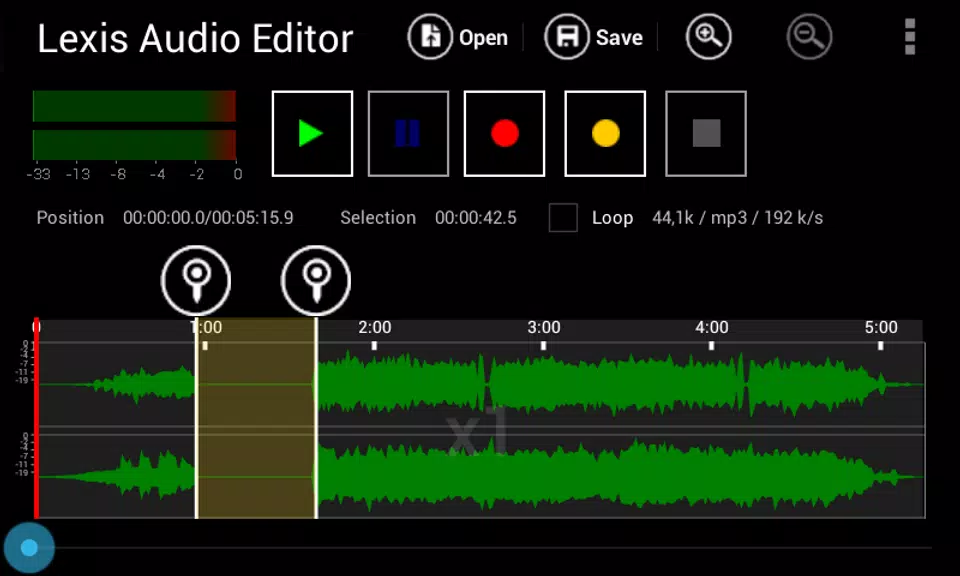
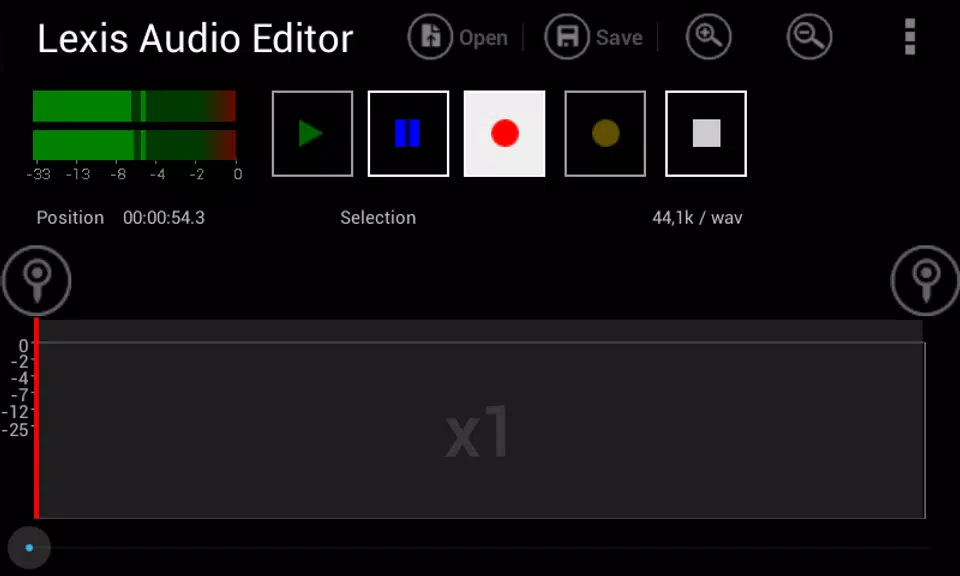
The editing workflow in Lexis Audio Editor is designed for touch: select regions with drag handles, zoom a waveform with pinch gestures, scrub to find edit points and use the transport controls to loop playback of a selection while you refine fades and trims. Projects are assembled by recording into files or importing audio into the current timeline where you can mix a second file into the active project. Common operations like cut, copy and paste are accessible from the toolbar and you can preview effects before committing changes, which helps maintain a nondestructive approach to basic edits.
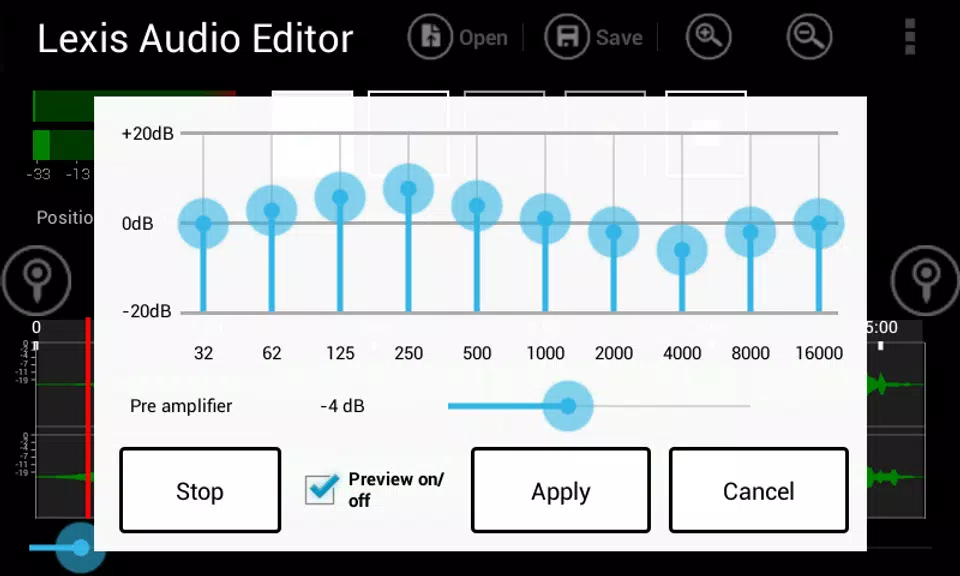
Built-in restoration and creative processing help you clean up and enhance recordings. Use noise reduction to tame background hiss, normalize levels for consistent loudness, and apply a compressor to control dynamics. For tonal shaping and creative edits, a 10-band equalizer combined with controls to change tempo, speed and pitch lets you correct performance issues or experiment with different feels. Fade in/out and precise trimming tools make it straightforward to create professional-sounding intros and endings without external software.
Output flexibility is one of the strengths of Lexis Audio Editor: the trial version supports export to WAV (16‑bit PCM) and other formats like FLAC, M4A, AAC and WMA so you can choose lossless masters or compressed files for sharing. Video containers such as MP4, 3GP and 3G2 can be imported if you need to extract or edit an audio track from a recording. MP3 export is restricted to the paid upgrade, so evaluate the trial to confirm it fits your delivery workflow before purchasing that codec unlock.
The app trial gives access to nearly all editing tools and export options so you can test workflows and feature coverage on real projects. If your distribution requires MP3 output you will need to purchase the upgrade to enable that export format. The trial is intentionally feature-rich to let creators determine whether the app meets their needs; the paid upgrade focuses on unlocking a specific codec export rather than adding entirely new editing paradigms.
Designed for on-device editing, Lexis Audio Editor works offline once installed and does not require constant internet access for core functions, which is useful for location recording or travel. The interface emphasizes readable waveforms and clear controls so users with varied experience levels can perform precise edits; adjustable zoom levels and simple transport controls improve accessibility. Basic device-level accessibility tools such as large-display zoom or system font settings remain compatible, and the app’s straightforward layout reduces friction when switching between recording and editing tasks.
Editing high-resolution stereo files can consume significant temporary space while the app performs operations, so the description recommends having ample free space on your primary SD card. As a practical guideline, plan for several hundred megabytes of working space for long or high-sample-rate sessions; short edits and mono recordings use far less. When importing video or combining multiple files, monitor available storage and export destination to avoid interruptions. For best results, record at a stable sample rate and use the noise reduction and normalization tools after you’ve captured clean takes.
Lexis Audio Editor is well suited to podcasters, journalists, musicians making quick edits, and hobbyists who want a capable mobile editor without a steep learning curve. The app balances approachable controls and professional-oriented tools, making routine tasks like trimming interviews, balancing levels, removing noise, and preparing masters for upload faster and more convenient. Try the trial to confirm format compatibility and to see how the app integrates with your existing production process.