A feature-rich alarm and morning-management app for Android, Turbo Alarm packs flexible wake-up options, music integration and smart automations into a clean interface. Whether you prefer gentle light-and-sound wakings, powerful backup tones, or rotating playlists for variety, this app gives you control over how each day starts. It also supports cloud sync and wearable integration so your schedule stays consistent across devices.
Custom music alarms: Pick a folder or playlist on your device so your wake-up sound can rotate through different songs instead of repeating a single tone.
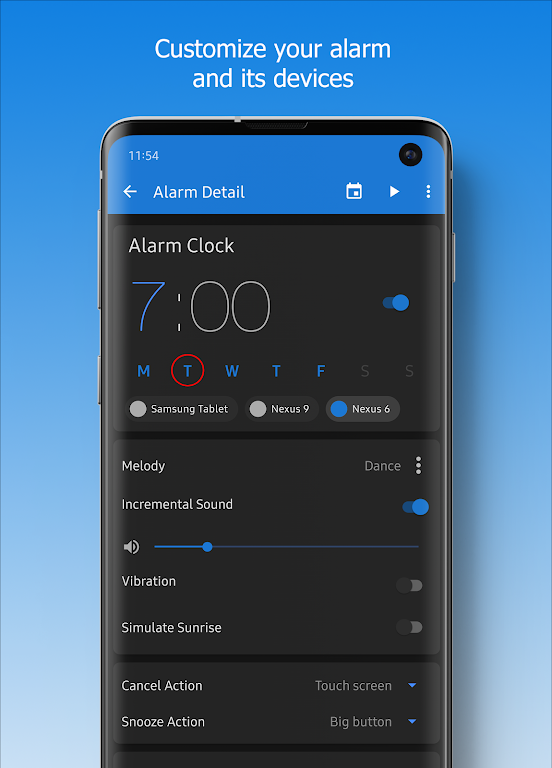
Gradual volume and vibration: Start the morning with a slow rise in volume and selectable vibration intensity to avoid abrupt, jarring alarms.
Smart day controls: Temporarily skip a weekday with a long press on that day or adjust the next alarm when you need an extra hour of sleep.
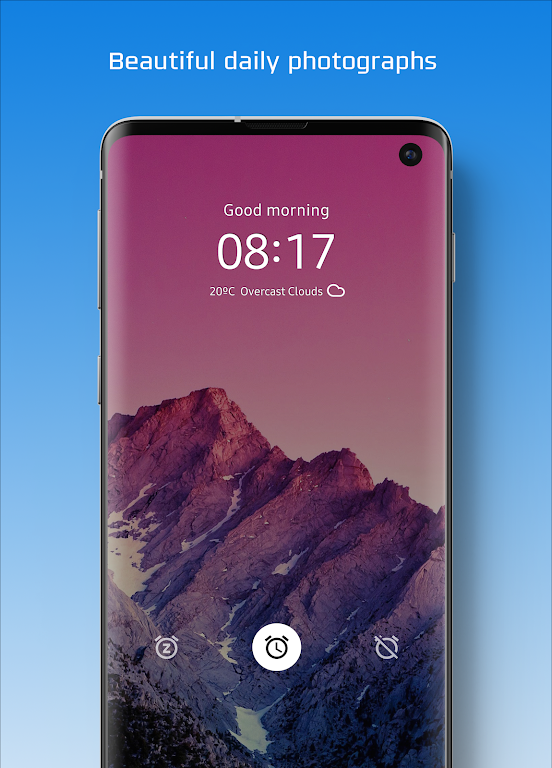
Sunrise and ambient lighting: Simulate dawn by fading the screen or a connected light to a preferred color ahead of the alarm.
Mini challenges to dismiss: Require a short puzzle or number task to turn alarms off, helping heavier sleepers get fully awake.
Free core version: Offers the main alarm, timers, widgets and basic scheduling without ads, making it usable for most daily needs.
Premium unlock: Adds unlimited timers, enhanced playlist options and additional wallpapers for users who want extra polish and cross-device support.
Wearable mode: A simplified interface for Wear OS lets you view and control alarms from your watch for quick silence or snooze while on the move.
Cloud-synced profiles: Store alarm setups in the cloud so the same routines are available on a tablet, phone or a secondary device.
Create a pre-wake routine: Use sunrise simulation plus voice alerts a few minutes before the alarm to get weather and time updates and make dressing decisions easier.
Use playlists strategically: Build a gentle-to-energetic playlist order for weekdays and a separate mix for weekend wakeups to keep mornings varied and motivating.
Protect critical alarms: Enable the loud security alarm and anti-sleepyhead options for appointments you cannot miss, such as early flights or timed medication while traveling.
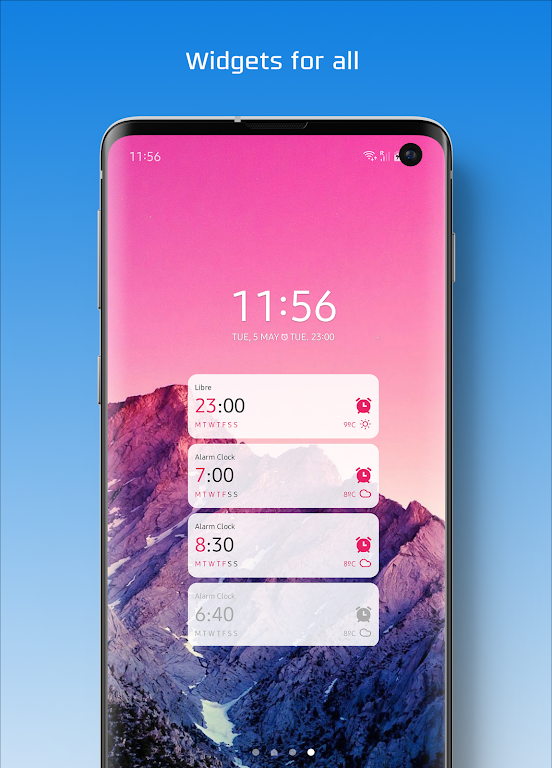
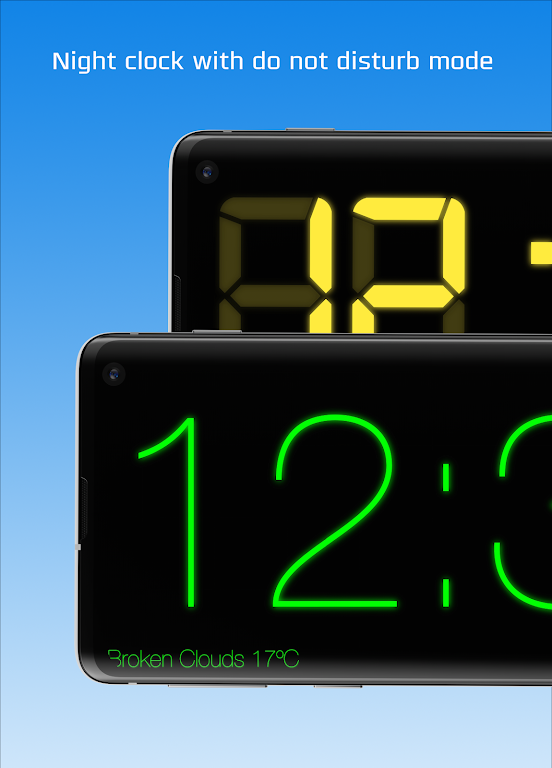
Combine widgets with night mode: Place an upcoming-alarm widget on your home screen and schedule night mode to dim the display automatically for undisturbed sleep.
Can I back up my alarms and use them on another device?
Yes. Cloud backup is available so you can restore or manage the same alarms across multiple Android devices after signing in.
Does the app work with smart assistants or automation tools?
Integration with services like Google Assistant and automation apps is supported, allowing you to trigger alarms or actions through routines and macros.
Is there a way to force myself out of bed if I keep snoozing?
Enable anti-sleepyhead modes and mini-game dismissals to require physical interaction or cognitive tasks before the alarm can be silenced.
Will my music playlists play even if my phone is locked?
Yes. Alarms can play selected local music or playlists regardless of lock state, provided the app has the necessary media and background permissions.
Turbo Alarm is a capable replacement for a stock alarm, offering deep customization, wearable support and cloud sync for consistent routines. If you want more control over how you wake up and value music-driven alarms or sunrise simulation, it is an excellent choice; users who prefer a minimalist, single-tone alarm may find its options more than they need.