Desh Marathi Keyboard is a practical Marathi input app that helps you type in Devanagari quickly and accurately on Android devices. Desh Marathi Keyboard combines phonetic transliteration, contextual prediction, and voice input so native speakers can compose messages, social posts, and longer documents with fewer mistakes. The app also integrates local word lists, emoji and regional stickers, and straightforward personalization options to suit different typing habits and accessibility needs.
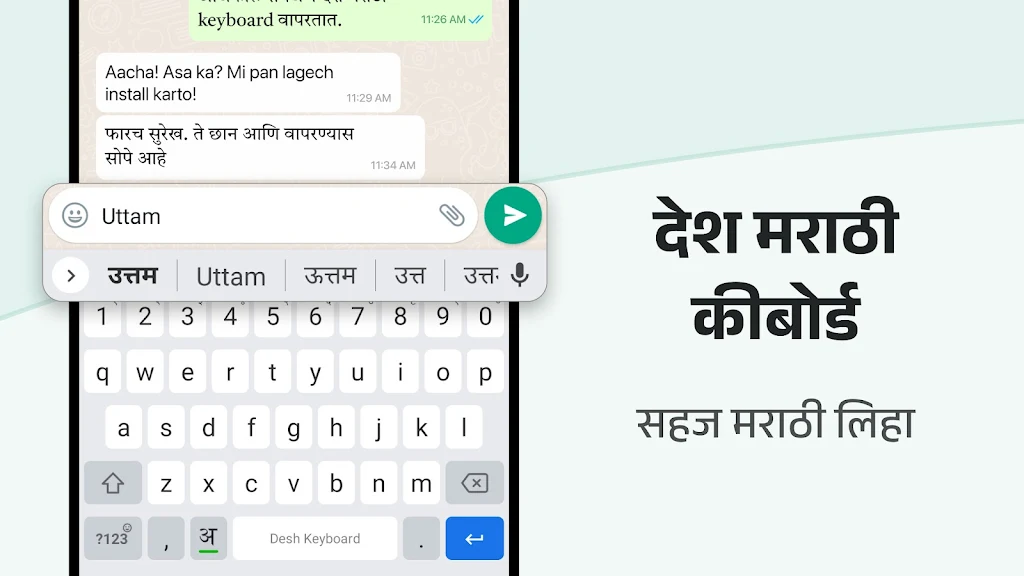
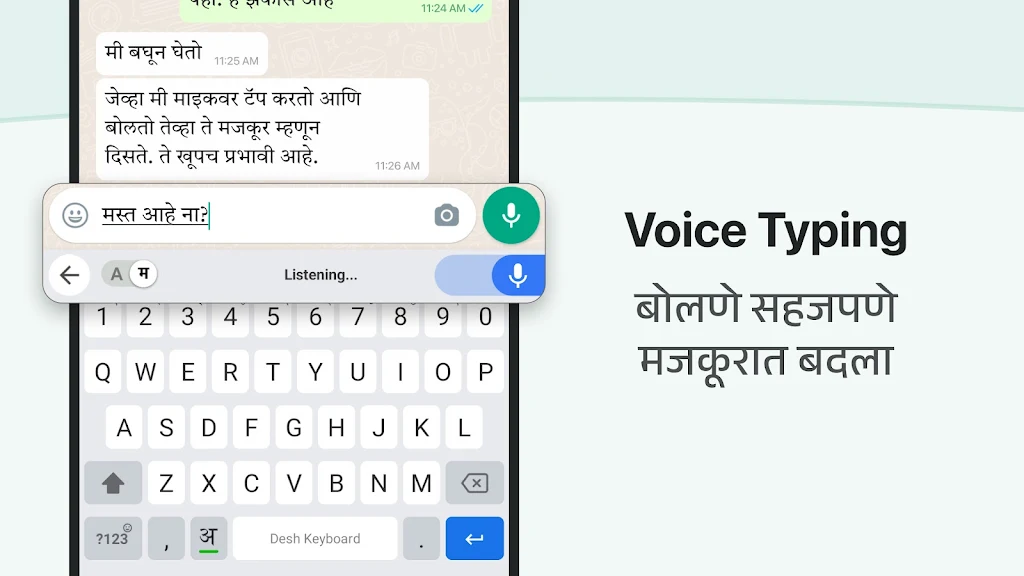
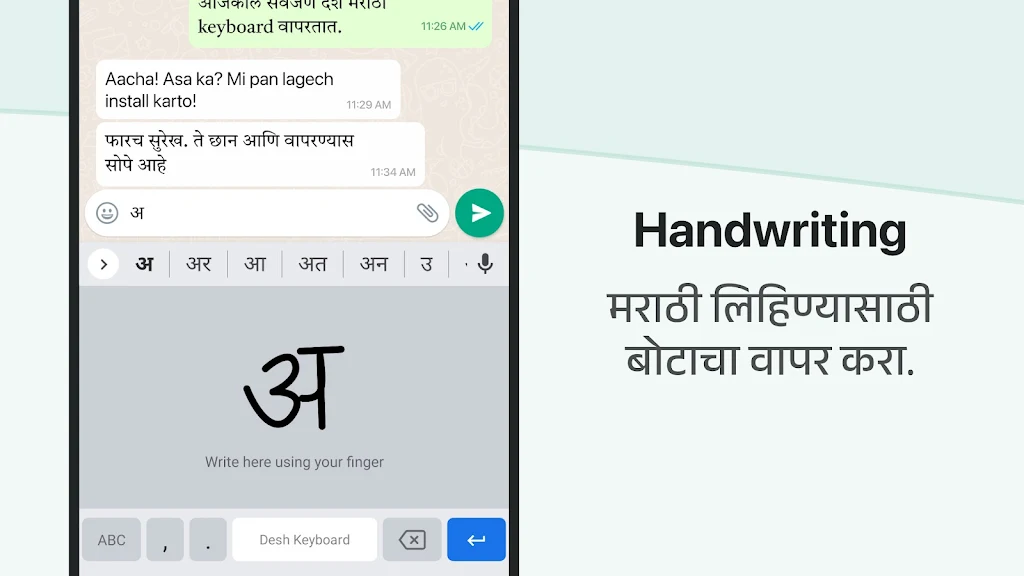
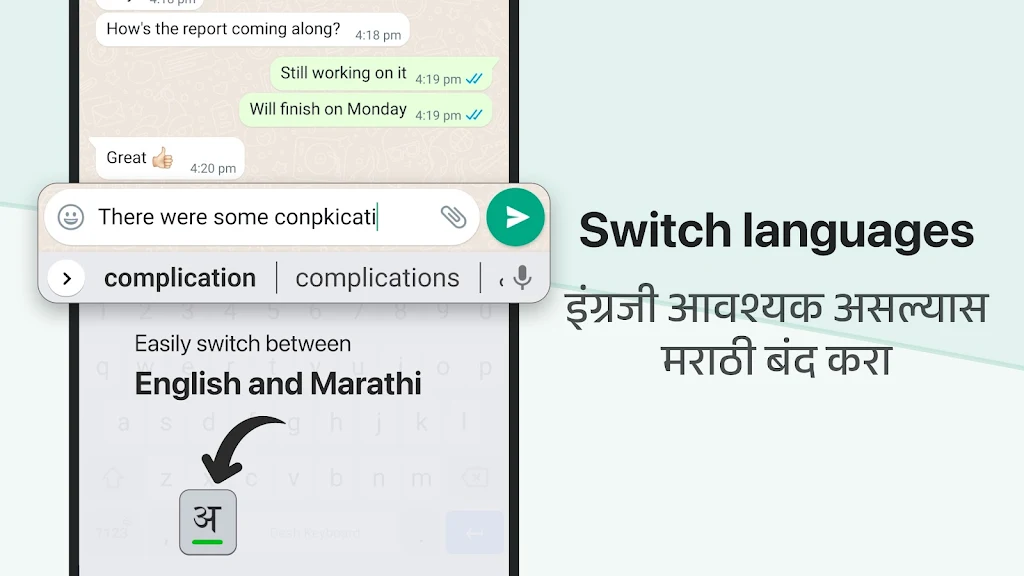
The core function of Desh Marathi Keyboard is to let users type Marathi naturally without switching keyboards or learning awkward layouts. It supports multiple input modes: a direct Devanagari layout for users familiar with traditional keyboards, a phonetic transliteration mode that converts Latin-letter input into Marathi script, and a microphone-based voice typing option for hands-free composition. Context-aware suggestions and autocorrect reduce spelling errors and speed up everyday typing.
Typing controls are designed to be intuitive: tap keys for characters, use the suggestion bar to accept or replace words, and press the microphone icon to start voice recognition. Long-press behaviors expose alternate characters and common diacritics so you can input less-frequent signs without switching layouts. The suggestion bar places likely completions within thumb reach and supports single-tap insertion, while a visible caret and undo options help correct recent edits quickly.
Rather than game-style levels, progression in this keyboard is measured by personalization: the app builds a personal dictionary as you type, learning names, regional vocabulary, and frequently used phrases to offer better suggestions over time. Settings let you clear learned words if you want to reset progress. Users can also tune autocorrect aggressiveness, enable or disable cloud-synced suggestions, and choose how aggressively the keyboard adapts to new inputs.
Visual choices balance readability and personal preference. Theme options include light, dark, and high-contrast modes with several accent colors to improve visibility. You can resize the keyboard and adjust key spacing to reduce typos, switch between full and compact one-handed layouts, and toggle between phonetic, InScript, or fixed Devanagari arrangements. These choices let everyone—from casual texters to frequent document authors—customize the layout to match their workflow.
Attention to accessibility helps users with different needs. Adjustable contrast and larger key options make the keyboard easier to see, and spacing and touch response can be tuned to reduce mispresses. The interface follows Android conventions for permissions and settings, so screen readers and system accessibility features interact predictably with the keyboard. Clear on-screen labels and grouped menu options reduce the time required to find and change preferences.
Performance is optimized to keep prediction processing local where possible to reduce latency and preserve privacy. Background memory usage is modest and voice recognition is designed to avoid excessive battery drain. Optional cloud-based updates and dictionary syncing are available for users who want the latest word lists; these can be turned off to keep all processing offline and minimize network usage.
Privacy settings are explicit and easy to manage: on-device personalization stores frequently used words locally, and users can opt out of cloud learning entirely. The keyboard requests only necessary permissions, such as microphone access for voice typing, and provides straightforward controls to clear the learned dictionary. Developers document what is collected for cloud features and offer opt-in choices for networked services.
Installing Desh Marathi Keyboard is straightforward: download from a trusted Android app source, grant the keyboard permission, select it as your active input method, and follow the setup assistant to enable features like voice typing and themes. New users may prefer to enable transliteration first if they are switching from an English keyboard, spend a few minutes training voice input for better accuracy, and add names to the personal dictionary to improve future suggestions.
Overall, Desh Marathi Keyboard aims to be a dependable tool for Marathi speakers who need efficient, privacy-conscious input on Android devices. With configurable input modes, adaptable prediction, and clear privacy controls, the app supports a range of everyday typing tasks from short messages to longer documents while remaining light on resources.