
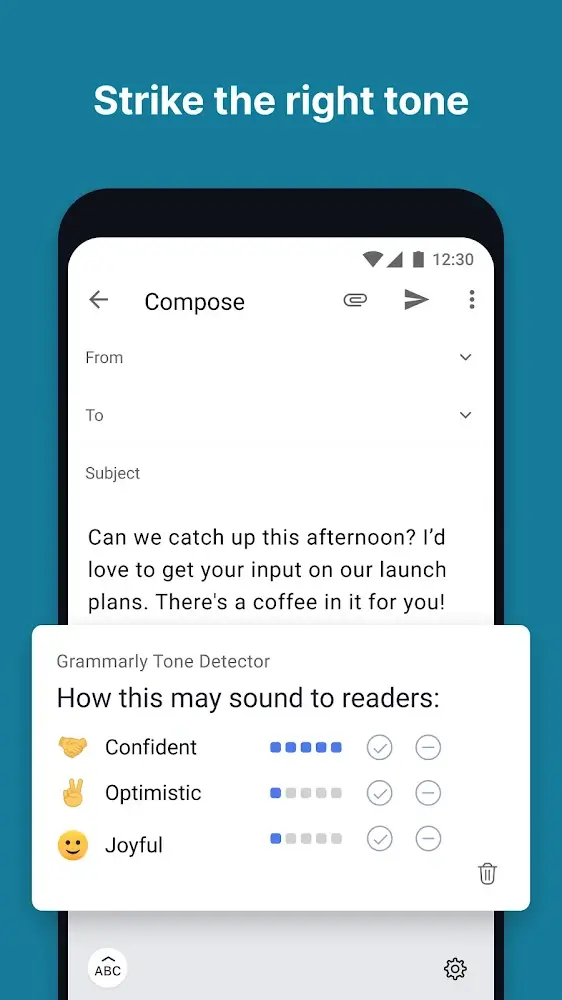
Grammarly Keyboard delivers real-time typing assistance that improves clarity, correctness, and tone across apps. The keyboard offers grammar corrections, vocabulary suggestions, and context-aware rewrites to make messages and emails more polished. It's built to integrate seamlessly with Android input and boosts writing accuracy without interrupting workflow.
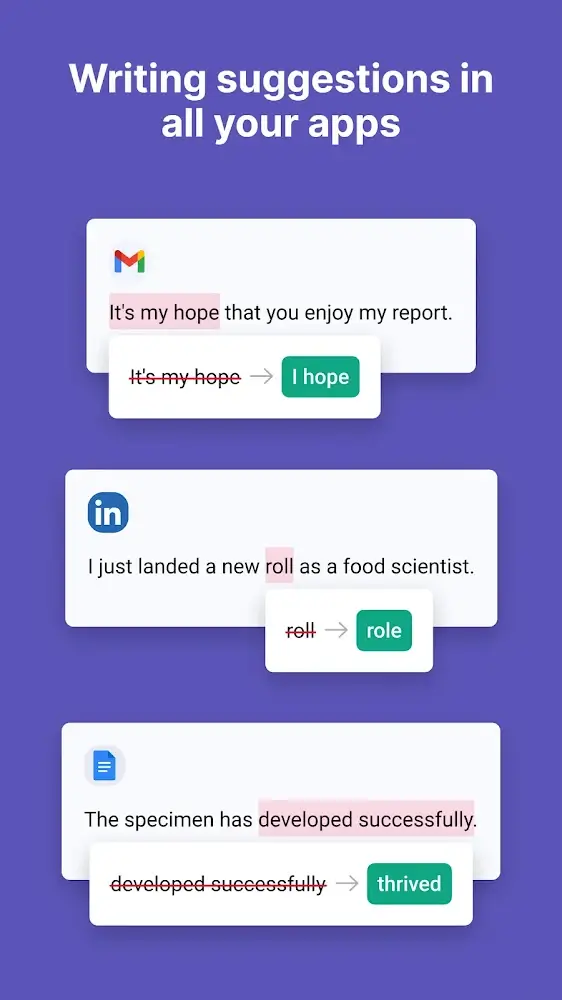
Grammarly Keyboard is a productivity-focused input method that combines spell checking, grammar analysis, and style recommendations while you type. Designed for mobile use, it monitors text in messaging apps, email clients, social networks, and document editors to offer suggestions tailored to context and audience.
Installation is straightforward: enable the keyboard in your device settings and give it the necessary permissions. Once active, Grammarly Keyboard appears as an alternative input method and overlays suggestions directly within text fields. The interface is minimal so corrections are available without blocking your view of the conversation.
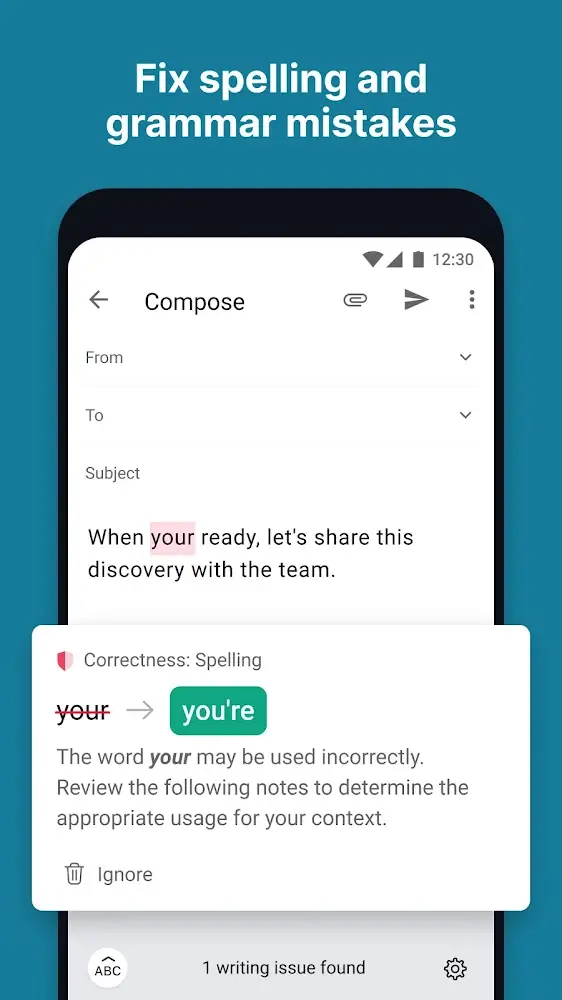
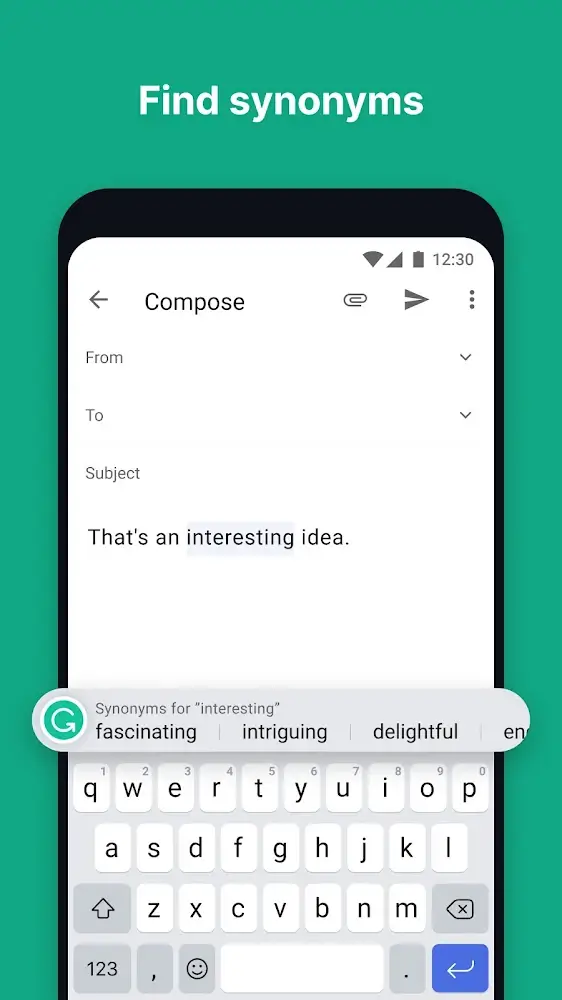
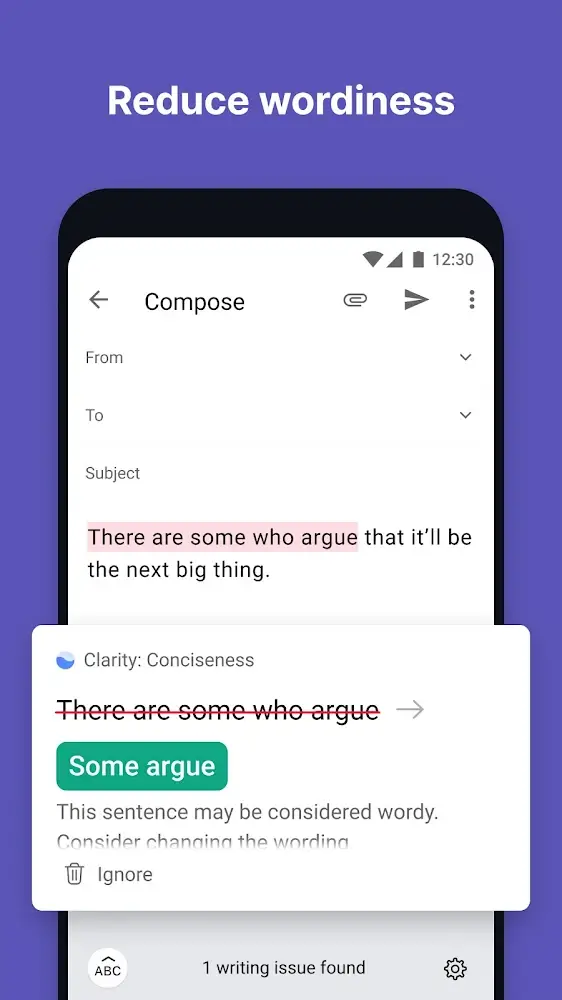
Suggestions appear as underlines or inline pop-ups, and tapping one presents a short list of replacement options. You can accept a suggested edit with a single tap or dismiss it quickly. The keyboard also supports swipe typing and includes a number row and emoji access, making it a full-featured replacement for your stock keyboard.
Performance prioritizes low latency and battery efficiency. Grammarly Keyboard uses local checks for simple typos and delegates more complex analysis to efficient cloud services. The result is snappy suggestion delivery with minimal perceived delay. The theme options let you choose a light or dark keyboard, matching system preferences to reduce visual friction.
Privacy is a common concern for typing assistants. Grammarly Keyboard requests permissions needed for text analysis and offers settings to control whether sensitive fields are ignored. Users can also review privacy documentation within the app to understand how data is processed and what is sent to cloud services for advanced checks.
Writers who switch between long-form drafts and short messages benefit from consistent guidance across contexts. The keyboard helps maintain tone and clarity in quick emails, social posts, and business communications. For non-native speakers, the vocabulary suggestions and grammar explanations provide a quick learning loop while typing.
To make the most of Grammarly Keyboard, personalize the dictionary with industry-specific terms, adjust the tone settings for formal or casual output, and enable or disable features like autocorrect to match your preference. Regularly reviewing dismissed suggestions helps the keyboard learn your style faster.
Grammarly Keyboard blends convenience with advanced language tools, making it a practical choice for users who want better writing on the go. Whether drafting a quick reply or composing an important message, the keyboard helps reduce errors and improve readability while adapting to individual preferences.