
WiFi Pro FTP Server is a compact Android utility that turns your phone or tablet into a wireless FTP host, enabling fast file transfers between devices on the same network. It simplifies moving photos, documents, and app files without cables by exposing a secure FTP endpoint you can connect to from a computer or other mobile devices.
WiFi Pro FTP Server focuses on a focused task: provide a reliable, lightweight way to share files over Wi‑Fi. The app runs in the background, offers basic access controls, and supports multiple simultaneous connections. It’s designed for users who want a quick alternative to cloud uploads or USB transfers, especially when moving large files.
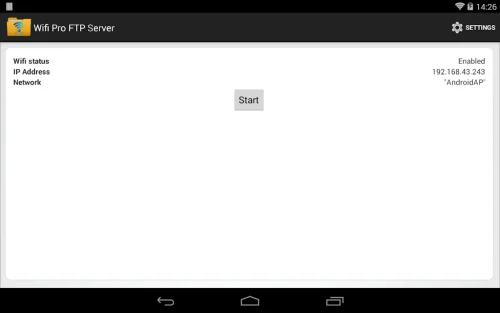
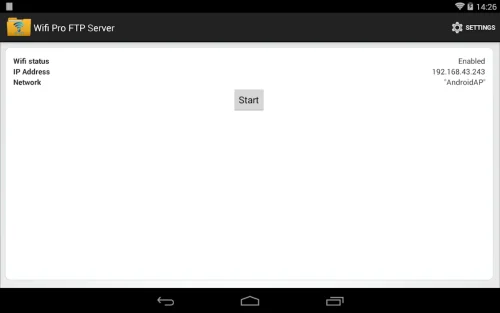
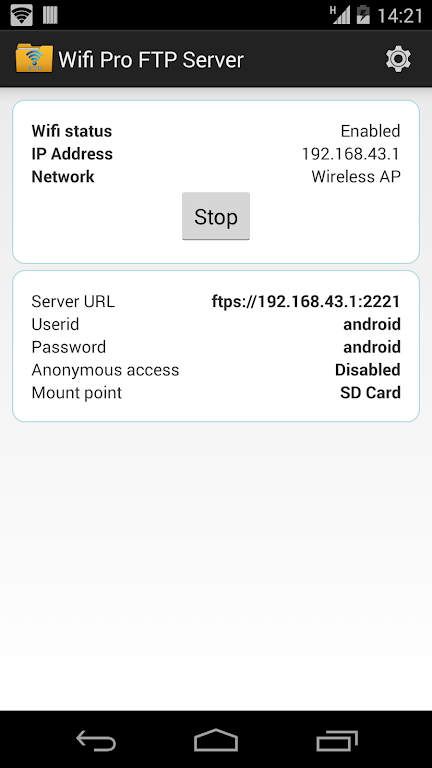
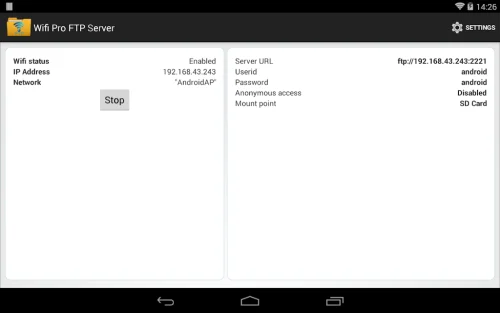
After installing and granting minimal permissions, launch WiFi Pro FTP Server and choose a root folder to share. The app displays an FTP URL such as ftp://192.168.1.10:2121; enter this address into a desktop FTP client, a web browser, or a mobile file manager. Transfers use standard FTP commands, so uploads and downloads behave like a remote drive. Because everything runs over the local network, transfers are usually faster and avoid mobile data usage.
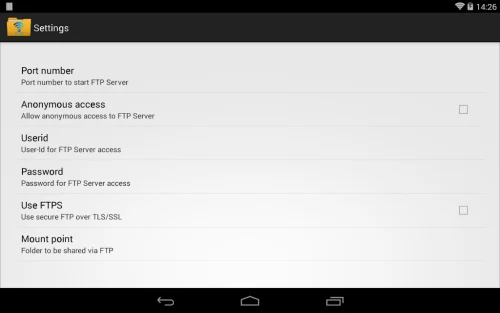
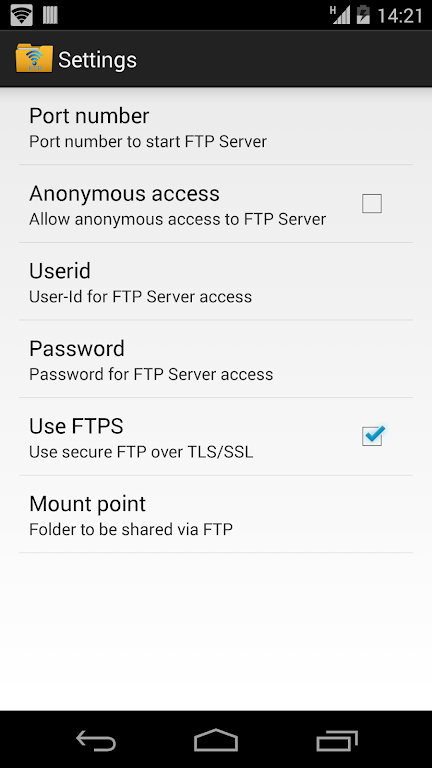
The user interface is intentionally uncluttered: clear controls to start or stop the service, credential fields, and a small log window that records connection attempts. Performance depends primarily on your Wi‑Fi router and device hardware. On modern networks the app can handle multiple clients without significant battery drain. The app also includes options to keep the device awake during large transfers to reduce interruptions.
WiFi Pro FTP Server fits several common workflows. Photographers and content creators can offload high-resolution images directly to a laptop for editing. Developers and QA teams can push APKs and configuration files without the need for USB debugging. Home users can quickly back up video files or move media to a networked computer for archiving. Because it avoids cloud uploads, it can be faster and more private for sensitive files.
FTP itself is not encrypted by default, so treat the FTP server as a local convenience rather than a public file service. Restrict use to trusted Wi‑Fi networks, create strong passwords, and change the port from the default if your router exposes network segments. If you require encrypted transfers for sensitive data, consider using a VPN alongside the app or transfer over an encrypted channel when available.
To begin, install WiFi Pro FTP Server, open the app, pick a folder to share, set a username and password if desired, then tap Start. Note the FTP address shown and enter it into your preferred client. Transfers begin immediately and files appear in the shared directory on the device. The app’s minimal settings make setup quick for both casual and advanced users.