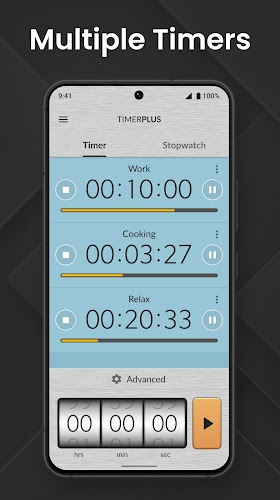
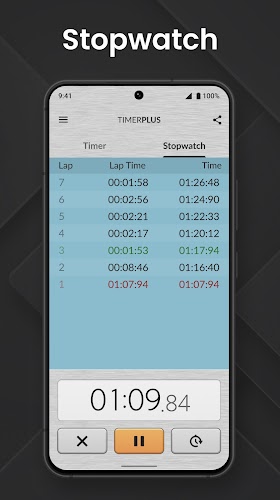
Multi Timer Plus is a versatile Android utility that lets you run multiple countdowns and stopwatches simultaneously, organized with custom labels and sound alerts. It’s designed for anyone who juggles kitchen timers, workouts, study sessions, or project tasks and needs reliable, easy-to-configure timing tools on a single device.
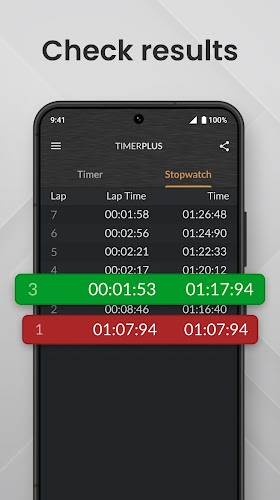
Multi Timer Plus provides a robust set of timing features that balance simplicity with depth. Create unlimited timers, assign colors and icons, and set recurring schedules for tasks that repeat daily or weekly. Each timer can have its own sound or spoken notification, ensuring you won’t miss important milestones. A built-in history and lap function lets you review past timings and compare session durations.
The app’s layout focuses on clarity. Timers appear in a scrollable list that you can sort by name, remaining time, or creation date. Starting, pausing, and resetting timers require a single tap, while long-press actions reveal quick edit menus. Templates are available for frequently used setups so you can launch common configurations in seconds without re-entering values.
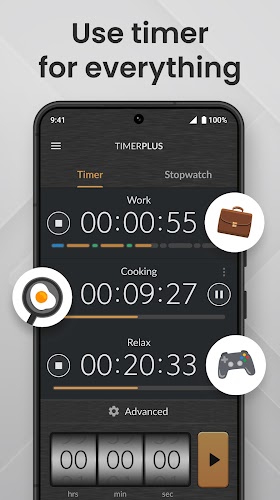
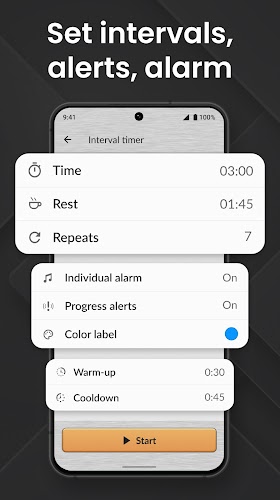
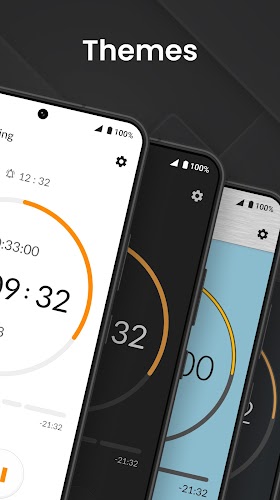
Customizing timers is straightforward. Choose from a palette of colors and a selection of icons to visually differentiate tasks, or add descriptive labels to keep context at a glance. Audio options include system tones, custom sound files, and text-to-speech messages that announce remaining time. For more control, configure pre-alerts to trigger notifications at specific intervals before a timer finishes.
Multi Timer Plus is optimized to run with minimal battery overhead and maintains accurate timing even when the device sleeps or switches apps. Background operation supports persistent notifications, so active timers remain accessible from the notification shade. The app is compatible with a wide range of Android versions and devices, and it handles locale-specific time formats and Do Not Disturb settings gracefully.
For power users, the app supports pause/resume stacks, countdown chaining, and conditional triggers that start a timer when another finishes. Export and import functionality lets you back up timer collections or share templates with colleagues and family. Integration with calendar apps and widgets provides quick access and visibility without opening the main application.
Attention to accessibility ensures the app is usable with TalkBack and other assistive services. Visual cues, vibration patterns, and spoken alerts give multiple ways to receive notifications. Notification customization allows different priority levels and persistent alerts that require manual acknowledgement, which is useful for critical reminders.
Begin by creating a few templates for your most common tasks: one for cooking, one for workouts, and one for focused work sessions. Use color-coding and concise labels so timers are identifiable at a glance. If you rely on audio alerts, test them with Do Not Disturb enabled to confirm the app’s permissions and priority settings are correct.
Users appreciate Multi Timer Plus for its combination of granular control and everyday practicality. Whether you need simultaneous timers for family routines or sophisticated chains for professional work, the app scales to fit simple and complex needs alike. Regular updates and thoughtful settings make it a go-to utility for anyone who values organized time management on Android.