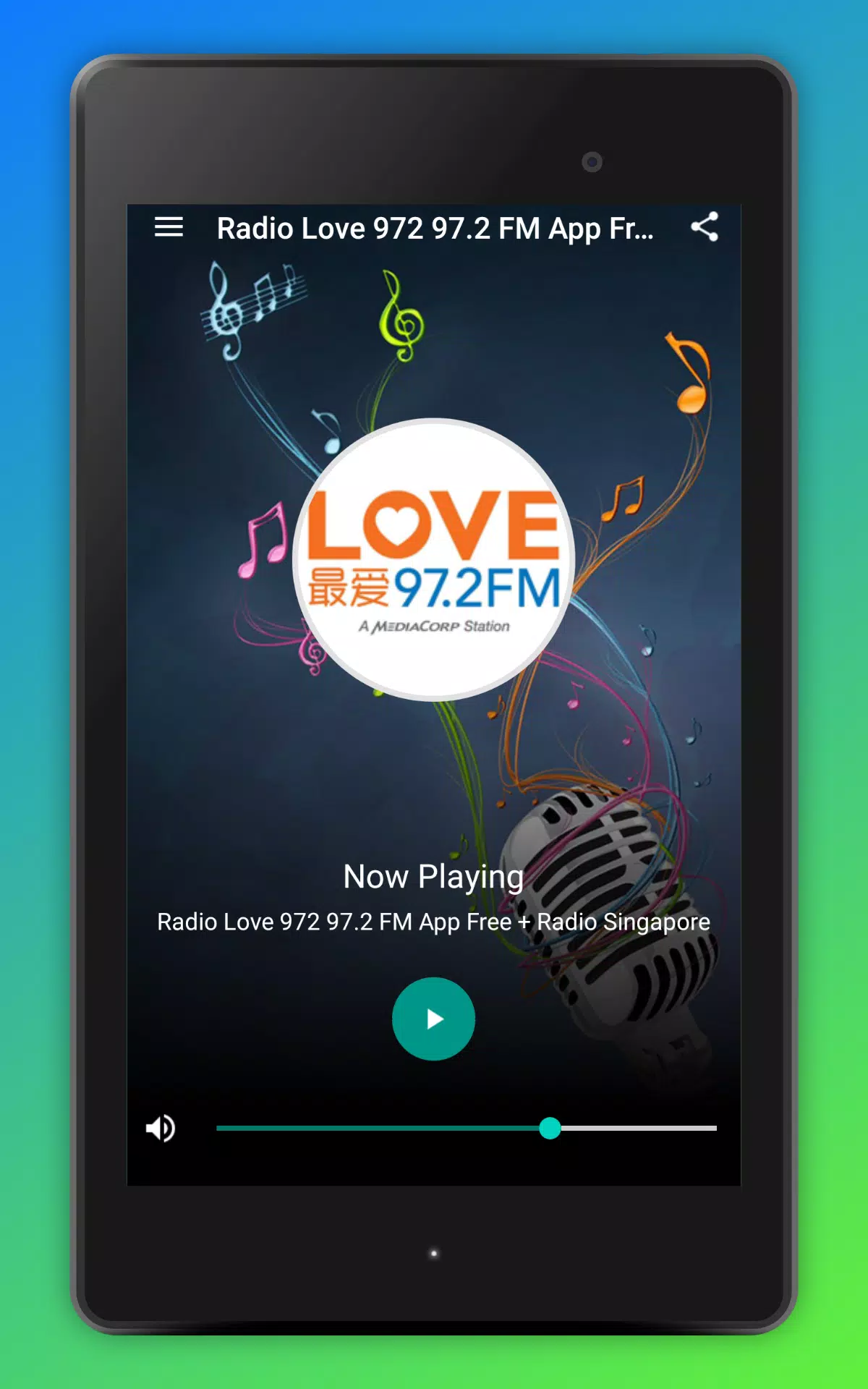
Love 972 Radio FM delivers live radio streaming, on-demand segments, and easy station browsing in a compact Android app. With background playback, schedule listings and bookmarking, the app makes listening to local shows and music simple whether you're commuting or relaxing at home.
Love 972 Radio FM targets listeners who want quick access to a consistent station feed plus smart tools for managing what they hear. Instead of a sprawling directory, it focuses on a single branded station experience with program guides, artist metadata, and simple sharing functions. The result is a focused utility that lets you tune in, discover tracks, and keep favorite moments for later.
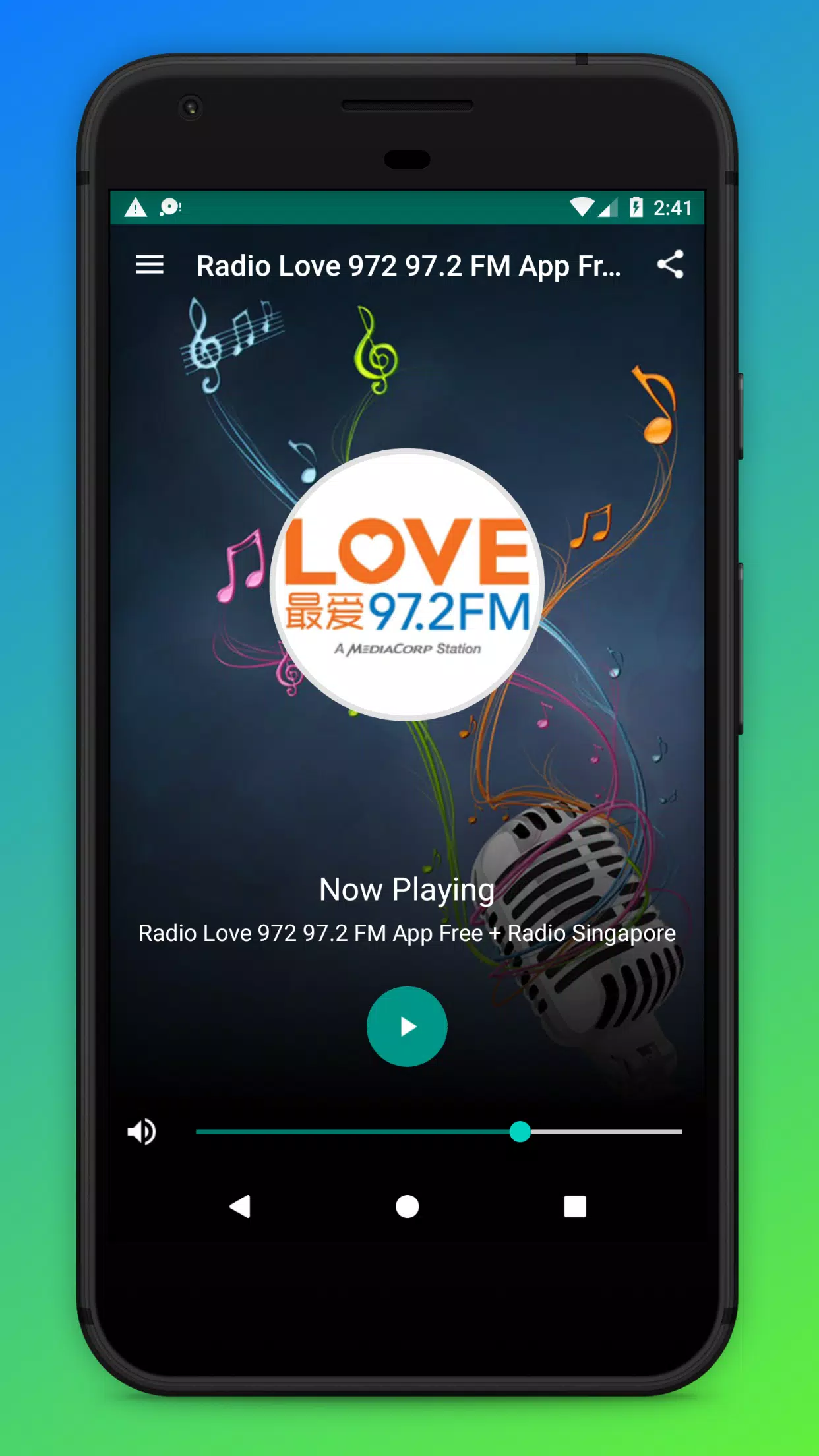
The design prioritizes readability and fast access to controls. Buttons are large enough for one-handed use, and essential functions—play/pause, skip previews, add to favorites—are reachable from the main screen. On modern devices the app maintains low CPU use and modest memory demands, so it won’t interfere with other background services. Audio reconnects automatically after short network interruptions, which reduces user friction on cellular data.
First-time setup is minimal: grant the app permission for notifications and media access, then tap the play icon. The stream loads using adaptive bitrate technology where available, selecting quality according to your connection. If the app detects a weak signal, it will downgrade the stream to avoid frequent pauses. Metadata updates accompany the stream so you can see current track titles and artist information in real time.
Love 972 Radio FM includes a handful of personalization options that help tailor listening to daily routines. Choose a light or dark theme to match your device appearance. Enable or disable notifications for special broadcasts. Widgets let you put play controls on your home screen, while Bluetooth and Chromecast support make it easy to route sound to speakers or in-car systems. An integrated equalizer provides basic tonal adjustments for users who prefer boosted bass or clearer vocals.
To get the most from Love 972 Radio FM, start by allowing background play so the stream won’t stop when you switch apps. Use the favorites feature to build a quick list of songs or shows you liked; this simplifies returning to content later. If you commute through areas with spotty reception, enable the data saver or try connecting to Wi‑Fi for consistent streaming quality. Finally, set the sleep timer for night listening to prevent battery drain.
The appeal of Love 972 Radio FM lies in its straightforward approach: curated station programming combined with practical mobile features. Listeners benefit from a dependable stream, a clear schedule, and tools that fit real-life routines—like bookmarking segments and waking up to familiar hosts. For many users this blend makes the app their default choice for live local radio.
Installing the app is standard for Android devices: download from a trusted store, grant the requested permissions, and tap to play. A brief in-app walkthrough points out the schedule, favorites, and discovery sections. If you encounter playback errors, restarting the app or toggling airplane mode typically re-establishes a connection. For persistent issues, check your network settings or consult the app’s help section.
Love 972 Radio FM balances a station-first listening experience with modern app conveniences. It’s an efficient player for anyone who wants uninterrupted access to a specific radio brand without excess complexity.