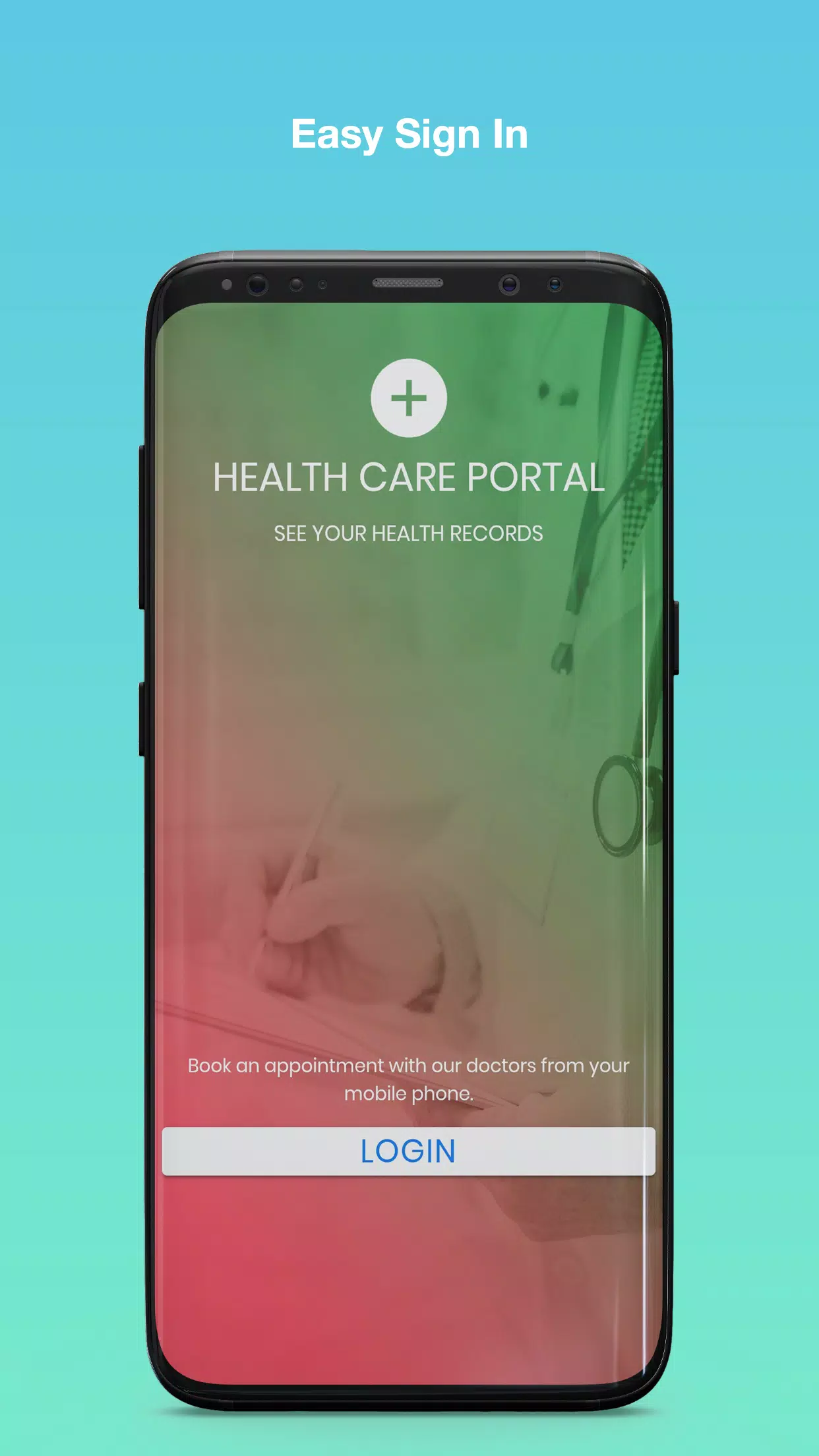
PLDT HealthCare Portal is a mobile application that centralizes patient records, consults, and appointment management for users and clinicians. It provides secure access to medical histories, teleconsultation tools, and prescription tracking within a single interface. Designed for patients and healthcare professionals, it streamlines communication and administrative tasks.
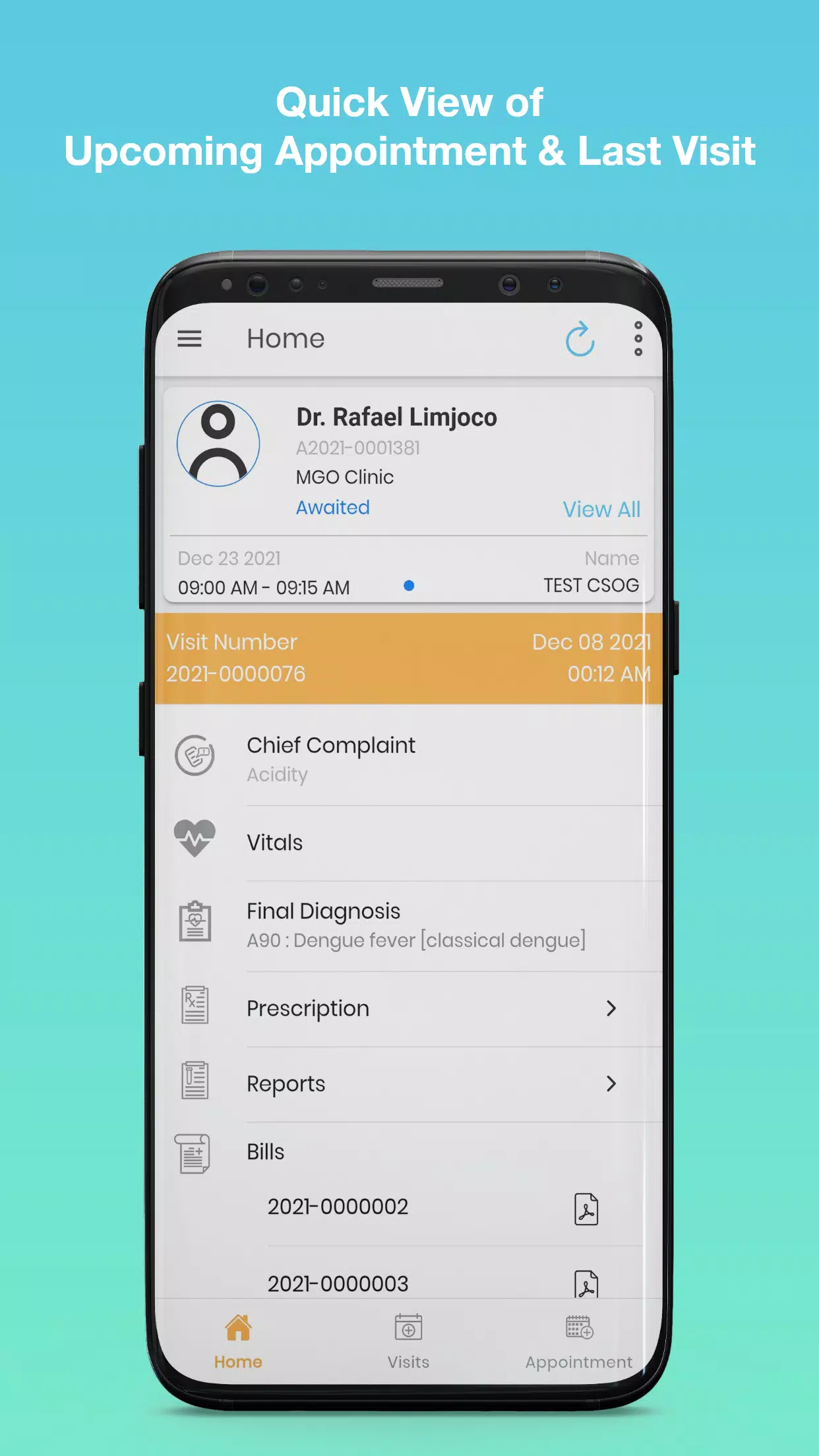
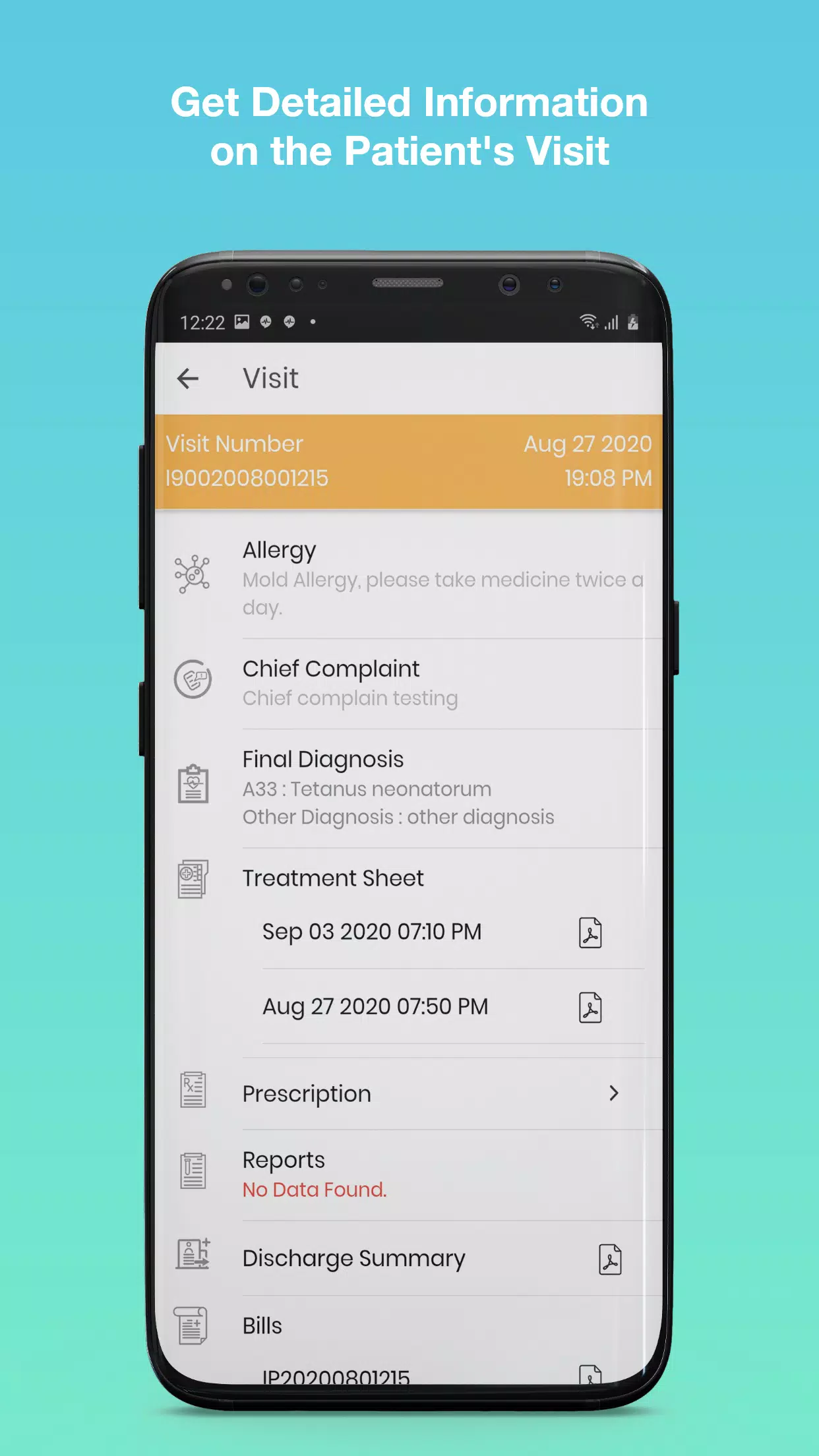
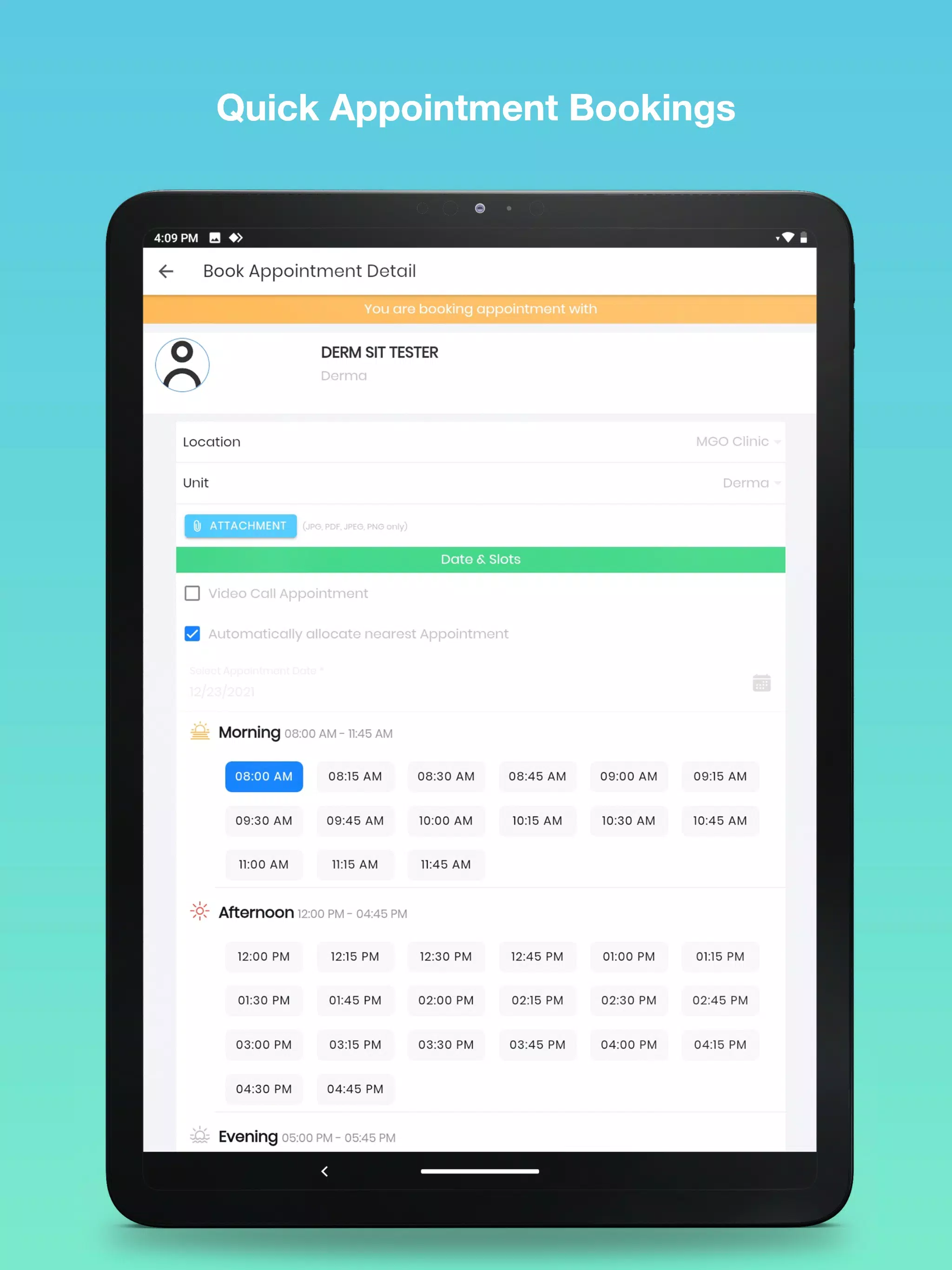
The PLDT HealthCare Portal brings together the essential tools clinicians and patients need. Electronic health records are available at a glance, with chronological timelines, test results, and document attachments. Teleconsultation modules support video and chat interactions, while a built-in scheduling engine handles bookings, reminders, and queue updates. Prescription management lets providers issue digital scripts and patients view refill status and dosage instructions.
Navigation is organized around user roles, so clinicians see patient lists and consultation queues, while patients access appointments and personal records. The interface favors clear, readable layouts with prominent action buttons for key tasks such as starting a consult, uploading reports, or requesting a prescription refill. Workflow flows from scheduling to consultation to follow-up notes, reducing manual handoffs and duplicated entries.
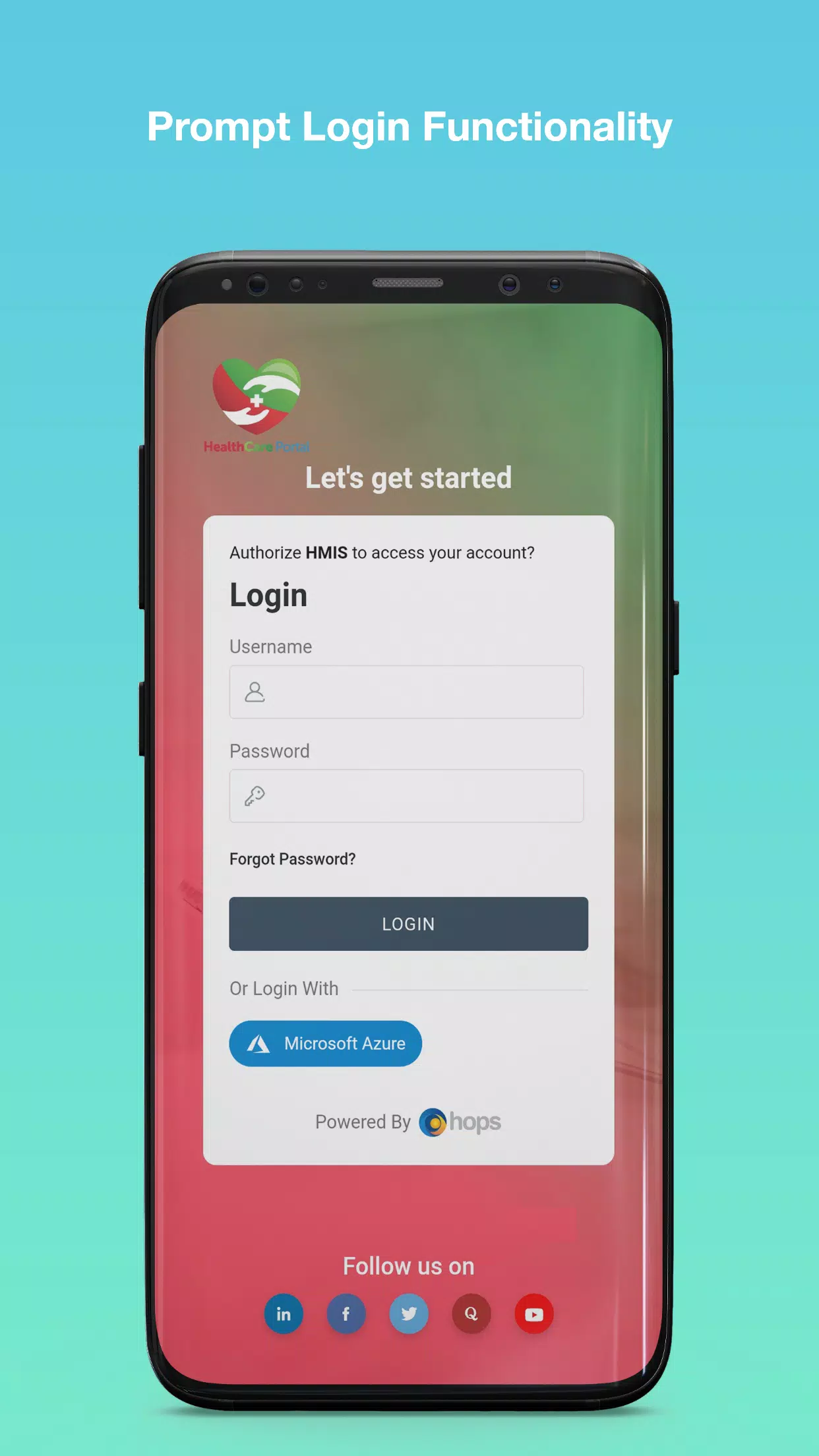
Security is central to the design. The app uses encrypted connections for data in transit and adheres to regional standards for storing medical information. Role-based access controls restrict sensitive fields to authorized users only, and audit logs track changes to records. For patients, two-factor authentication and session timeouts help protect personal data while giving caregivers controlled access when needed.
PLDT HealthCare Portal supports interoperability with common clinical systems and laboratory services. Standardized formats enable test results and imaging reports to flow into a patient record without reentry. Integration with pharmacy systems automates prescription fulfillment status, and calendar synchronization allows appointments to appear on native device calendars. These integrations reduce administrative overhead and improve the accuracy of shared information.
The app is optimized for modern Android devices and adapts to different screen sizes. Lightweight data caching minimizes load times for common views, while background synchronization keeps records up to date without requiring constant user action. Offline access to recently viewed records can be enabled for situations where connectivity is intermittent, with updates syncing once network access is restored.
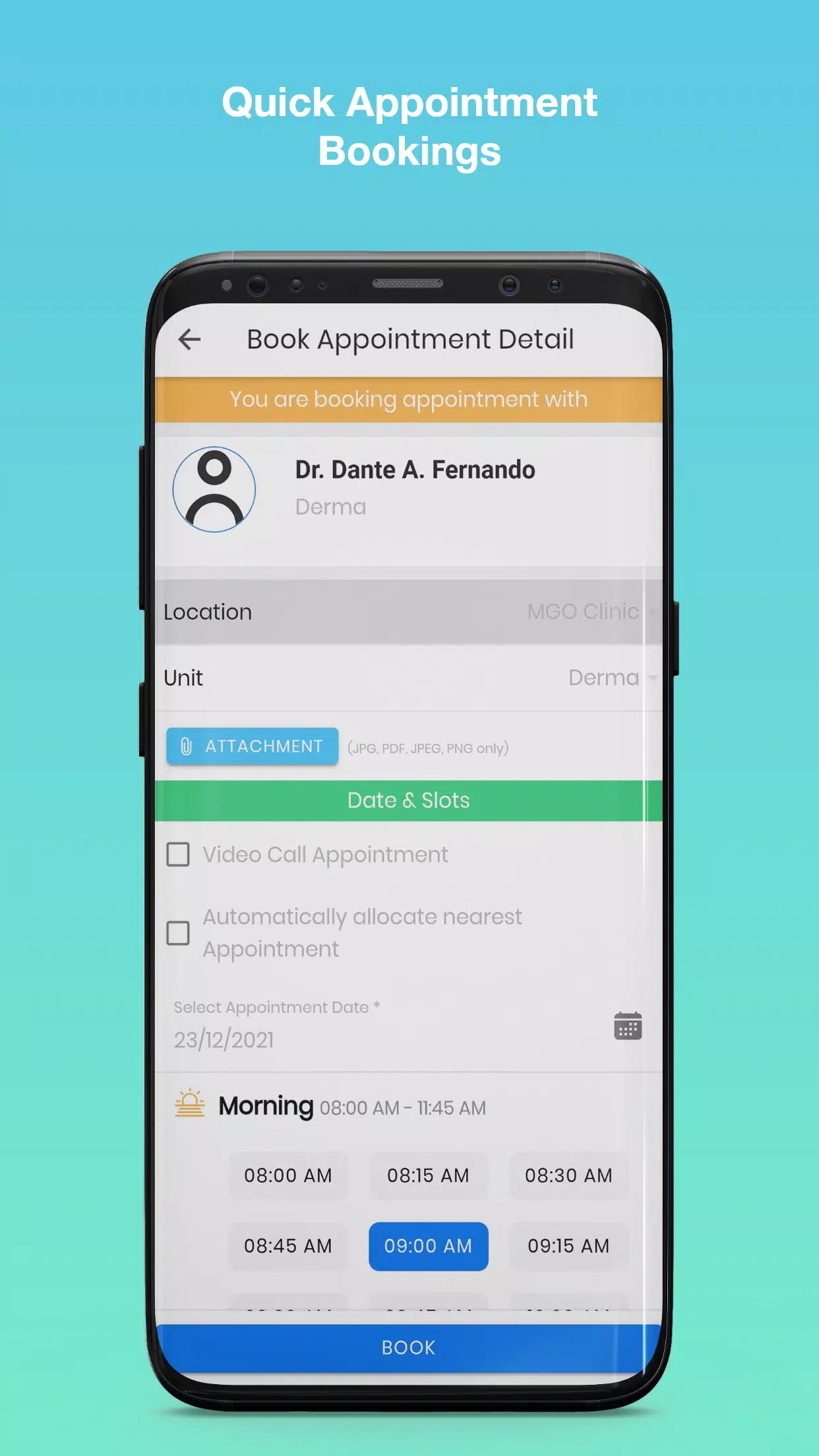
From a patient perspective, the portal simplifies routine tasks. Booking or rescheduling an appointment takes only a few taps. Notifications remind users about upcoming visits and medication schedules. Post-consultation summaries provide clear next steps and contact options for follow-ups. The system also allows patients to upload documents and photos, which can streamline remote assessments and reduce the need for in-person visits.
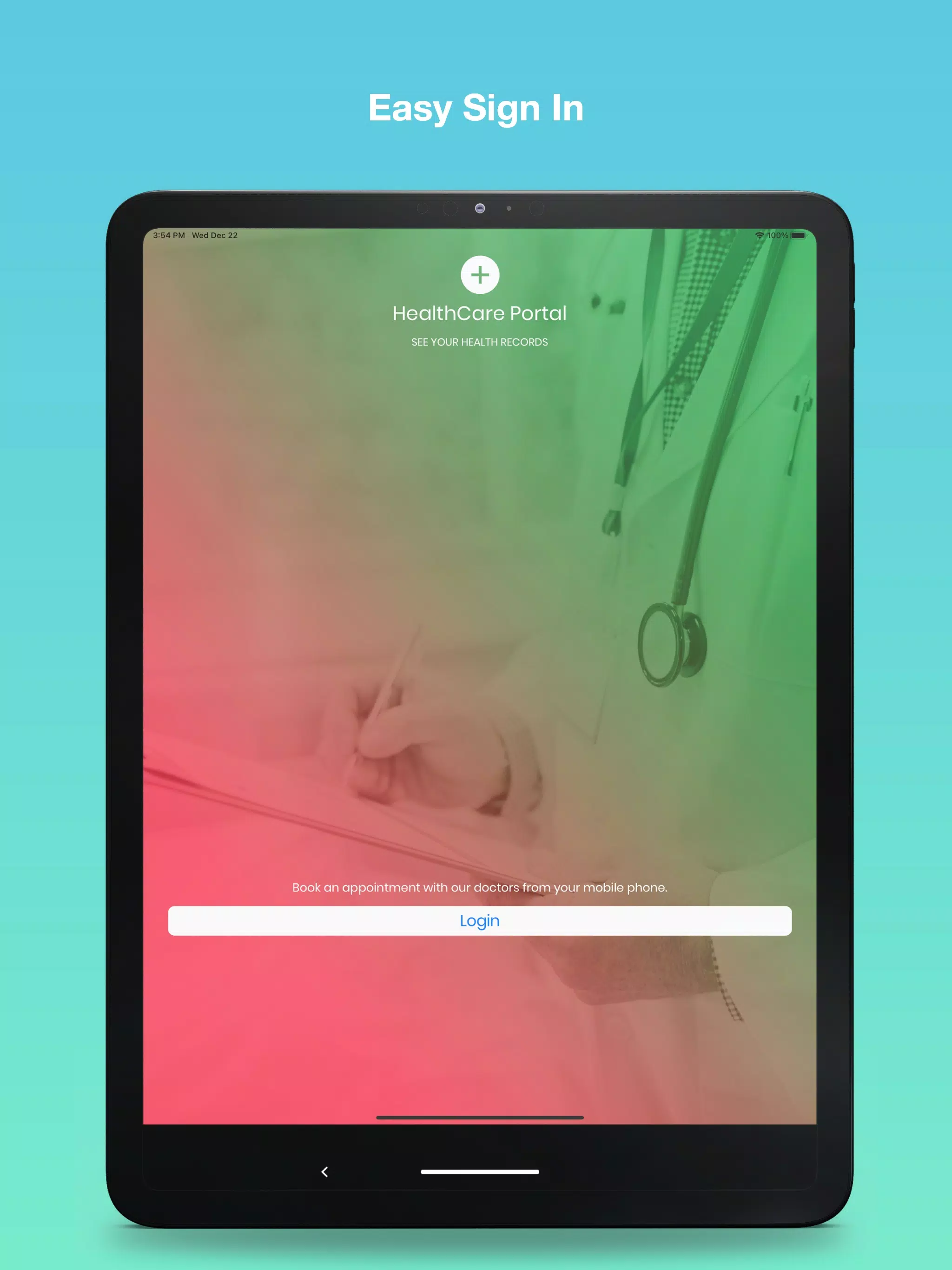
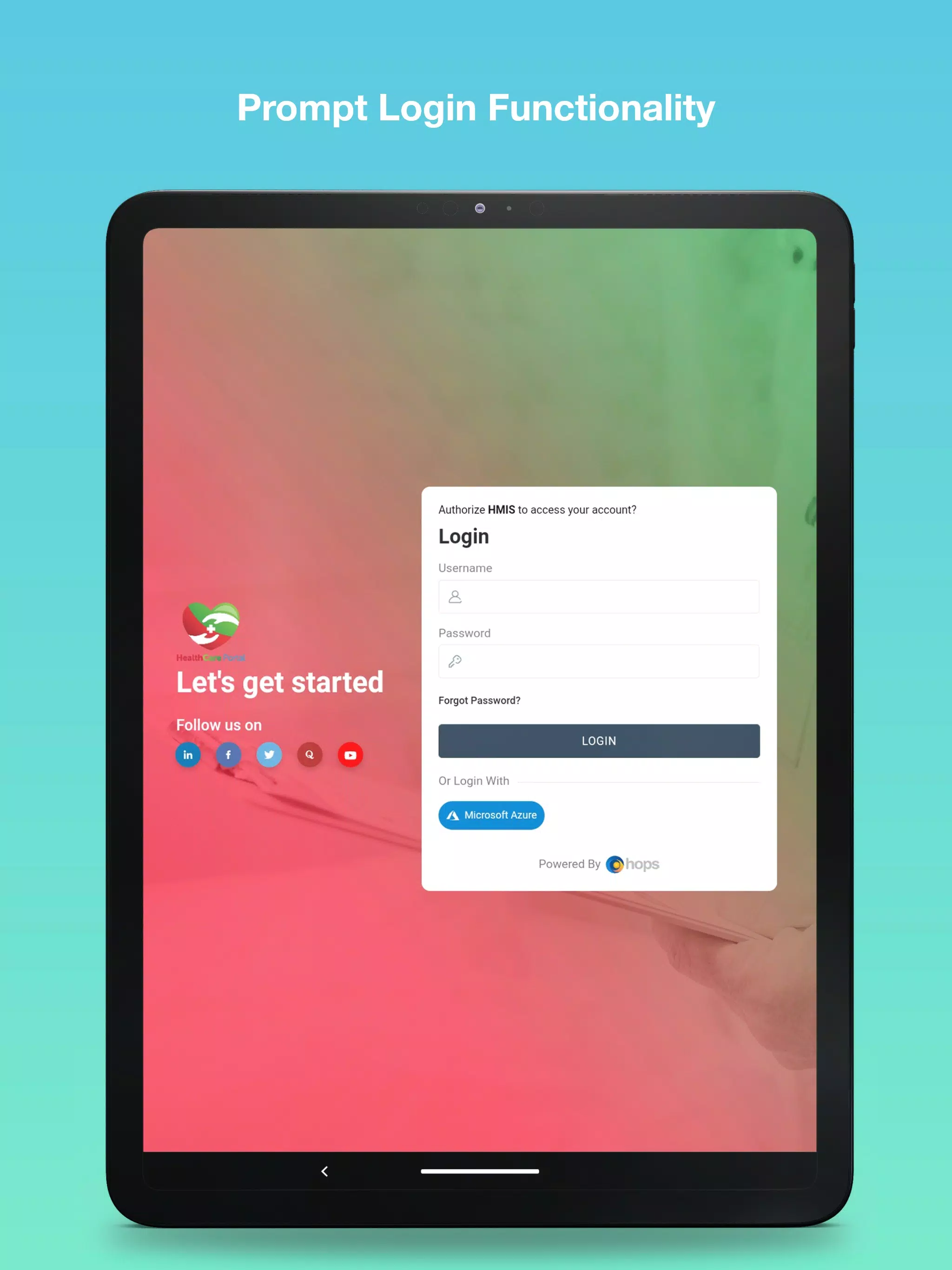
Creating an account is straightforward: register with basic personal details, verify identity through an OTP or document check, and set up security preferences. Healthcare providers typically connect their institutional credentials to access clinician features. Once configured, users can personalize notification settings, link external lab accounts, and invite authorized family members or caregivers to view select information. The PLDT HealthCare Portal also offers guided setup tips to shorten the onboarding curve.
Built-in help resources include a searchable knowledge base, FAQ sections, and contact options for technical and clinical support. Regular updates address bug fixes and introduce functionality improvements. Administrators receive tools for user management, usage reports, and system health monitoring to ensure continuity of service and to identify areas for staff training or workflow adjustment.
Healthcare organizations adopt the portal to reduce administrative burden, improve patient communication, and centralize documentation. The combination of teleconsultation, record management, and integration with existing systems helps teams deliver care more efficiently while maintaining data integrity and regulatory compliance. For patients, the promise is greater convenience and clearer visibility into their health journey.