
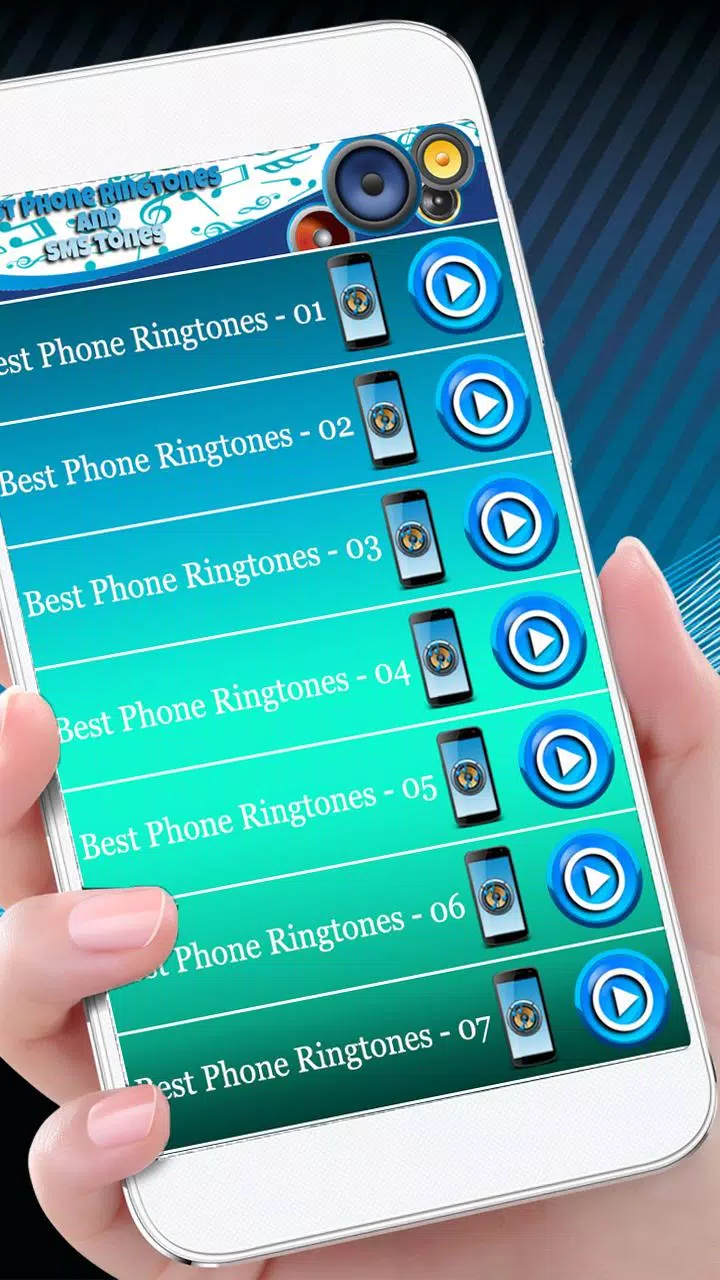
Best Phone Ringtones helps you personalize incoming calls, notifications, and alarms with a large library of high-quality tones and easy editing tools. This app simplifies finding, previewing, trimming, and assigning ringtones so you can create a unique sound for every contact, event, or preference in seconds.
Explore a wide selection of tones organized by mood, genre, and purpose. The app includes popular classics, modern hits, nature sounds, and original compositions ready to download. Built-in search and curated playlists make discovery fast, while a favorites list and recent history keep your preferred tones within reach. For convenience, batch downloads and one-tap assignments reduce steps when setting tones for multiple contacts or functions.
Best Phone Ringtones presents an intuitive workflow: browse categories, preview sounds, edit if needed, then assign. Previews play instantly without downloading, so you can scan dozens of options quickly. When you find a suitable clip, the integrated editor opens directly, avoiding context switching. Assignments apply immediately to your selected contact, alarm, or notification type, with options to revert to defaults at any time.
The editor balances simplicity with precision. Use the waveform view to trim start and end points, set fade-in and fade-out, and choose loopable segments for repeating alerts. A volume normalization tool ensures levels match system sounds to avoid sudden loudness spikes. Save multiple edited versions of the same file and label them for different uses. These controls let you tailor each sound to fit specific occasions without advanced audio knowledge.
Organize tones into custom collections and sync favorites across devices using local backup functions. The app supports exporting ringtones to storage or sharing via messaging apps so friends and family can use the same sounds. An organized tag system helps you filter by tempo, instrument, or activity, and an easily accessible recycle area stores deleted tones for recovery within a limited time window.
Designed for efficiency, Best Phone Ringtones runs smoothly on a wide range of Android devices with minimal battery or memory impact. Offline playback for downloaded files is supported, and the app respects device policies for system sounds and permissions. Regular updates optimize performance for new Android releases and add codec support to handle high-quality audio formats while keeping file sizes reasonable.
To get the most from the app, preview several clips at low volume before assignment and use the normalization feature when mixing tones from different sources. Assign distinct tones to specific contacts to recognize callers instantly without looking at the screen. Enable notifications from the app to receive curated packs and seasonal updates, or disable them if you prefer a quieter experience.
Installing Best Phone Ringtones is straightforward: grant the necessary local storage permissions, browse the library, and try a few previews. Use the editor to make quick adjustments, then assign your first ringtone to a contact or category. If you ever want to revert, the app keeps a history of recent assignments so changes are easy to undo. With minimal setup, you can refresh your phone’s soundscape and keep it tailored to your daily life.