



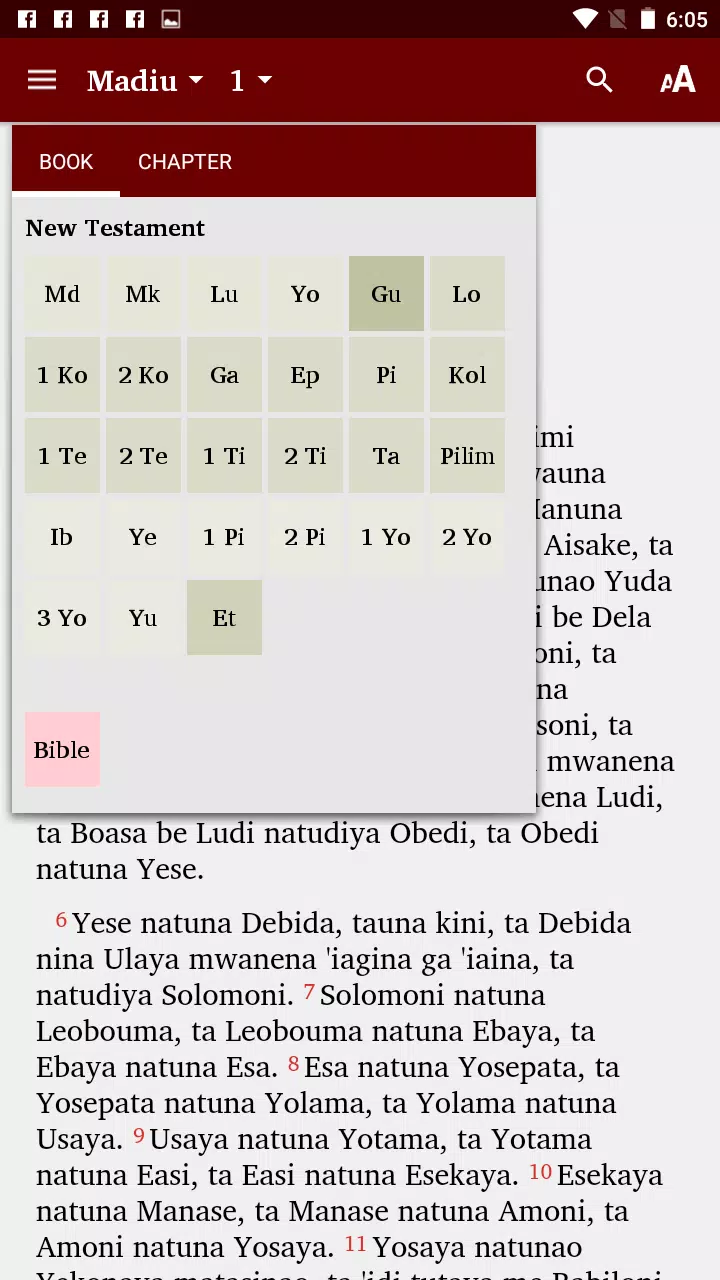
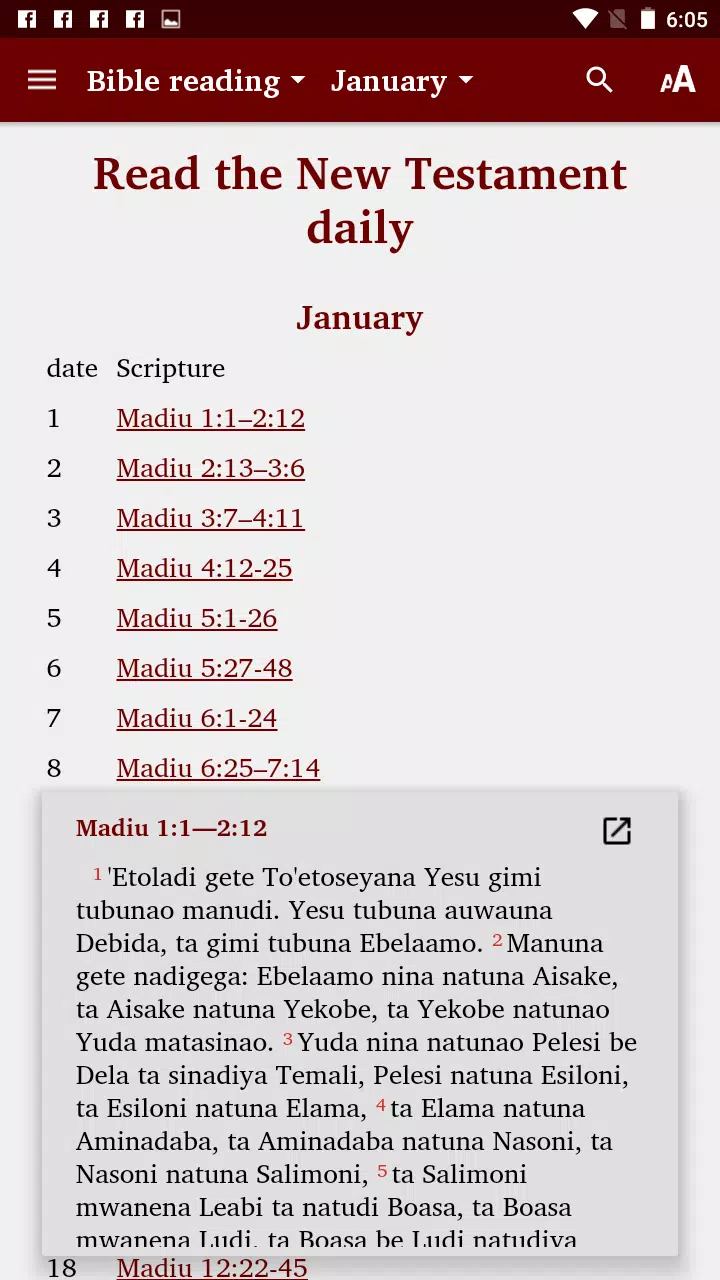


Dobu - Bible is a modern Bible app built for focused reading and study, combining multiple translations, searchable text, and offline access in a clean interface. It aims to help users read daily, research passages, and organize notes without distractions, whether for personal devotion or structured study sessions.
This app puts essential Bible study tools front and center. It supports several popular translations, fast verse search, and audio playback while keeping navigation intuitive. The design balances dense study functionality with readability, making it suitable for both quick lookups and longer devotional sessions.
The interface prioritizes legibility: adjustable font sizes, line spacing, and a choice of themes reduce eye strain. The main reading view keeps controls minimal, with gestures and a bottom toolbar for quick actions like highlighting, note-taking, and switching translations. Overall responsiveness is good on mid-range devices.
Dobu - Bible includes practical study aids that help you go beyond passive reading. Inline verse references link to related passages. Notes are linked to specific verses and can be searched later. Reading plans and daily reminders encourage consistent habits, while a history log lets you revisit recent study sessions.
Customize the reading experience through theme choices (light, dark, sepia), adjustable typography, and margin settings. Users can create their own highlighting palettes and tag notes for subject-based organization. This level of personalization supports both casual readers and those who follow more structured study workflows.
The app performs well for local tasks; indexing for search runs quickly and keeps results relevant. Offline mode stores downloaded texts compactly, and settings allow automatic management of cached books to save device storage. Optional cloud sync preserves bookmarks, highlights, and notes across devices when signed into an account.
Audio playback supports continuous listening and individual chapter selection. Playback speed controls and a sleep timer add usability for commuters and nighttime listeners. Accessibility is improved with adjustable text size, voiceover compatibility, and clear contrast modes to assist users with visual impairments.
Start by choosing two or three translations that match your study goals—one literal and one contemporary translation often provide balance. Use tags to group notes by topic, and export important notes periodically for backup. If you plan regular listening, download audio chapters for offline use to avoid data costs.
Dobu - Bible is valued for striking a balance between a lightweight reading experience and robust study features. Its clean layout and configurable tools let users focus on scripture without a steep learning curve. For those who want an uncluttered but capable Bible app, it hits the right notes.
Whether you want a simple daily reader or a tool for deeper research, Dobu - Bible provides a practical blend of accessibility, study features, and personalization to fit varied spiritual and academic needs.