





Pavone is a productivity app that centralizes task management, document handling, and team communication into a single, intuitive workspace. Designed for professionals and small teams, Pavone streamlines daily workflows through automation, clear organization, and seamless cross-device syncing to keep projects on schedule and reduce manual overhead.
Pavone brings together essential work tools in one place. Task lists support priorities, deadlines, and subtasks with drag-and-drop reordering. A built-in document viewer and editor let users annotate files and store revisions without switching apps. Shared calendars and message threads keep context linked to tasks, so communication happens where the work is managed.
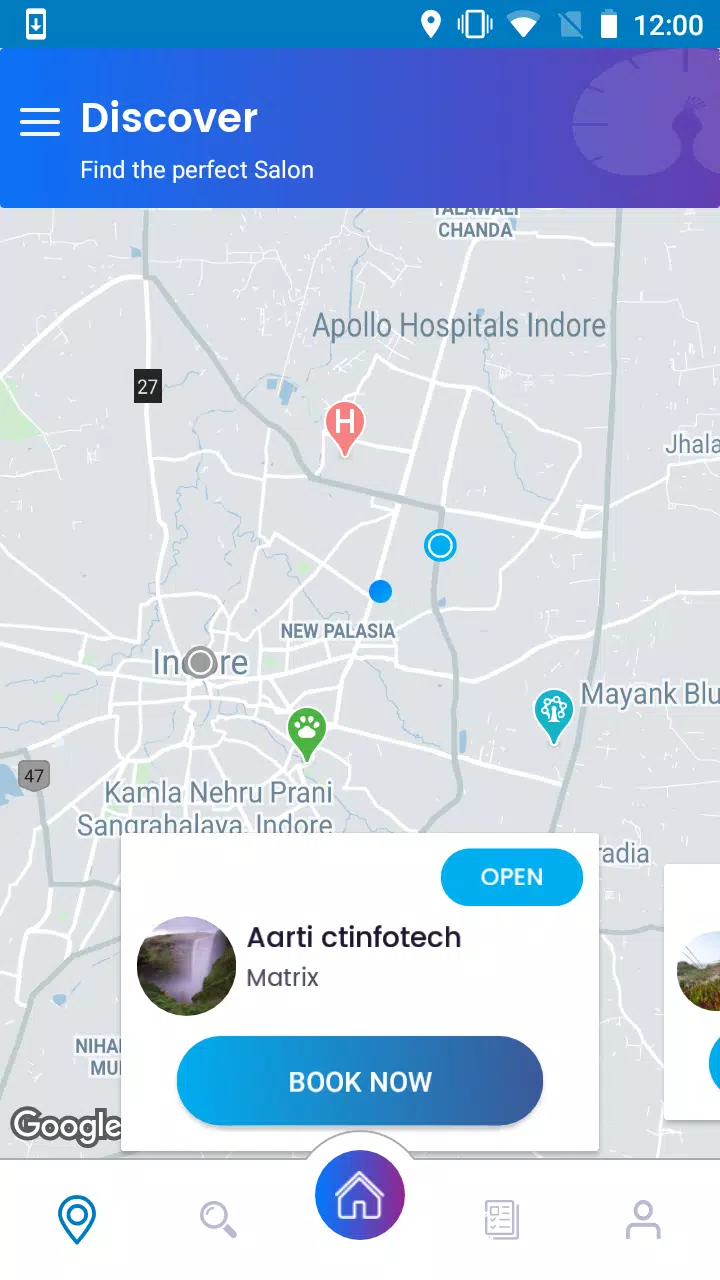
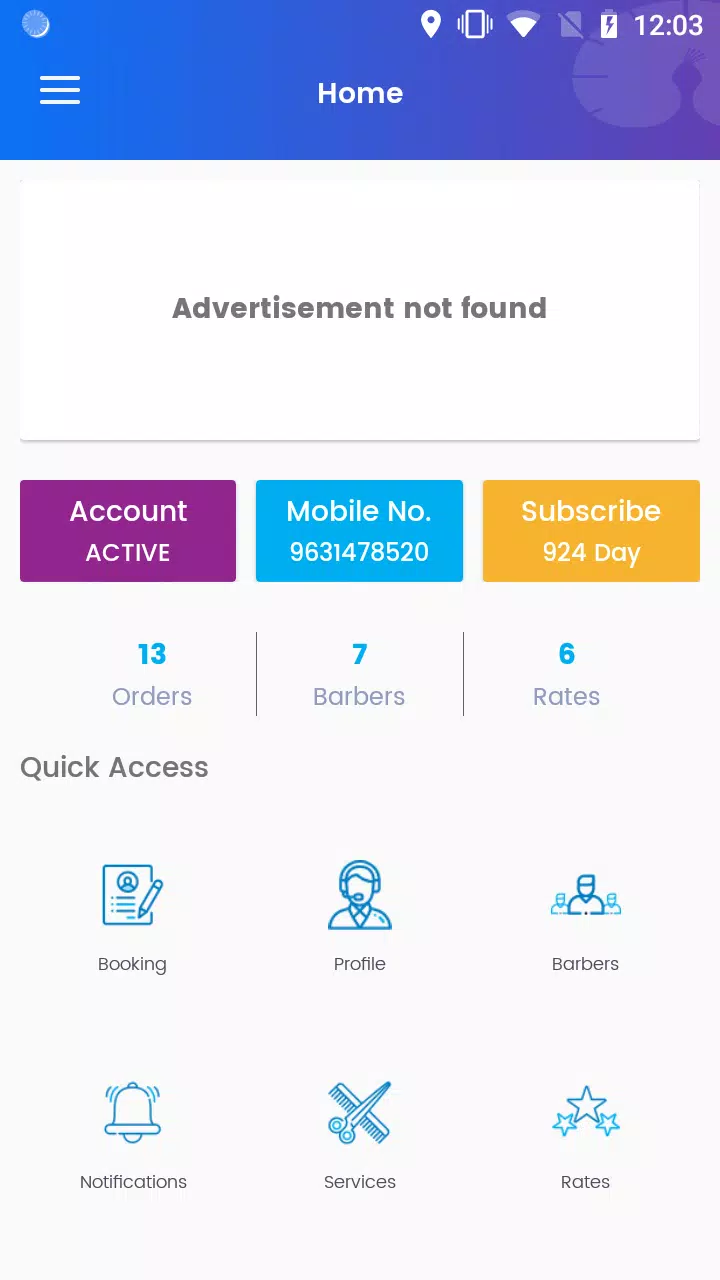
The interface prioritizes clarity and speed. Pavone uses a left-hand navigation pane for quick access to projects, a central work area for task details and documents, and a collapsible activity feed for recent changes. Keyboard shortcuts and customizable quick actions reduce friction for power users, while clean typography and iconography help new users find features fast.
Automation in Pavone simplifies repetitive steps. Users can set triggers to move tasks between stages, send notifications when deadlines approach, and create templated projects to replicate common processes. Integrations with popular calendar services, cloud storage providers, and communication platforms make it possible to connect Pavone to existing tools and reduce duplicated effort.
Pavone adapts to different work styles. Project boards support list, kanban, and timeline views so teams can visualize progress in the format that fits them best. Labels, color-coding, and custom fields allow granular sorting and filtering. Permission controls let administrators define who can edit, comment, or archive content, keeping sensitive materials secure while preserving collaborative access.
Real-time collaboration features keep teams aligned. Comment threads attach directly to tasks or documents, enabling focused discussions that are easy to reference later. File version history and activity logs track changes so users can see who updated what and when. Pavone also supports @mentions and follow options so stakeholders receive relevant updates without noise.
Built with responsiveness in mind, Pavone performs well across a range of Android devices. Offline support lets users view and edit content without a connection, syncing changes when the device reconnects. The app is optimized to conserve battery and data, and lightweight background syncing ensures timely updates without heavy resource use.
Security features in Pavone focus on protecting team data. Encrypted transmission safeguards information in transit, while configurable access levels and session management reduce exposure. Regular backups and export options ensure critical records can be retained outside the platform when required by organizational policies.
New users can set up an account and create a first project in just a few minutes. Pavone provides onboarding checklists and sample templates to help teams adopt standard processes quickly. For larger organizations, bulk import tools and single sign-on support simplify user provisioning and ensure a smooth transition.
Teams pick Pavone for its balance of simplicity and capability. It removes the need to flip between multiple apps by combining planning, execution, and communication. The flexible views and automation features help teams reduce time spent on coordination, while integrations maintain compatibility with established workflows.
Whether used for small projects or as a central hub for cross-functional teams, Pavone offers a structured environment that encourages consistent processes and clear accountability. With its focus on performance, security, and extensibility, the app is positioned to support evolving team needs without adding unnecessary complexity.