
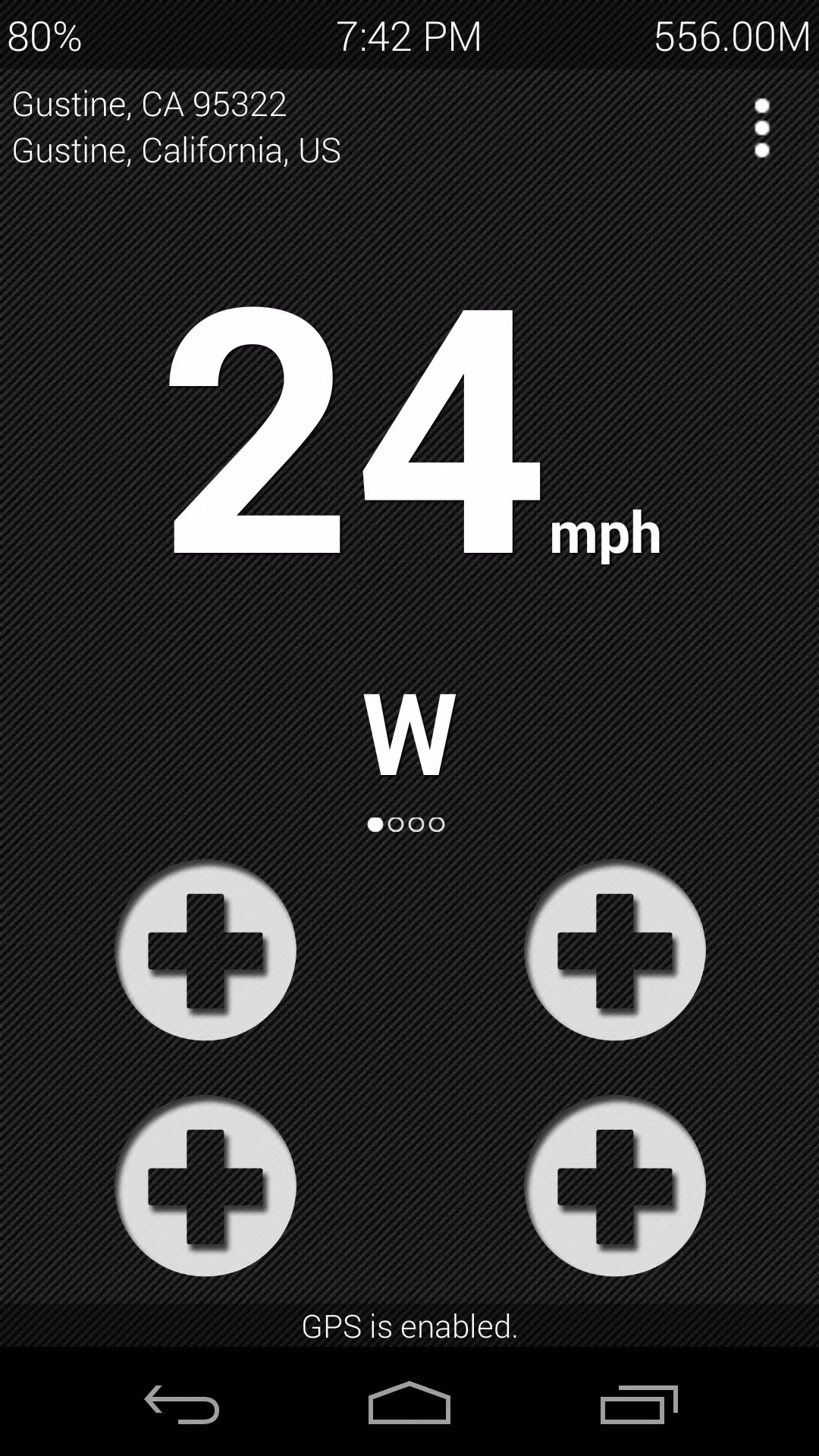
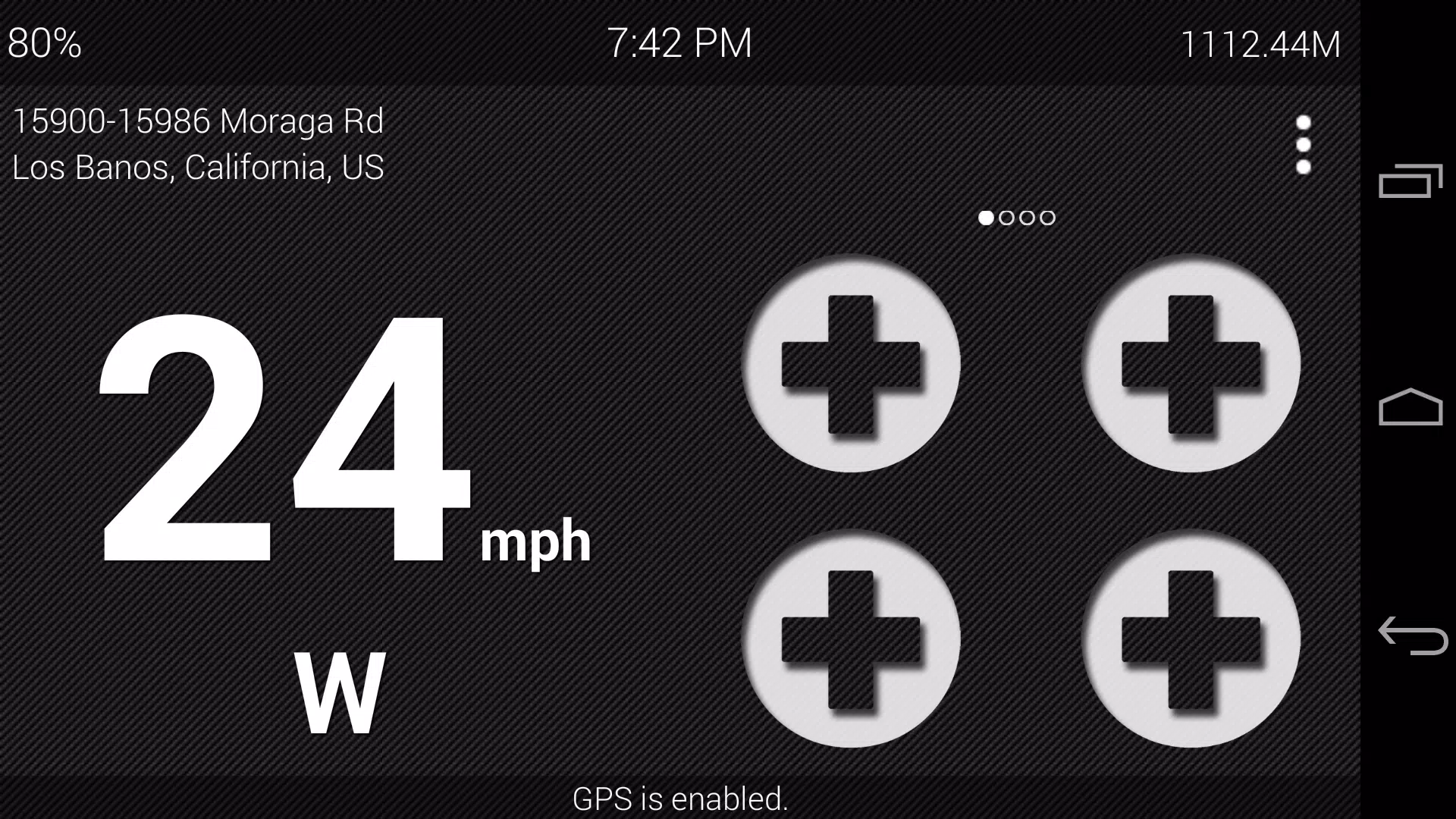
Ultimate Car Home transforms your Android into a driver-focused control panel, combining shortcuts, media controls, navigation access, and widgets into a single customizable dashboard. Designed for easy access while driving, it balances safety with functionality, letting you tailor layouts and quick actions for a cleaner, focused in-car experience.
At its core, Ultimate Car Home replaces your phone’s standard launcher when you’re behind the wheel. Large touch targets, simplified menus and context-aware tools reduce distraction. The launcher emphasizes the essentials: music, maps, phone calls and frequently used apps. It also adapts to screen size and orientation, whether you’re using a smartphone or an Android tablet mounted in the dash.
The interface keeps visual noise to a minimum. Icons are oversized and labels are concise so glances are quick and deliberate. Animation is kept subtle to save CPU cycles and preserve battery life, and the app offers lightweight operation even on older devices. Load times are short and transitions remain responsive during typical in-car tasks.
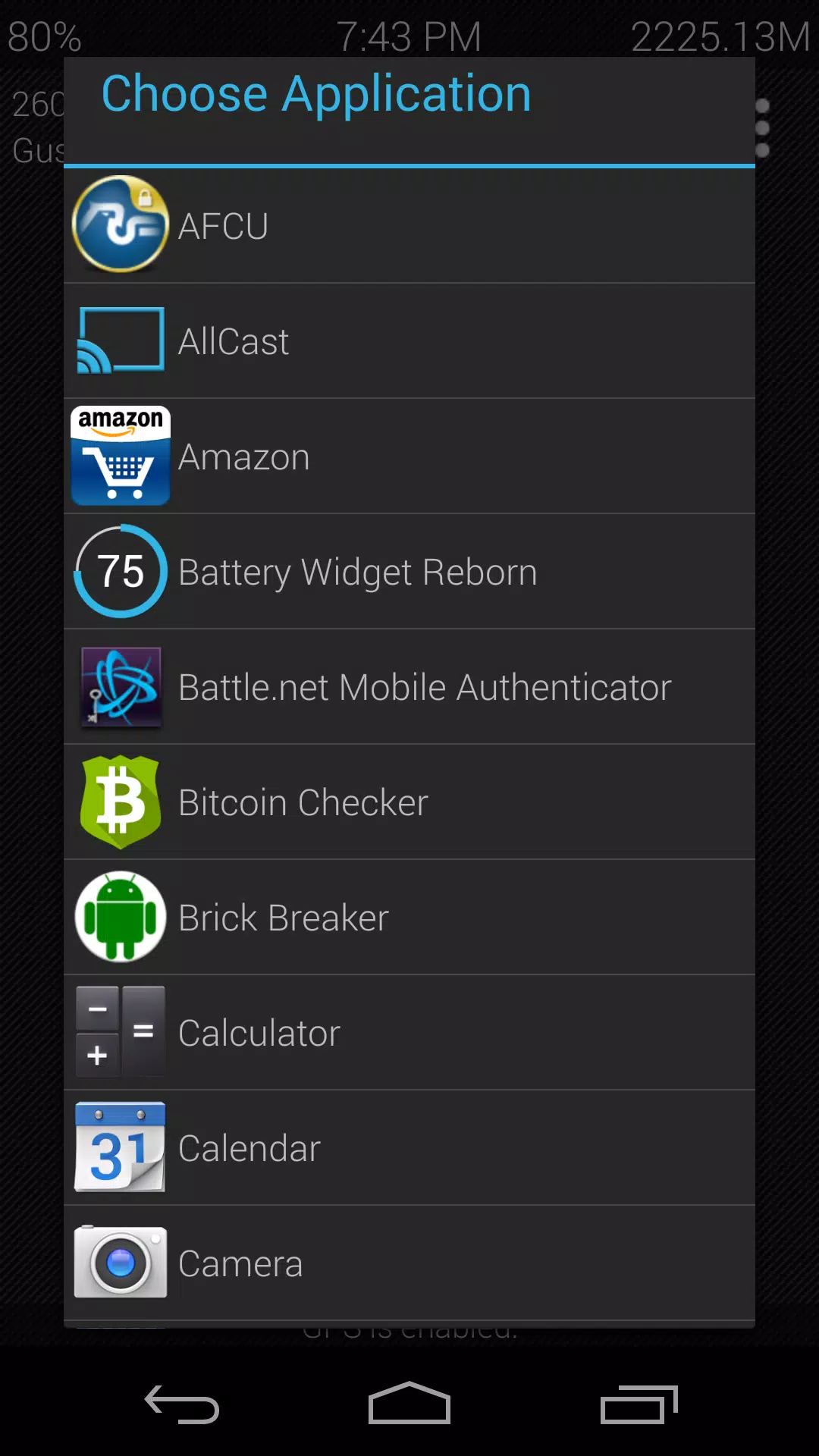
Ultimate Car Home lets you configure almost every visual and functional element. Choose button shapes and sizes, swap icon packs, set custom backgrounds, and place widgets for traffic, weather or calendar. Advanced users can build multiple profiles — for commuting, long trips or passenger use — and assign profiles to specific car Bluetooth IDs or times.
Using the app is straightforward: set up a primary dashboard with your most-used apps, then add secondary screens for media or navigation. Shortcuts can launch turn-by-turn directions to pre-saved locations or open a playlist in your preferred player. The app supports voice shortcuts and pairs well with Google Assistant, so many tasks can be handled hands-free.
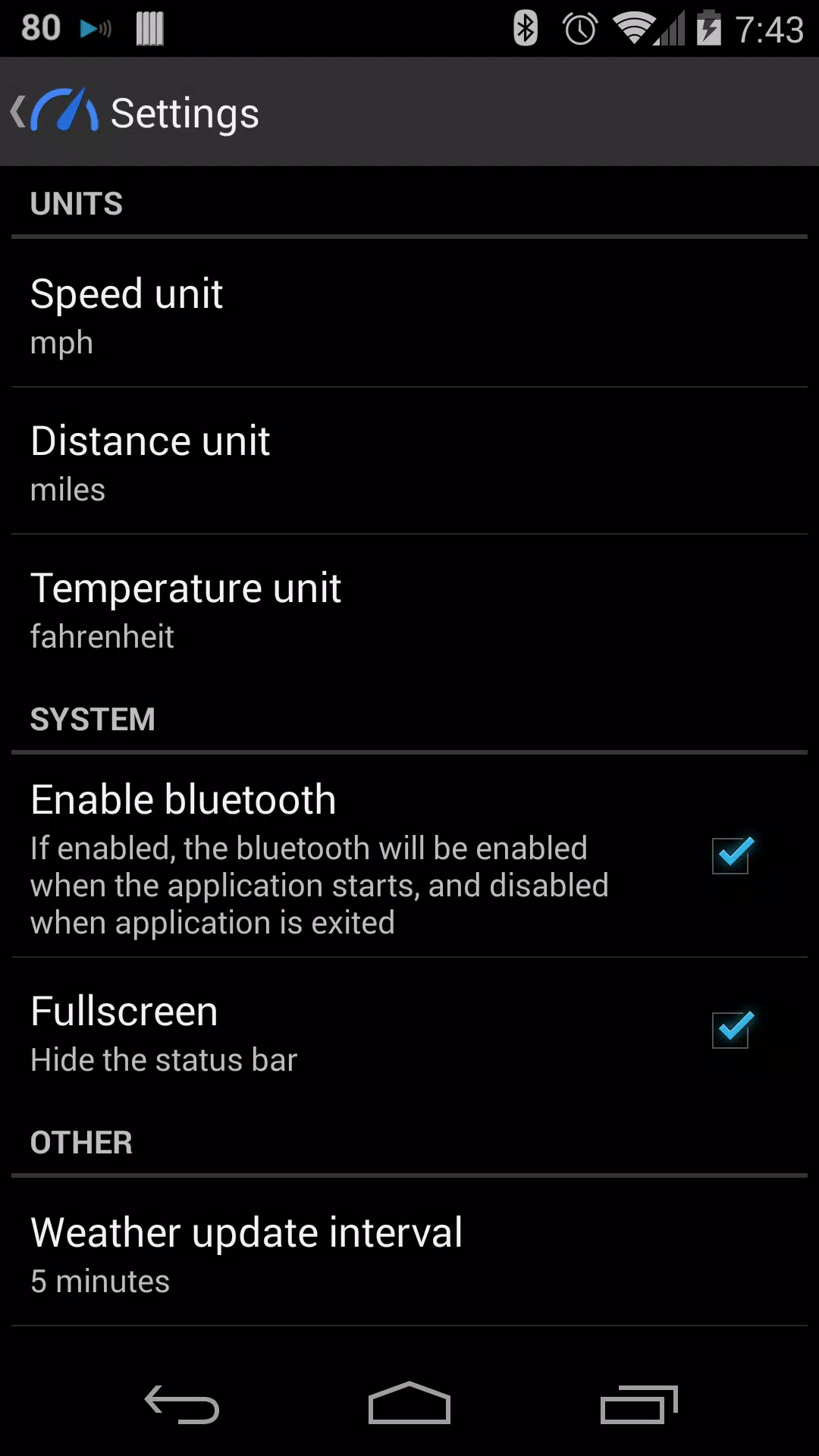
Integration with Bluetooth and car audio is solid. The app detects when you connect to a car and can auto-launch the driver dashboard. It supports Bluetooth media controls and passes metadata for track displays. For automation users, there are hooks compatible with popular tools that allow deeper customization of behavior on connection, ignition or charging.
Setup takes a little time if you want a polished, personalized layout, but basic usage is immediate. New users benefit from pre-built templates and step-by-step prompts. Once configured, the interface reduces the need to hunt through menus while driving. Accessibility settings are available for larger fonts and simplified layouts.
Drivers praise Ultimate Car Home for reducing friction during routine tasks. The balance of customization and hands-free features makes it useful for commuters and road-trippers alike. It’s particularly helpful for those who use their phone as the central media/navigation hub and want a single interface tailored to driving.
If you use your phone in the car frequently, Ultimate Car Home streamlines common tasks and limits distractions with a clear, well-organized interface. It’s a practical replacement for a generic launcher designed specifically to meet the needs of drivers. Regular updates have improved compatibility and added new layout options, making the app a flexible choice for a range of vehicle setups.