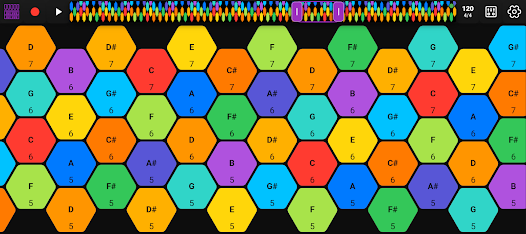
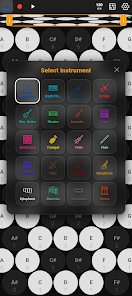
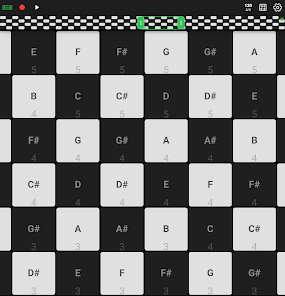
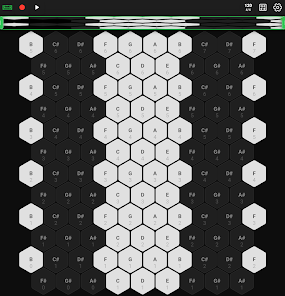
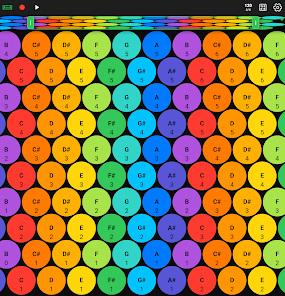
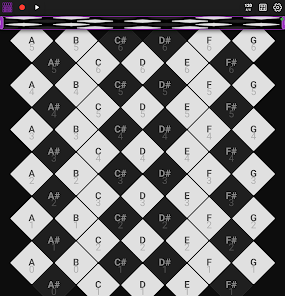
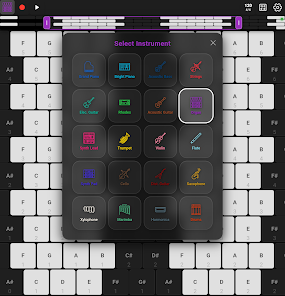
Hex MIDI - Isomorphic Keyboard is a flexible musical tool that maps notes to an isomorphic hexagonal grid, enabling intuitive chord shapes and scales across keys. Designed for mobile musicians and producers, it simplifies MIDI input, supports multiple layouts, and connects to external gear for live performance or studio composition.
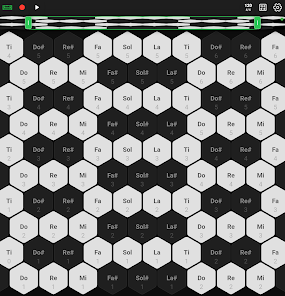
Hex MIDI - Isomorphic Keyboard reimagines the way you play on a touchscreen. Instead of a linear piano roll, it uses a repeating hex layout so intervals and fingerings stay consistent when you change key or scale. The app works as a MIDI controller for hardware synths, software instruments, and DAWs via USB or Bluetooth.
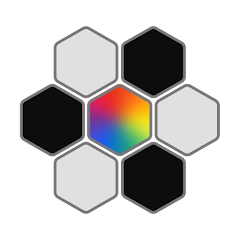
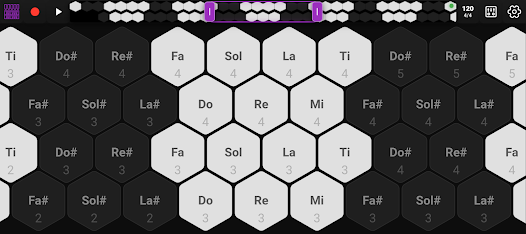
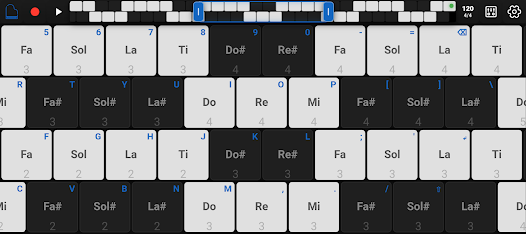
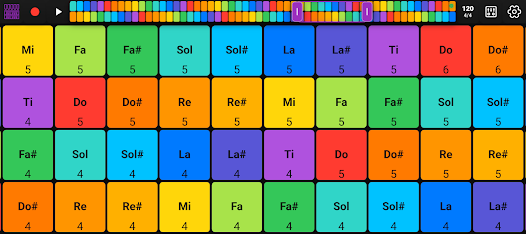
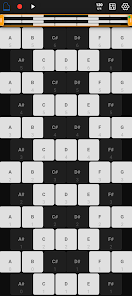
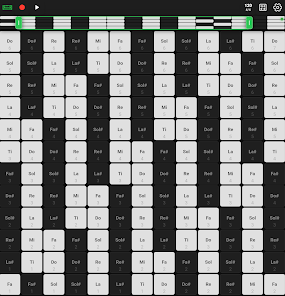
The app translates touch positions on the hex grid into MIDI notes. Each hex represents a fixed interval relationship to its neighbors, so common shapes like triads and scales form predictable patterns. Users can switch between layouts such as transposed rows or rotated hexagons to match their playing style.
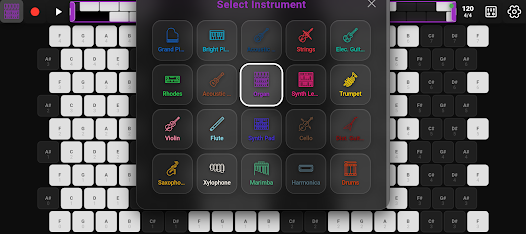
Hex MIDI - Isomorphic Keyboard supports standard MIDI protocols and integrates cleanly with mobile DAWs and desktop setups. You can send MIDI over USB, pair over Bluetooth MIDI, or route the output to a built-in synth. The app can act as a standalone controller or as part of a multi-device studio rig.
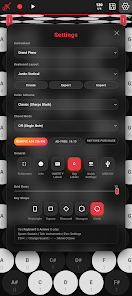
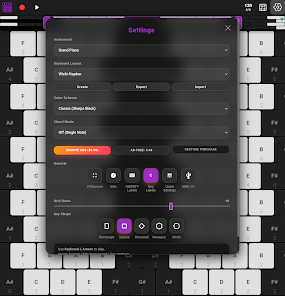
Customization is a major strength. Change the grid density to get larger or smaller hexes, choose from preset tunings, and create custom scales by enabling or disabling notes. The velocity curve and sensitivity parameters help tailor the touch response to your performance technique.
The interface prioritizes low-latency playability and clear visual feedback. Hex MIDI - Isomorphic Keyboard offers frame-synced highlighting of active notes and optional metronome or arpeggiator tools to aid timing. The design balances a compact layout for phones with expanded spacing for tablets.
Preset management and quick layout switches make it easy to jump between patches during rehearsals or sets. MIDI channel selection and program change support let you control multiple instruments from a single screen without leaving the app.
Beginners often find the hex layout unfamiliar at first. Start by selecting a major or minor scale and enabling color-coded intervals. Practice basic triads and inversions to internalize shapes. Use the transpose feature to experiment with key changes while maintaining finger patterns.
Players who need concise, repeatable fingerings and fast transposition value the isomorphic approach. Hex MIDI - Isomorphic Keyboard reduces cognitive load during improvisation and composition by presenting relationships visually and consistently. It suits composers, live performers, and educators exploring alternate tunings and microtonal music.
Download the app and grant MIDI permissions to connect to external gear. Begin with a simple layout and a common scale, then try different tunings and grid sizes. The onboard presets provide immediate results, and building a few custom setups will speed practice and performance preparation.
Whether you are adapting physical keyboard technique to touchscreens or experimenting with nonstandard tuning systems, Hex MIDI - Isomorphic Keyboard provides a versatile, performance-ready environment for creative MIDI control.