
ASD Player is a lightweight, versatile Android media player designed to handle audio and video with minimal fuss, powerful playback controls, and broad format support. It offers smooth decoding, customizable playlists, and an uncluttered interface for on-the-go listening and watching across phones and tablets.
ASD Player focuses on reliable playback and practical tools that make managing media straightforward. The app supports background playback, gapless audio, and variable playback speed. Users can create and save playlists, pin favorite tracks, and use sleep timers for nightly listening. A built-in equalizer and basic audio effects help shape sound without external plugins.
The interface emphasizes clarity and speed: large playback buttons, swipe gestures for fast seeking, and a minimal menu with frequently used options up front. ASD Player places core controls within thumb reach and offers a compact notification panel with play/pause and skip controls. For power users, advanced gesture settings allow customizing double-tap or swipe actions for seeking, toggling repeat, and launching the equalizer.
Compatibility is a priority. ASD Player handles common audio formats such as MP3, AAC, FLAC, and OGG, plus popular video containers including MP4, MKV, and AVI. The player uses hardware acceleration where available to reduce battery drain and improve smoothness when decoding high-resolution video. Audio output includes support for stereo, mono downmix, and headphones, with options to enable software decoding to address compatibility quirks.
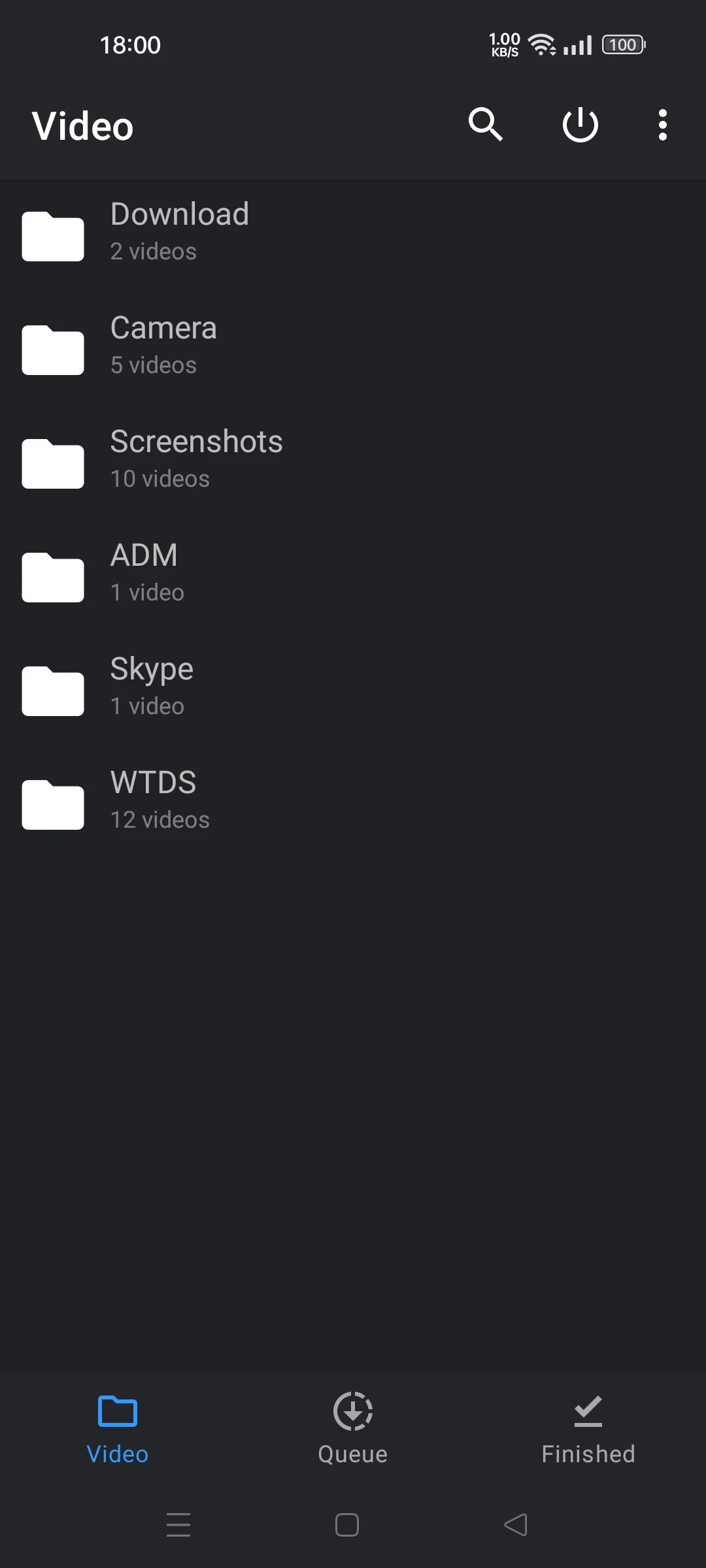
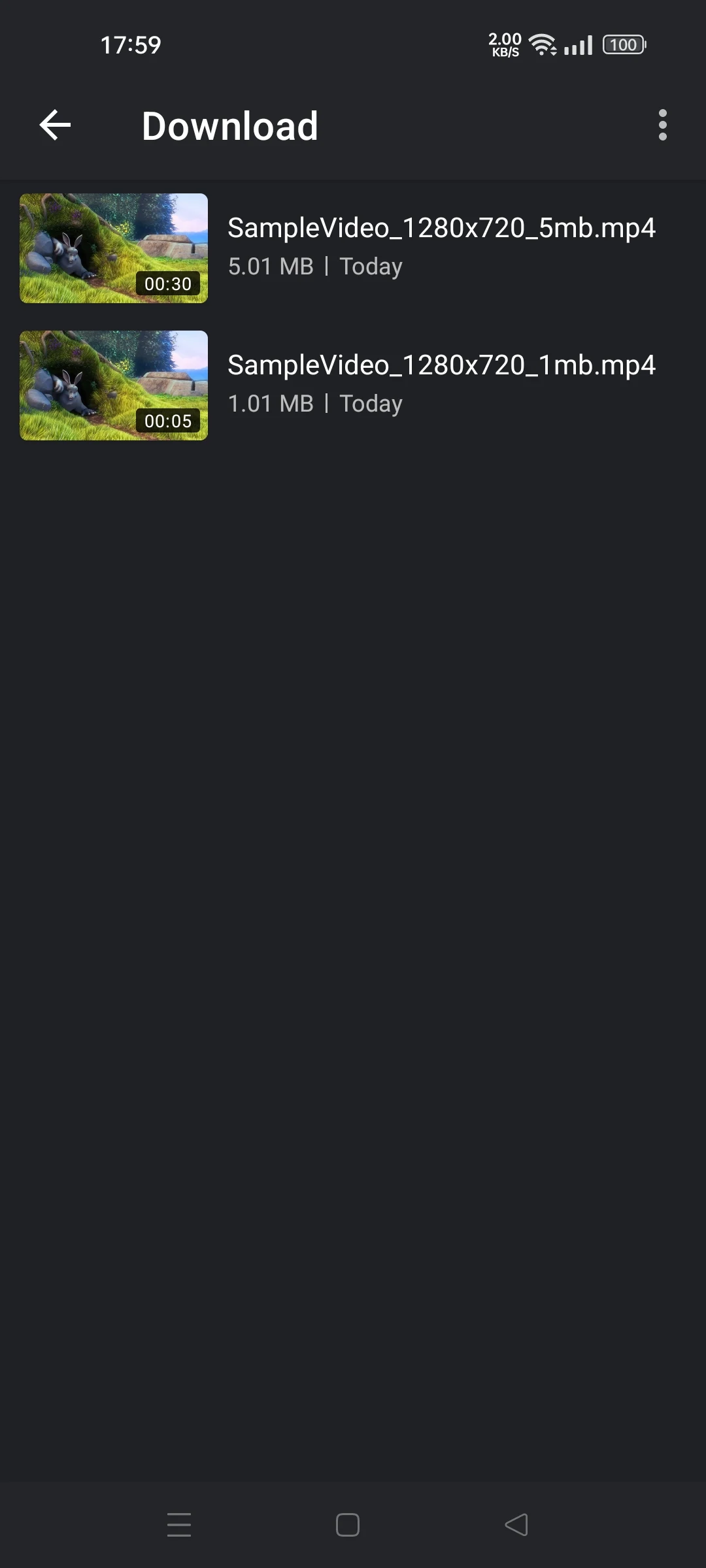
Managing a growing library is simple with ASD Player. The app scans storage for media files and categorizes them by artist, album, genre, and folder. Built-in search and filters let you find tracks quickly, while batch actions let you add multiple items to a playlist or delete entries from internal lists. For privacy-conscious users, folder-based playback keeps selected directories separate from the main library.
ASD Player offers interface themes, adjustable fonts, and color accents so users can tailor the look without overwhelming options. The equalizer includes presets like Bass Boost, Vocal Clear, and Jazz, with manual controls for detailed tuning. For those who prefer a minimal experience, an adjustable compact mode reduces on-screen items to essential controls and artwork.
The app is optimized for a wide range of Android devices, from older phones to the latest tablets. Memory-efficient design reduces background resource usage, and the player supports adaptive bitrate streaming when playing networked files. ASD Player also integrates with Android Auto and Bluetooth devices, ensuring smooth handoff between phone and car systems. Regular updates target codec support and battery optimization.
Playlists are a central part of ASD Player. Create smart playlists based on recent plays, ratings, or added date, or build manual playlists for events and workouts. Export and import functions use common formats so lists can be backed up or transferred to other players. The app can optionally synchronize play counts and ratings with cloud storage for those who use multiple devices.
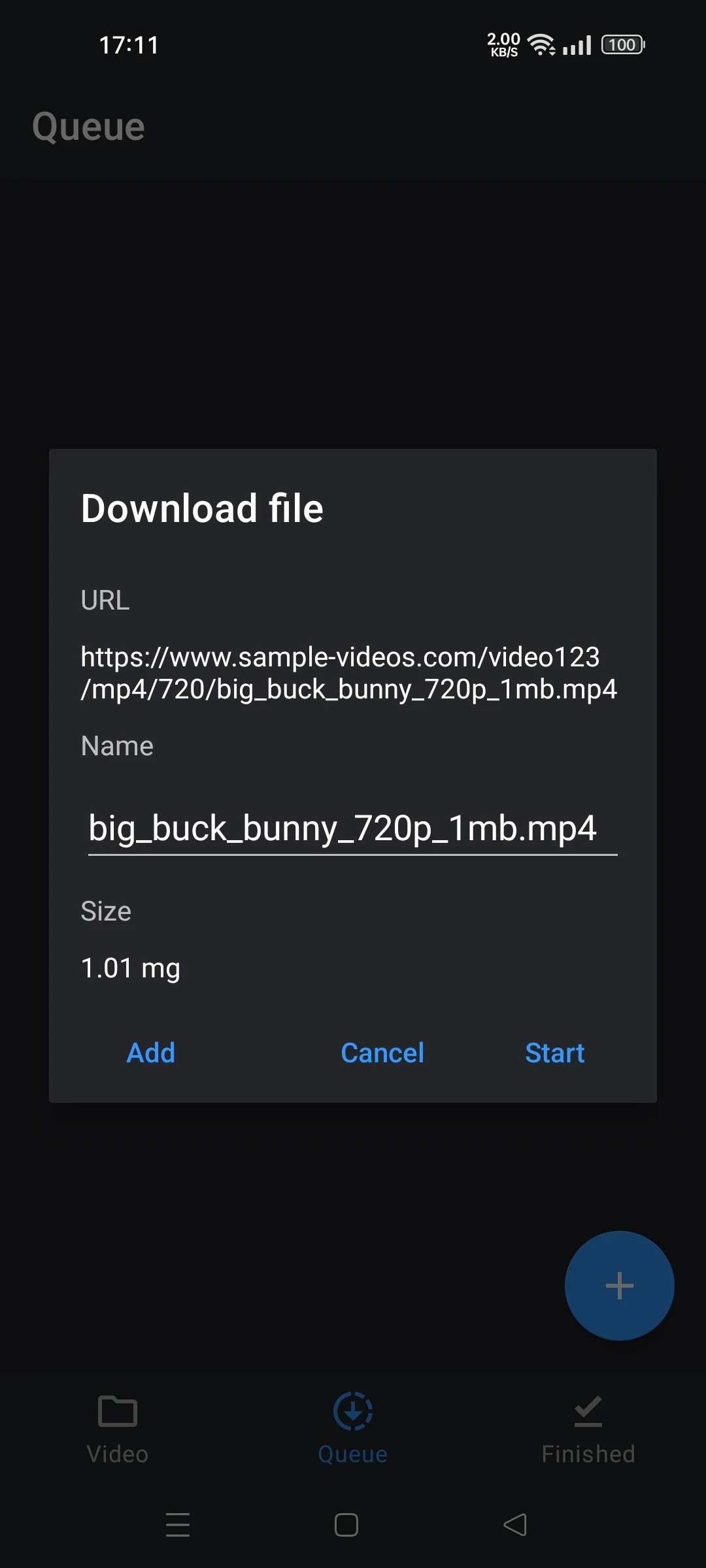
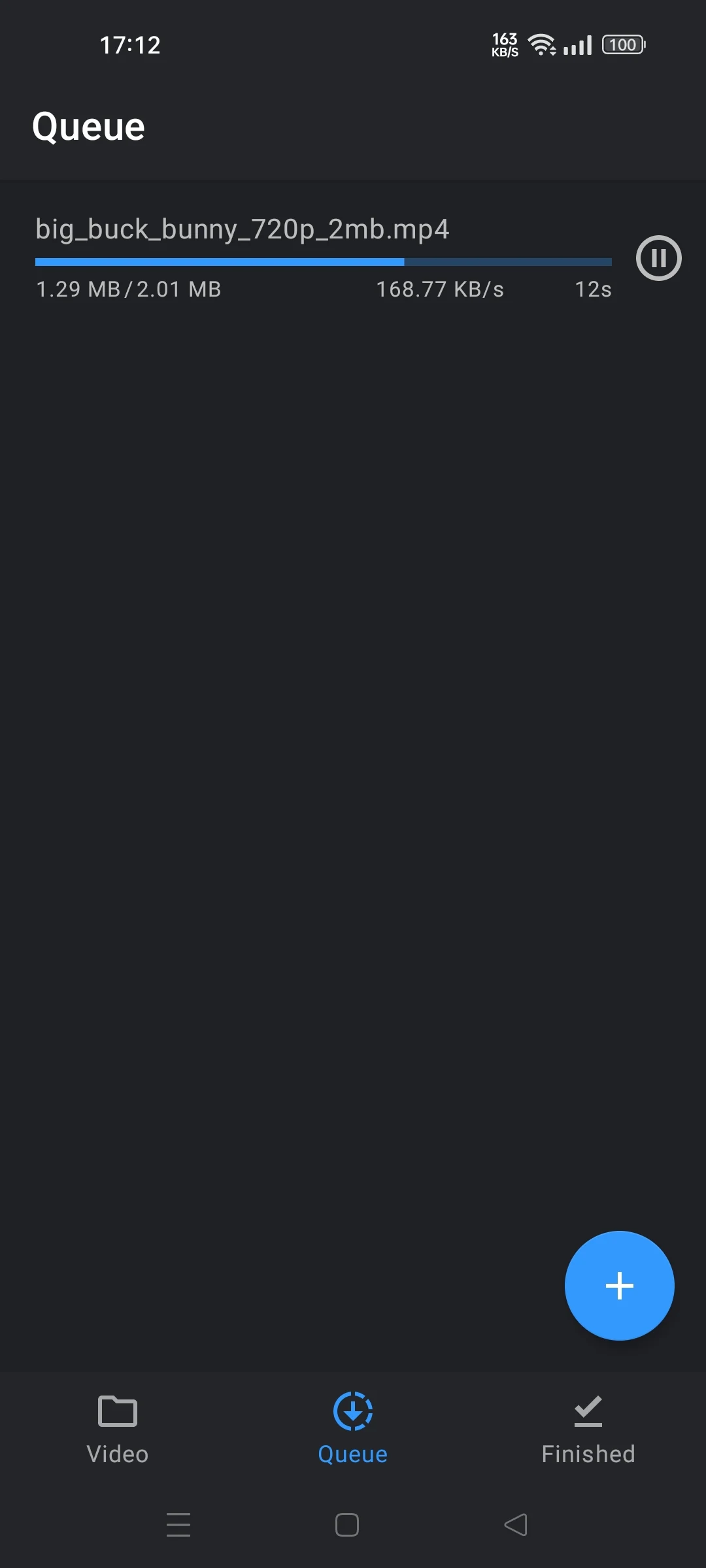
Install the app, grant storage permissions for library access, and allow optional network permissions if you plan to stream or sync. The initial scan is fast on most devices and can be throttled if you prefer manual folder selection. Tutorials inside the settings panel walk through creating playlists, using the equalizer, and configuring notifications for seamless control while multitasking.
ASD Player balances simplicity with capable features: fast library management, dependable playback across formats, and meaningful customization without complexity. Its focus on performance and sensible defaults makes it a solid choice for listeners and viewers who want a polished experience on Android devices.