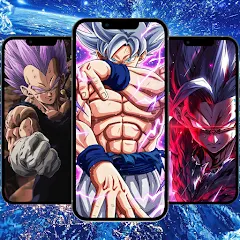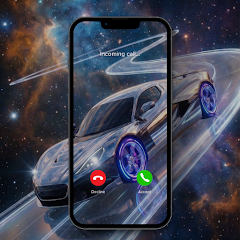

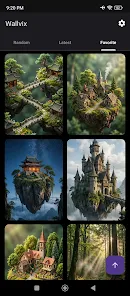
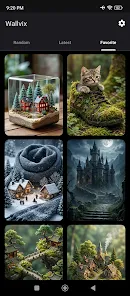

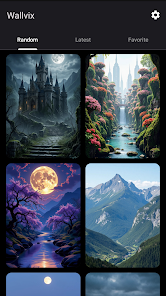
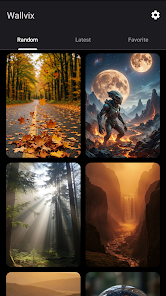
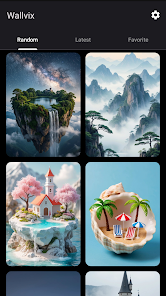
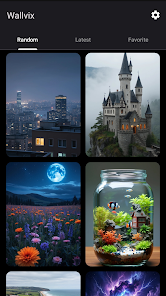
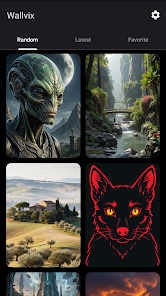
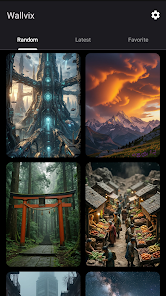
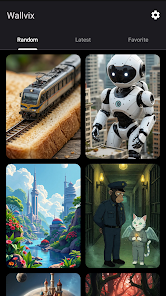
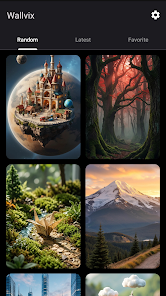
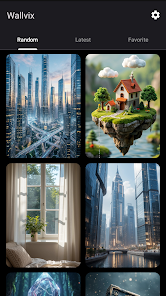
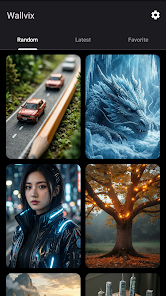
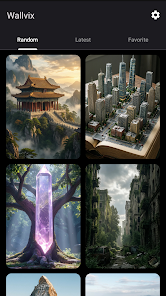
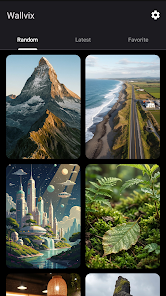
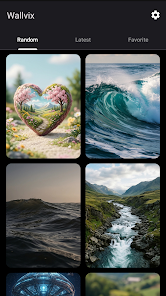
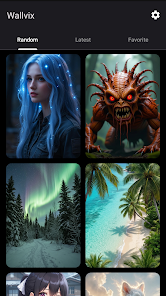
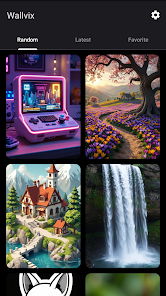
Wallvix - HD Wallpapers delivers a large, thoughtfully organized collection of high-resolution backgrounds to refresh any Android home screen or lock screen in seconds. The app focuses on clean navigation, curated categories, and easy applying tools so users can find and set standout wallpapers without fuss.
Wallvix - HD Wallpapers acts as a dedicated library of images optimized for mobile displays. It offers a mix of photography, abstract art, nature scenes, and minimalist designs. Images are provided in multiple resolutions and aspect ratios so they fit a wide range of devices without losing sharpness or detail.
The app is designed for quick personalization. Browse themed collections, preview wallpapers in full-screen, and apply them directly to your home or lock screen. Wallvix - HD Wallpapers includes a built-in cropper and alignment helper so images look balanced on both portrait and landscape layouts.
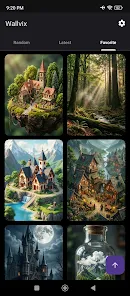
Navigation is powered by thumbnails and category filters. A search field lets you locate styles or subjects quickly. Each wallpaper has metadata showing resolution and suggested device orientation. Tap a thumbnail to open a full-screen preview, where you can swipe through similar images and compare options before deciding.
Personalization in Wallvix - HD Wallpapers goes beyond simple selection. The app provides color-filter tools and light adjustments to harmonize a wallpaper with existing app icons or widgets. If you prefer seasonal changes, schedule automatic wallpaper rotations so your home screen updates daily or weekly with new content.
The interface uses responsive layouts and minimal visual clutter to prioritize content. Thumbnails load progressively for fast scrolling even on slower connections. Memory usage is optimized: the app caches images intelligently and releases resources after the preview closes, which helps maintain smooth device performance.
Many users appreciate the balance between variety and curation. Instead of overwhelming you with thousands of random images, the app groups high-quality selections and highlights editor favorites. That makes it faster to find a wallpaper that reflects your mood or device theme.
Installation is straightforward from the app store. After granting access to storage for saving and applying images, explore categories or start with the featured collection. Use the preview and cropping tools to ensure a perfect fit. Wallvix - HD Wallpapers also offers a simple export option to share images with other apps or back them up to cloud storage.
For users concerned about battery and data, the app supports downloading images over Wi-Fi only and offers a low-bandwidth mode that reduces thumbnail quality while keeping full-resolution downloads intact. Privacy settings focus on minimal permissions—only those necessary to save and set wallpapers are requested.
Overall, Wallvix - HD Wallpapers is a practical choice for anyone who changes their device appearance frequently or wants a polished set of images without complicated editing tools. It keeps the process quick, visually driven, and focused on delivering crisp wallpaper results.