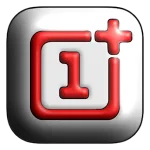
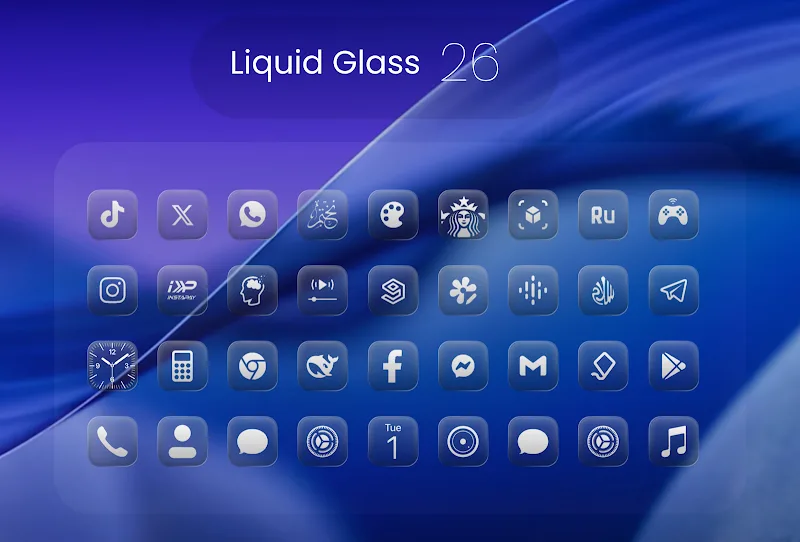
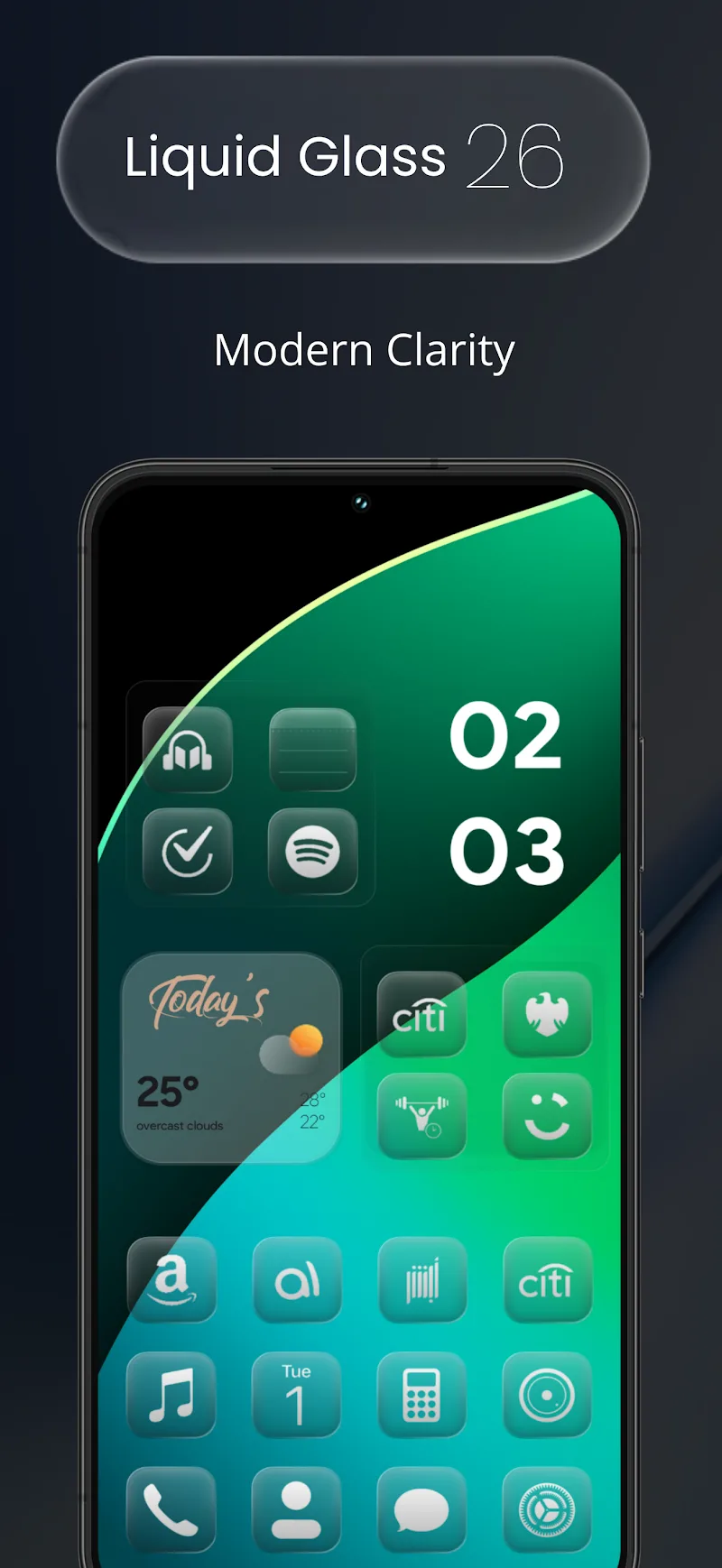
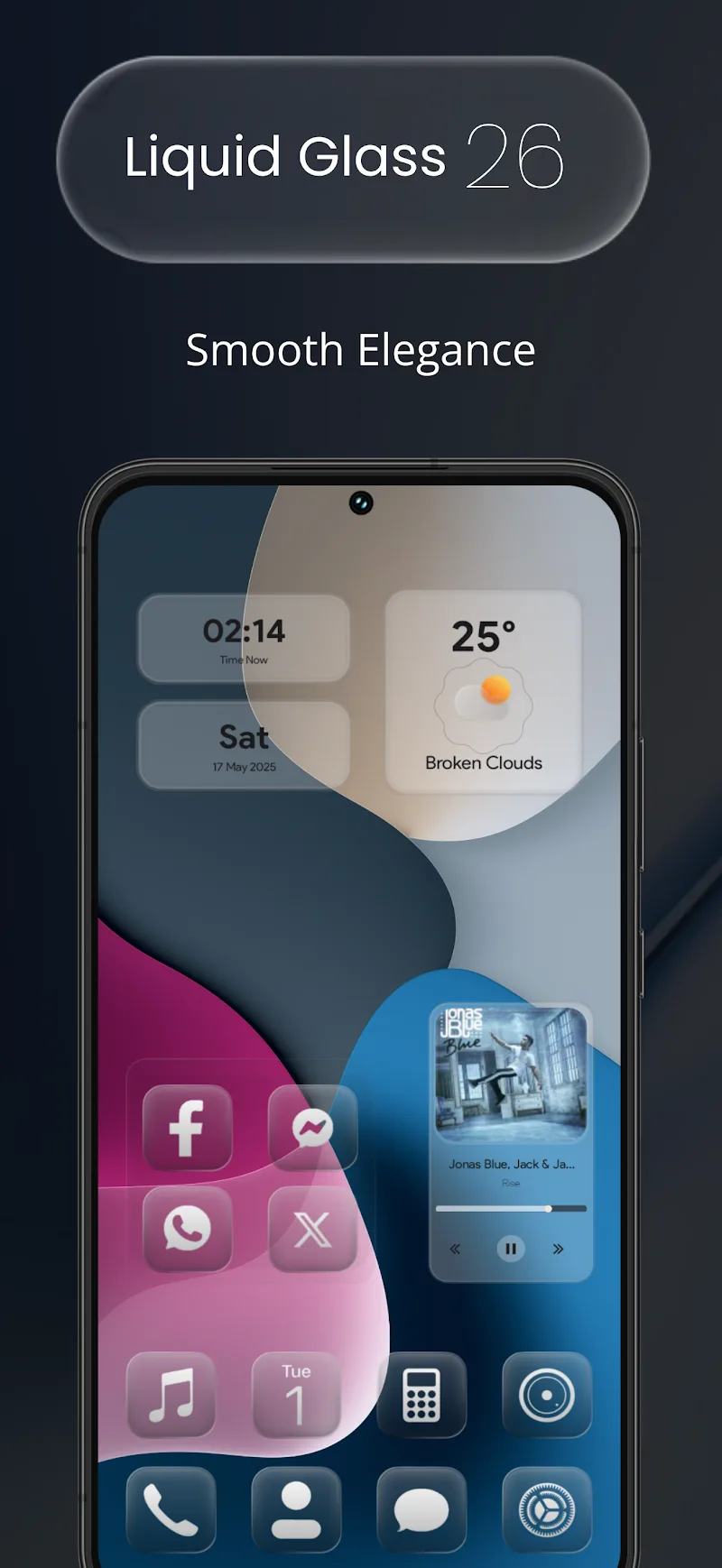
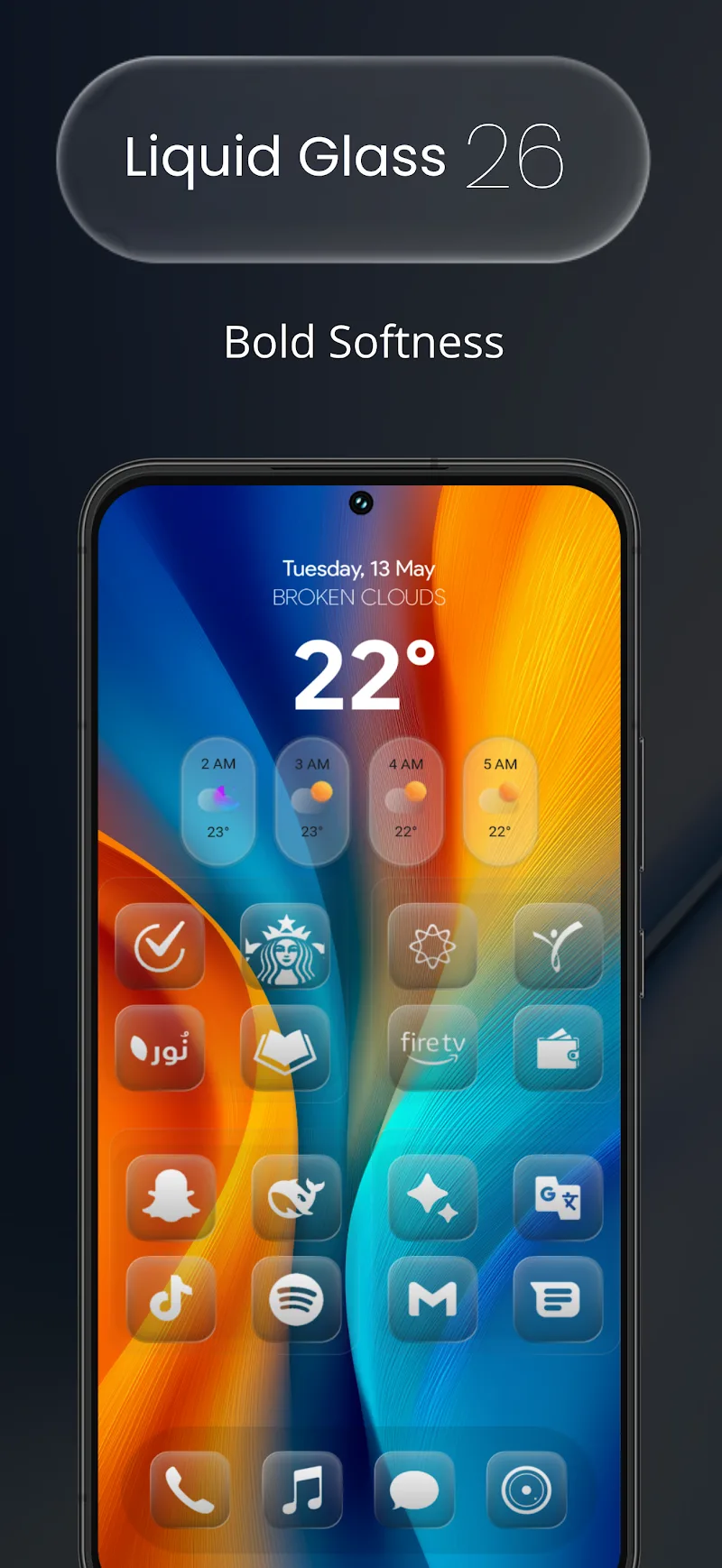
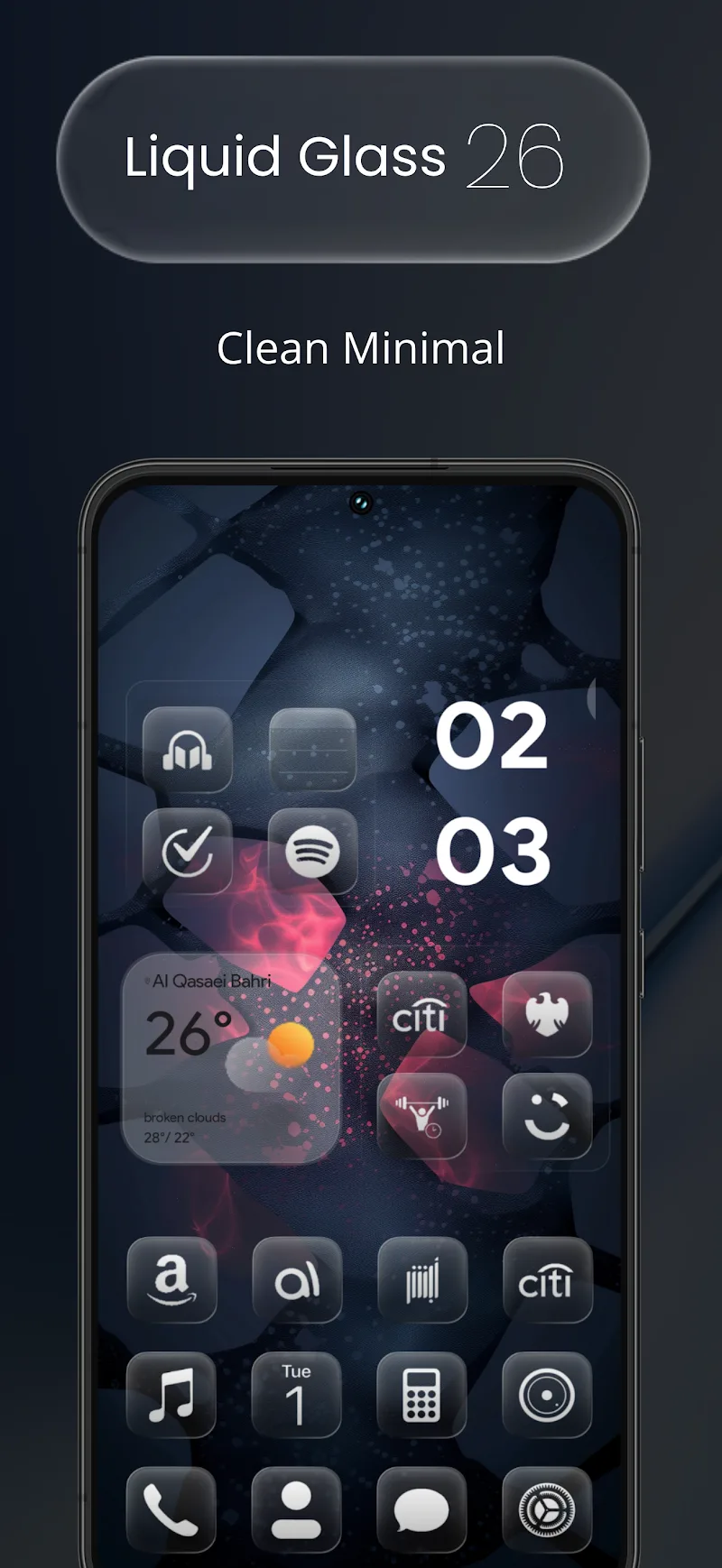
Liquid Glass 26 Icon Pack delivers a polished set of translucent, glass-inspired icons that refresh any Android home screen with subtle depth and consistent design. It provides high-resolution icons, matching wallpapers, and a straightforward dashboard for applying themes across popular third-party launchers.
The Liquid Glass 26 Icon Pack focuses on clarity and cohesion. Every glyph uses a softened glass effect with slight blur and light reflections to preserve legibility while lending a premium look. The pack targets users who want a modern aesthetic without loud colors or heavy gradients, making app grids appear organized and refined.
Beyond individual icons, this pack includes a selection of curated wallpapers designed to complement the glossy icon surfaces. Users can mix and match backgrounds for different moods and quickly preview results inside the app’s dashboard. The package also supports icon request submission so missing icons can be themed in future releases.
The creators built the Liquid Glass 26 Icon Pack to respect Android’s adaptive icon system where supported, while providing fallback assets for launchers that don’t. That means your folders and shortcuts maintain a unified look, and the icons scale smoothly on tablets and foldables.
The app dashboard is intentionally simple: open it, browse previews, and apply the icon pack to a compatible launcher. It’s lightweight and optimized to avoid slowing down the device. Compatibility covers most popular launchers such as Nova, Lawnchair, Apex, ADW, and Poco. It’s important to note that stock OEM launchers may not accept third-party icon packs without a launcher change.
First, install a supported launcher if your default home app does not accept icon packs. Next, open Liquid Glass 26 Icon Pack and tap the apply button. Follow on-screen prompts to let the dashboard connect to your chosen launcher. For single-app changes, long-press an app icon, select edit, and choose the desired liquid glass glyph from the icon picker.
Start by theming a single page to see how colors and shapes interact with widgets and folders. If certain app icons are missing, use the icon request feature instead of manual editing; that keeps your home layout consistent and helps the developer prioritize additions. Keep a small folder of original icons so you can revert specific shortcuts without reapplying the entire pack.
Many users praise Liquid Glass 26 Icon Pack for striking a balance between minimalism and visual depth. Designers appreciate the understated reflections and consistent glyph sizing, which reduce visual clutter. The supporting wallpapers and regular updates make it a practical choice for users who change themes periodically but want long-term cohesion.
To get the most from Liquid Glass 26 Icon Pack, pair it with a customizable launcher and adjust icon size or grid spacing for the best fit. Check the app’s description in Google Play for the latest launcher list and recent update notes. With a few simple tweaks, your Android interface can achieve a cohesive, glass-like finish that looks polished on any device.