
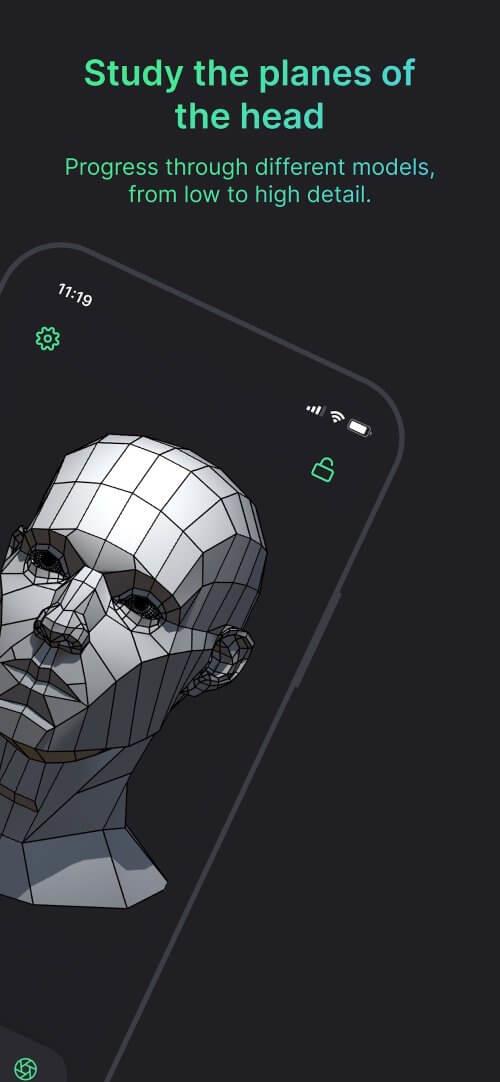
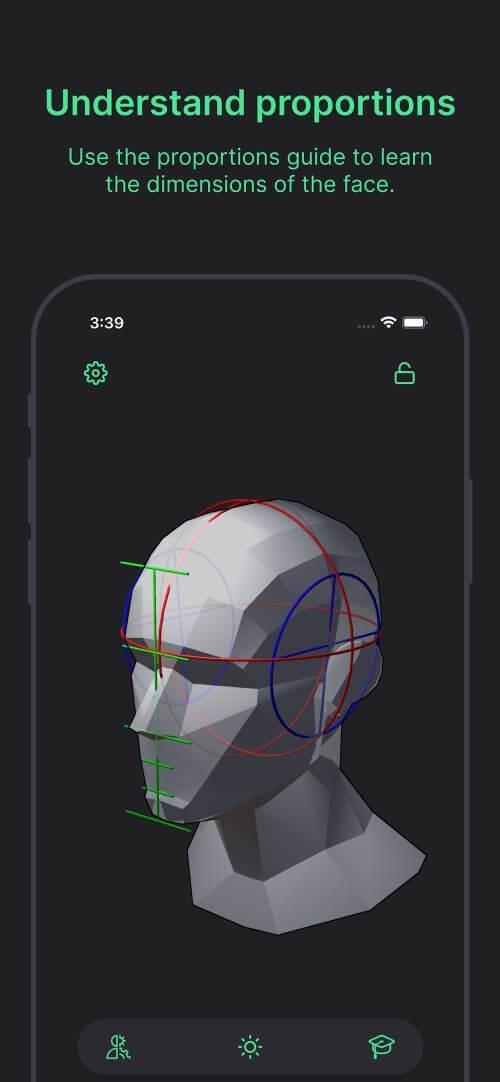
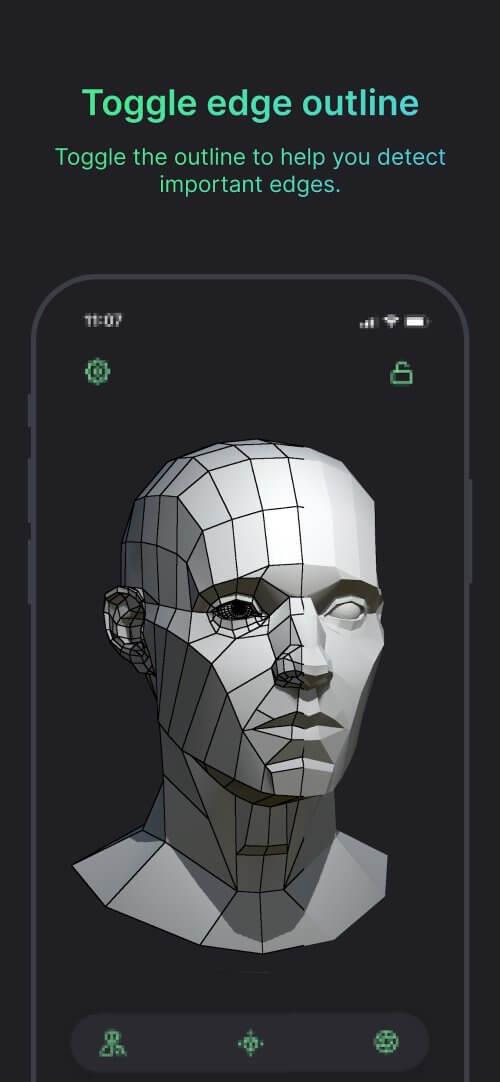
Head Model Studio is a compact yet powerful Android tool for creating, editing, and previewing realistic 3D head models on the go. Designed for artists and hobbyists, it combines a clean interface with precision sculpting controls so you can iterate facial designs quickly and export them for use in games, AR, or 3D printing.
At its core, Head Model Studio lets users sculpt and refine head geometry using touch-friendly controls. The app focuses on facial anatomy — forehead, eyes, nose, mouth, jawline and ears — while offering symmetry tools, layer-based adjustments, and simple texture painting. It supports standard export formats so models can move straight into desktop workflows or game engines.
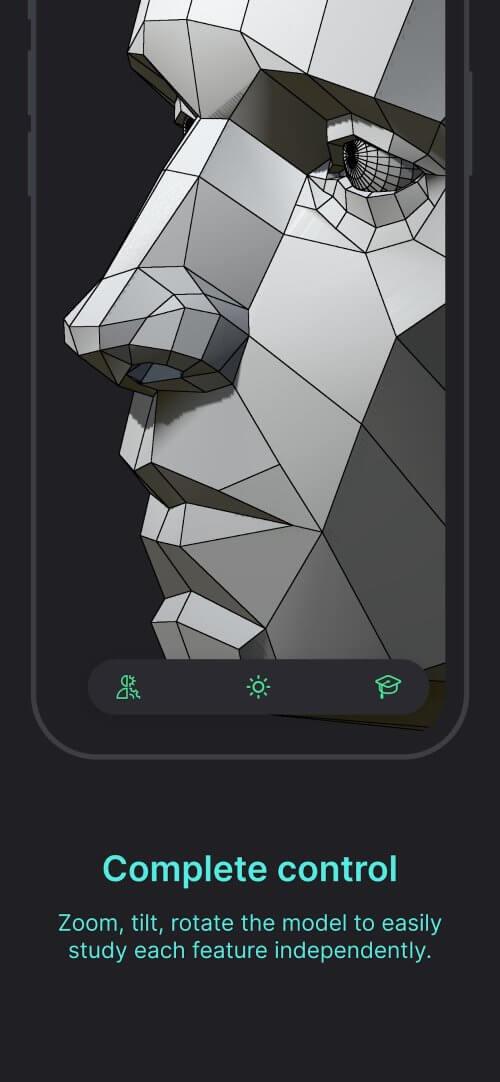
Begin with a preset base mesh or import a neutral head. Gesture tools let you shape features quickly: pinch to adjust scale, drag to push geometry, and two-finger rotates to change views. Real-time smoothing reduces rough edges and a history slider enables non-destructive editing so you can step back through versions. The app emphasizes tactile control rather than full-rigging, making it ideal for concept work and rapid prototyping.
The toolbox is organized into sculpt, detail, and paint tabs. Sculpting contains brushes with adjustable strength and radius. Detail mode exposes crease and pore tools for nuanced tuning. Painting is lightweight but useful for blocking color and testing skin tones. A smart layer stack manages visual elements so you can isolate changes or export single layers for texture refinement on desktop.
Head Model Studio includes feature sliders for age, gender, and weight distribution, helping you explore variations quickly. You can save custom presets for frequently used proportions and switch between portrait references to match likenesses. Built-in morph targets enable facial expressions for previewing how geometry responds to smiles or frowns without a full rig.
The interface prioritizes clarity on small screens: large buttons, contextual pop-ups, and a minimal HUD reduce clutter. Performance scales depending on device capability; lower-poly modes maintain smooth interaction on mid-range phones while high-detail modes unlock finer sculpting for flagship devices. Background saving prevents data loss and keeps sessions stable during extended edits.
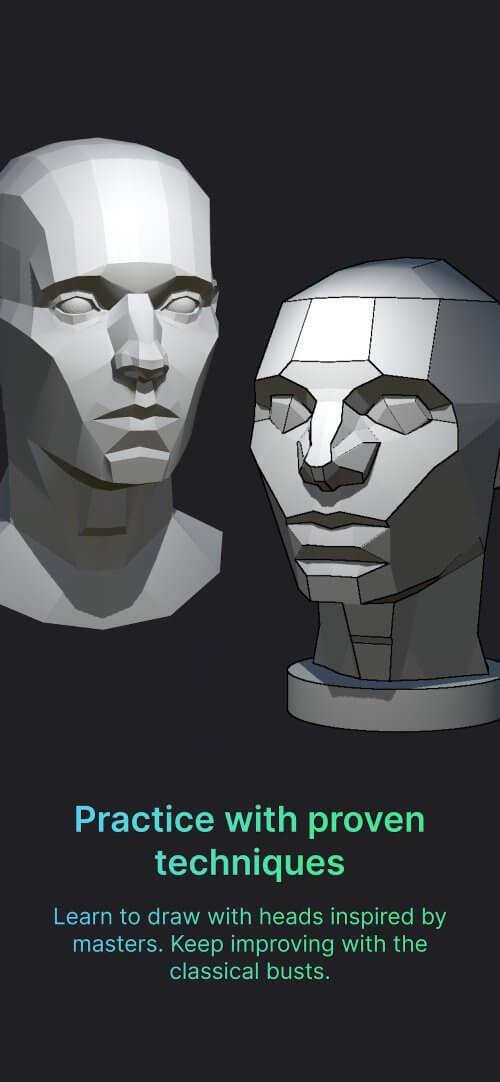
New users will appreciate the guided starter project that walks through basic sculpting and export steps. Sample reference images are included to practice proportion and symmetry. For many users, a short session is enough to produce a base ready for export to desktop refinement tools or a 3D printer slicer.
Artists choose Head Model Studio when they need a portable sculpting solution that bridges concepting and production. It’s not meant to replace a full desktop suite, but it excels at rapid ideation, reference-based refinement, and creating printable head models. Integration features and familiar sculpting metaphors reduce the learning curve for 3D newcomers and seasoned artists alike.