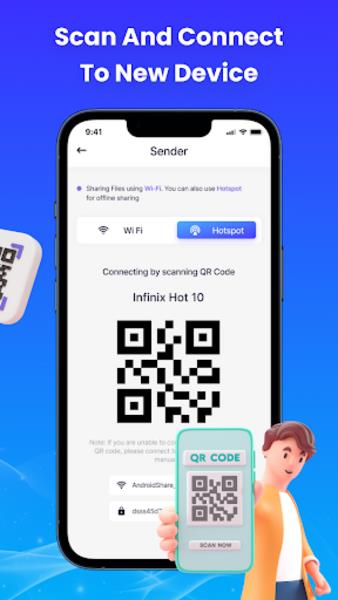
Smart Data Transfer is a lightweight Android utility designed to move files between devices quickly and safely. It simplifies copying photos, videos, contacts and documents with a minimal interface and optional encryption. Ideal for users who need fast phone-to-phone transfers without cables or cloud uploads.
Smart Data Transfer targets users who value speed and control. Instead of relying on slow cloud sync or cumbersome cables, it establishes a direct connection between devices or uses local Wi‑Fi to shuttle data. The app keeps workflows straightforward while offering enough settings for power users.
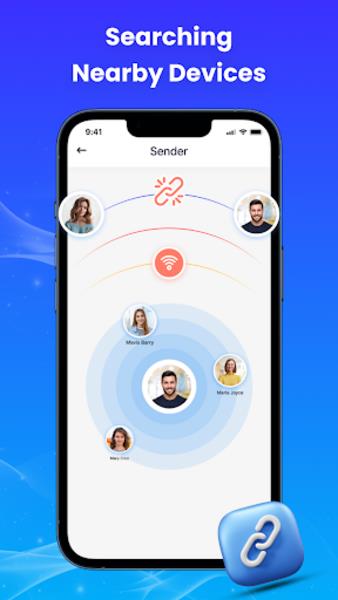
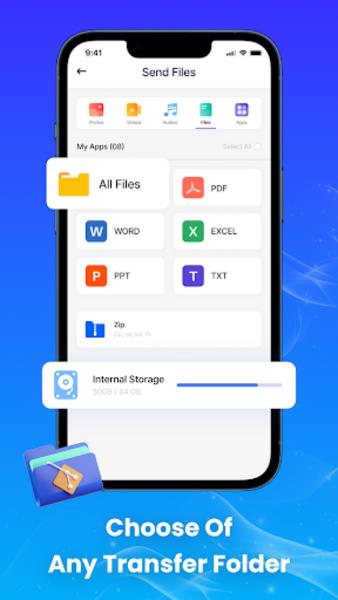
Using Smart Data Transfer begins by choosing send or receive on each device. The apps discover each other automatically on the same network, or you can create a hotspot on one device and connect the other. After selecting files, a single tap initiates a transfer session and progress is shown in real time.
The interface is uncluttered and prioritizes large tap targets, making file selection quick. Smart Data Transfer remains responsive even when moving large media libraries thanks to optimized background threads and buffer management. Transfer speeds match what local network conditions allow, and large batches are queued to avoid interrupting other device activity.
Beyond one-off transfers, Smart Data Transfer includes utilities that suit routine workflows. Scheduled backups can copy selected folders to another device overnight. The app also exports contact lists as VCF files for easy import, and supports batch app APK extraction for reinstalling on a target device.
To get the best experience with Smart Data Transfer, use a stable local Wi‑Fi connection when moving large libraries. Enable encryption for confidential data and test a small file transfer first to confirm settings. If devices struggle to discover each other, try toggling Wi‑Fi or using the hotspot method.
People pick Smart Data Transfer because it cuts out cloud fees, preserves privacy, and simplifies moving many files at once. The balance between accessible defaults and advanced options makes it suitable for casual users and tech-savvy individuals who want more control over their data flow.
Smart Data Transfer is a practical tool for anyone who frequently migrates content between devices, needs offline backups, or wants an uncluttered alternative to larger file-sharing suites.