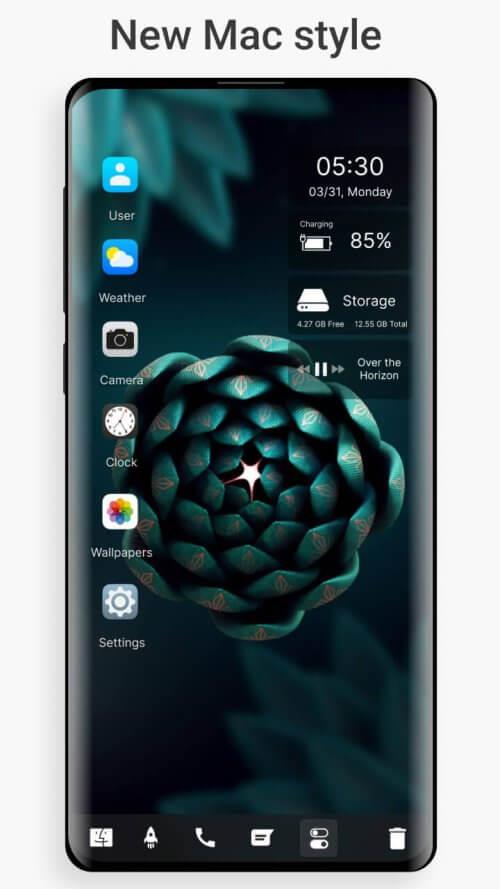
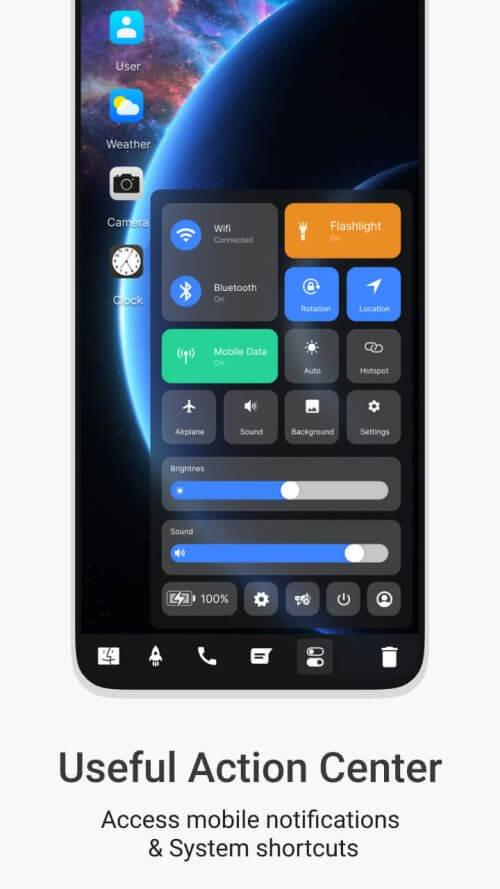
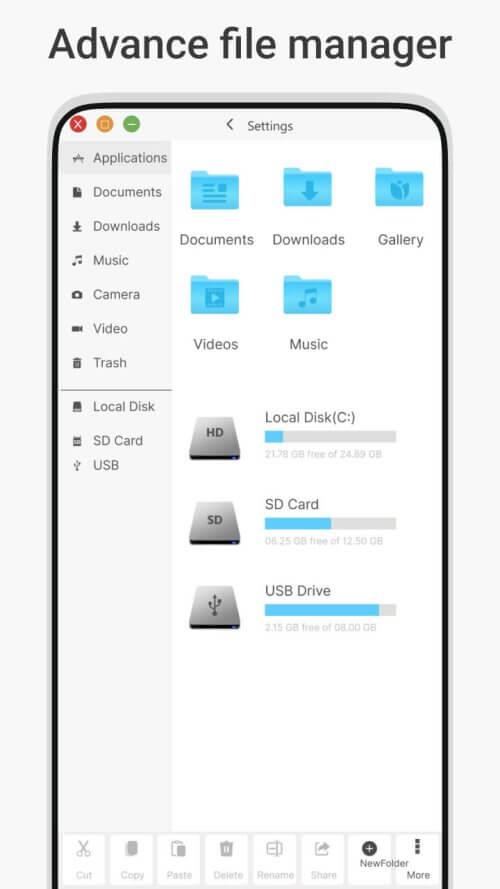
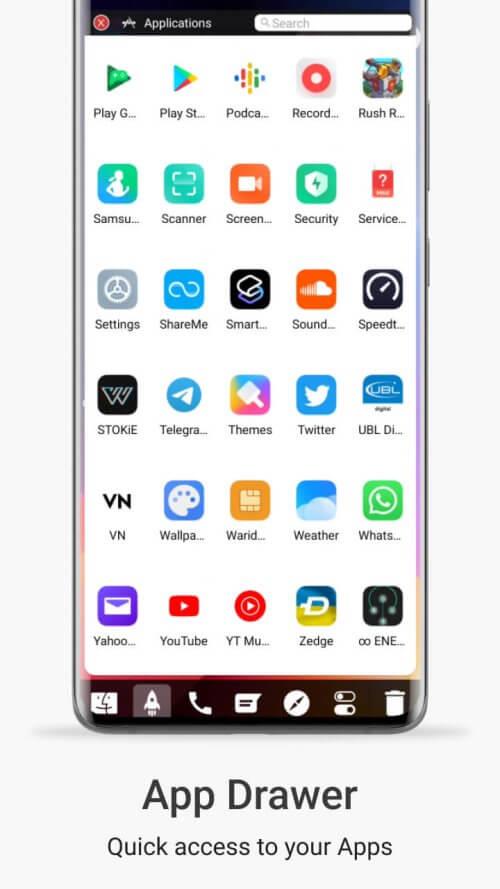
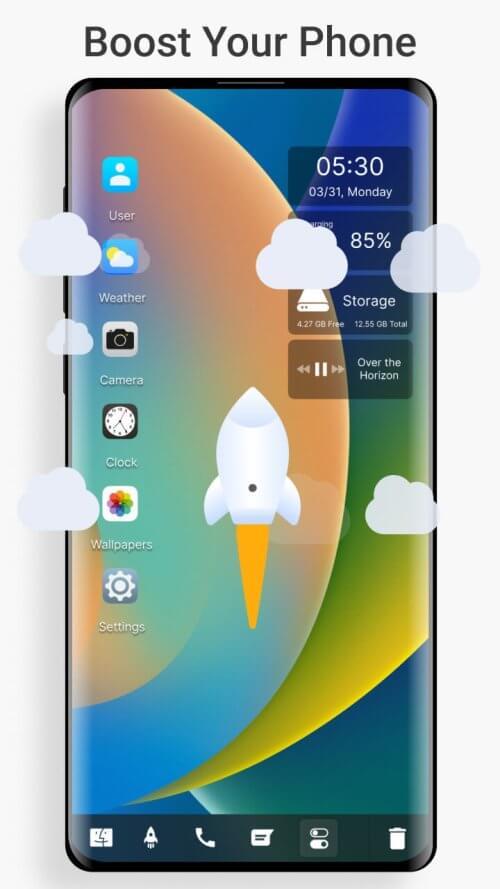
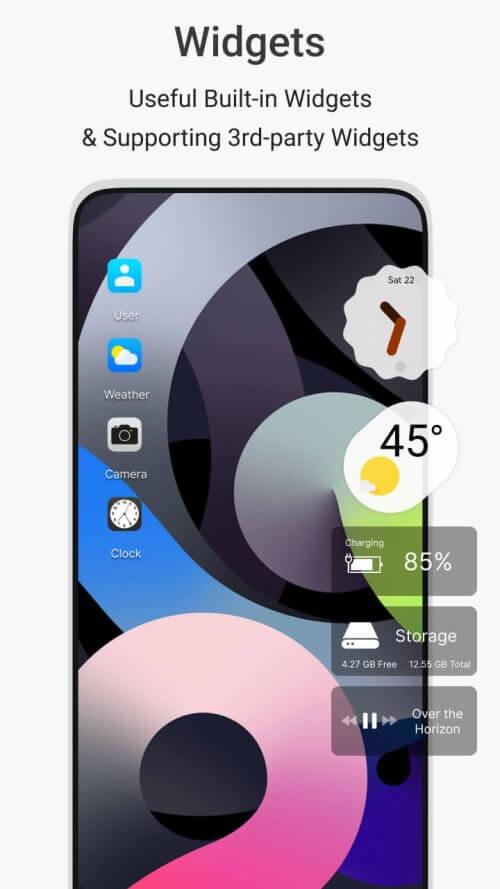
Desktop Style Launcher transforms your Android home screen into a desktop-like workspace. It brings resizable widgets, a taskbar, app groups, and windowed apps for a familiar computer-style environment on mobile. Easy to set up, it improves multitasking while keeping a clean, customizable interface for everyday use.
Desktop Style Launcher targets users who want desktop functionality on their phones or tablets. Rather than a simple icon grid, the launcher provides a consistent workflow: quick access to frequently used tools, a persistent taskbar, and flexible windowing for supported apps. The goal is to reduce friction when switching between tasks and to present a neat, organized workspace that adapts to different screen sizes.
The visual language of Desktop Style Launcher is intentionally familiar: clear icons, a compact taskbar, and layered windows that avoid clutter. Animations are subtle to keep the experience responsive. Settings let you tune icon size, grid spacing, and background blur so the interface can be minimal or richly detailed depending on preference.
Personalization is central to the launcher. You can alter the taskbar location and transparency, choose between multiple themes, and customize gesture actions for quick commands. Layout presets make it simple to switch between phone-like and tablet/desktop configurations. Advanced users will appreciate icon pack compatibility and a range of shortcuts to automate common workflows.
Desktop Style Launcher is designed to be lightweight; it prioritizes smooth animations and low memory overhead. Windowed apps run as adapted activities, and the launcher keeps background processes minimal. Compatibility is broad, though certain manufacturer skins and security settings can affect how floating windows behave. The app includes guidance to adjust permissions and battery settings for best performance.
For productivity, the launcher shines when handling multitasking scenarios. Drag-and-drop between split windows, quick-access file shortcuts, and pinned notes reduce context switching. Users who rely on email, messaging, and document editing will find the persistent taskbar and window controls especially helpful for maintaining focus without losing access to other apps.
Installation is straightforward: set Desktop Style Launcher as your default home app, grant the necessary permissions for overlays and notifications, then choose a layout preset. A brief onboarding guide walks through pinning apps, creating desktop folders, and enabling window mode. Most users are ready to customize within a few minutes.
Desktop Style Launcher appeals to users who want more control over their Android environment and a productivity-oriented interface. It balances customization with performance and provides a clear path from a traditional mobile layout to a desktop-inspired workspace. Whether you use your device for work, study, or creative tasks, the launcher offers tools to streamline everyday routines.