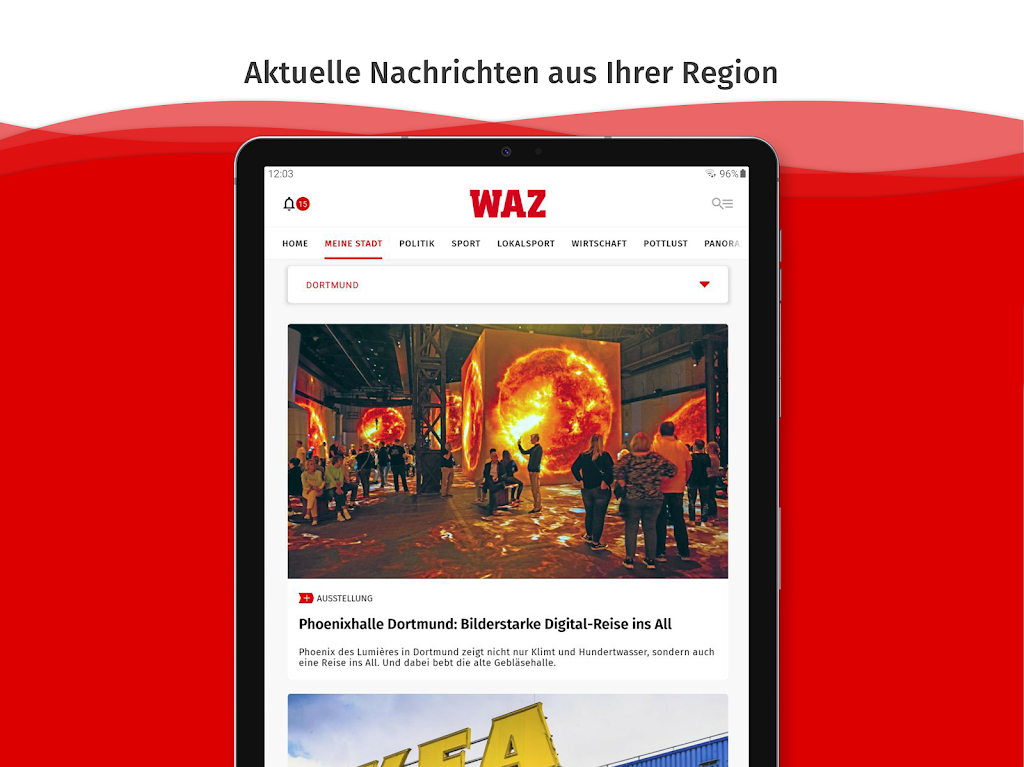
WAZ News delivers a streamlined way to follow headlines, local reports, and global stories from a single Android app. It combines customizable news feeds, clear navigation, and fast updates so readers can discover, save, and share reliable reporting without clutter or long load times.
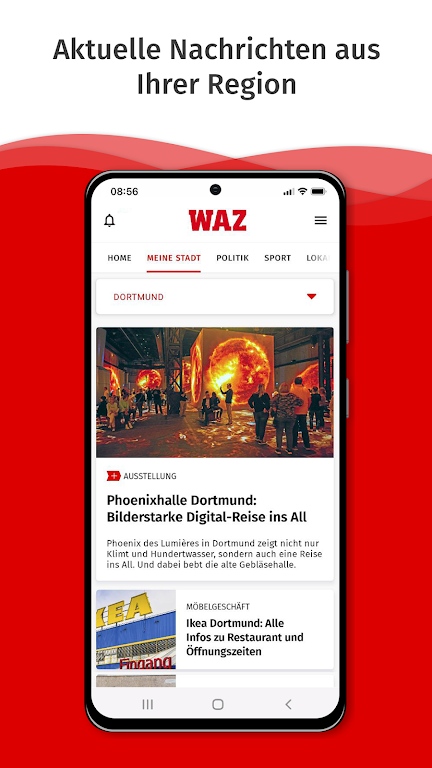
WAZ News focuses on delivering timely articles across categories like politics, business, technology, sports, and culture. The app provides a personalized home feed that adapts to reading habits, curated editor picks for important developments, and topic collections for in-depth coverage. Built-in search and topic filters make it easy to find background information and follow ongoing stories.
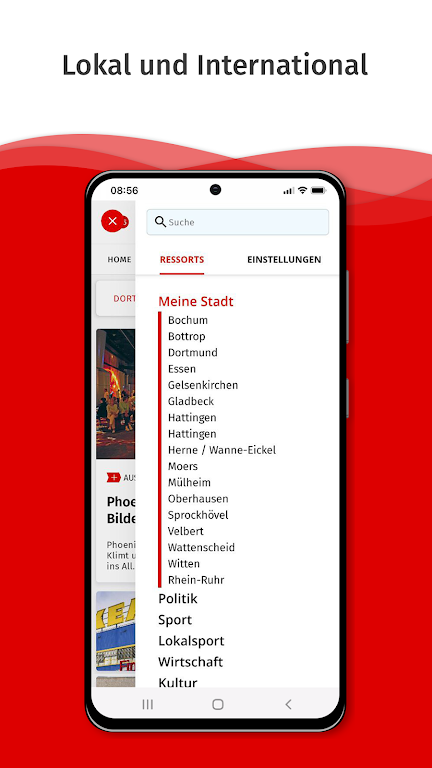
Users can tailor the experience by selecting preferred sources, topics, and regions. WAZ News supports push notifications for breaking news and customizable alert levels so you only get notified about items you care about. Quiet hours, keyword mute, and alert frequency options help reduce noise while keeping you informed on high-priority events.
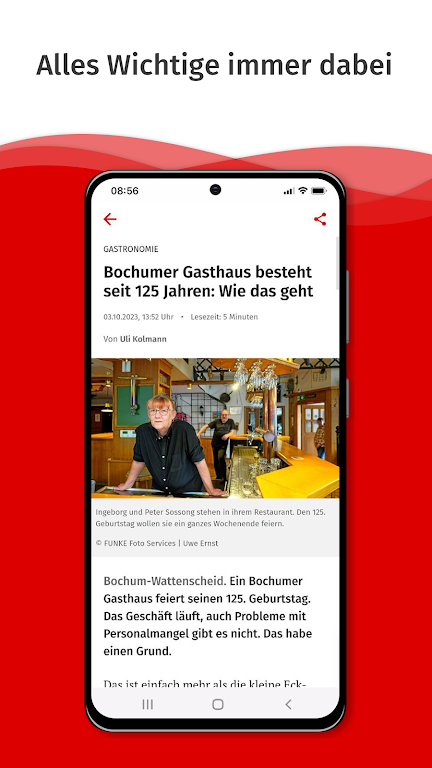
The design emphasizes readability and quick access. Articles are presented with clear typography, adjustable font sizes, and distraction-free reading modes. The bottom navigation bar gives one-tap access to Home, Topics, Bookmarks, and Profile sections. An adaptive layout reflows content for different screen sizes and orientations, making long reads comfortable on phones and tablets.
Beyond the main feed, WAZ News includes a Discover tab that surfaces trending stories, local updates based on location, and editorially curated series. The app integrates multimedia — photos, video clips, and interactive timelines — to give context to breaking events. Cross-referenced links and timelines allow readers to trace developments over time without leaving the article view.
For commuters and travelers, offline reading options let you download articles for later access. The reading list supports folders and tags so saved items remain organized. Automatic cleanup settings help manage storage by removing items after a set period. Downloads can be restricted to Wi-Fi to prevent mobile data overuse.
WAZ News is designed to be lightweight and responsive. Optimized background updates reduce battery drain, and adaptive image loading preserves bandwidth on slow connections. The app is compatible with the majority of modern Android devices and includes accessibility features such as screen reader support, high-contrast mode, and scalable text for users with visual impairments.
Sharing tools are embedded throughout the interface so articles and excerpts can be quickly posted to social media, sent via messaging apps, or exported as links. The app also supports collaborative features like shared reading lists and the ability to forward curated collections to contacts, making it useful for teams that track industry news or for families following local updates.
Privacy controls let users manage data and tracking preferences with clear toggles for personalization, analytics, and location services. WAZ News offers an in-app explanation of what data is collected and why, plus options to clear history and saved preferences. Login methods include email, phone number, and third-party accounts with a transparent approach to authentication and session management.
Begin by installing the app and choosing topics you want to follow during the guided onboarding. Customize notification settings and connect accounts if you want to sync bookmarks across devices. Spend a few minutes curating your feed to improve relevance, and explore the Discover tab to find in-depth series and local stories.
For readers who value a clean interface, fast updates, and personalized coverage, WAZ News offers a practical solution to stay informed. Its combination of offline reading, robust sharing, and accessible design make it suitable for both casual readers and professionals who need a reliable news companion on Android devices.