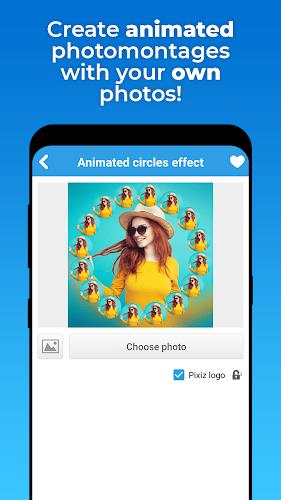



Pixiz - Collage Maker is a versatile photo editor that combines layout tools, filters, and stickers to help you craft polished collages quickly. Designed for mobile users, the app offers drag-and-drop composition, preset templates, and flexible export options to share creations across social platforms.
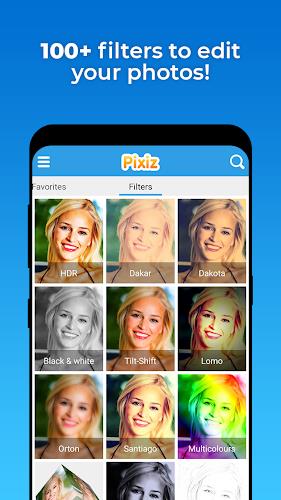
Pixiz - Collage Maker focuses on practical, fast tools that make photo arranging simple. You can choose from dozens of grid and freestyle layouts, apply one-touch filters, and add decorative elements like stickers, text, and frames. The app also supports background replacement, adjustable borders, and layer control so pieces stack exactly how you want them.
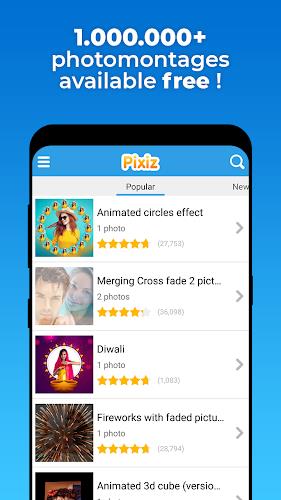
The interface prioritizes clarity: a central canvas with a bottom toolbar gives quick access to templates, edits, and assets. Import images from the gallery or capture new shots with an in-app camera. Dragging corners resizes images while intuitive gestures rotate and reposition. Real-time previews update as adjustments are made, keeping the creative flow uninterrupted.
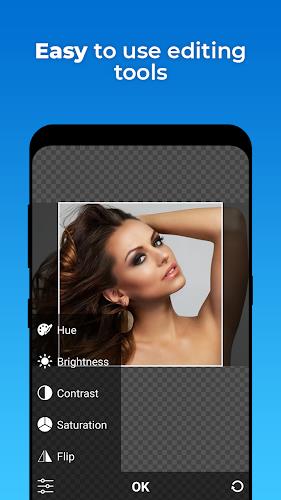
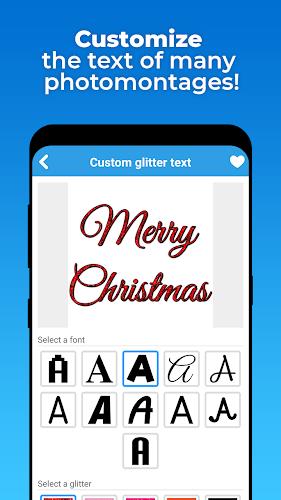
Beyond simple arrangement, Pixiz - Collage Maker packs useful editing features usually found in standalone photo editors. Fine-tune exposure, contrast, and saturation, or use selective blur and sharpening to emphasize details. The text tool provides a library of fonts and alignment controls, and stickers come in themed packs for seasonal or branded designs. There’s also a healing brush for minor blemish removal.
Templates accelerate production when you need a polished result quickly. Use social-ready templates sized for Instagram, Facebook, Stories, and thumbnails, then customize spacing, aspect ratio, and color palettes. For users who prefer full control, the freestyle canvas removes grid constraints so you can layer photos, shapes, and text without limits.
When your collage is complete, export settings let you balance image quality with file size. Choose JPG or PNG formats and pick resolutions suited for web or print. Built-in sharing shortcuts connect directly to messaging apps and social networks, and saved projects can be reopened for later edits. Batch export is available for creating multiple sized assets at once.
Optimized for modern Android devices, Pixiz performs smoothly on both mid-range and flagship phones. Memory management reduces lag when working with multi-image projects, and incremental autosave prevents data loss. The app supports a wide range of image formats and works well on both portrait and landscape orientations to suit different workflows.
Start with high-resolution photos to maintain clarity after cropping. Use templates for consistent branding, then tweak spacing and color accents to match your palette. Experiment with layer blending and selective adjustments to create depth. Save custom templates for recurring projects to speed future work.
After installing Pixiz - Collage Maker, grant access to your media library so images can be imported. Tap Create, select a template or freestyle canvas, and add photos from your device or camera. Explore the Effects and Stickers panels to apply finishing touches, then use Export to save or share. The app’s guided hints help new users discover advanced tools without interrupting the creative process.
Pixiz balances approachable design with robust editing options, making it suitable for quick social posts and more refined graphic tasks. Its combination of templates, fine-tuning controls, and reliable export features gives users a single app for most collage and layout needs, reducing the need to switch between multiple editors.
Ready to assemble your next visual story? Pixiz - Collage Maker streamlines the process while keeping creative control in your hands.