
Deep Bass Booster & Subwoofer is a compact audio utility designed to strengthen low-frequency sound so music, movies and games feel richer and more impactful; this editor review outlines how the tool applies subwoofer-style processing, adjustable boost and sensible safeguards so you get deeper low end from headphones or small speakers without complex setup or unwanted distortion.
The core processing in Deep Bass Booster & Subwoofer focuses on perceived warmth rather than raw volume. Instead of merely raising levels across the board, the app uses frequency-targeted enhancement and phase-aware blending to add weight and presence without grossly altering the overall mix. That approach helps preserve vocal clarity and midrange detail while giving bass instruments and effects a fuller, more tangible texture. Processing is applied in real time so changes are audible immediately during playback.
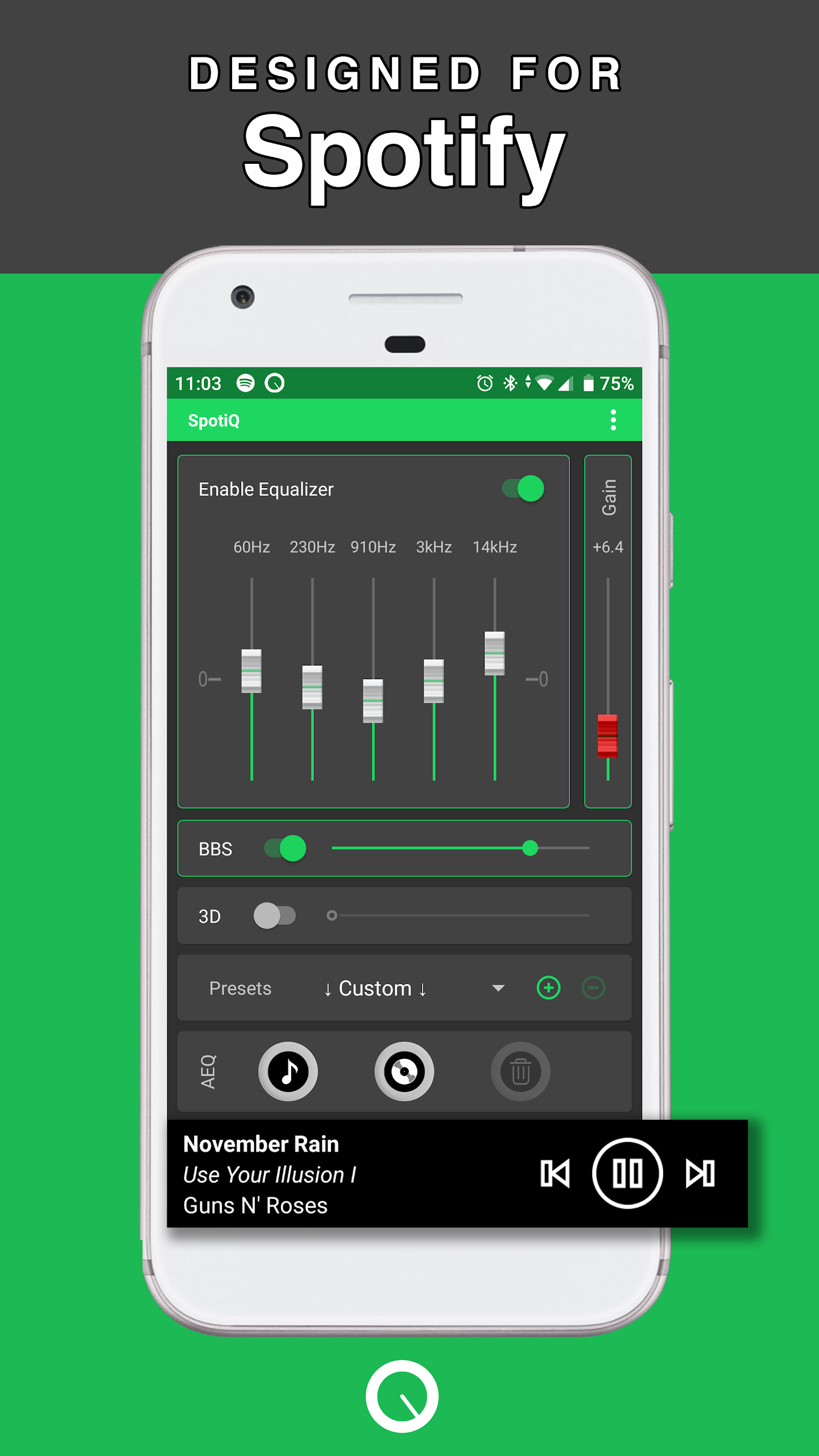
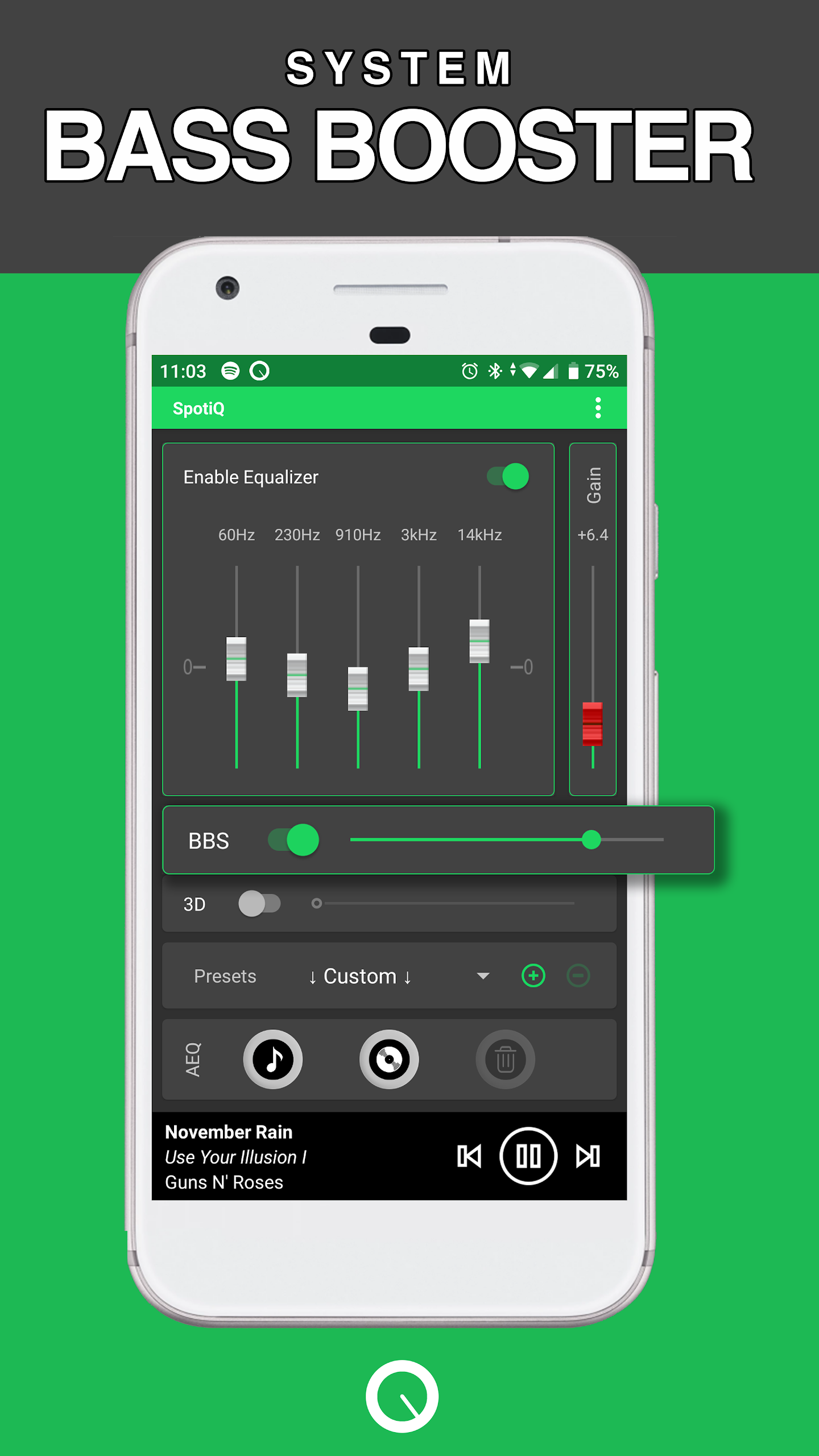
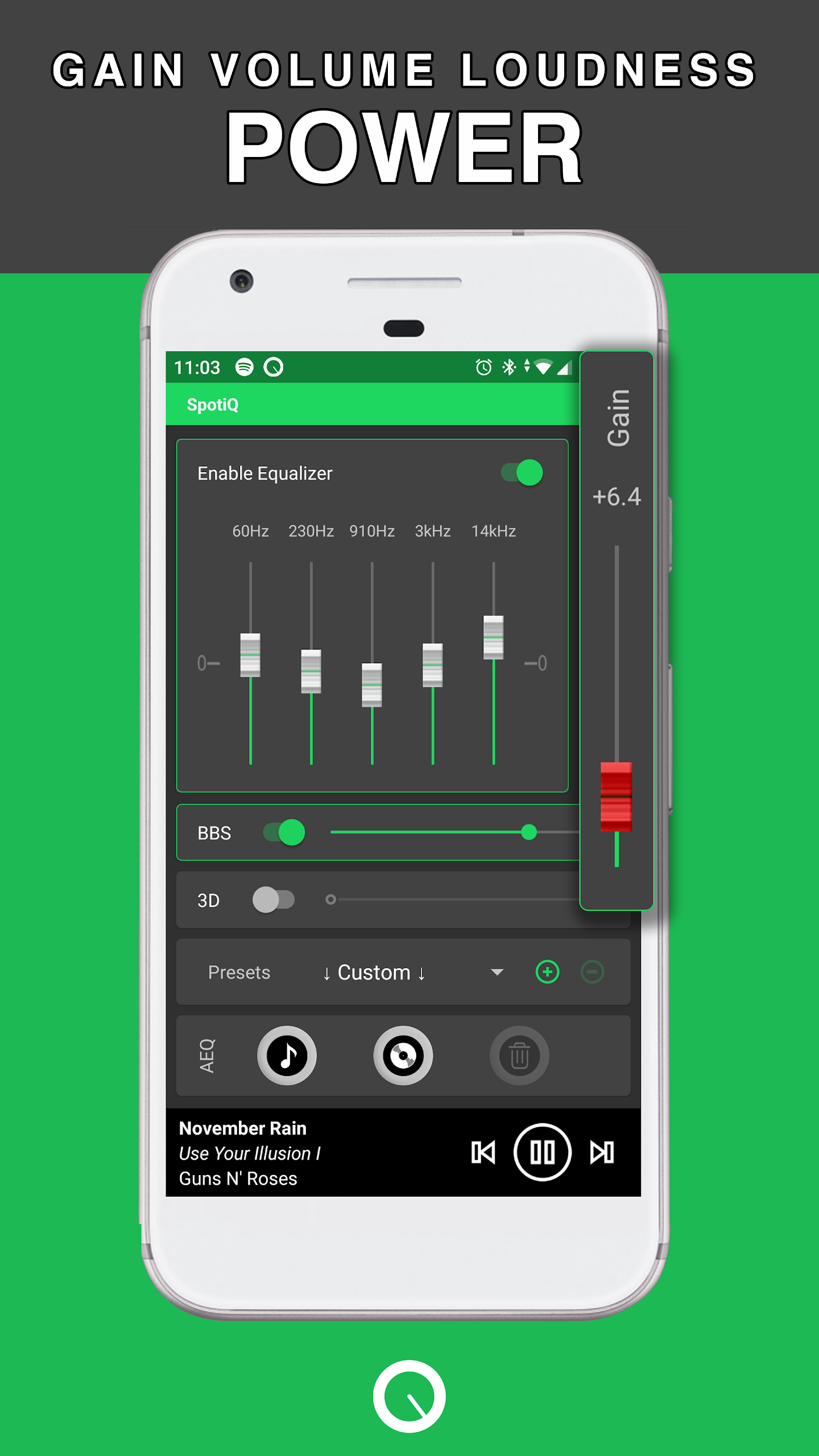
Controls are intentionally straightforward but expressive: primary sliders control the amount of bass boost and the subwoofer effect intensity, while secondary controls let you emphasize particular low-frequency bands and adjust the wet/dry mix between processed and original signals. An output limiter and visual meter provide practical feedback to prevent clipping on weaker hardware, and on-the-fly adjustments are reflected instantly so you can tune settings while listening. The interface favors tactile, predictable responses rather than nested menus, making precise tuning accessible to nontechnical users.
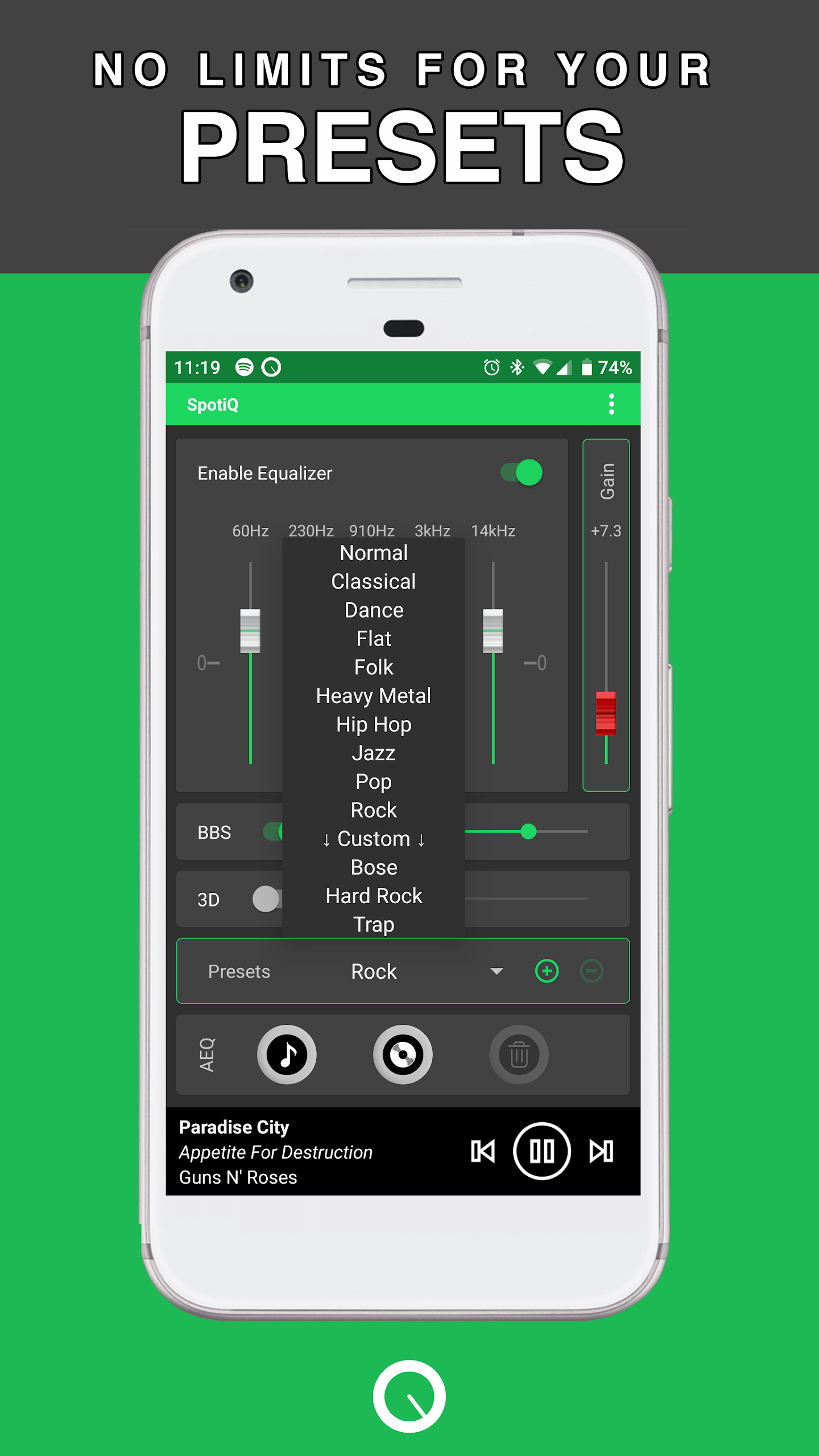
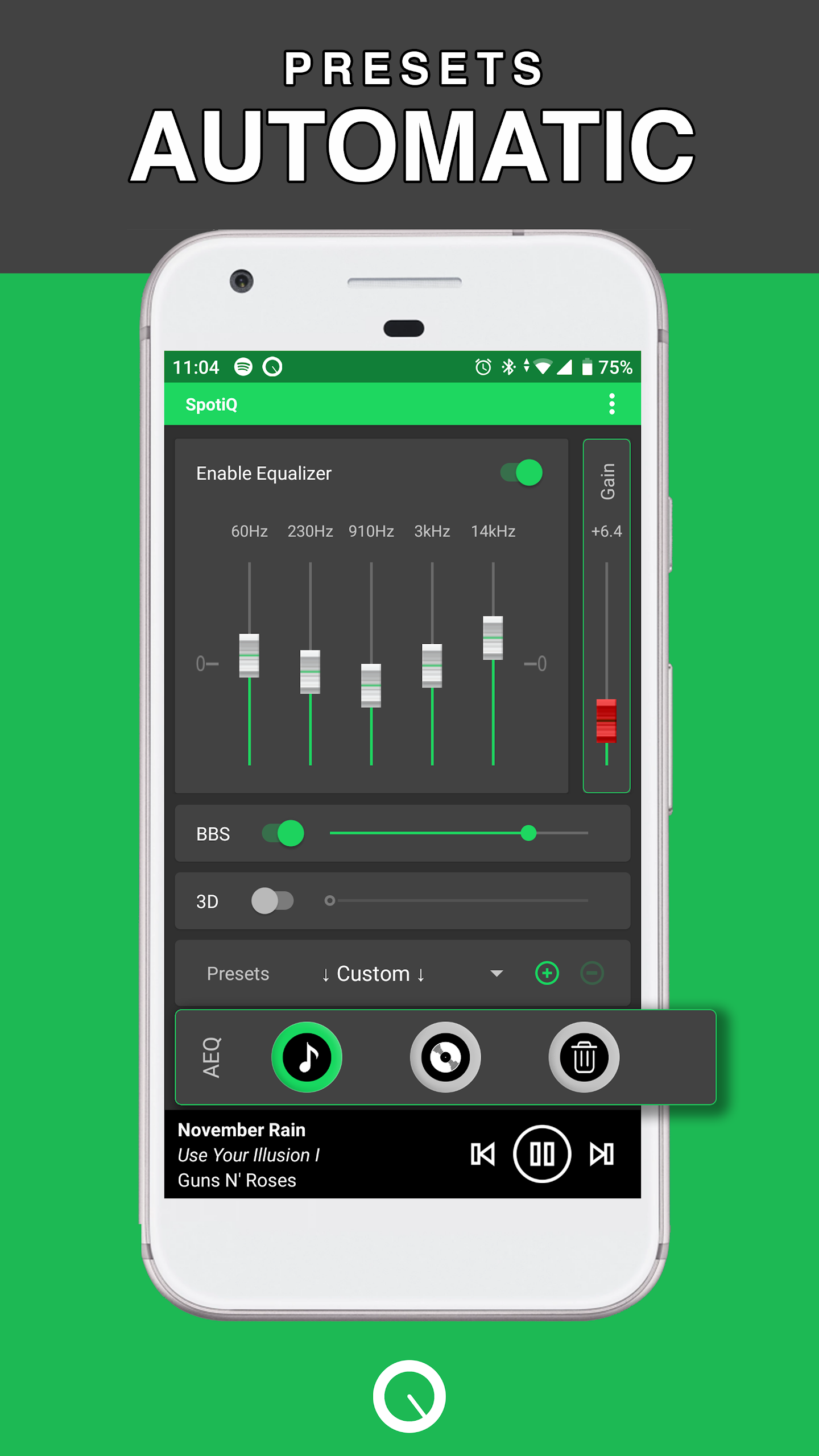
The app offers a set of built-in presets that serve as starting points for different content types—music, movies, podcasts and gaming—each tuned for common listening scenarios and device classes. These presets create a simple progression system: as you try them, you can save personalized profiles for specific headphones or speakers, progressively refining settings as you become familiar with your hardware’s response. Saved profiles can be named and recalled quickly, helping you move between quiet listening, bass-heavy tracks and cinematic playback without repeated reconfiguration.
Instead of gamified levels, the app provides stepped intensity levels and frequency-shape options that act like a level structure for sound enhancement. Beginners can start at low-intensity presets and move up as they learn the trade-offs between added punch and potential distortion. The practical challenge is balancing perceived loudness and clarity: higher boosts reveal more sub-bass but also demand attention to the limiter and meters to avoid muddiness. The design encourages gradual experimentation rather than one-time maximum settings.
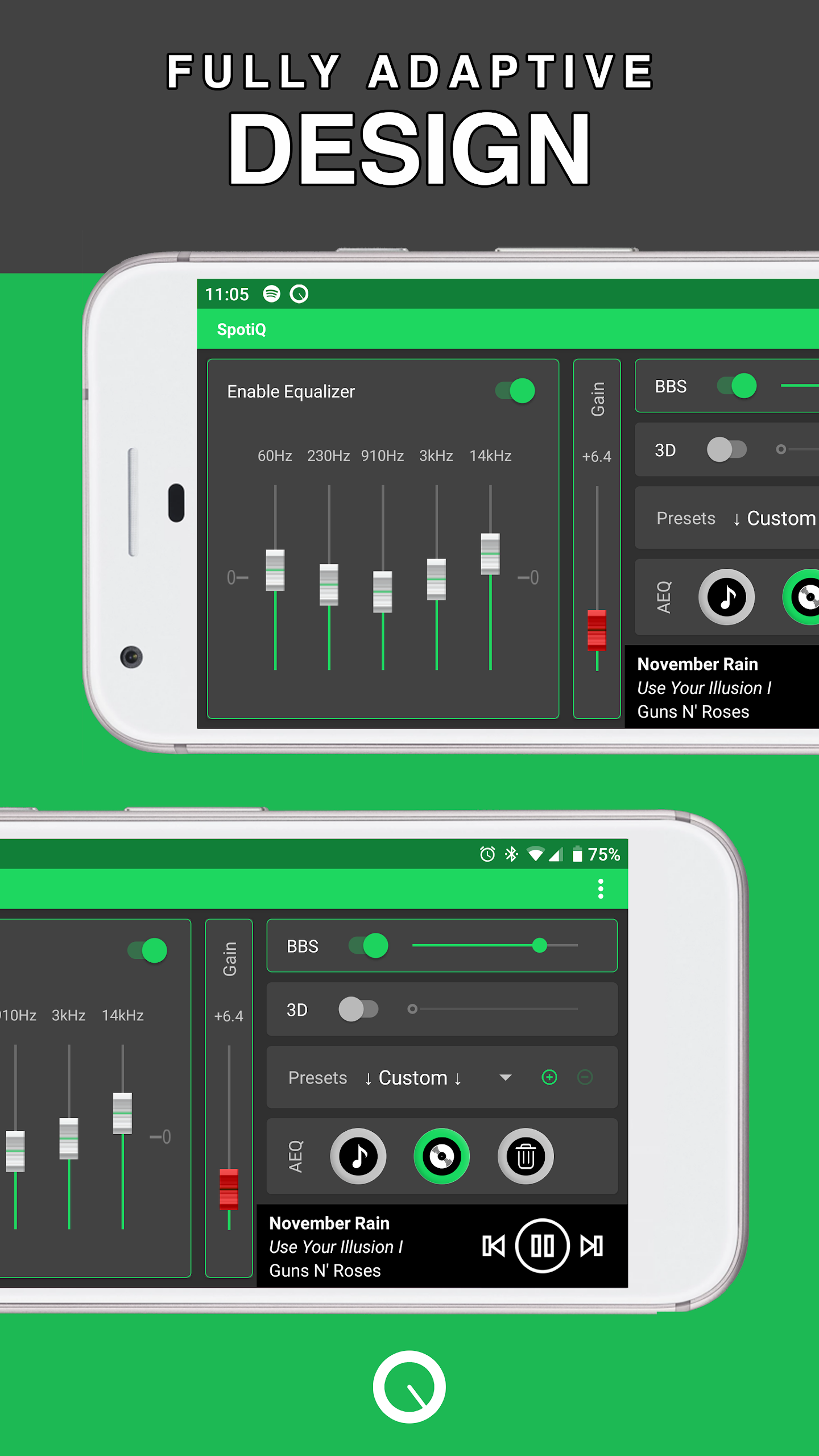
Visually, the app favors a clean, uncluttered layout with clear labels and tooltips that explain each control in plain language. High-contrast elements and sizable sliders improve usability in varied lighting conditions, and responsive meters provide both visual confirmation and timing cues for adjustments. These choices support accessibility by reducing reliance on small text or complicated equalizer charts, making the app approachable for users with different levels of hearing or technical experience.
Processing runs locally on the device, so Deep Bass Booster & Subwoofer works offline without sending audio to external servers. Performance impact is proportional to the processing intensity: modest boost settings are lightweight and conserve battery, while aggressive subwoofer simulation uses more CPU and power. The app is designed to be broadly compatible with common Android media players and should integrate smoothly with most playback apps, but final results depend on headphone and speaker characteristics.
Replay value comes from experimenting with profiles across genres and listening environments: subtle adjustments often reveal bass detail previously masked, and saved profiles let you quickly compare settings. For best results, start with conservative boost levels and increase gradually while watching the meters for clipping. Pair the app with medium- to large-driver headphones or external speakers for the most noticeable improvement; remember that software processing can enhance perception of depth but cannot fully recreate the physical output of a dedicated subwoofer at very high volumes.
This editor recommends Deep Bass Booster & Subwoofer as a practical solution when you want fuller, punchier low end without external hardware. It is most suitable for casual listeners who want quick, reliable improvements and for users who prefer a straightforward interface over complex equalizer suites. While the app enhances perceived bass and can simulate a subwoofer-like effect, users should expect improved perception rather than exact replication of large subwoofer dynamics.
When using Deep Bass Booster & Subwoofer, take time to build a set of saved profiles for the different devices and content types you use most often. The combination of immediate feedback, profile progression and clear controls makes it easy to refine your listening experience incrementally, whether you are enhancing electronic music, adding punch to film soundtracks or making game audio cues feel more immersive.