MEME Maker: MEME Creator is a compact and user-friendly Android app for producing shareable memes quickly. It combines template libraries, text tools, and image editing in a fast workflow, letting casual creators and social media managers craft humorous or on-brand visuals in moments without complex photo-editing software.
MEME Maker: MEME Creator focuses on speed and simplicity. The app prioritizes a minimal learning curve so users can pick a template, add captions, and export a finished image within minutes. It supports common image formats and offers built-in resizing for social networks to streamline posting.
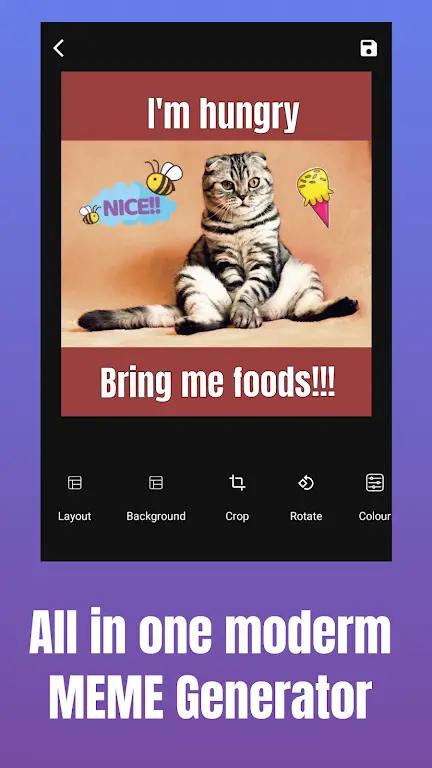
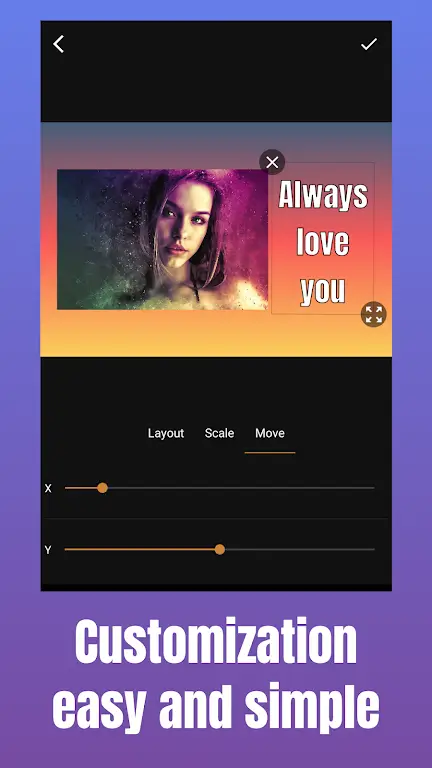
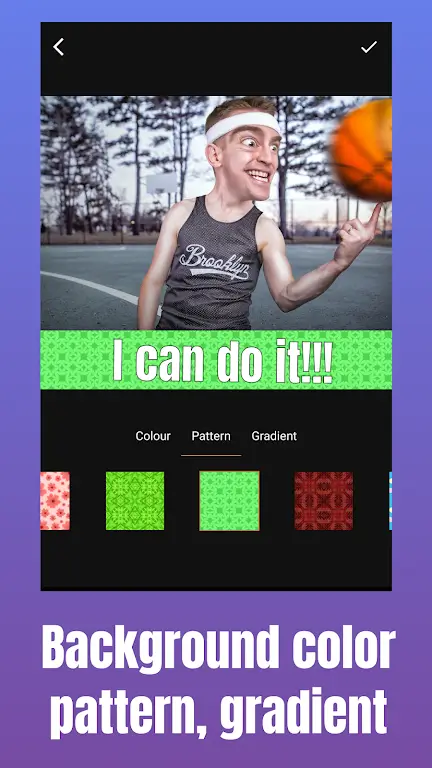
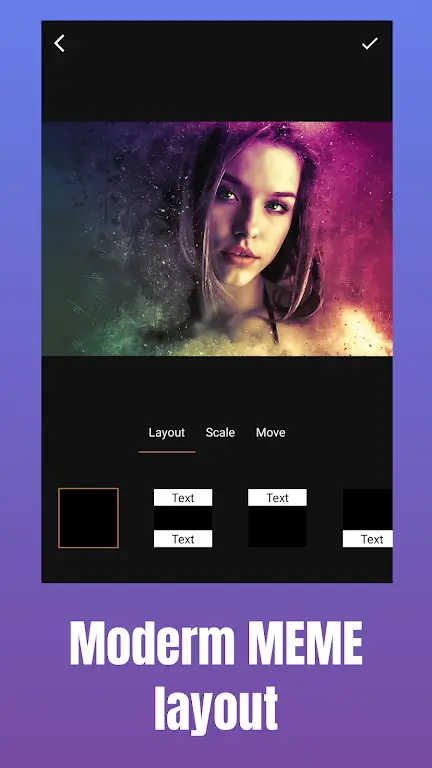
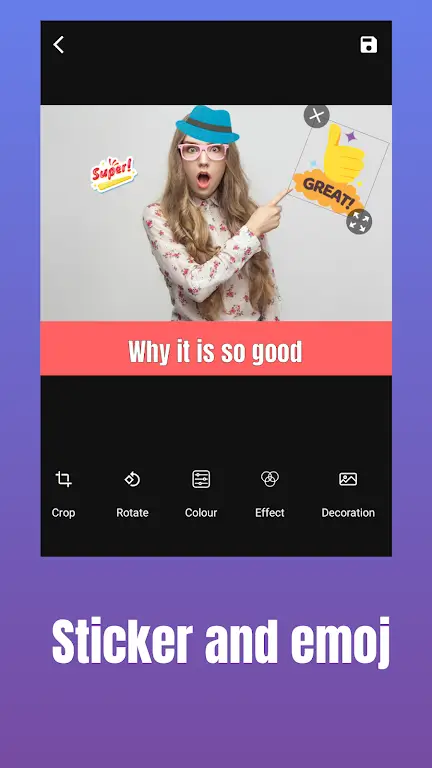
The toolset is practical and well organized. Key elements include an extensive template gallery, adjustable text boxes with font sizing and color controls, and an intuitive sticker and emoji palette. Layers are handled transparently: you can move or lock elements, and the alignment guides help position captions precisely.
Starting a new meme is a three-step workflow: choose a background or upload a photo, add and style text, then export or share. MEME Maker: MEME Creator keeps the canvas responsive so edits appear immediately. Undo/redo history and a duplicate function make experimenting low-risk.
Beyond standard captioning, the app offers fine-grained controls like text outlines, shadowing, and letter spacing to create distinct visual tones. You can crop images to custom aspect ratios and apply quick filters to adjust contrast and saturation. A save-as-template feature lets creators reuse complex layouts.
The interface follows familiar mobile design patterns: a bottom toolbar for editing tools, a left-side asset browser, and a preview toggle. Animations are subtle and the UI remains smooth on midrange devices. Export times are short and files retain high fidelity suitable for uploads to messaging apps and social platforms.
Export options include JPEG and PNG with selectable quality levels. Direct sharing links to popular platforms are integrated, and images can be sized for feeds, stories, or custom placements. MEME Maker: MEME Creator also supports saving projects locally so users can return to edits later.
Content creators, community managers, and casual social users will find the app useful. It reduces the friction of producing frequent visual content and supports a rapid iteration loop for meme-driven campaigns. Power users can combine templates and templates-to-project workflows for bulk creation.
Frequent maintenance updates address bug fixes and add new assets. The app is designed to be lightweight, minimizing storage footprint while keeping media quality high. Offline editing works as long as assets are stored locally, making it practical when connectivity is limited.
For a consistent social presence, establish a small library of brand-safe templates inside MEME Maker: MEME Creator. Use the copy-and-edit approach to maintain visual continuity across posts and reduce the time spent on individual images. Schedule creation sessions to build a backlog for future posting.
Installation is straightforward from the Android app store. Upon first launch, a short guided tour highlights the main tools and how to save projects. Permissions are limited to media access for importing photos; users retain control over where exported files are stored.
MEME Maker: MEME Creator balances design flexibility with fast results, making it a solid choice for anyone who wants to produce high-quality memes without steep learning curves. Regular asset updates and simple export settings keep it aligned with the needs of social media workflows.