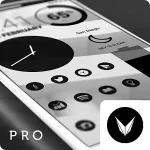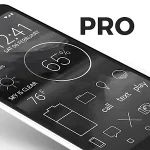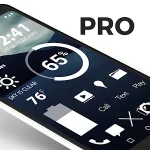
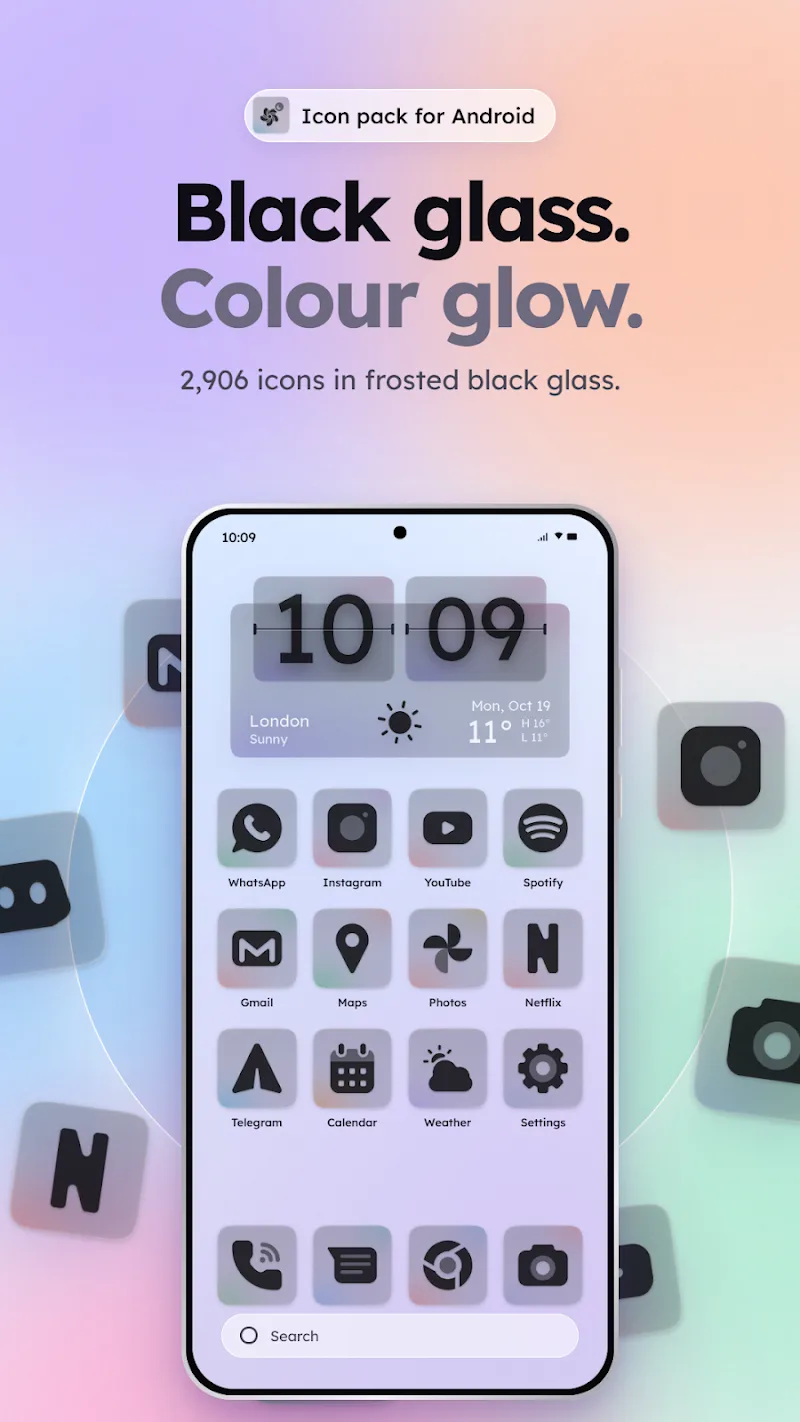
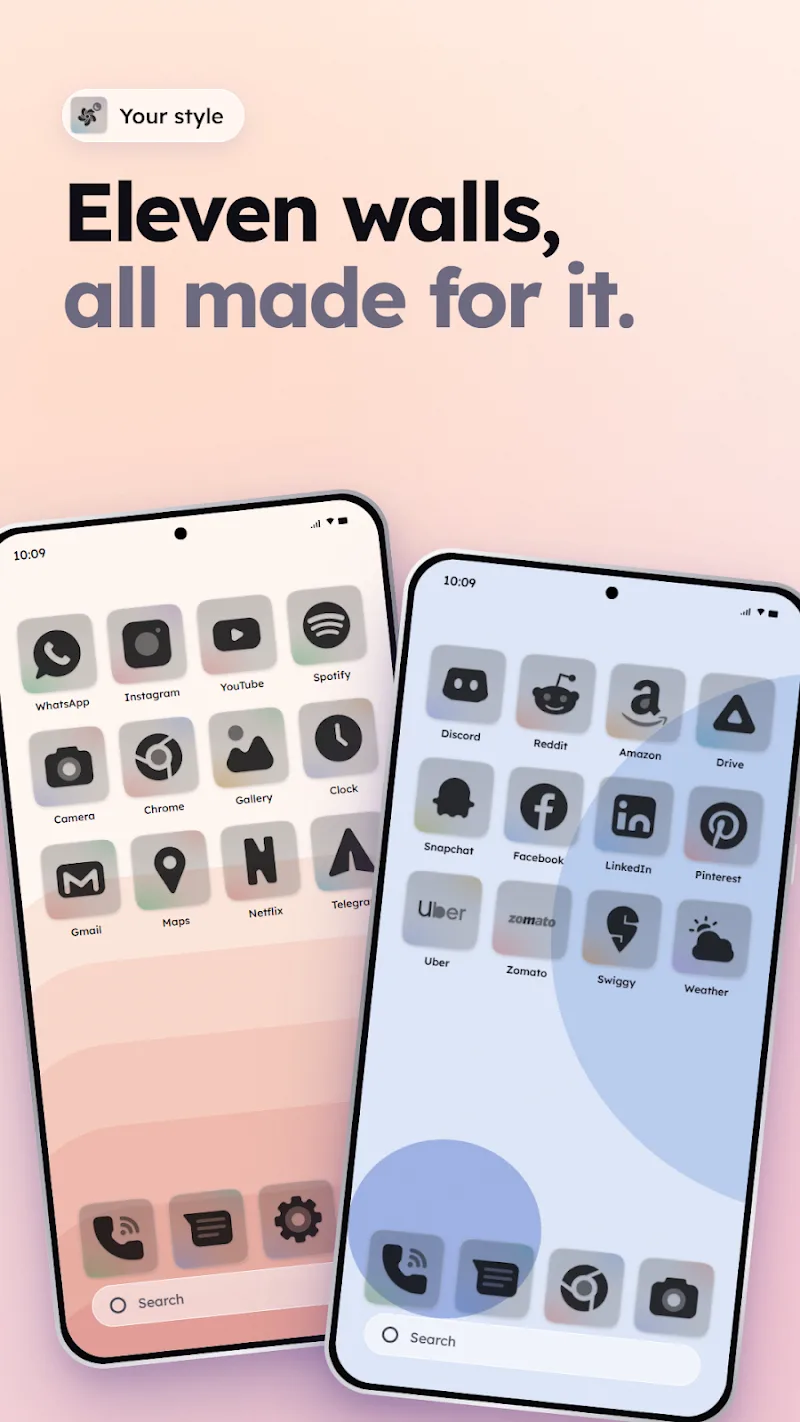
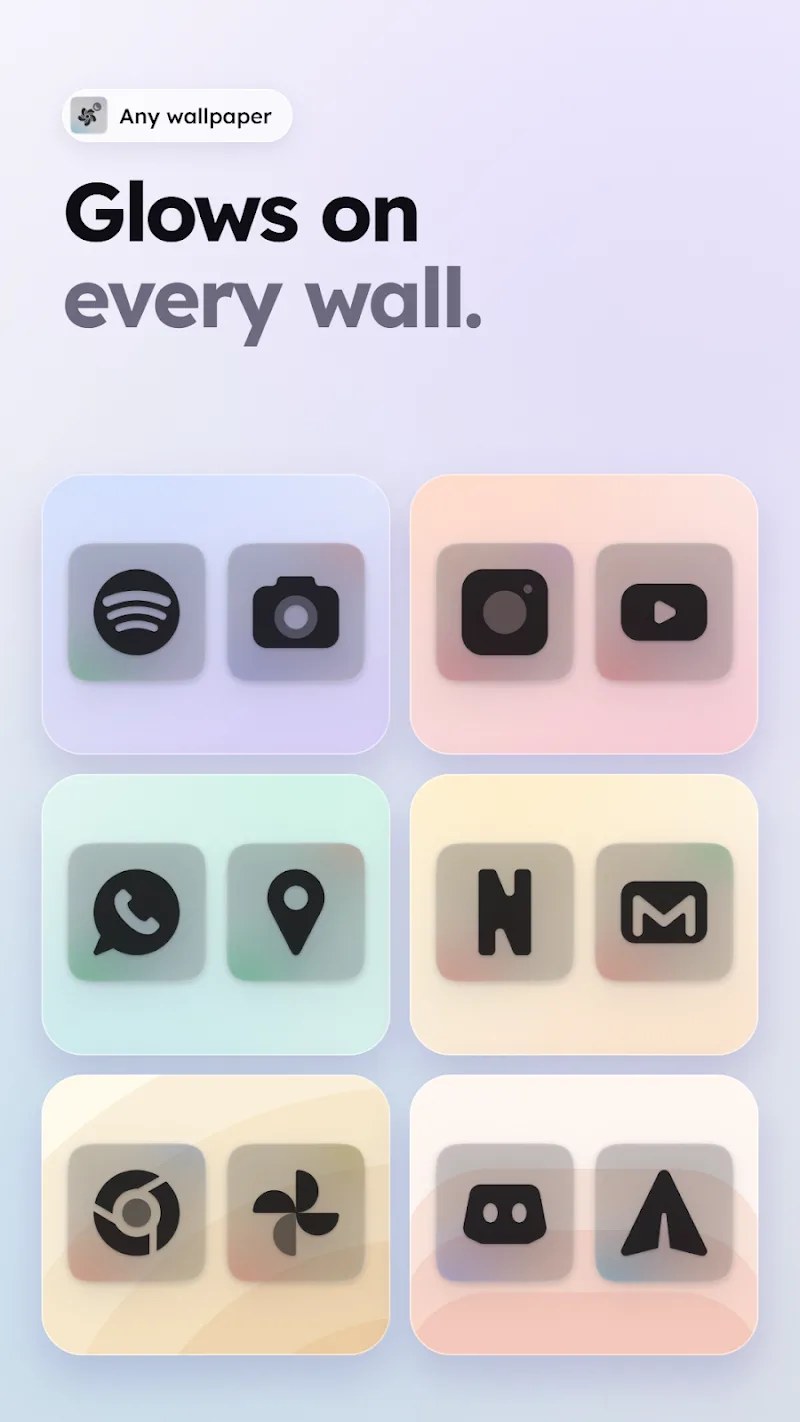
For users who prefer a tidy, modern home screen, Clear Dark Glass Icon Pack offers a cohesive set of dark, frosted icons that help apps blend into a minimalist aesthetic. This icon pack focuses on muted tones, subtle glass effects and rounded shapes to give your launcher a consistent, refined look while keeping individual icons readable. It works with many popular launchers and includes options for manual matching and wallpaper pairing so you can tailor the style to daily use.
Install and apply: Download the package and open the icon dashboard; select your preferred launcher from the list and tap apply. Most supported launchers will replace app icons automatically so you can see the new look instantly.
Manual icon replacement: If an icon doesn't change automatically, long-press the app on your launcher, choose edit or change icon, then pick the matching Clear Dark Glass Icon Pack glyph from the gallery to keep the theme consistent.
Practical scenarios: For commuting, choose a dark wallpaper and apply a compact widget to reduce visual clutter; for work profiles, create a second home screen page with slightly brighter accents to separate personal and professional apps while retaining the pack's glass motif.
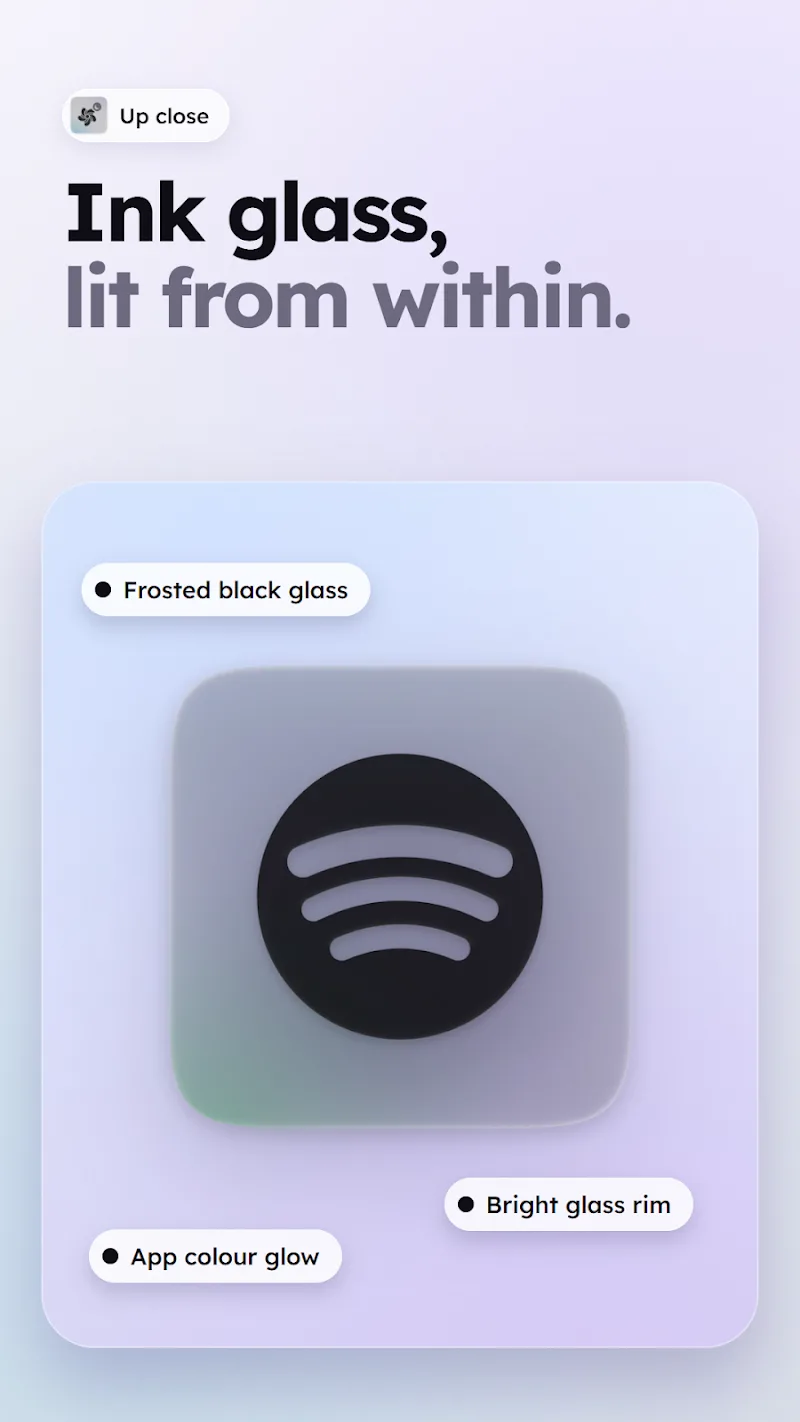
Dark frosted glass look: The icon set uses translucent layers and soft highlights to simulate a glass surface, giving your interface a subtle depth without bright colors drawing attention away from content.
Wide launcher compatibility: Support is included for many popular Android launchers, making it straightforward to apply the pack whether you use a custom launcher or a stock-like experience that supports icon theming.
High-resolution artwork: Each icon is crafted at high resolution so they remain sharp on large displays and when system scaling is used, preserving detail in the glass effect and edges.
Frequent additions: The developer periodically releases new icons and updates for recent app packages, reducing the need for manual replacements and keeping the pack current with the apps you use most.
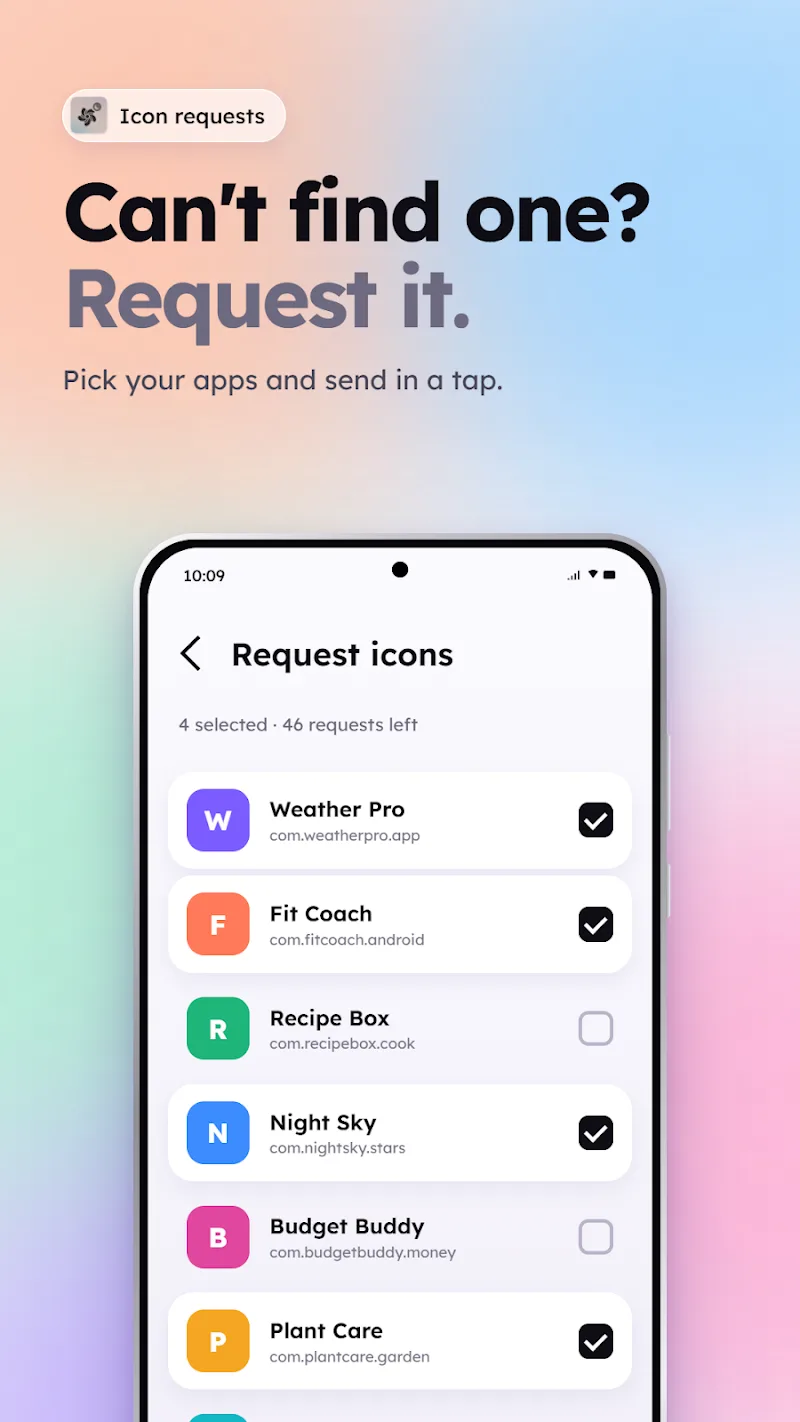
Request and backup options: A built-in request tool lets you ask for icons that are missing, and a simple backup/export option keeps your customizations safe when switching launchers or devices.
Clear Dark Glass Icon Pack is an attractive choice if you want a restrained, modern look for your Android device. The mix of frosted textures and careful icon design helps apps feel like part of a single visual system, and practical tools for manual replacement and icon requests make it easy to complete the set. If you value a dark, uniform home screen, give Clear Dark Glass Icon Pack a try and see how a consistent icon style can simplify navigation and refresh your phone's appearance.