
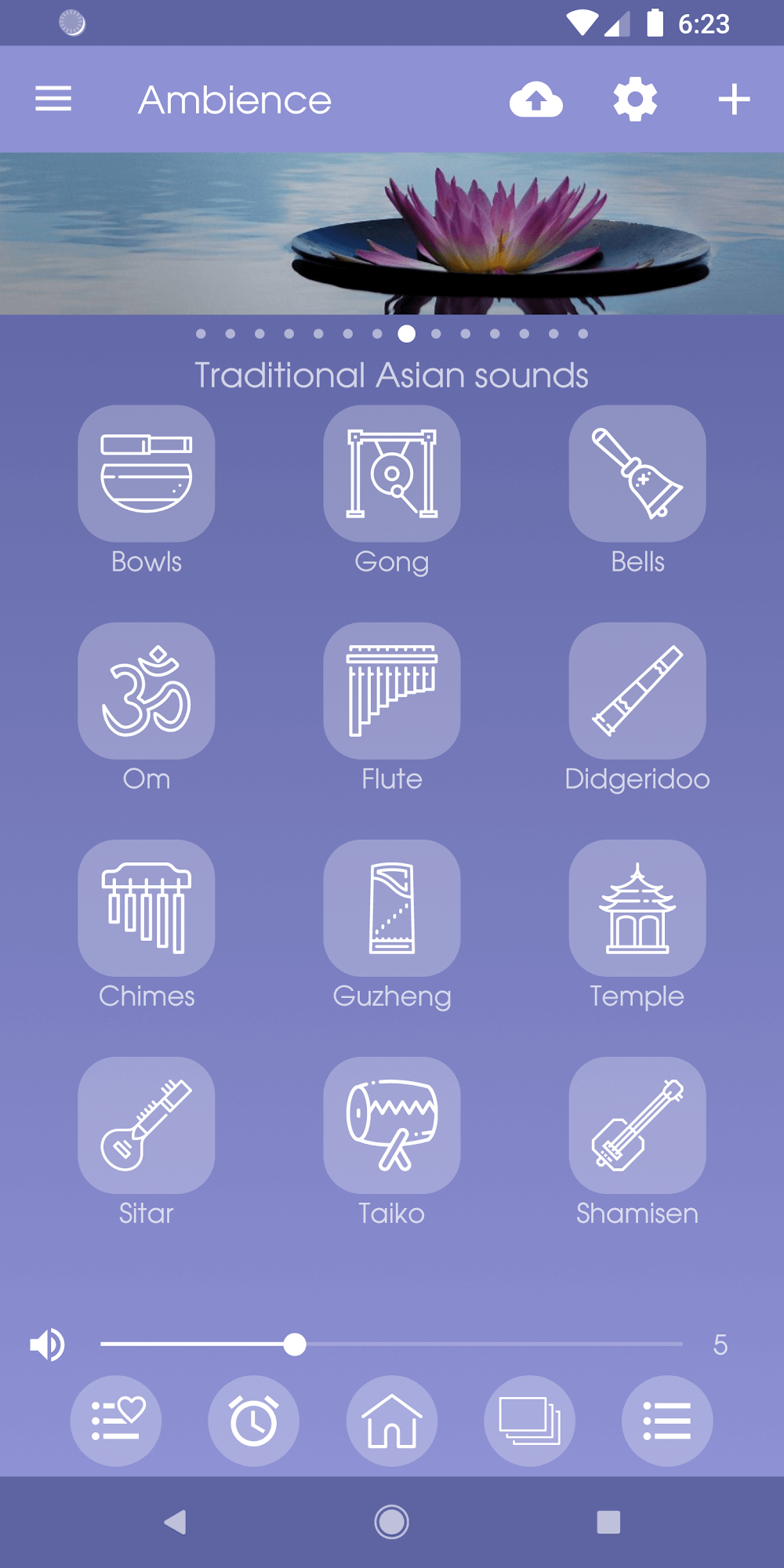
Ambience: sleeping sounds transforms nightly routines with a curated library of calming audio, customizable mixes, and precise timers. The app helps you drift off, focus, or mask noise using high-quality loops, white noise, and nature recordings. Easy controls and background playback make it a practical sleep aid.
Ambience: sleeping sounds is designed for people who want a lightweight, reliable sound machine on their phone. It bundles hundreds of recordings—rain, ocean, fan, and ambient drones—plus tools to layer, balance and schedule playback. The result is a simple way to improve sleep quality, concentrate during work, or create a peaceful atmosphere at home.
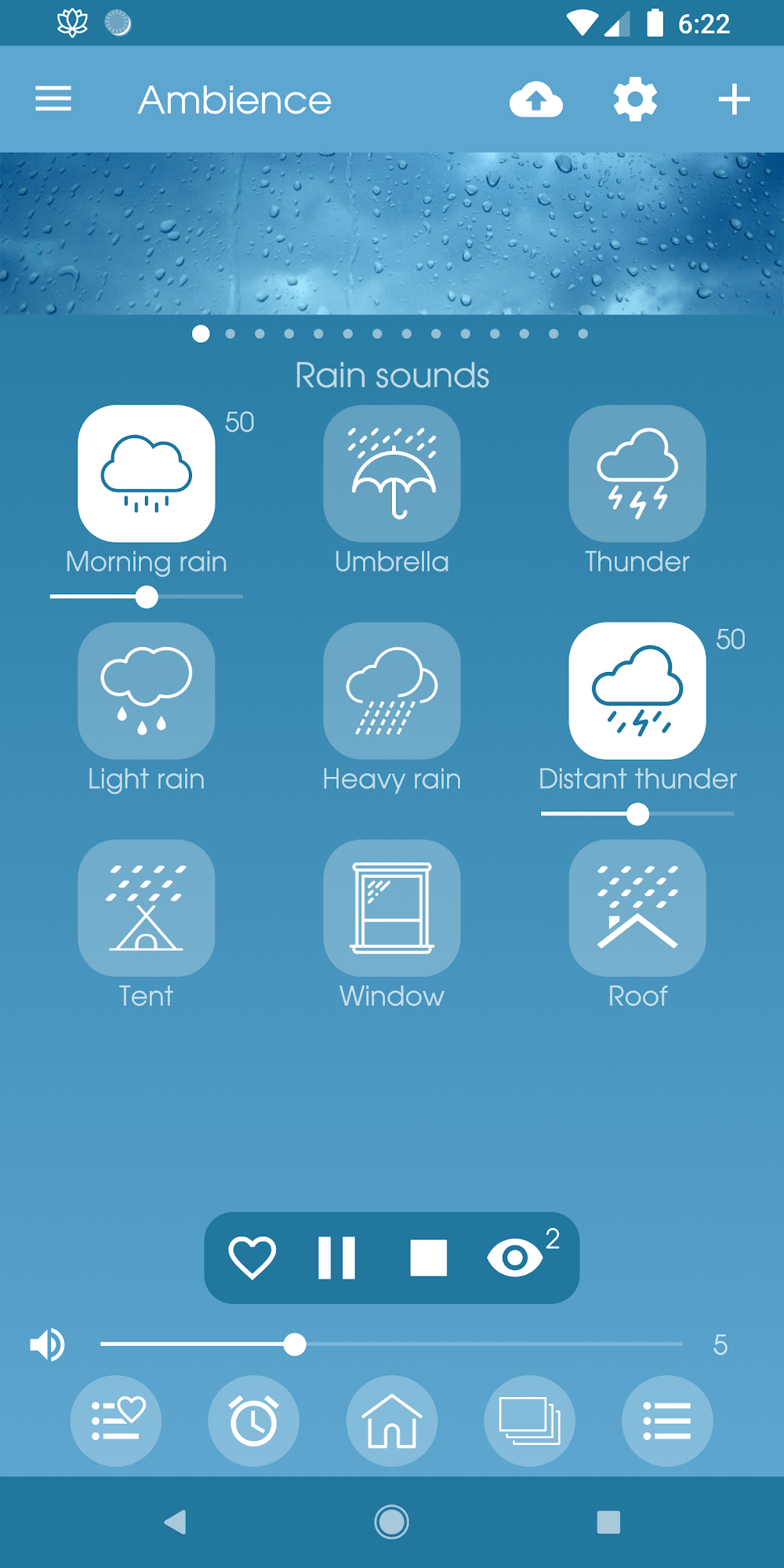
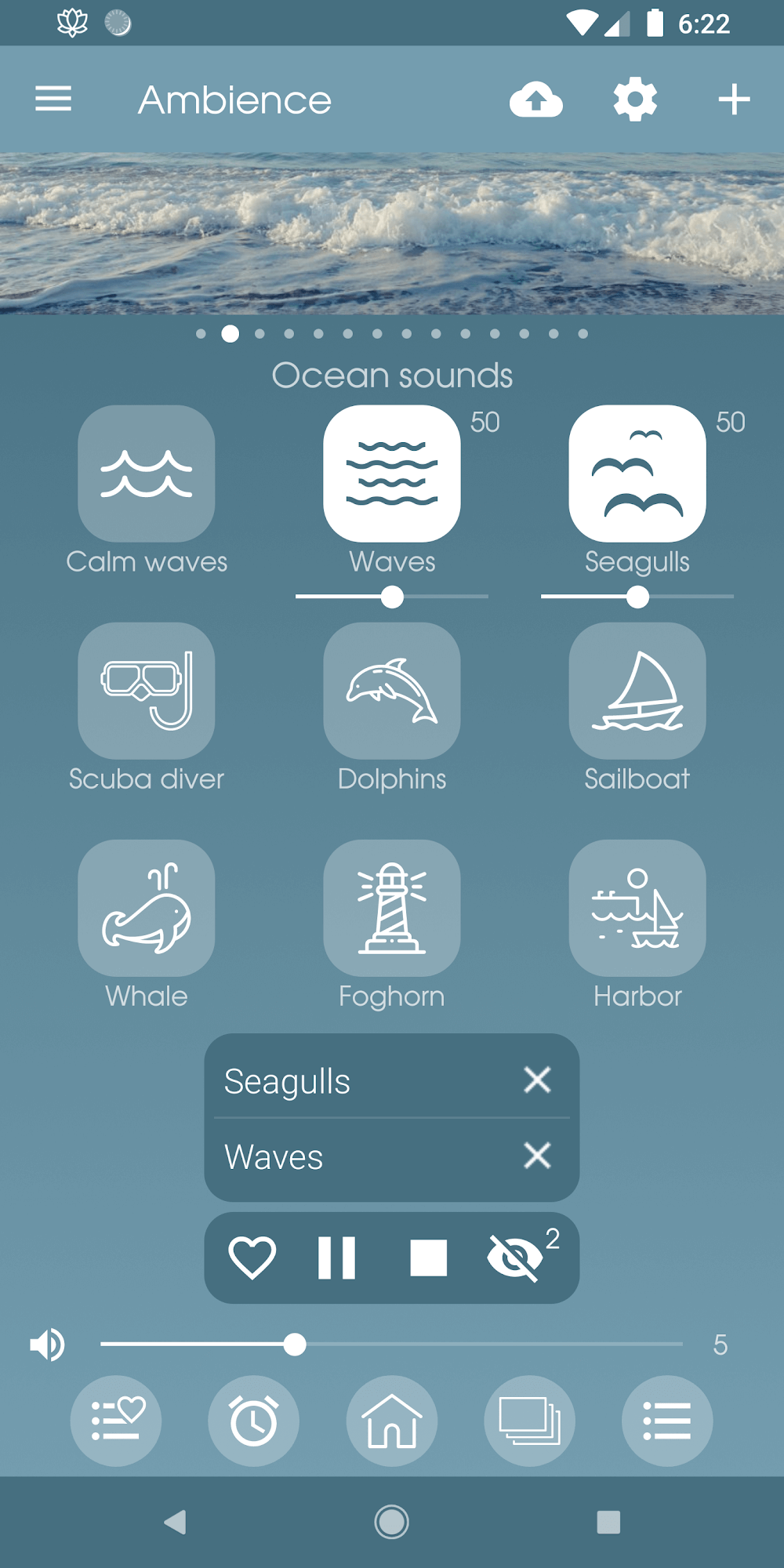
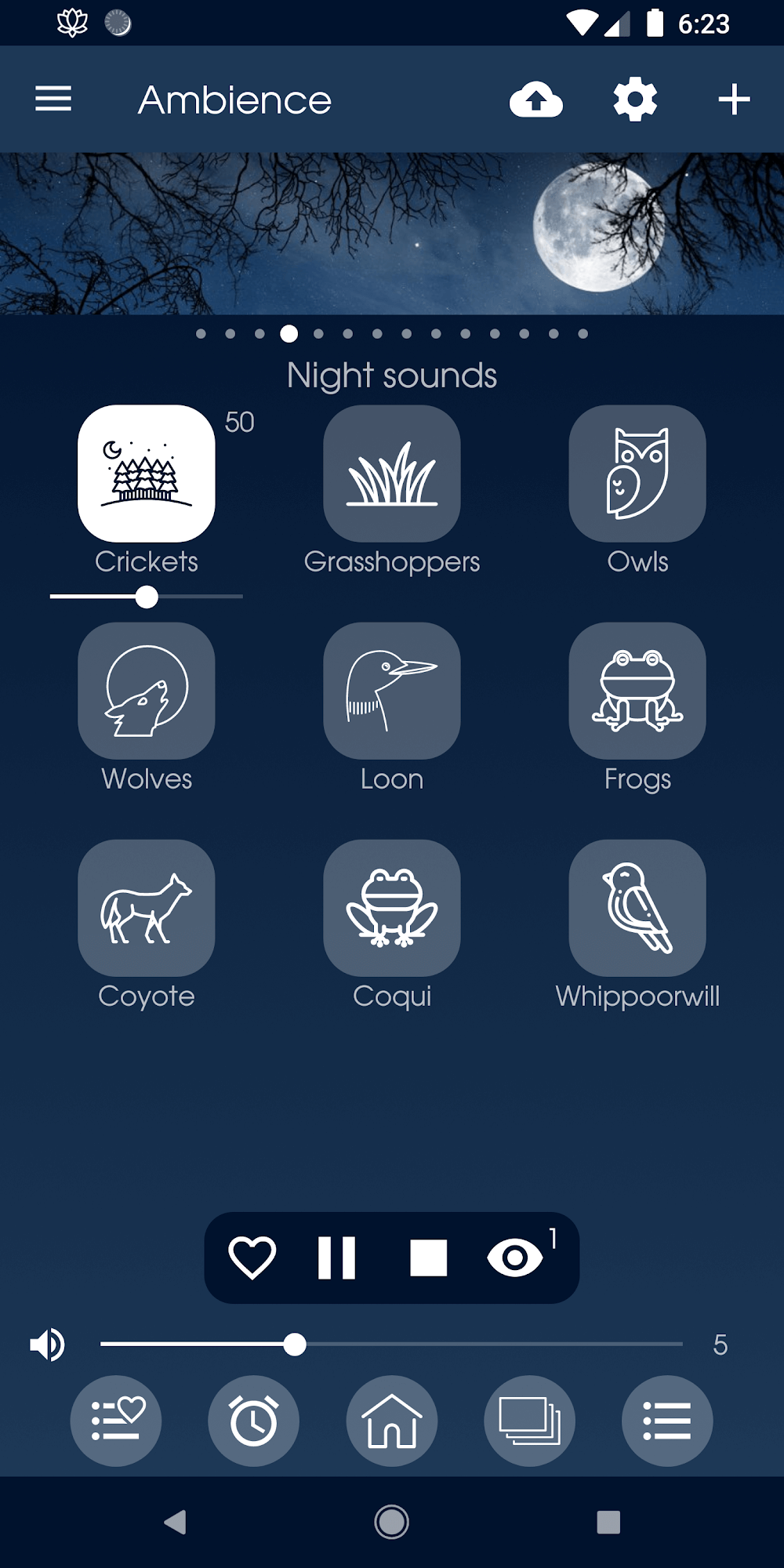
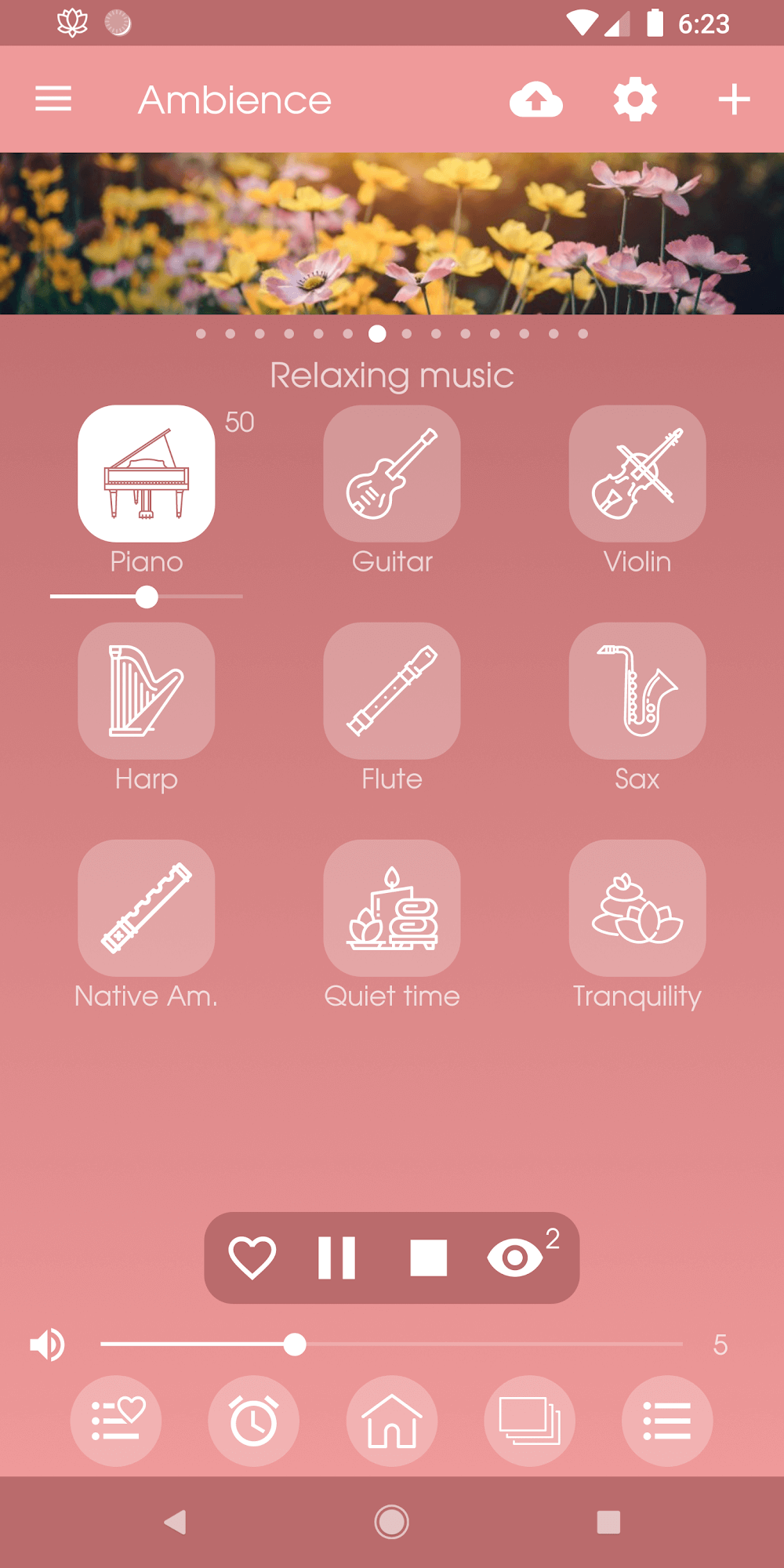
The layout in Ambience: sleeping sounds puts the sound browser front and center. Categories are accessible with a swipe, each track shows waveform or icon art, and one-tap controls let you start or stop layers instantly. A persistent mini-player keeps controls available while you explore mixes or adjust settings.
Mix creation is straightforward. Start by picking a base sound—wind, rain, or steady white noise—then add secondary elements like distant thunder or soft piano. Each layer has independent volume and pan controls so you can craft a wide stereo field. Save any combination as a preset to recall later with a single tap.
Ambience: sleeping sounds supports deep personalization without overwhelming new users. Use built-in presets to get started, then tweak equalization and stereo balance for finer control. If you use headphones, the app can simulate spatial depth. For those who value routine, schedule presets to start automatically at bedtime.
The developers prioritized efficient playback so the app runs smoothly on mid-range devices. CPU usage remains low during looping, and background audio minimizes battery draw. Still, using many layers plus high sample rates will increase consumption, so toggle offline files and sample quality if you need longer battery life overnight.
Menus are clear, icons are large, and contrast options are available for low-light use. Ambience: sleeping sounds includes a bedtime mode that locks controls to prevent accidental taps while you sleep. Accessibility labels and simple gestures help users navigate without visual strain.
Start with a preset close to your target mood—calm, focus, or sleep—and then reduce or raise individual layers by small amounts. Use the timer with a subtle fade to prevent waking when audio stops. If you want to test different mixes, save them under clear names so you can switch quickly depending on the environment.
Installation is straightforward: download Ambience: sleeping sounds from your store, grant audio permissions, and optionally allow downloads for offline content. Spend a few minutes creating two or three presets—one for bedtime, another for work—and enable the sleep timer to evaluate how well the fade and scheduling work for your routine.
Ambience: sleeping sounds manages to balance depth and simplicity. Whether you need a stable background hum to fall asleep or a carefully layered atmosphere for focused work, the app’s tools are both powerful and approachable. Try a few presets, tweak a mix, and you’ll likely find a configuration that fits your nightly ritual or daytime workflow.