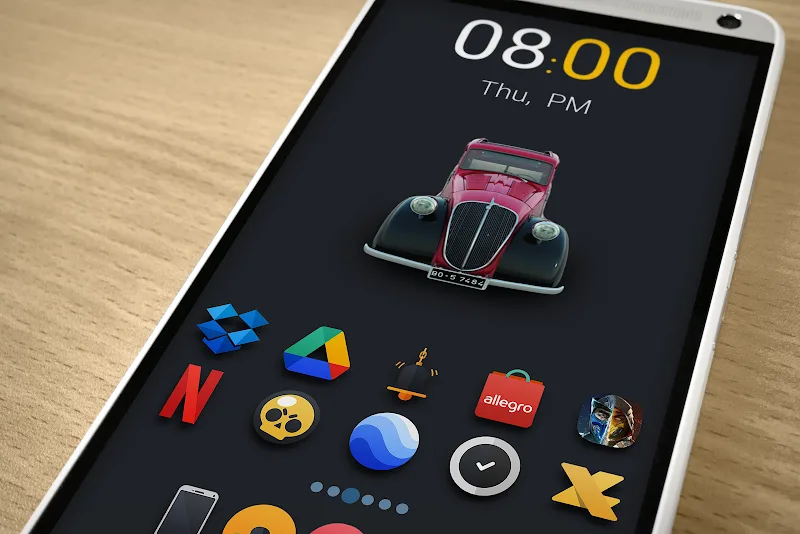
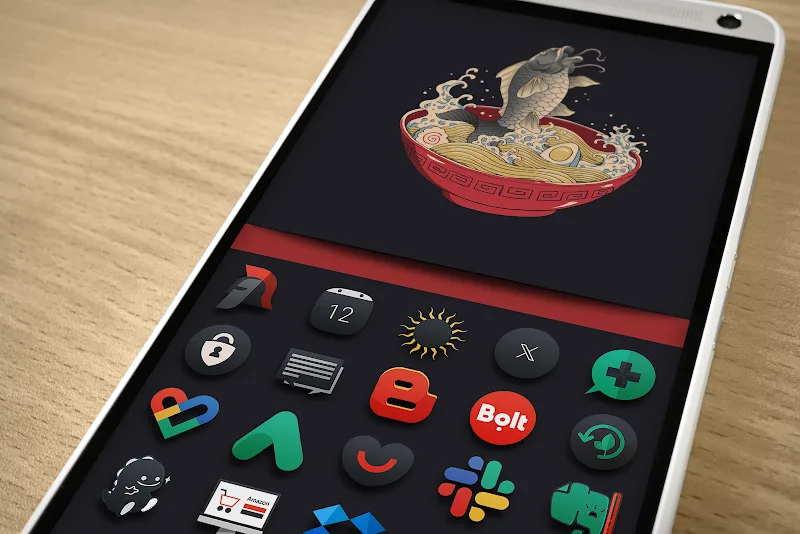
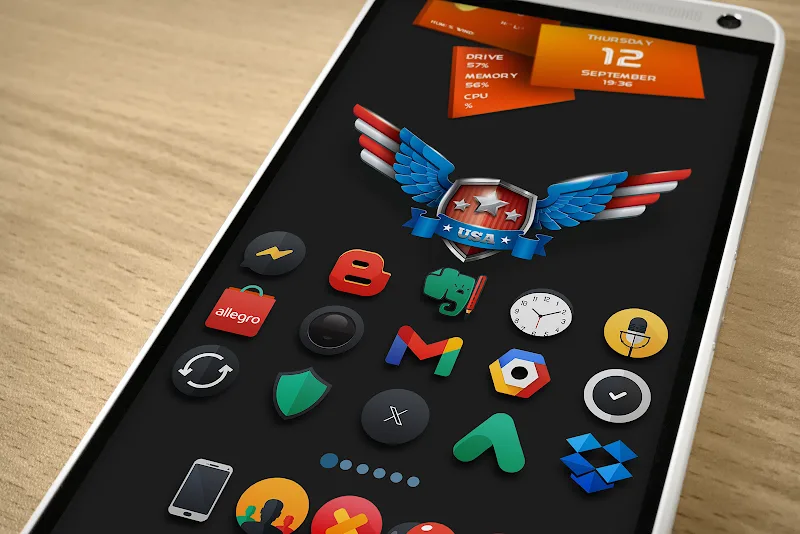
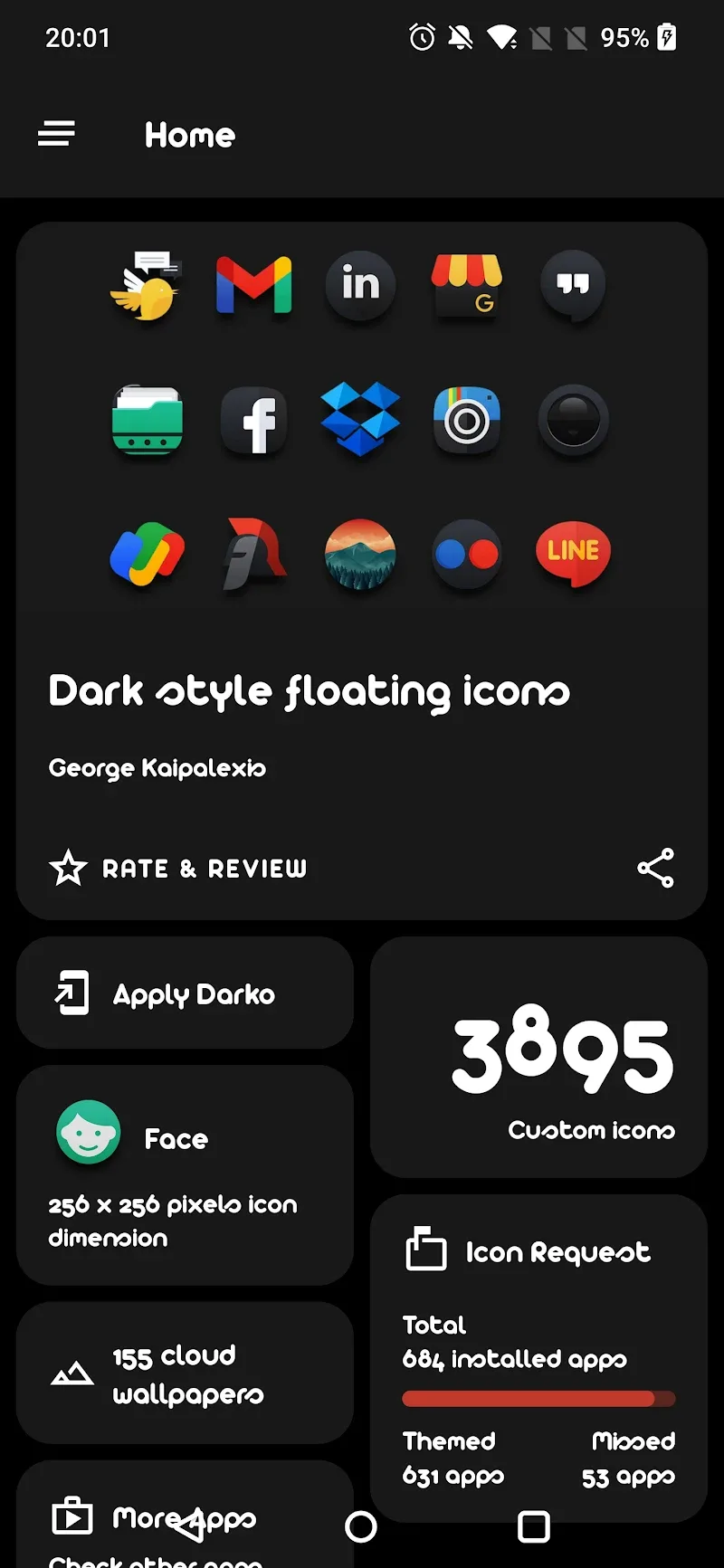
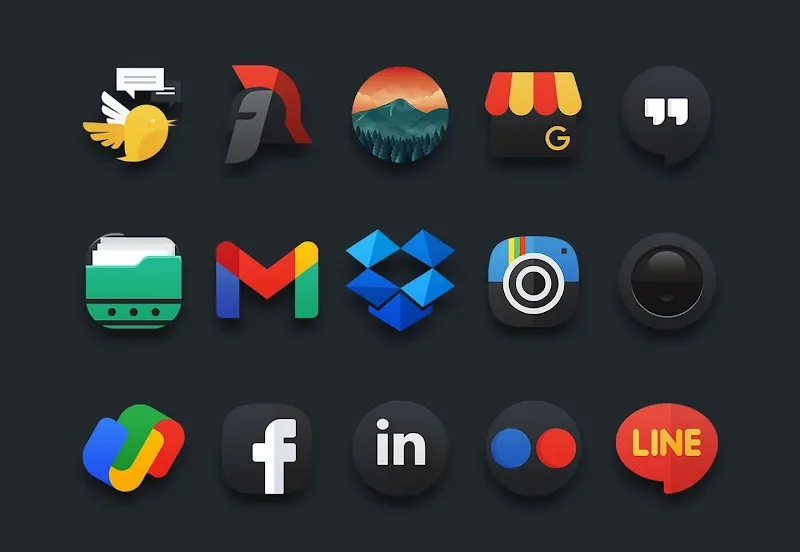
Home screen icon packs for Android offer a fast way to refresh your phone's look, and Darko - Icon Pack brings a moody, minimalist collection to the table. If you want a cohesive, low-contrast theme that makes apps readably elegant and reduces visual clutter, this pack is designed with that goal in mind. The app pairs high-resolution glyphs with subtle color accents and multiple alternatives per app, so you can tune your launcher precisely to your taste without rebuilding your whole layout.
High-resolution library: Darko delivers thousands of crisp icons that remain sharp on phones with high pixel density and large tablets.
Multiple icon alternatives: For many apps the pack provides two or more variants, so you can switch between styles when you want a different accent or silhouette.
Wide launcher support: The package is compatible with most popular third-party launchers, so you can apply icons without changing the home screen app you already use.
Automatic masking for unknown apps: When an app lacks a dedicated icon, Darko can generate a matched glyph and background to keep your grid consistent.
Dynamic calendar compatibility: A dynamic calendar option is available for supported launchers, letting the date on the home screen reflect the current day for a more integrated look.
Monochrome glyphs: These pared-back icons emphasize shape and legibility, ideal for users who prefer a neutral, professional home screen.
Accented designs: Variants that add a pinch of color to key icons, useful if you want subtle highlights without a bright background.
Rounded and flat sets: Alternate silhouettes are provided so you can choose between softer corners or a strict flat appearance according to your launcher grid.
Alternate versions for popular apps: The pack often includes several stylistic takes on mainstream apps so you can match icons to folders, widgets, or wallpapers.
Apply via your launcher: Open your launcher theme or icon settings, select Darko as the active pack, and let the app replace icons across the home screen and app drawer.
Mix and match: Use Darko's alternatives to create a two-tone or focus-based setup, for example keeping work tools in accented icons and personal apps in monochrome.
Prepare for presentations: If you demo your device or give a presentation, apply the cleaner, darker variants to keep attention on your screen content rather than colorful app art.
Organize by mode: Create different layouts for daytime and night, or for travel versus office use, swapping icon variants to reduce distraction when you need to focus.
Will Darko - Icon Pack work with my launcher?
Most likely yes; the pack is built to support a broad range of third-party launchers. If your launcher has custom icon settings, you can apply Darko from inside that settings menu.
What if some apps keep their original icon?
Darko includes masking and generated icons for apps that lack a dedicated design, and you can request specific icons from the developer if something important is still missing.
Does Darko support a dynamic calendar icon?
There is dynamic calendar support for launchers that offer that feature. Check your launcher documentation and enable dynamic icons where available.
If you want a restrained, well-matched icon collection that keeps your home screen tidy, Darko - Icon Pack is a practical choice for users who value consistency and subtlety in their Android setup.