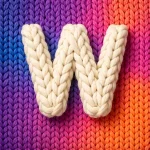
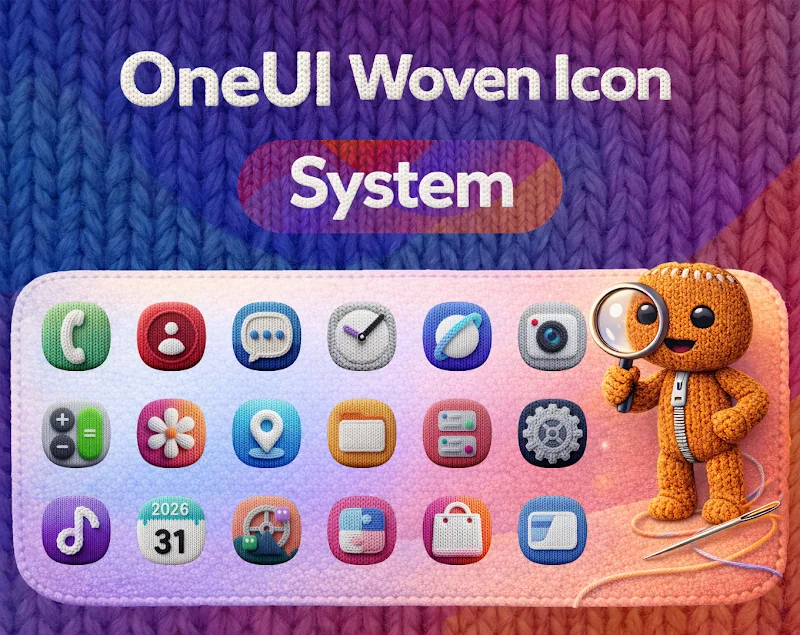
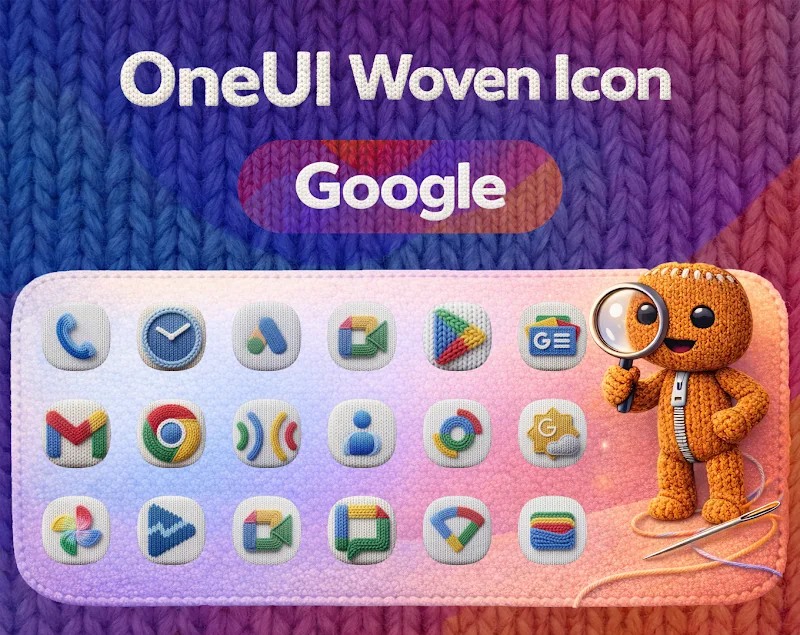
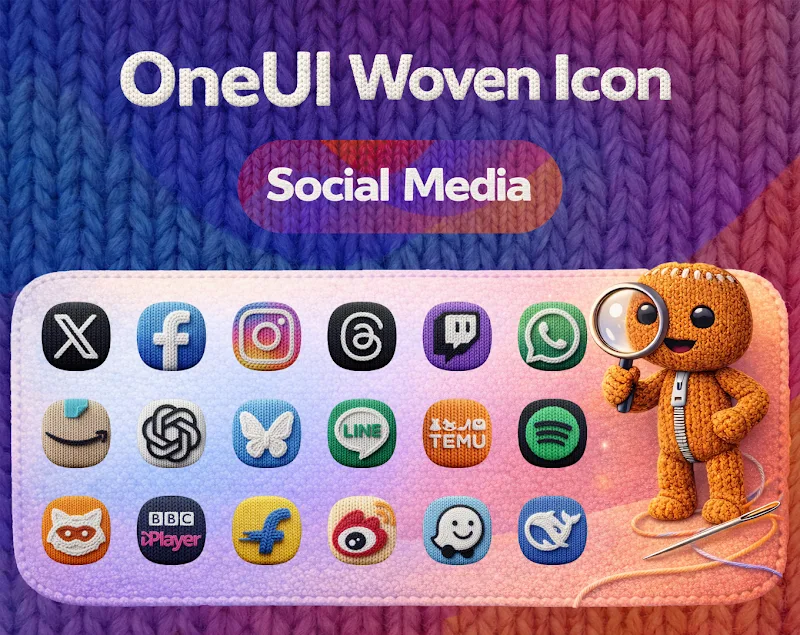
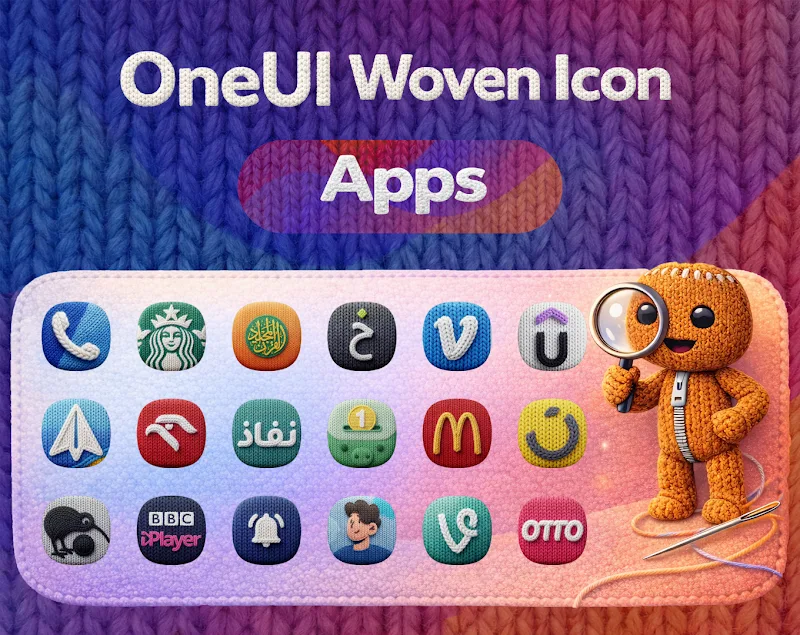
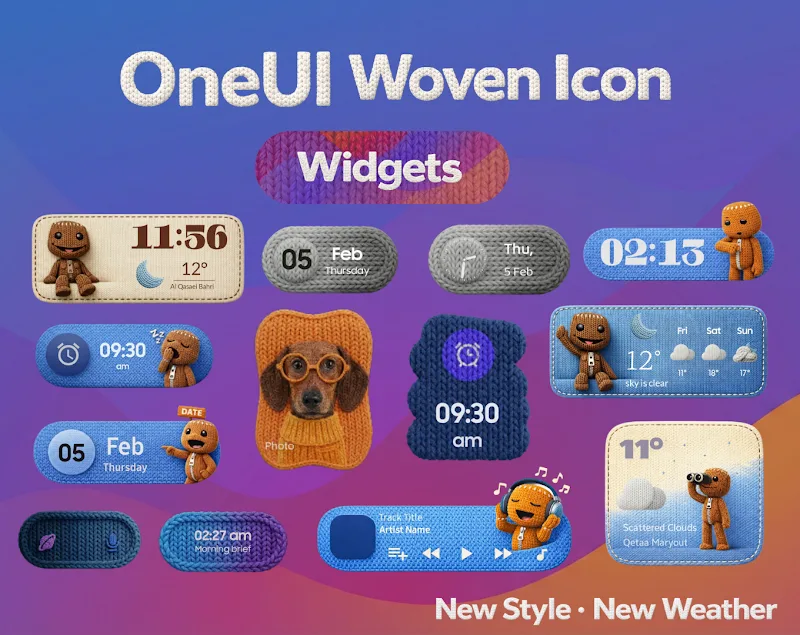
OneUI Woven Icon pack delivers a refined collection of home screen icons designed to match modern Android aesthetics. This icon pack blends soft textures, subtle color palettes, and precise outlines to give your launcher a cohesive woven appearance while keeping readability and consistency across apps.
OneUI Woven Icon pack focuses on minimal, tactile visuals that resemble woven fabric and soft shadows. Rather than overwhelming your screen with saturated colors or heavy effects, this pack aims for an elegant balance between legibility and decorative style, making it suitable for daily use and themed setups.
The pack includes thousands of icons and multiple clock widgets, matching wallpaper options, and alternate icon choices for popular apps. Icons are provided at high resolution so they stay crisp on high-density screens. Regular updates expand the library and fill gaps for niche apps.
OneUI Woven Icon pack supports icon masking and manual icon requests through its companion app. You can apply the complete set or mix and match with other packs. Alternate variants give you choices for color accents or a more muted look depending on your home screen concept.
This icon pack works with many third-party Android launchers. Popular supported launchers include Nova, Lawnchair, Microsoft Launcher, Action Launcher, and Arrow. Some stock launchers may require a different method or a third-party app to apply icons. The package includes step-by-step instructions and a straightforward apply button for compatible launchers.
The companion app that ships with OneUI Woven Icon pack is lightweight and responsive. Applying icons takes only a few taps and does not noticeably affect system performance. The app also caches preview images so browsing the library stays smooth even on lower-end devices.
Attention to detail is clear in the icon shapes and the subtle shadowing. Icons feel cohesive without appearing generic, and the consistent visual language makes folders and widgets feel integrated. Wallpapers included with the pack are carefully tuned to complement the woven texture and reinforce the overall look.
OneUI Woven Icon pack offers a modern, subtle alternative to bold, colorful icon sets. It’s especially appealing if you want a polished, minimalist home screen that still has personality. Regular updates and responsive support from the creator help keep the library current and useful.
Minimalists, productivity-focused users, and anyone who prefers a refined visual style over bright or cartoonish icons will find value here. Designers who build themed setups for social shares will appreciate the coherent aesthetic and wallpaper pairings.
Install the icon pack and open its companion app to view available icons and wallpapers. Choose your launcher from the supported list and tap Apply. For unsupported launchers, follow the manual apply instructions or use a launcher helper app. Submit icon requests directly from the app to expand coverage for your most-used applications.
OneUI Woven Icon pack combines practical usability with decorative finesse, making it a strong choice for users seeking a calm, organized, and visually pleasing Android home screen.