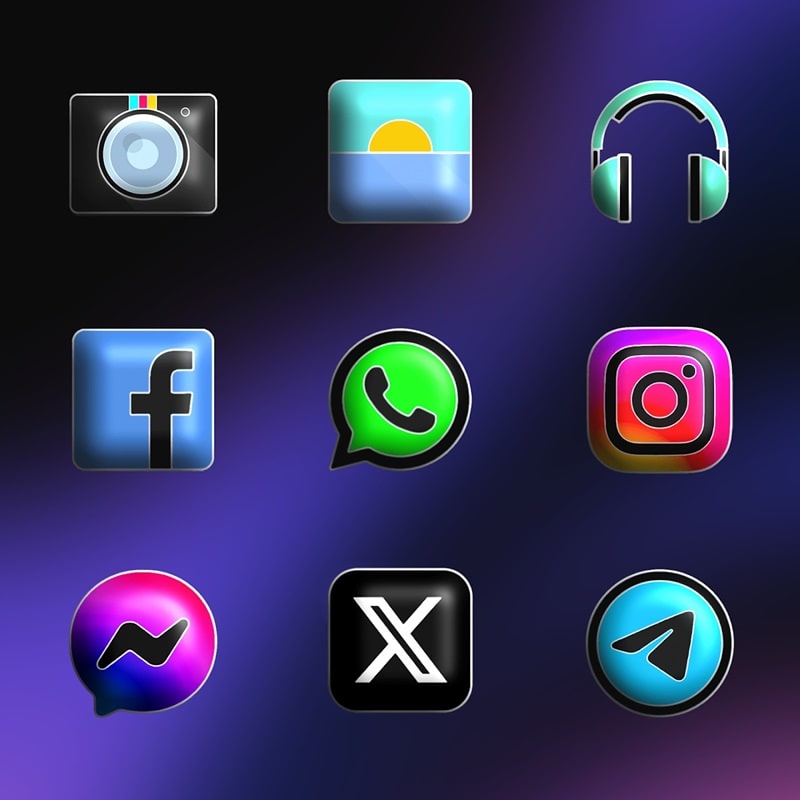
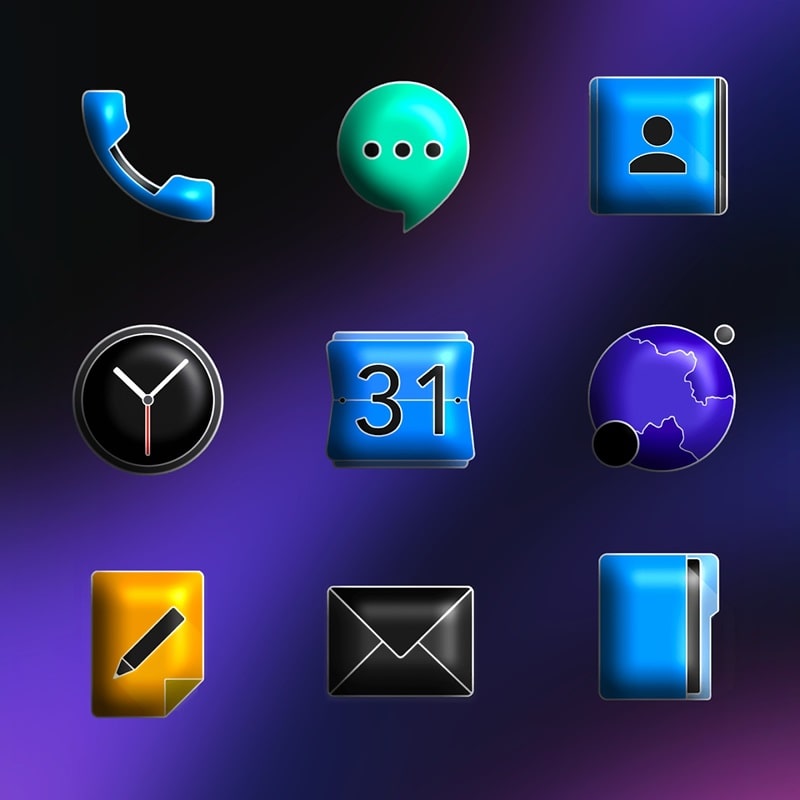
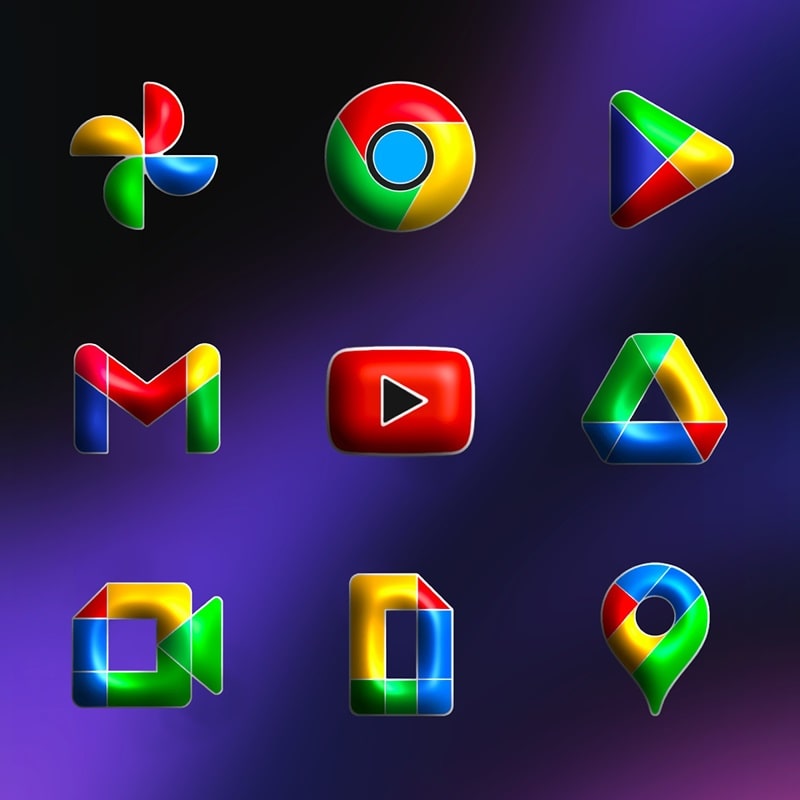
FluOxigen 3D - Icon Pack is a high-resolution icon theme designed to bring layered depth and consistent visual language to Android home screens. The pack combines a modern palette with subtle shadows and bevels to create a pseudo-3D effect while staying light on resources, and FluOxigen 3D - Icon Pack remains easy to install and compatible with the most popular launchers.
The visual strategy behind FluOxigen 3D centers on clarity and uniformity: each icon follows a defined grid, rounded outline, and gentle highlights so glyphs remain readable at small sizes. The designers use saturated accents balanced by muted backgrounds, producing icons that pop against both light and dark wallpapers. Rather than heavy texture or photorealism, the pack focuses on contrast, recognizable silhouettes, and consistent edge treatments to make app shortcuts feel cohesive across different manufacturers’ skins.
Inside the app you’ll find thousands of handcrafted icons, high-resolution PNGs suitable for modern high-DPI displays, and a curated set of complementary wallpapers tuned to the 3D aesthetic. Adaptive masking support ensures icons conform to your launcher’s shape rules and reduces jarring outlines when mixed with system icons. The built-in request tool sends missing icon requests to the developer’s queue, and alternative glyphs are offered for apps that benefit from multiple stylistic options. All of these elements keep the pack practical for everyday use while allowing deeper personalization.
Applying FluOxigen 3D - Icon Pack is straightforward: install the APK, open the app dashboard, choose your launcher from the supported list and apply the theme globally or to individual apps. Common launchers such as Nova, Lawnchair, Apex and Action are supported; the dashboard also provides short troubleshooting hints if an icon fails to update. Controls are intentionally minimal — manual icon assignment, previewing wallpapers, and a single-request form — so users who prefer a one-tap apply experience or fine-grained adjustments both have clear options.
The pack is organized into logical categories and alternate sets so you can browse by style, system utility, or app genre. Manual customization is supported: swap icons for individual apps, choose alternate glyphs, and mix pack icons with system or downloaded icons to craft a unique look. Progression in this context is how coverage expands over time — the request tool and regular updates mean missing icons are gradually added in batches, which results in steadily broader coverage and fewer placeholders as the pack matures.
Despite the 3D look, assets are optimized and compressed to avoid undue memory or battery impact. Once installed, FluOxigen 3D - Icon Pack works offline; icons are applied locally so no continuous network connection is required for normal use. Accessibility considerations include clear icon shapes, good contrast against wallpapers, and multiple sizes suitable for launcher grid adjustments; these choices help users who rely on larger icons, high-contrast themes, or simplified home layouts.
Updates focus on expanding icon coverage, adding priority requests from users, and refining image sizes for smoother launcher performance on mid-range and flagship devices alike. The dashboard exposes a changelog when developers publish a release, and in-app support links (email and FAQ) help troubleshoot launcher-specific quirks such as masking or cache issues. The request queue is batched to keep releases manageable and predictable, which helps maintain quality across thousands of icons.
For the best results pair FluOxigen 3D icons with a minimal home layout and a neutral or subtly textured wallpaper to let the layered accents stand out. Try grouping frequently used apps in folders with custom icons, experiment with grid sizes to balance icon scale and spacing, and switch between alternate glyphs to refresh the look without a full theme change. Because theme customization is quick and reversible, the pack offers long-term replay value for users who enjoy periodic home screen refreshes rather than a one-time change.