
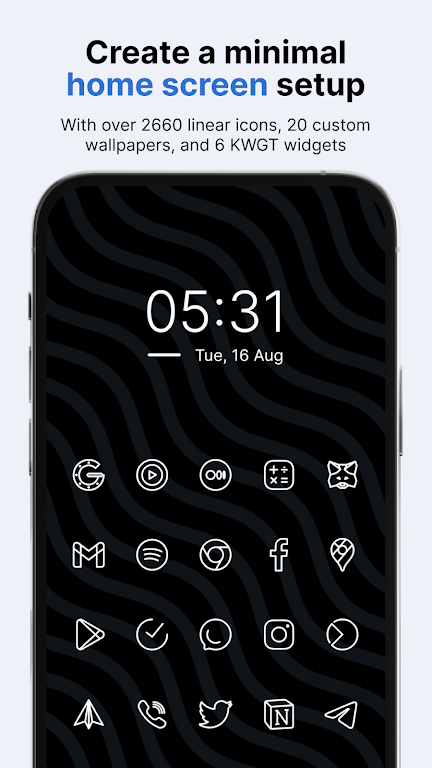
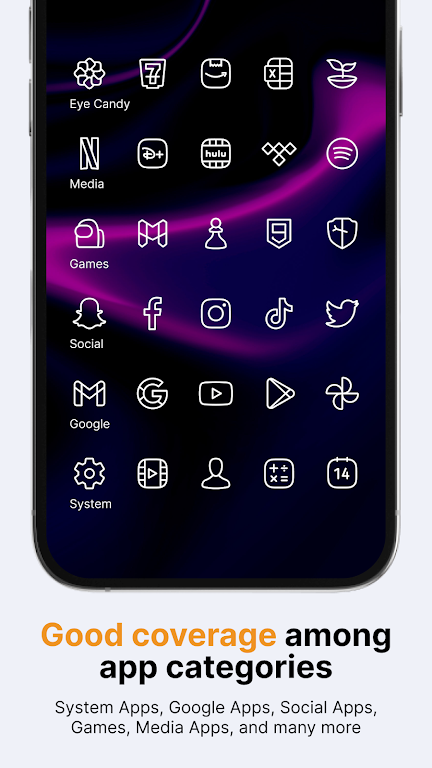
Caelus White: linear icon pack delivers a clean, minimalist set of icons designed for Android launchers. It replaces busy app icons with thin, monochrome lines and consistent geometric shapes, offering a cohesive look across your home screens while keeping system resources light and battery impact minimal.
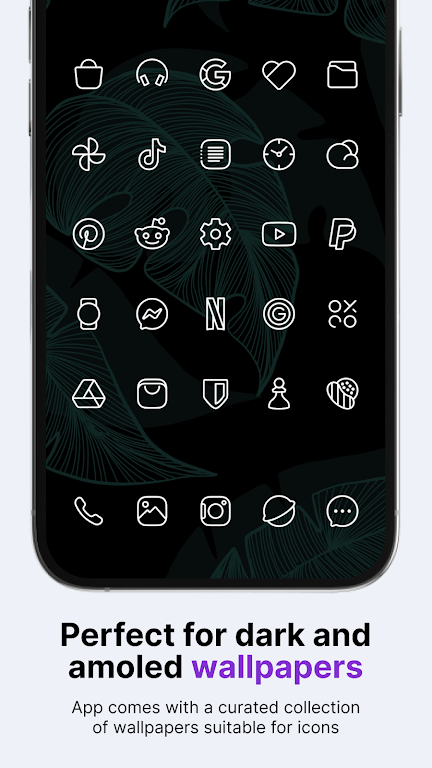
The aesthetic behind Caelus White: linear icon pack is focused on clarity and uniformity. Each icon is stripped to its essential form and rendered in a single pale hue with precise linework. This approach reduces visual clutter, pairs well with dark or colorful wallpapers, and emphasizes app function through simplified silhouettes rather than ornate graphics.
This icon pack includes a broad collection of themed icons plus helper tools to make installation and maintenance straightforward. Key elements include:
Caelus White: linear icon pack is built for efficiency. The vector-like assets are optimized to avoid excessive memory use, and the package is compatible with most popular third-party launchers. Expect reliable performance on mid-range devices as well as flagship phones. The pack supports common launchers such as Nova, Lawnchair, Apex, Action, and others that allow custom icon themes.
Getting the look you want is quick. After installing the icon pack, open the app and follow the launcher-specific apply steps. For launchers that lack direct support, you can manually change icons through the launcher settings or use the included icon request to create themed shortcuts. The process is designed to be accessible even if you haven’t customized Android before.
While the pack favors a unified palette, it still offers subtle customization options to match your home screen vision. For a minimalist setup, combine Caelus White: linear icon pack with a monochrome wallpaper and a simple widget set. If you prefer a bit more contrast, pair with muted gradients or a blurred photo background to make the icons stand out without overwhelming the interface.
Users who want a professional, distraction-free home screen or those who prefer the Scandinavian clean design will find the icon pack particularly useful. It’s also great for productivity-focused setups where quick visual recognition matters. Designers and photographers often pick linear icons to let their wallpapers and widgets remain the focal point of the display.
The developer behind Caelus White: linear icon pack typically responds to requests and issues through the built-in request tool. Regular updates add icons for new apps and refine existing designs. Because the icons are designed with scalable shapes, they retain crispness across different screen densities and Android versions.
Caelus White: linear icon pack is a solid choice if you want a coherent, understated visual language on your Android device. It balances aesthetic minimalism with practical compatibility and keeps resource usage low. If you appreciate pared-back design and consistent iconography, this pack makes it simple to produce a polished home screen without extensive tweaking.