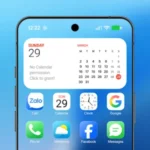
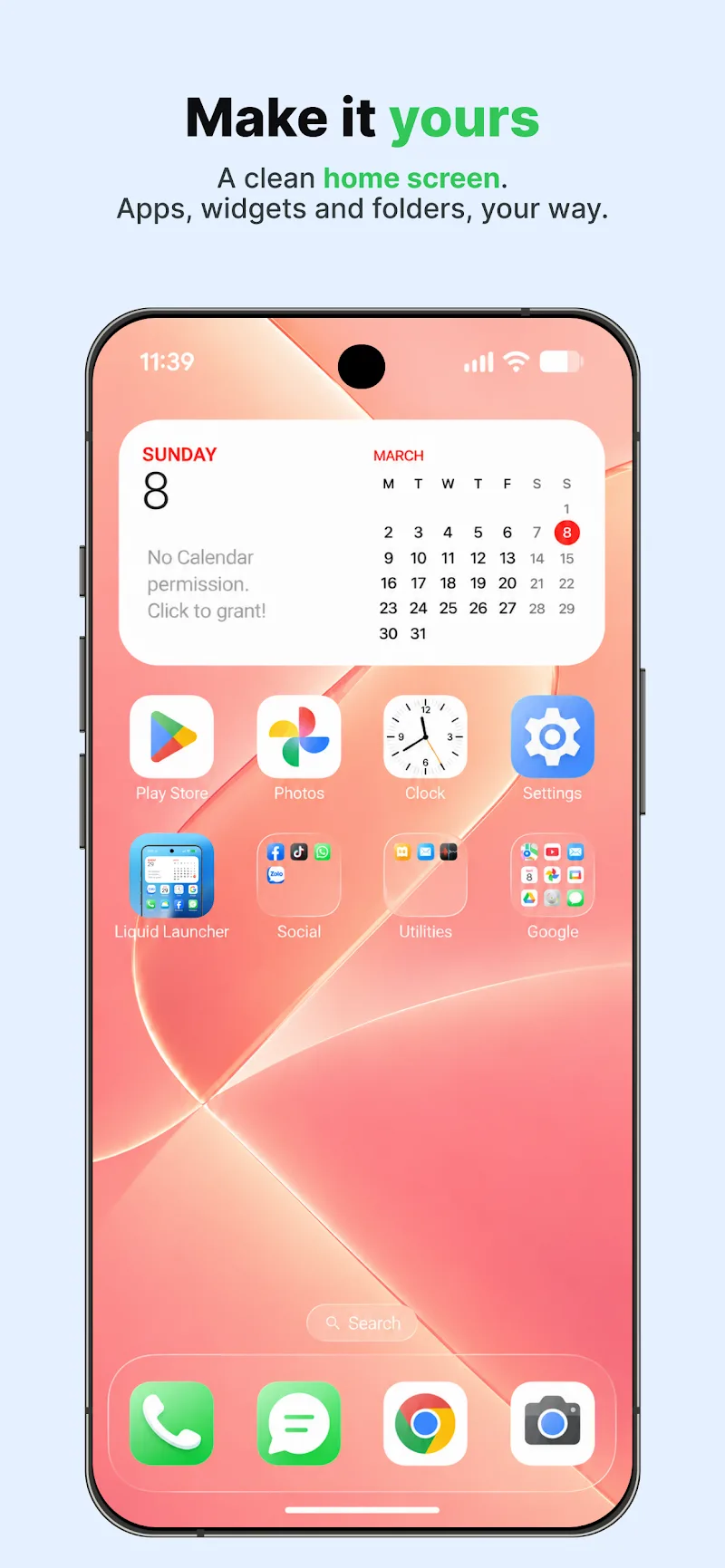
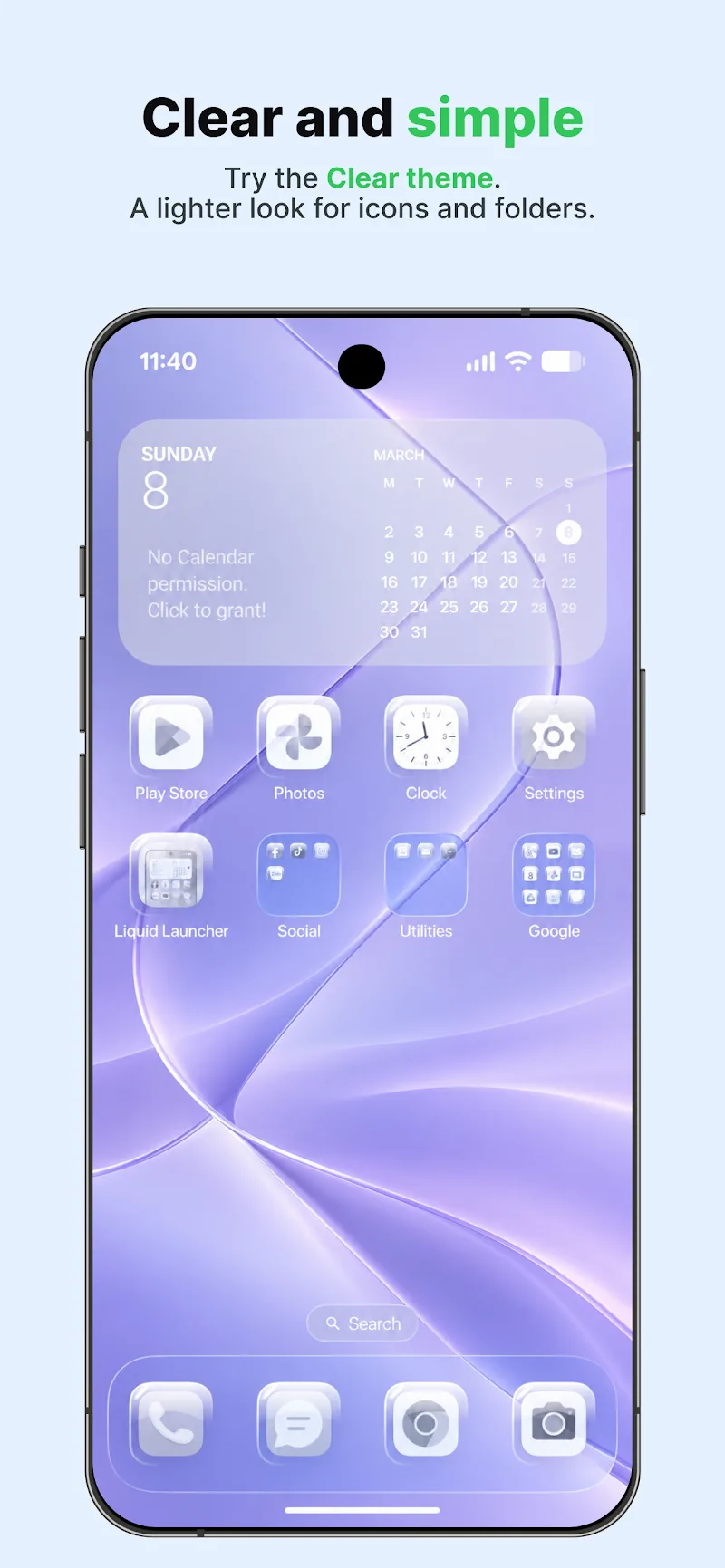
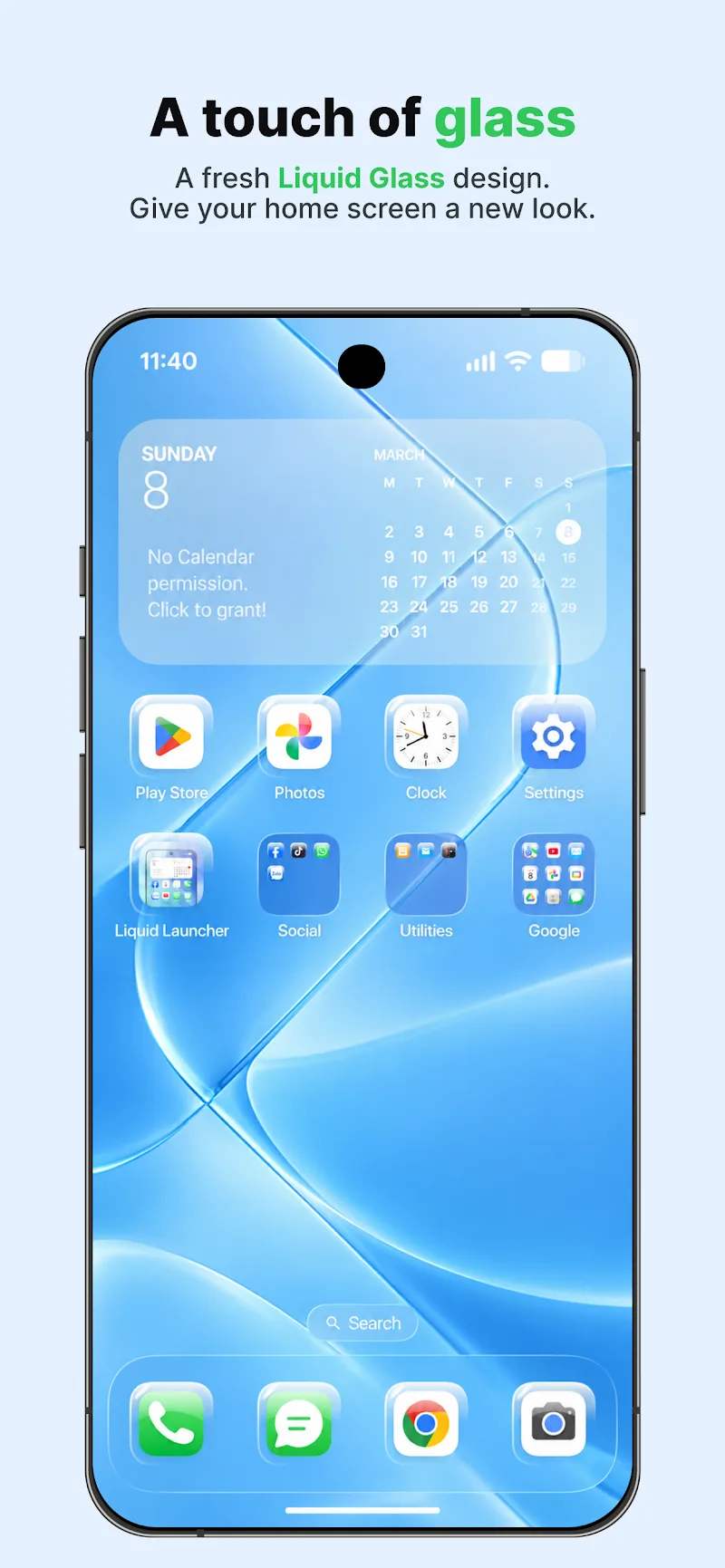
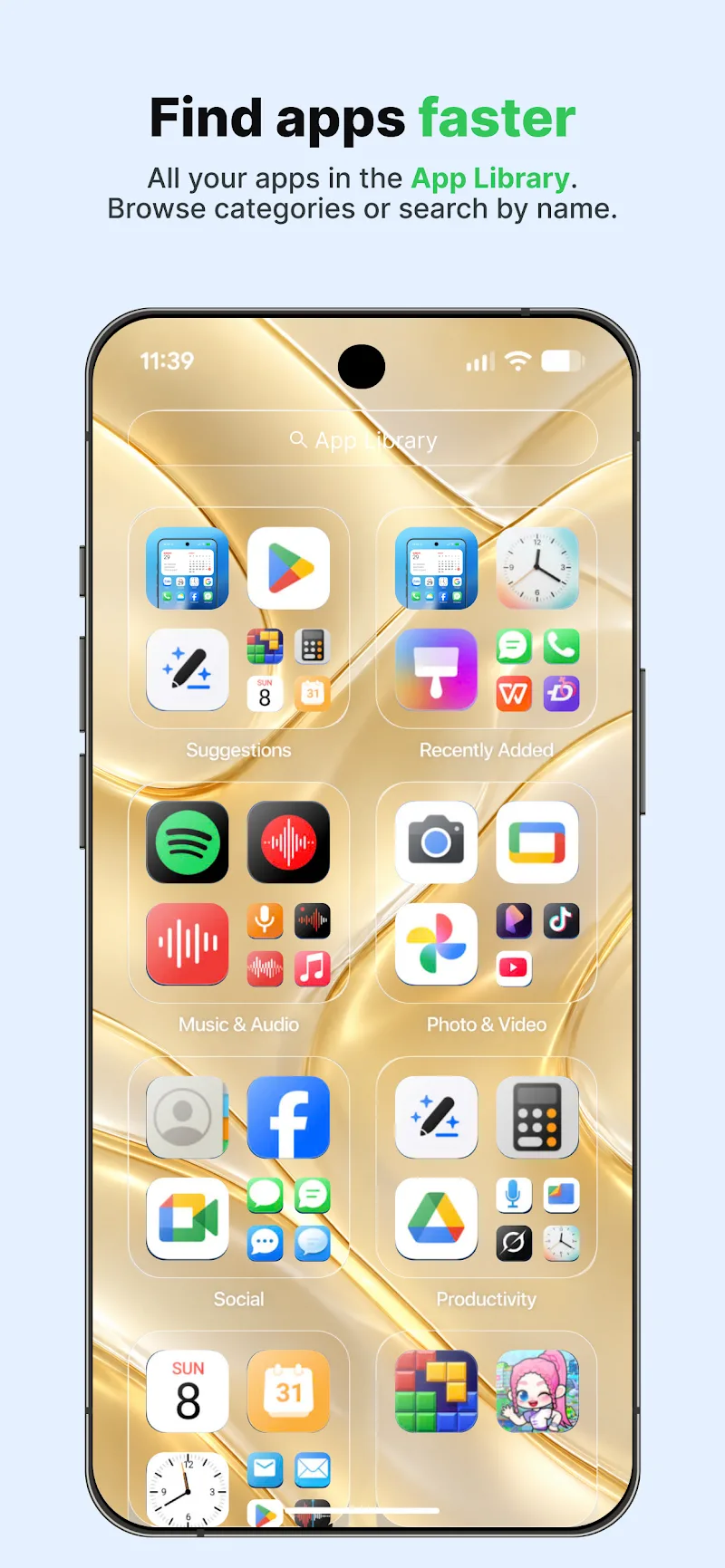
If you're the kind of user who appreciates a neat, iOS-inspired home screen, Launcher OS 27 offers a fast route to that look while keeping Android flexibility intact. This launcher blends a refined translucent 'Liquid Glass' aesthetic with practical organization tools so your phone looks and behaves the way you expect. Whether you want a cleaner dock, grouped apps for work and personal life, or a private folder for sensitive apps, Launcher OS 27 puts those controls within reach and keeps interactions smooth.
Install and set up: Download and install the APK, then allow the minimal permissions requested so the launcher can display widgets and update icons. The installer walks you through selecting Launcher OS 27 as your default home app so you return to the same layout every time.
Choose a base layout: Pick from prebuilt grid options and app drawer styles. Layout presets let you switch between compact, balanced, and spacious arrangements without rebuilding each screen from scratch.
Personalize quickly: Swap icons, apply a wallpaper, and add widgets with a long-press. Launcher OS 27’s previews show changes live so you can test combinations without committing to them.
Liquid Glass interface: The translucent panels and frosted backgrounds create a premium, layered look that softens bright wallpapers and keeps text readable.
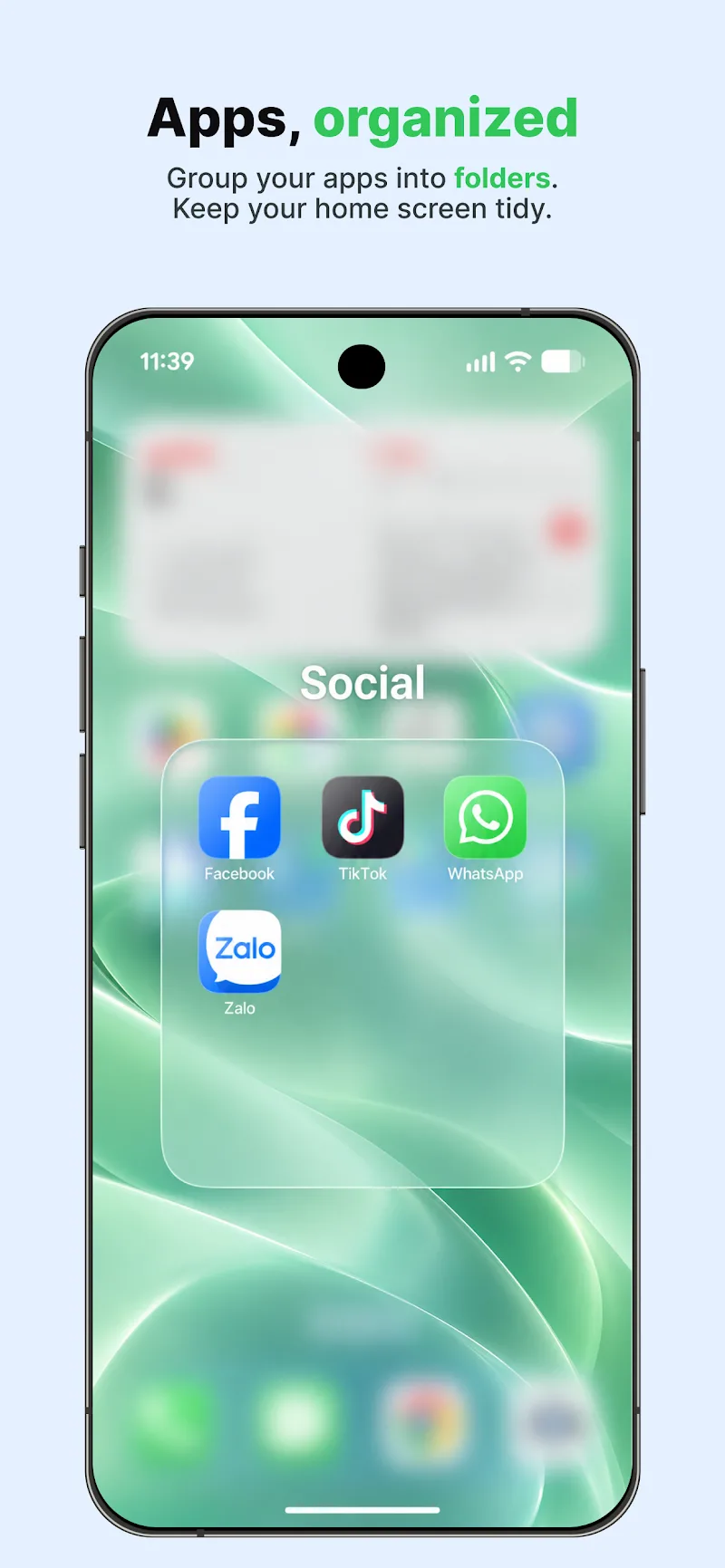
Flexible app grouping: Create folders, smart stacks, and automatic collections so related apps are grouped intelligently, reducing clutter on main screens.
Intuitive widgets and controls: Place weather, calendar, or photo widgets on any screen with resizable options. The widgets respond to taps and gestures for quick previews or expanded views.
Fast swipe search: Use a simple swipe gesture to surface apps, contacts, or installed widgets. The search is designed to cut the time spent hunting through menus.
Private folder and security: Hide apps behind a PIN or biometric lock so sensitive tools and social apps remain out of sight. The private folder keeps your main layout uncluttered while protecting privacy.
Launcher OS 27 is a solid choice if you want an iOS-like visual polish combined with Android customization. Try it to see how the Liquid Glass look and smart organization fit your routine — the app is easy to test and revert if you prefer a different arrangement.