miMind is a flexible mind-mapping app for Android that helps you capture ideas, structure projects, and visualize thoughts quickly. It combines touch-friendly diagram creation with customizable layouts, icons, and export options so you can turn scattered notes into clear, shareable maps for study, planning, or team collaboration.
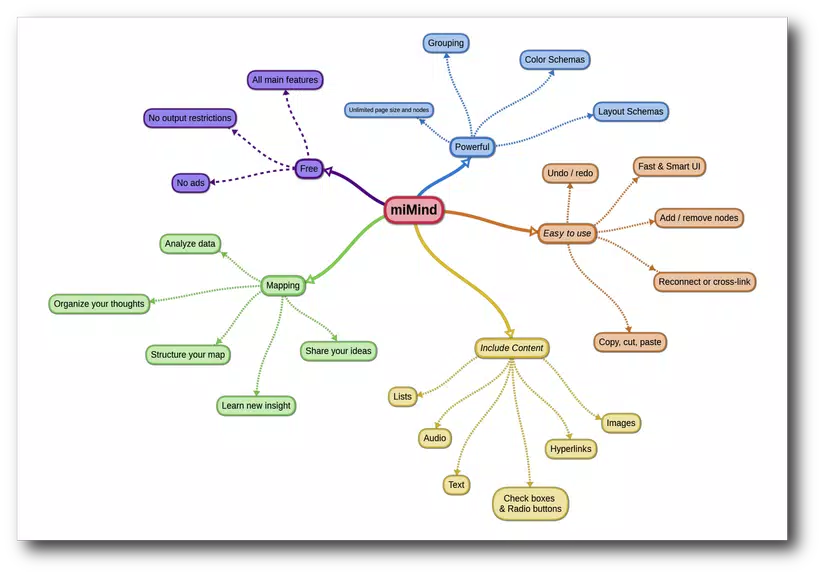
The app includes a range of tools for building maps fast: drag-and-drop node creation, automatic layout options, and a palette of colors and icons to differentiate topics. miMind supports multiple map formats and lets you attach notes, links, and images to nodes so your diagrams carry context as well as structure.
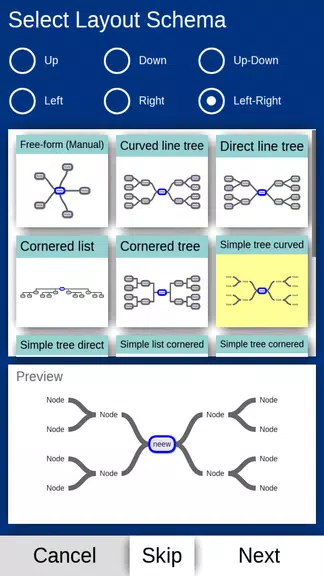
Designed for touch devices, the interface keeps controls unobtrusive while offering quick access to editing tools. Pinch-to-zoom, two-finger pan, and long-press context menus speed up navigation on phones and tablets. The layout toolbar provides radial, tree, and org-chart styles that rearrange content automatically, helping you iterate without manual alignment.
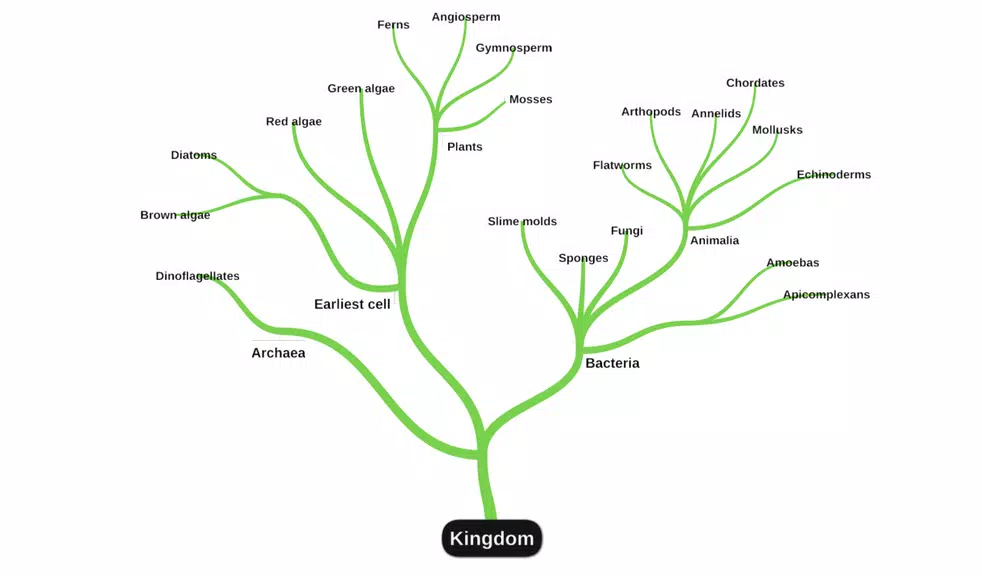
Customize maps to match your needs: change fonts, node shapes, connector styles, and background themes. A built-in icon library and color presets make it simple to tag priorities or group related ideas. For visual consistency across projects, save custom styles as templates that can be reused in future maps.
Export options cover common workflows: PNG and PDF for presentations, OPML and text outlines for other apps, and SVG for scalable graphics. You can import OPML files to continue existing outlines or bring structured content into a visual map. Integration with cloud storage services enables easy backup and sharing with colleagues or classmates.
Beyond basic mapping, miMind offers features that support complex projects: task attributes, due dates, and progress indicators can turn a mind map into a lightweight project board. Search and filter functions help you locate nodes in large maps, while undo/redo and version snapshots reduce the risk of losing important changes.
The app is optimized for Android phones and tablets, maintaining smooth interaction even with large maps. Memory-efficient rendering and incremental saving reduce freeze risks when working offline. Compatibility spans a wide range of Android versions and screen sizes, ensuring maps display consistently across devices.
miMind supports cloud sync and standard export formats so teams can exchange maps easily. While real-time collaborative editing may depend on the cloud service used, shared exports and OPML transfers provide reliable methods for collaborative review and iterative editing.
Local backups and exportable files give you control over map data. Use cloud storage for off-device copies and set routine export schedules to avoid data loss. The app respects Android privacy controls and requests only the permissions needed for storage and sharing functions.
Open the app, choose a layout, and tap to add a central topic. Create child nodes with a single drag or tap, then style and label branches. Save your map often, and experiment with export formats to find which best suits your workflow. The template gallery offers jumpstarts for common scenarios such as lesson plans and meeting agendas.
miMind is a practical tool for anyone who needs to turn ideas into organized visuals. Its combination of touch-centric editing, flexible exports, and performance-minded design makes it suitable for personal productivity, academic study, and lightweight project management on Android devices.