
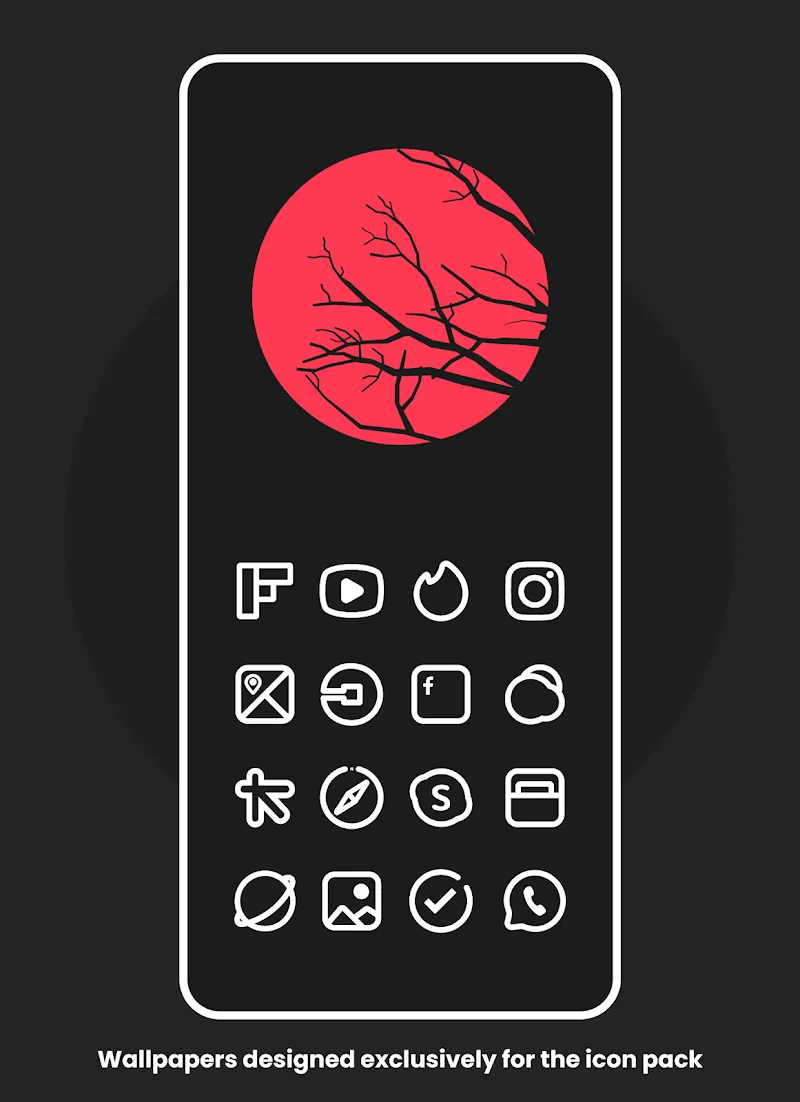

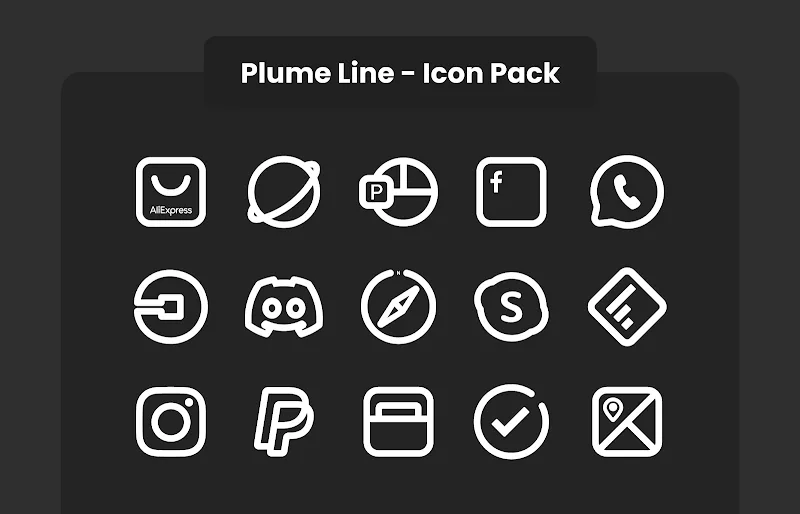
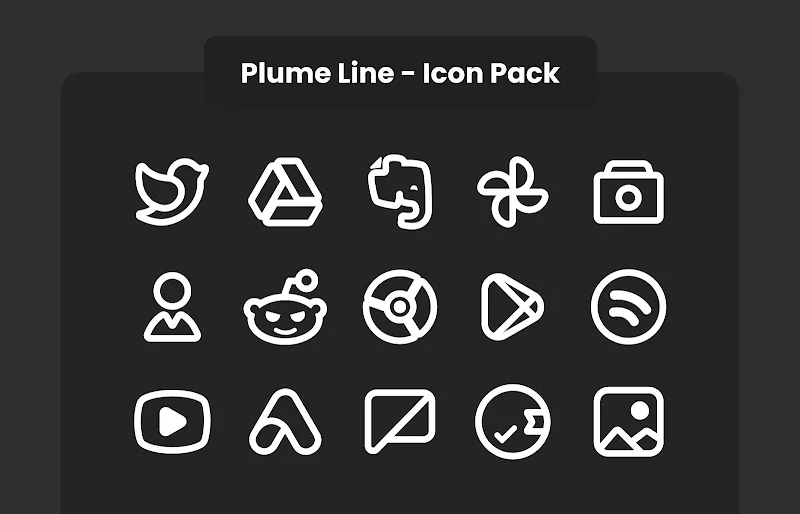
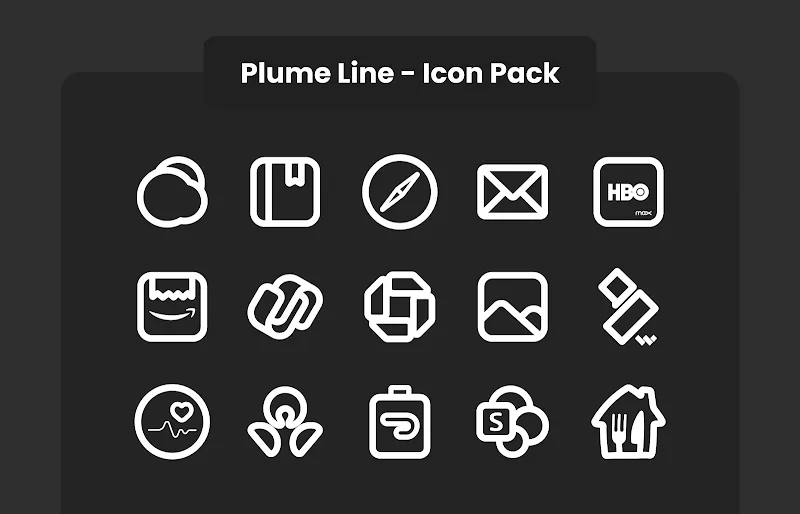
Plume Line - Icon Pack brings a refined set of thin, fashion-forward line icons to Android devices and includes a built-in dynamic calendar so your home screen looks modern and accurate without extra effort. Plume Line - Icon Pack replaces stock icons with a cohesive line-art style, offers automatic date updates for calendar-compatible icons, and integrates smoothly with a wide range of launchers to deliver a consistent visual language across your device. If you value a clean, minimal interface and want a practical way to keep your icons current, Plume Line - Icon Pack focuses on quality artwork and steady growth of its icon library.
The design behind Plume Line - Icon Pack favors thin stroke weights, simplified shapes, and balanced negative space to make icons readable at multiple sizes. The icon set was created to preserve recognizability: common app metaphors remain clear while the line aesthetic unifies apps from different developers. The pack includes high-resolution PNG and adaptive icon variants where supported, so icons retain sharp edges on modern displays and look consistent across app drawer, widgets, and folders.
Applying the pack is straightforward with most compatible launchers: open your launcher settings, select the theme or icon pack option, and choose Plume Line - Icon Pack. For launchers that do not apply icons automatically, individual icons can be changed manually by long-pressing an app icon, selecting edit, and choosing an icon from the Plume Line collection. The dynamic calendar icons update the date automatically in supported launchers; when a launcher does not support live calendar images the corresponding icons will show a static default date, which is a normal limitation of some environments.
Rather than offering complex in-app theming, Plume Line - Icon Pack focuses on a curated library and regular expansion. The app receives frequent updates that add new icons and refine existing artwork to cover newly installed apps and popular services. Users can mix and match by replacing individual icons with alternate glyphs from the set to tailor accents and achieve a personalized look while keeping overall consistency. The growing icon catalog functions as a progression system: periodic releases broaden coverage so more of your apps match the theme over time.
All icons are stored locally after installation, so Plume Line - Icon Pack works offline and does not require a persistent network connection to render icons. The pack is optimized for minimal storage and performance impact; static images and adaptive variants load quickly and do not add perceptible CPU or battery overhead. Compatibility varies by launcher; popular options that typically support icon packs and dynamic calendars include widely used home screen apps, but some proprietary OEM launchers may limit functionality.
Plume Line - Icon Pack emphasizes contrast and simple forms to help legibility at small sizes or for users who prefer uncluttered visuals. The consistent stroke thickness and generous spacing improve recognition for visually impaired users, and the pack respects system scaling and icon size settings so accessibility preferences set through Android are honored. If a particular app icon becomes hard to read on your setup, swapping to an alternate symbol from the pack is an easy way to improve visibility.
Refreshing your interface with Plume Line - Icon Pack is a low-effort way to change the feel of the device without reorganizing apps or changing widgets. Because the developer issues regular updates and adds new icons, returning to the pack periodically reveals additional artwork and subtle quality-of-life improvements. The combination of dynamic calendar support and expanding coverage encourages occasional revisits to apply new icons and maintain a consistent home screen over months and years.
Full functionality requires a compatible launcher that supports custom icon packs and dynamic calendar icons; where that support is absent, some date icons will not update live. Dynamic calendar behavior depends on launcher APIs and Android system versions, so results may vary across devices. If the launcher does not recognize the pack, try clearing the launcher's cache or reinstalling the icon pack. Contact information is provided with the package for reporting missing icons or requesting coverage of additional apps, and developer updates typically address gaps in the icon library.
Plume Line - Icon Pack is maintained with periodic updates that add new icons, improve image quality, and refine integration with popular launchers. Each release aims to expand app coverage and polish artwork so the visual theme remains cohesive as apps evolve. For users who prefer stability, the icons already present on device remain available after updates, and new content is additive rather than disruptive.