
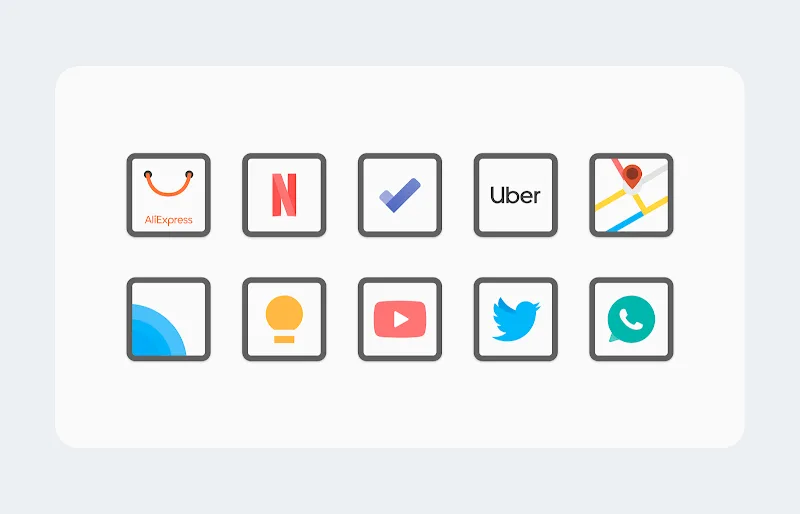
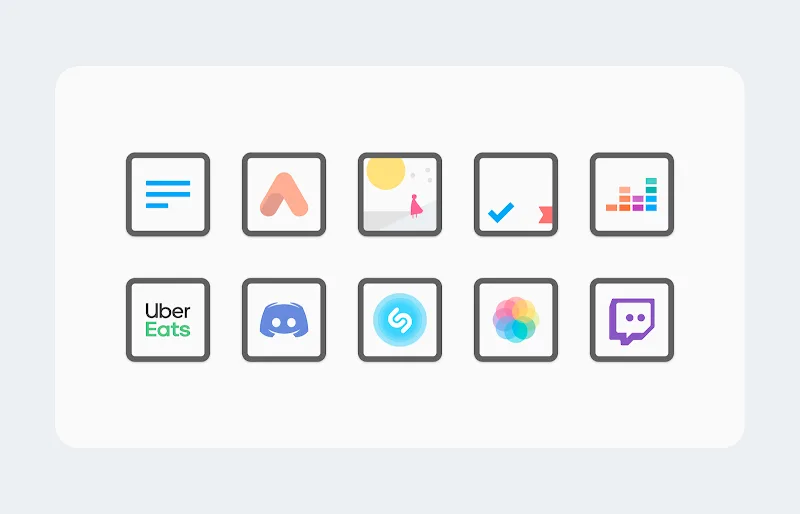
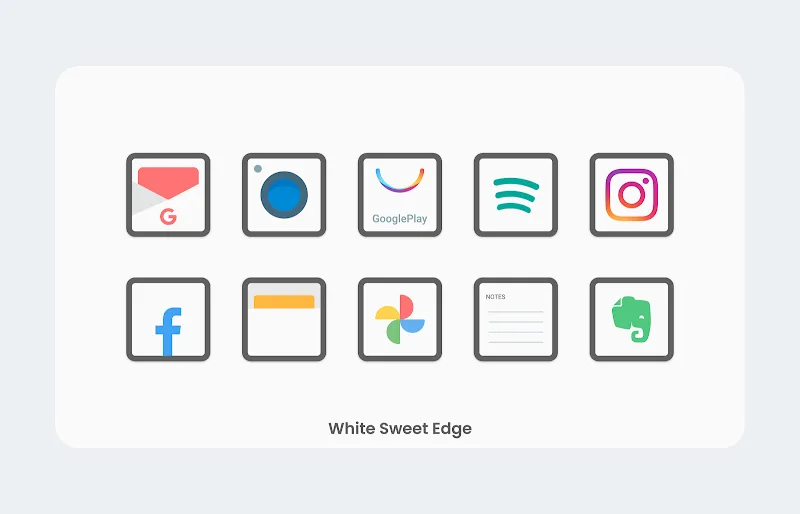
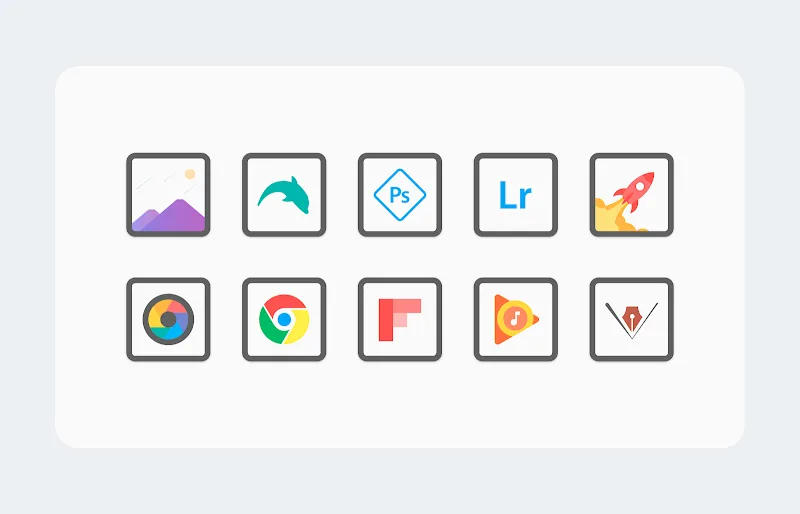

White Sweet Edge - Icon Pack transforms your Android home screen with a cohesive set of minimalist icons framed by subtle white borders, matching many launchers and wallpapers. It delivers clarity and visual uniformity while keeping a lightweight footprint that won't slow device performance or clutter the interface.
White Sweet Edge - Icon Pack brings a curated library of icons designed for users who prefer clean, understated aesthetics. The package includes hundreds of icons covering popular apps, adaptive icon support, multiple folder styles, and a set of elegant wallpapers that complement the white-edge motif. Icons follow a consistent visual language so third-party apps appear uniform alongside system icons.
The design focus is simplicity: flat glyphs sit inside rounded squares with a thin white rim, creating a soft contrast against colorful or dark backgrounds. This approach improves legibility and lends a premium, cohesive look across diverse themes. The icons scale well on different DPI settings, preserving sharpness on high-resolution displays and maintaining readability on smaller screens.
Installing White Sweet Edge - Icon Pack is straightforward. After downloading, apply the pack from supported launchers through the icon pack or theme settings. Compatibility extends to many popular launchers, and adaptive icon support ensures proper masking for launchers that use Android's adaptive icon framework. A built-in search function helps you find and apply icons quickly if your launcher provides direct integration.
Beyond swapping standard icons, this pack offers a few customization touches to tailor the home screen experience. Use alternate icon variants for specific apps, pick between multiple folder appearances, and mix wallpapers supplied with the pack to achieve different moods. The white edge effect pairs well with minimalist widgets and monochrome wallpapers, but it also holds up against more colorful backgrounds.
The icon pack is optimized to remain light on resources. Icons are supplied as static PNGs or vector assets where supported, which limits memory use and prevents unnecessary background activity. Because icon packs do not run persistent services, they have negligible impact on battery life and device performance compared with live wallpapers or heavy widgets.
Most modern Android launchers recognize custom icon packs, but some stock launchers on certain devices may lack native support. If a launcher does not detect the pack, a third-party launcher from the Play Store will enable full functionality. Adaptive icon behavior may vary slightly by Android version; expect minor visual differences on older releases.
White Sweet Edge - Icon Pack suits users who value minimalism, visual consistency, and a refined home screen. It’s particularly effective for designers, professionals, and anyone who wants a tidy, distraction-free interface without sacrificing personality. Because the pack is nonintrusive, it integrates seamlessly into productivity-oriented setups.
With careful attention to detail and broad launcher compatibility, White Sweet Edge - Icon Pack is a practical choice for anyone looking to refresh their Android interface with a clean, elegant style. The combination of consistent iconography, adaptive support, and light resource usage makes it an easy, low-maintenance way to elevate your device’s look.