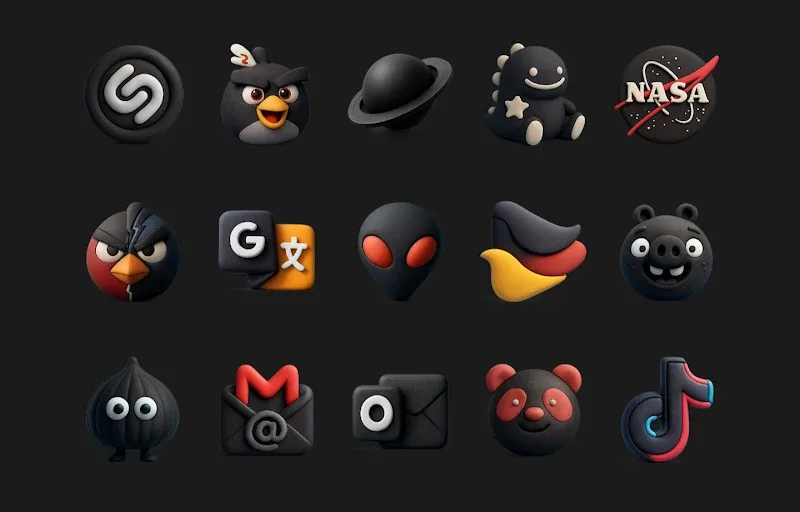
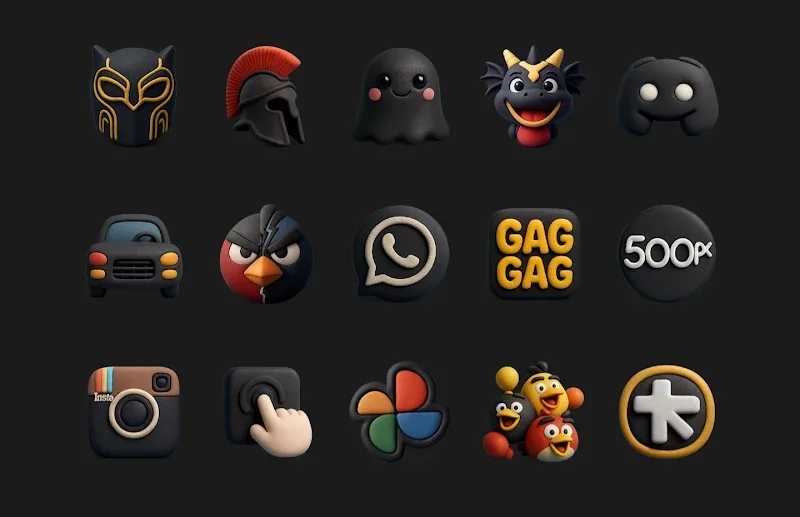
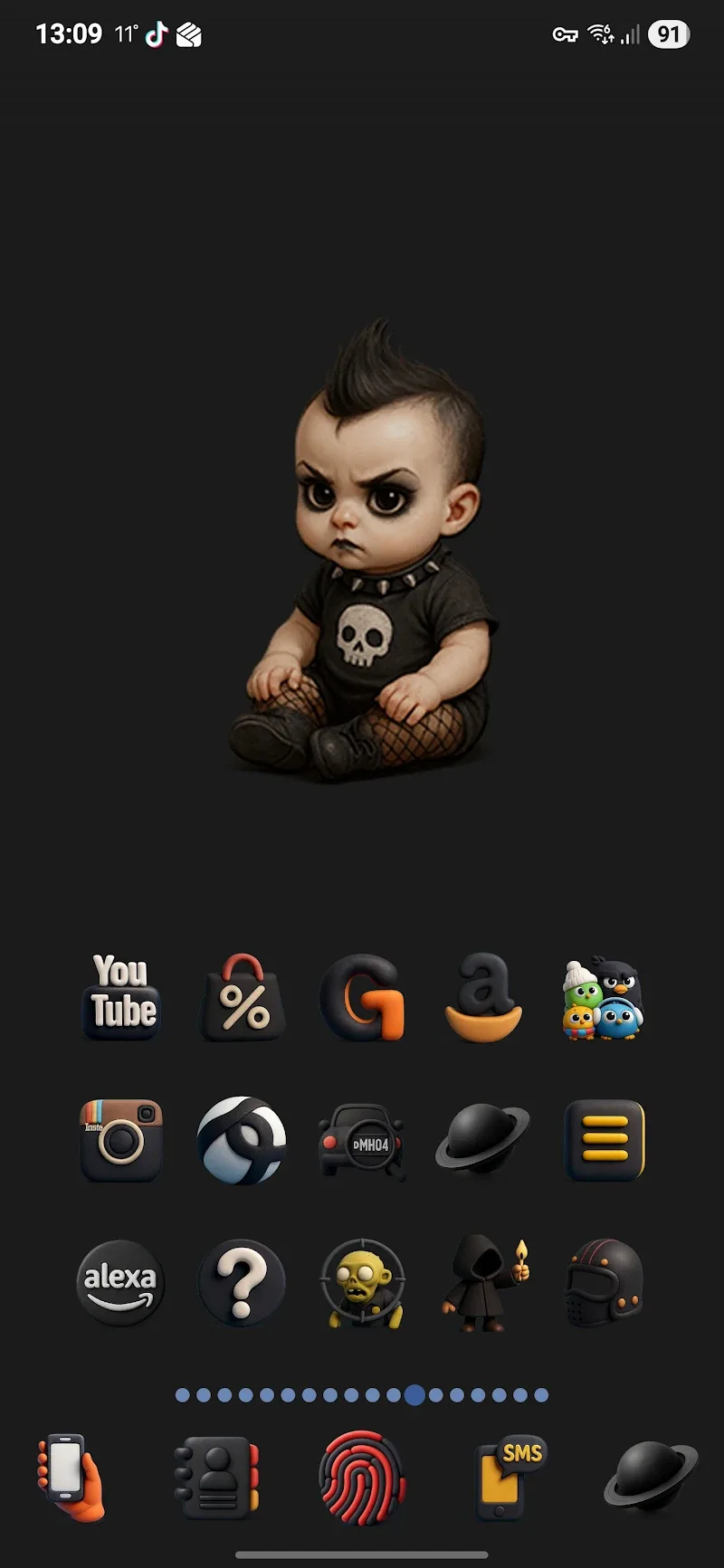
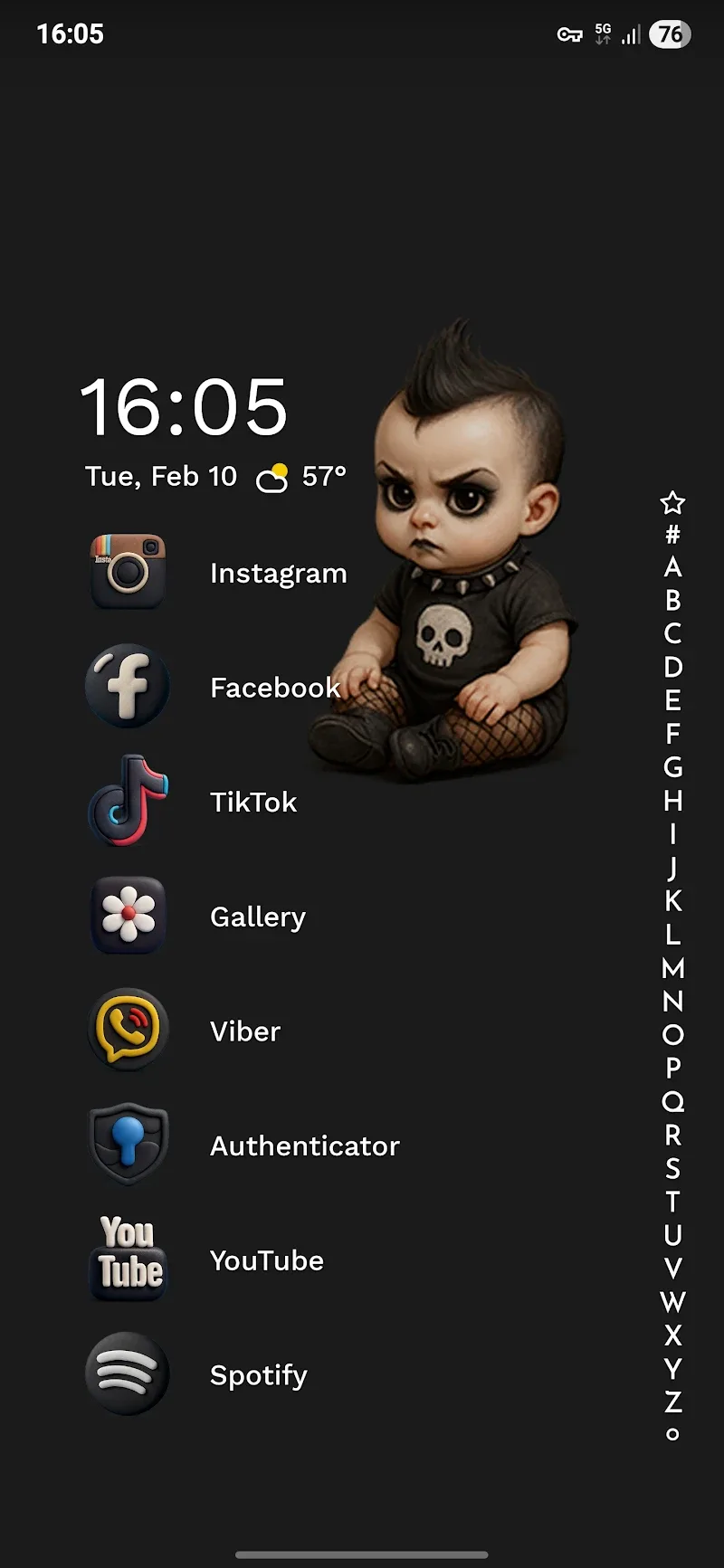
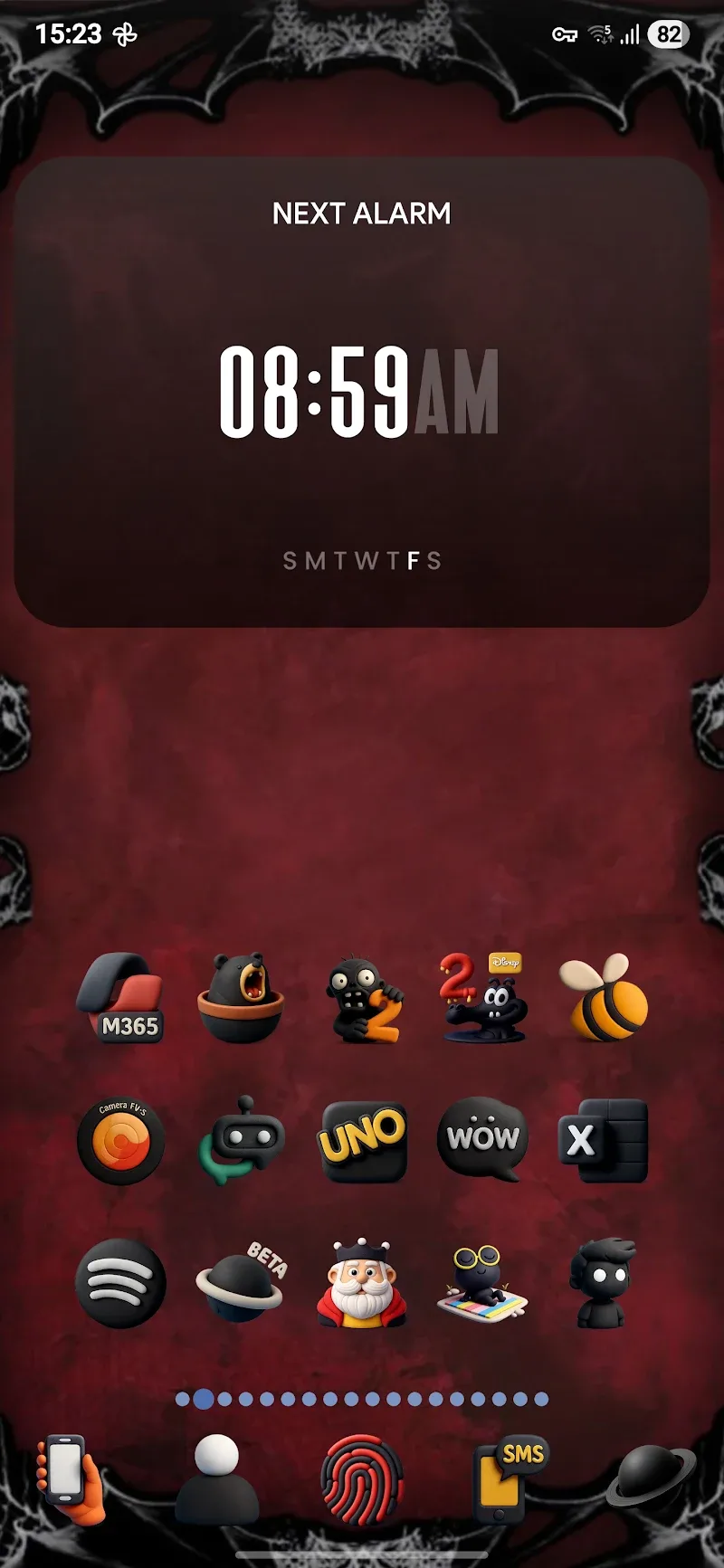
If you're the kind of Android user who prefers a darker, more cohesive home screen, Funko Dark - Icon Pack delivers a polished makeover that keeps things readable and refined. This icon pack swaps out standard app symbols for a curated set of dark-themed glyphs, giving your launcher a consistent, low-key aesthetic. It balances shadowed backgrounds with clear shapes so icons stay distinct even in dim lighting, and it works with many launchers to replace stock icons across your device.
Install and apply: After installing the pack, open your launcher settings and choose the icon theme option to select Funko Dark - Icon Pack. Most popular launchers support manual theme selection.
Adjust masking: If an app icon looks out of place, use the pack's mask or alternate style if your launcher supports icon masking to keep shapes consistent.
Use the icon search: Browse the included library by name when you want to swap a single app icon without changing the entire theme.
Extensive library: The pack includes a library exceeding two thousand custom icons, covering common apps and utilities so you get broad coverage right away.
High-contrast dark palette: Icons use deep tones and crisp outlines, making them easy to spot on dark wallpapers while keeping overall brightness low.
Wide launcher compatibility: Funko Dark - Icon Pack is designed to play well with a variety of Android launchers and should replace most stock icons you see on the home screen and app drawer.
Consistent visual language: Every icon follows the same stylistic rules, so your phone looks cohesive whether you open social apps, productivity tools, or games.
If you want to give your Android a refined, darker appearance while keeping icons legible, Funko Dark - Icon Pack is worth trying. Install it, experiment with a few replacements, and you can switch between lighter and darker elements depending on time of day or the wallpaper you're using. Try Funko Dark - Icon Pack today and see how a consistent icon set changes the feel of your device.