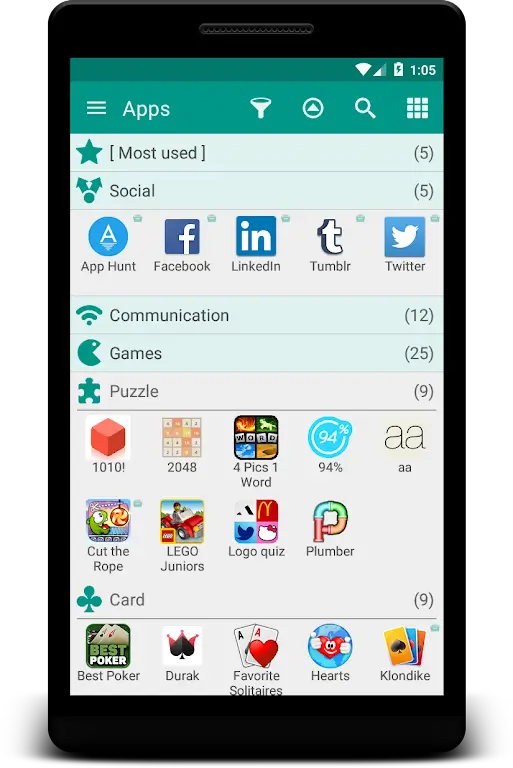
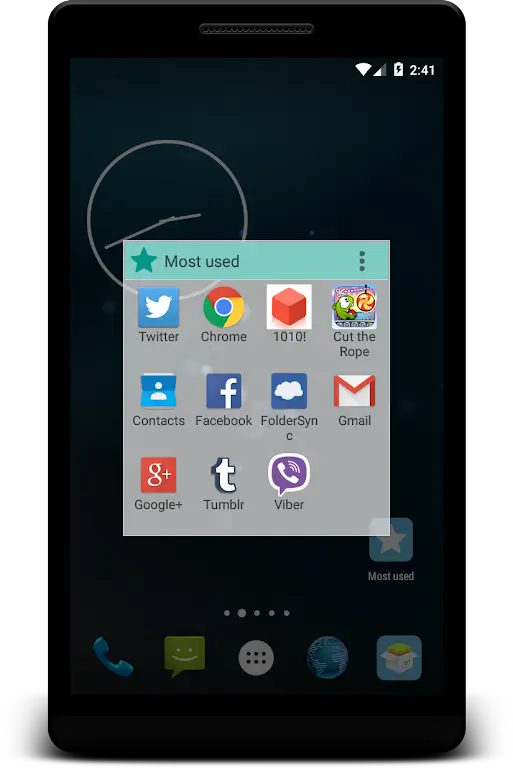
The market for Android utilities that tame a cluttered home screen keeps growing, and app organizers that combine folder management with backup tools are notably useful. Glextor App Folder Organizer offers a focused way to sort, group, and archive the apps on your device so you can find what you need fast. It blends automatic organization with manual control, and it also exposes options to export APKs for backups or transfers, making it a handy companion when you set up a new phone or prepare your device for sharing.
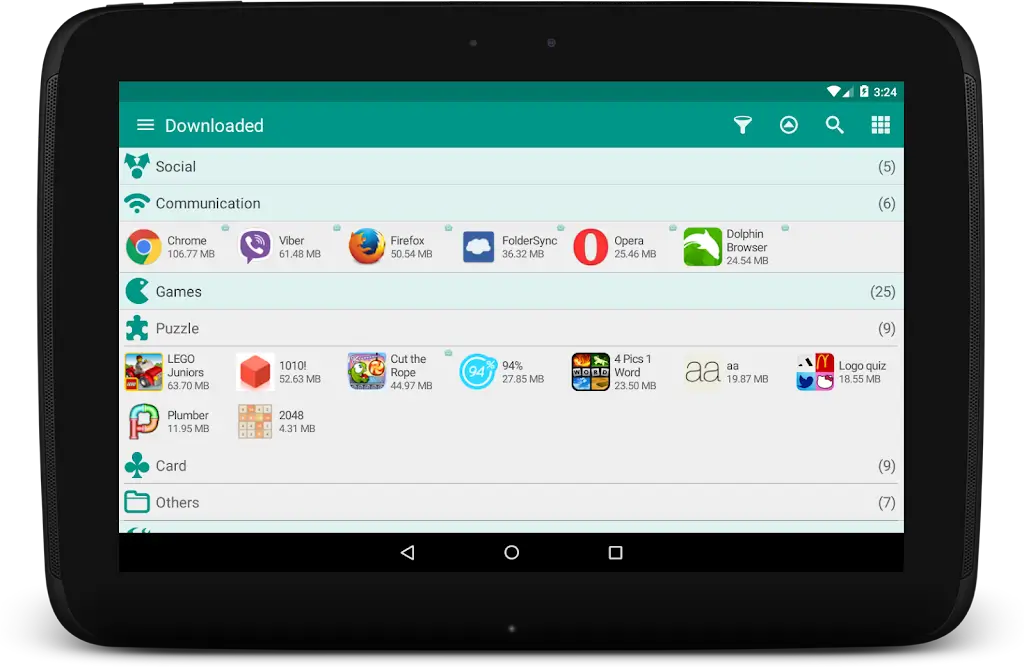
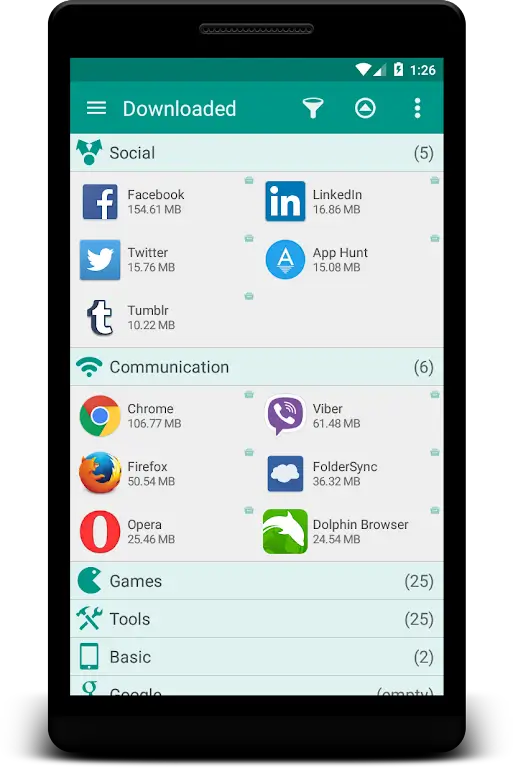
Automatic grouping: The app scans installed applications and suggests folders by category, saving time when you want an instant tidy layout.
Custom folders: Create your own folders and arrange apps the way you prefer, with options to rename, reorder, and personalize lists.
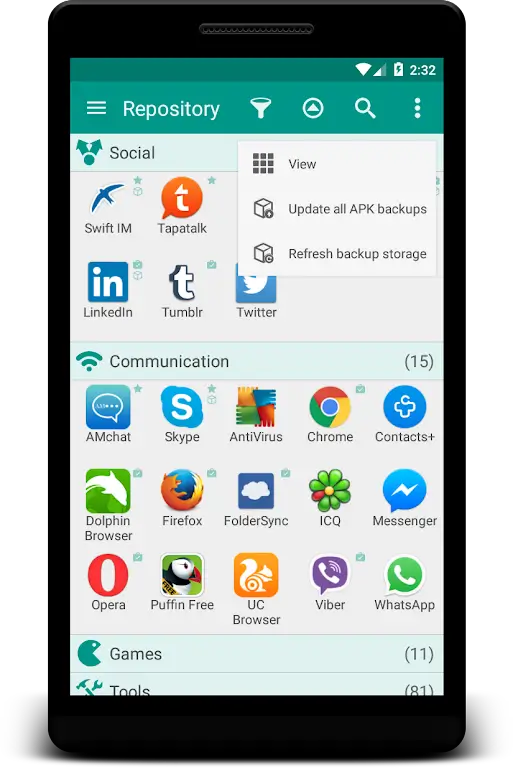
APK export and backup: Convert installed apps into APK files for offline backup or to move an app between devices without redownloading.
Quick search and shortcuts: A searchable index and system shortcuts help you reach apps without digging through screens.
Lightweight launcher integration: The organizer works alongside most home launchers so you can keep your existing setup while adding folder-based management.
Auto-organizer mode: This mode groups apps automatically into suggested folders, useful when you want a neat layout fast.
Manual folder mode: Use this when you prefer full control, hand-picking which apps go together and how folders are labeled.
APK repository mode: Store exported APKs within the app for simple backup and share options, suitable for migration or keeping an offline copy.
Start with auto-grouping: Let the app create initial folders, then refine them manually; it speeds up organization without losing control.
Use backups before a reset: Export APKs before you perform a factory reset or hand the phone to someone else, so you have quick reinstall options.
Group by task, not just category: Make folders like Work, Travel, or Media to keep frequently paired apps together for quicker access.
Clean duplicates periodically: Review folders every few weeks to remove apps you no longer use and keep the layout efficient.
Can I restore an exported APK on another device?
Yes, exported APKs can be transferred to another Android device and installed, though you'll need to allow installations from unknown sources according to the device settings.
Does the organizer replace my launcher?
No, Glextor App Folder Organizer is designed to work with most launchers. It provides folder and backup features without forcing a full launcher swap.
Will automatic grouping misplace apps I use often?
Automatic grouping is a starting point; you can move frequently used apps into their own folders or onto the home screen for instant access.
Is APK backup legal and safe?
Backing up apps you own is generally allowed, but redistributing paid or licensed apps may violate terms. Keep backups for personal use and verify app permissions before sharing.
Glextor App Folder Organizer is a practical tool for Android users who want a cleaner, more manageable app layout and a simple APK backup option. It suits people setting up a new device or anyone who prefers folder-based navigation, and while power users may want deeper automation, most users will appreciate the balance of automatic suggestions and manual control.