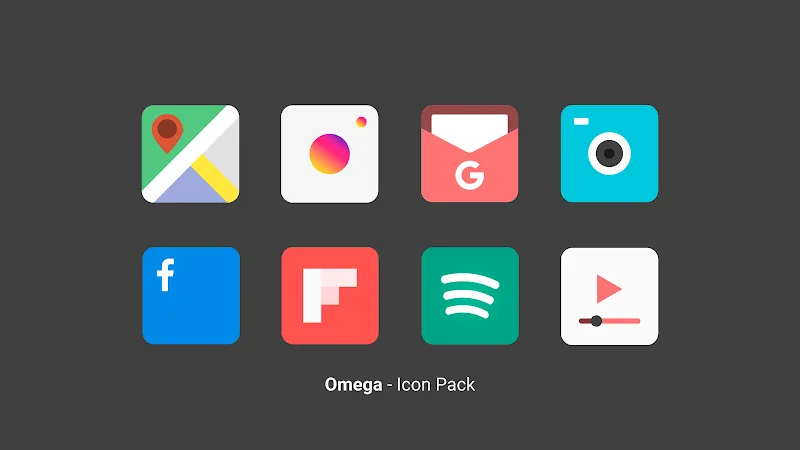
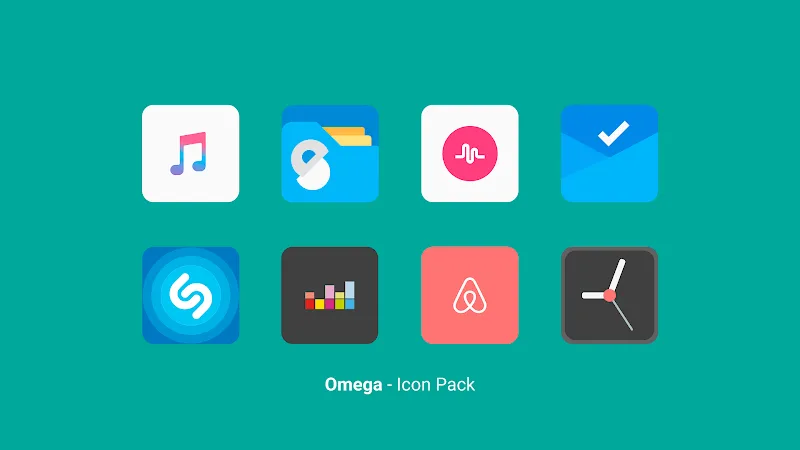
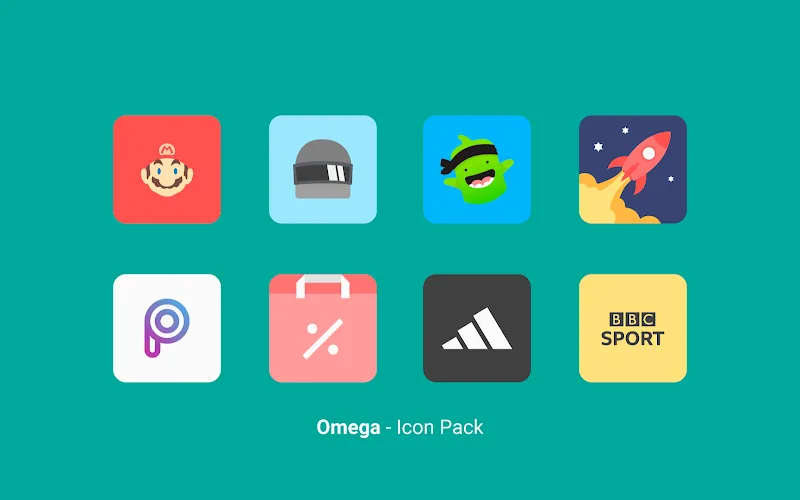
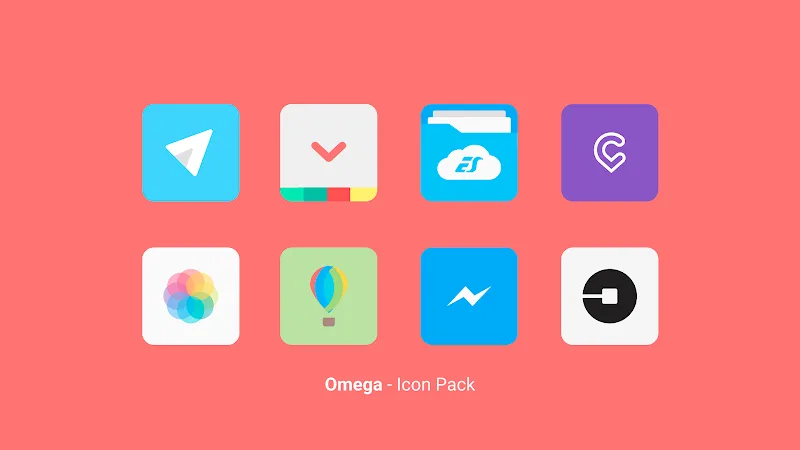
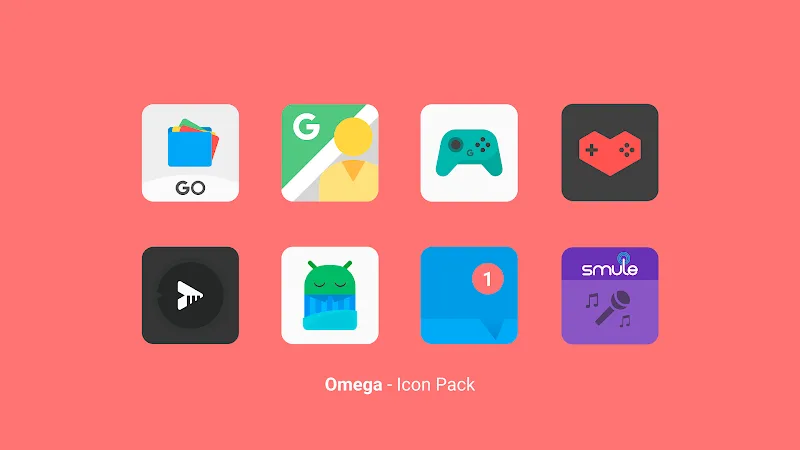
If you're the kind of Android user who likes a neat, custom home screen, Omega - Icon Pack gives you an easy route to a more polished look across apps and folders. This icon pack focuses on clean, handcrafted artwork, providing a consistent visual language that updates regularly so your device never feels stale. Inside you'll find a broad set of glyphs and themed designs, a small toolkit for quick tweaks, and weekly additions that keep popular apps and fresh styles covered. Whether you want a minimalist refresh or a refined, premium aesthetic, Omega - Icon Pack puts those choices at your fingertips.
Install and open: After downloading, launch the app to browse available icons and themes; the main screen presents previews so you can see how icons look on a mock home screen.
Apply icons: Use your launcher’s icon settings or the pack's apply option where available to replace default icons; the app lists compatible launchers if your setup needs a manual step.
Edit on the fly: Built-in edit tools let you swap individual icons, adjust background shapes, or resize artwork so a small group of favorite apps matches a chosen theme.
Request missing icons: If an icon for a specific app is absent, submit a request from inside the app so the developer can add it in a future update.
High-resolution artwork: Icons are rendered with sharp edges and consistent padding so they look crisp on both standard and high-density displays.
Unified design language: The collection follows a coherent aesthetic across hundreds of icons, giving your launcher a synchronized, premium feel rather than a patchwork of styles.
Weekly updates: New icons and fresh themes are added regularly so recently released apps and trending designs are included on an ongoing basis.
Customizable accents: Small editing options let you tweak icon backgrounds or overlays for a tailored look without needing a separate image editor.
Curated theme sets: Several themed packs inside the app provide quick ways to switch moods — from modern minimalism to glossy, refined palettes.
Omega - Icon Pack is a strong choice if you want a reliable, stylish icon set that refreshes your device without heavy tweaking; try it to see which theme matches your daily workflow and use the editor to fine-tune essentials. Give it a spin to upgrade the look of your Android home screen and keep an eye on weekly updates for fresh options.