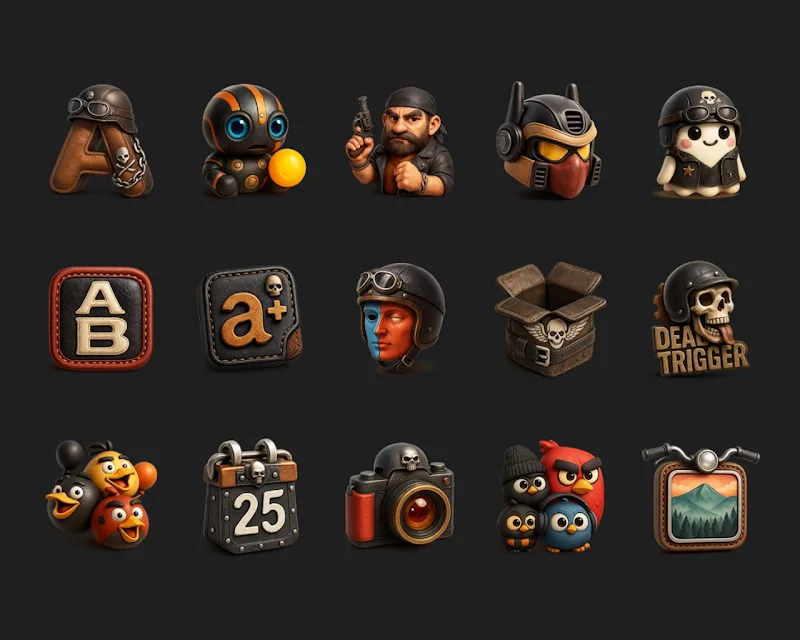
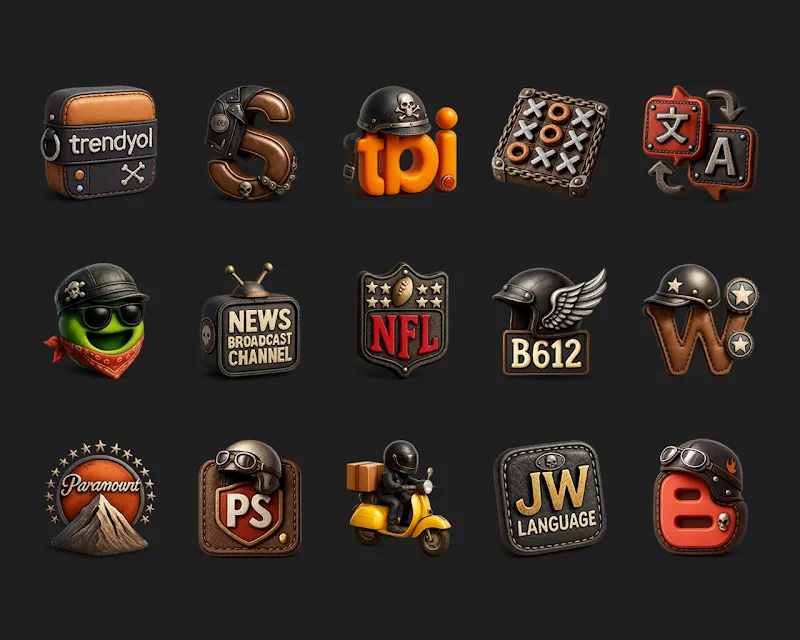
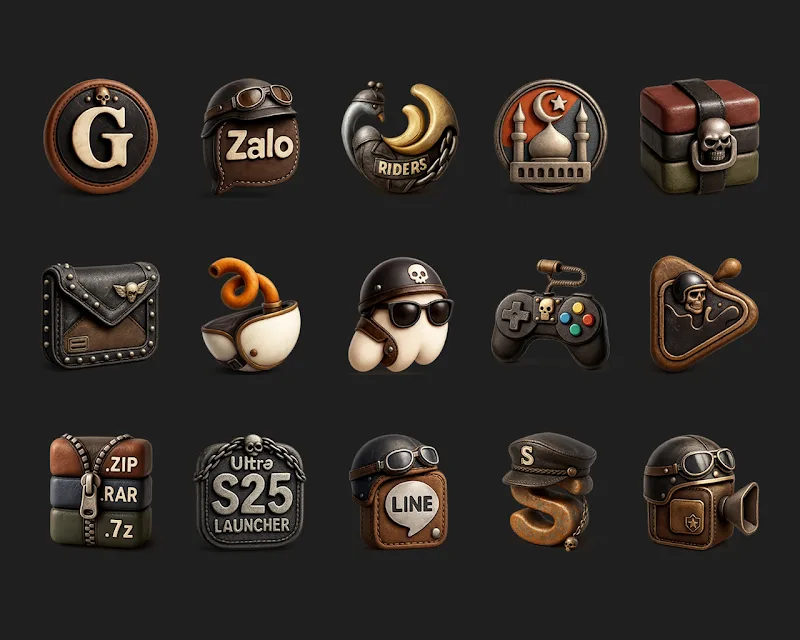
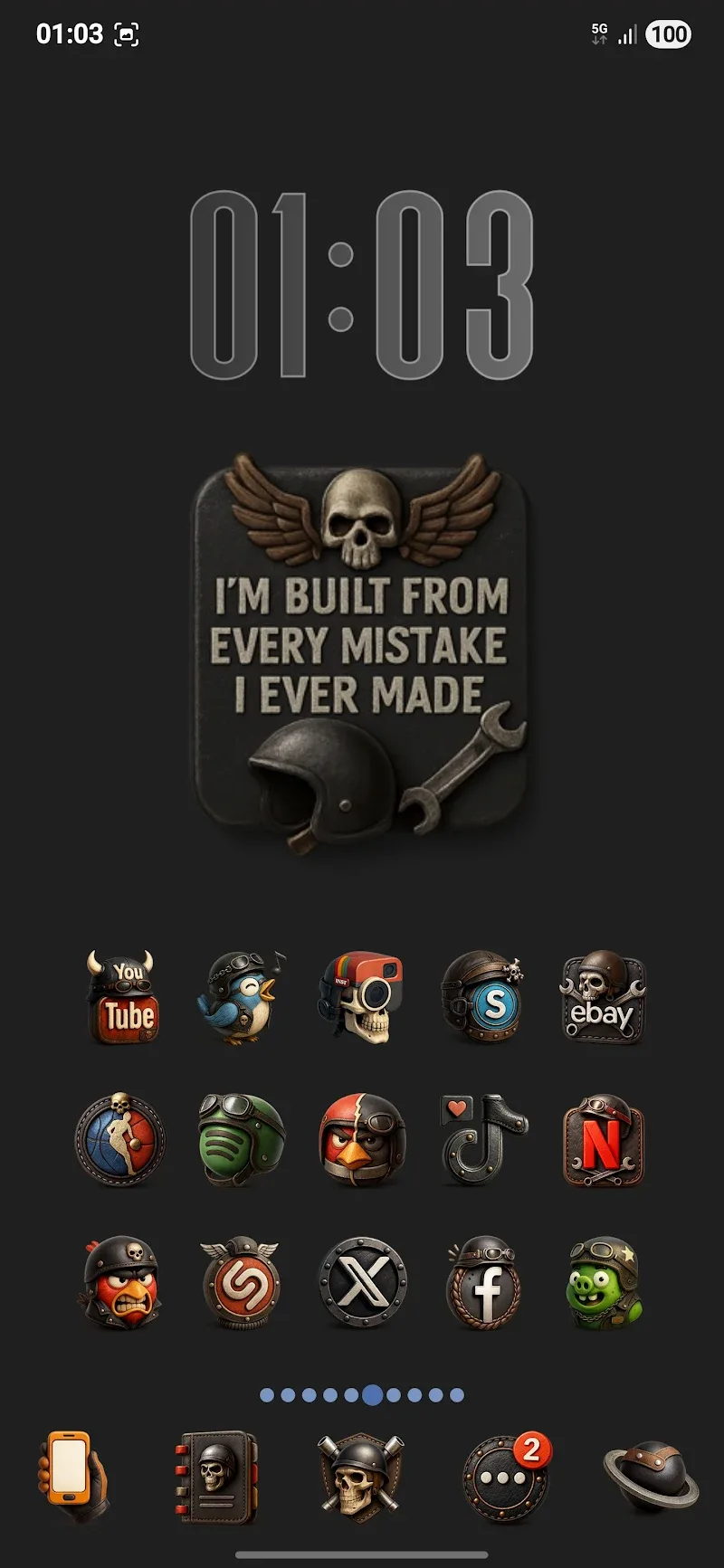
Bikerz - Icon Pack transforms your Android home screen with a bold, motorcycle-inspired visual theme, offering a cohesive set of high-quality icons and matching accents. It focuses on clean shapes, vivid colors, and easy integration with popular launchers to give your device a distinctive, polished look without extra complexity.
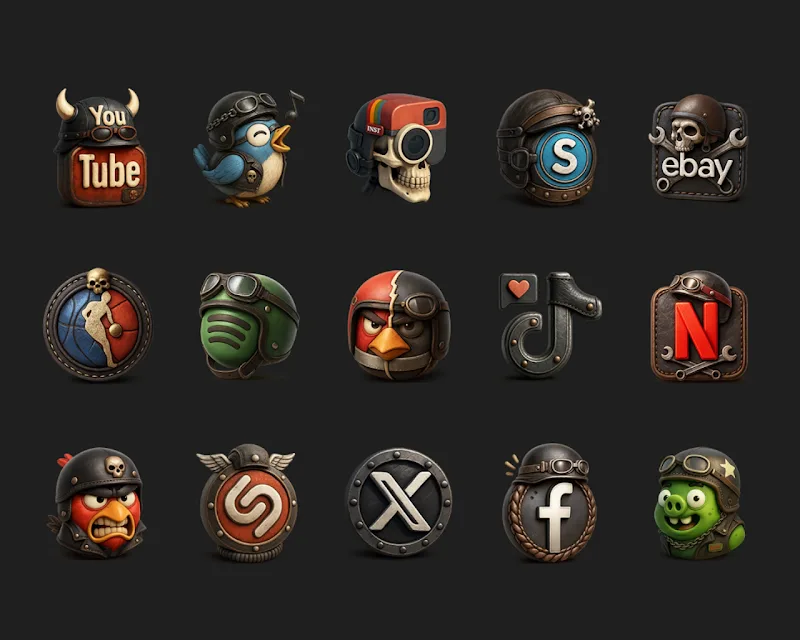
Bikerz - Icon Pack is designed for users who want a unified aesthetic across apps and shortcuts. The pack includes a broad selection of themed icons, a handful of wallpapers that match the icon style, and convenient tools for finding and applying replacements. Its visual language leans on strong silhouettes, subtle gradients, and consistent edge treatments so icons feel part of a single visual system rather than a mix of styles.
Each icon in Bikerz is crafted to maintain clarity on phones and tablets. Most icons are rendered in high resolution and use simplified forms that remain recognizable even at smaller sizes. The color palette is deliberate: darker bases punctuated with bright highlights to create depth without overwhelming the rest of your interface. Attention to contrast and legibility makes the pack suitable for a variety of wallpapers and widget setups.
Bikerz supports a wide range of third-party launchers, allowing you to apply the theme quickly and consistently. Supported launchers typically include Nova, Lawnchair, Apex, ADW, Action, Smart Launcher, and Microsoft Launcher. The pack works with icon masking systems when a launcher lacks a direct icon, ensuring a uniform appearance. A built-in icon search and an icon request feature streamline the process of locating or requesting replacements for apps that aren’t included by default.
Applying Bikerz - Icon Pack is straightforward. After installing, open the icon pack app and browse the preview area to see how icons will look on your grid. Use the apply button to select your preferred launcher; if your launcher is not listed, most allow manual theme application through their settings. For unmatched apps you can assign icons directly from launcher settings or submit requests from inside the pack so missing icons can be added in future updates.
To build a coherent home screen with Bikerz, start by choosing one of the included wallpapers as a backdrop. Next, apply the icon pack and adjust grid size, label visibility, and widget spacing within your launcher. If some icons still clash with widgets or wallpaper, try toggling icon size or switching between light and dark widgets to maintain visual balance. The pack’s consistent edge styles help icons align neatly with common widget designs.
Bikerz - Icon Pack is lightweight and designed to minimize its footprint on system resources. Because the icons are applied by the launcher rather than running as a separate background service, the pack itself does not consume noticeable RAM or battery once applied. Updates from the developer may add icons or optimizations, and installing only the necessary components keeps storage use efficient.
Bikerz - Icon Pack is best for users who appreciate a rugged, modern aesthetic and want a low-effort way to refresh their Android interface. With support for popular launchers, built-in utilities for finding and requesting icons, and an emphasis on visual consistency, it provides a practical path to a refreshed home screen without technical hurdles.