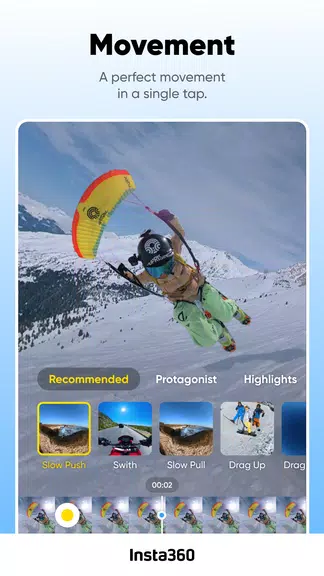
Insta360 cameras and handheld gimbals provide creators with powerful tools to enhance their shooting capabilities, whether using models like the Insta360 Ace/Ace Pro, GO 3S/GO 3, Flow, ONE X4/X3/X2, or ONE RS/R. The Insta360 app acts as a creative powerhouse in your pocket, offering AI-powered auto editing tools, manual controls, and various editing features to make the editing process easier. With features like Quick Edit, AI Edit, Al Highlights Assistant, AI Warp, and Shot Lab, creators can transform their footage and create captivating videos effortlessly. Users can also explore content from creators worldwide within the app. A core functionality issue requiring users to connect their phone to the camera's Wi-Fi for control and downloading footage is being addressed by using VpnService to prevent frequent disconnections and reconnections.
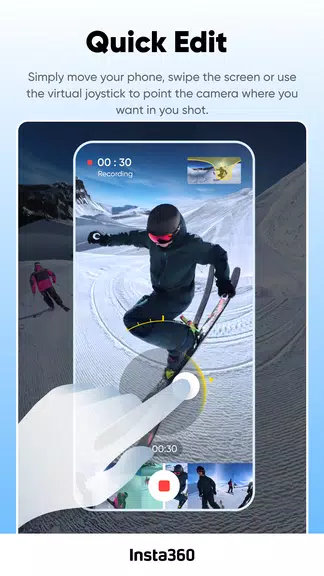
Quick and Easy Editing: Move your phone or use the virtual joystick to easily adjust the camera angle for your shot.
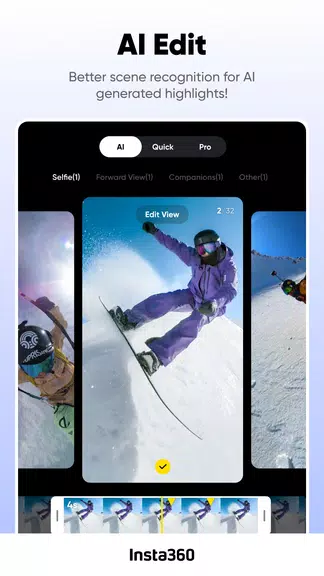
AI Editing: Let AI handle the reframing process, making editing faster and easier.
AI Highlights Assistant: Automatically edit your footage into an epic video and share it instantly.
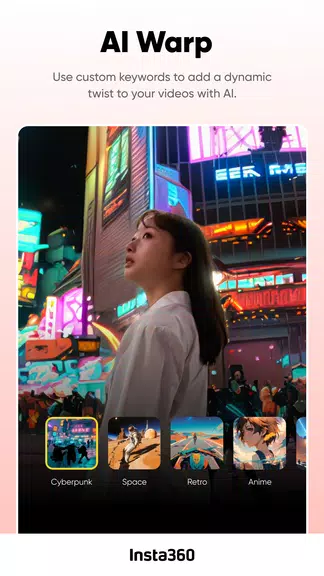
AI Warp: Customize your videos with AI effects for a dynamic twist.
Reframing: Tap to add keyframes and change the perspective of your footage with easy 360 reframing tools.
Deep Track: Keep your subject centered in your shots with a single tap, whether it's a person, animal, or object.
Additionally, users can access Shot Lab for AI-powered editing templates, create stabilized hyperlapses, and edit and share clips without downloading them first. The app also provides access to content from creators worldwide.