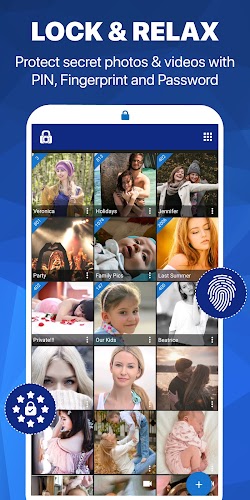
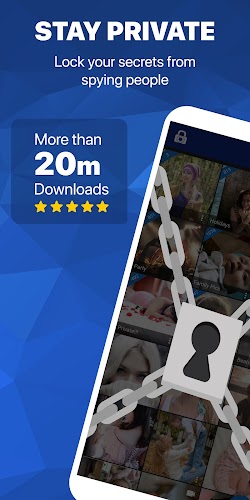
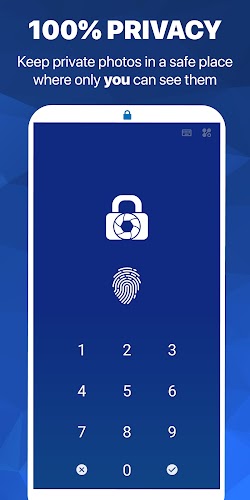

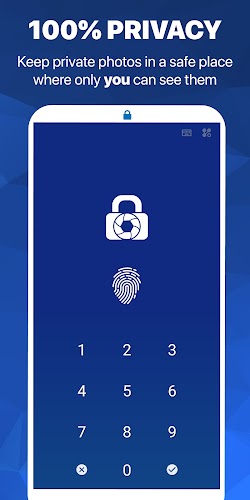

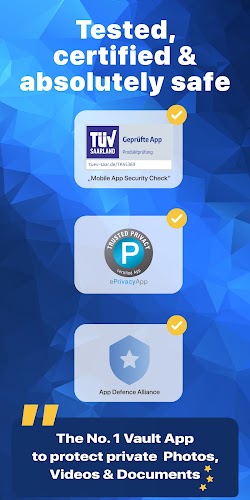
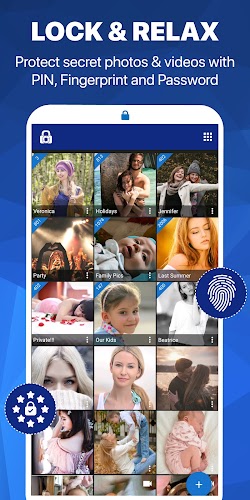
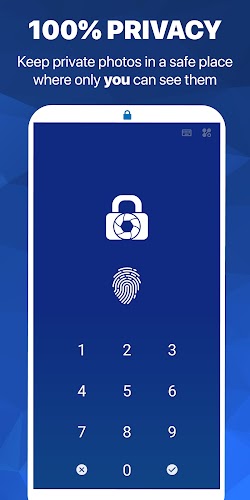

LockMyPix Photo Vault PRO protects photos and videos on your Android device by combining multiple authentication methods with strong encryption to keep private media truly private. This secure media vault places your images and clips behind PIN, password or fingerprint access, and stores protected files so they remain invisible to other apps and casual browsing while staying fully usable on the device.
LockMyPix Photo Vault PRO is designed to remove the worry of accidental exposure by isolating sensitive media in an encrypted container. Files imported from the device gallery or file manager are moved into the app where thumbnails, previews and playback are handled by an internal viewer so media never needs to be left in ordinary storage. The app detects unusual actions, logs break-in attempts, and offers clear controls to permanently hide items rather than merely hiding them from the gallery, helping maintain privacy for long-term use.
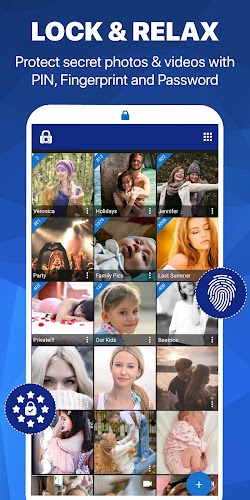
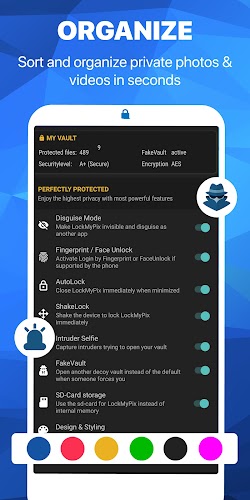
The interface focuses on simple touch controls to make management fast: tap to open, long press to select multiple items, drag to reorder or move files between albums, and pinch to zoom galleries. A clean grid view and a compact list mode let you choose the visual density that fits your workflow. Sorting options and album filters help you surface recent captures, videos only, or manually curated collections. The internal media viewer supports standard playback controls and basic browsing gestures so you can review protected items without exporting them back to public folders.
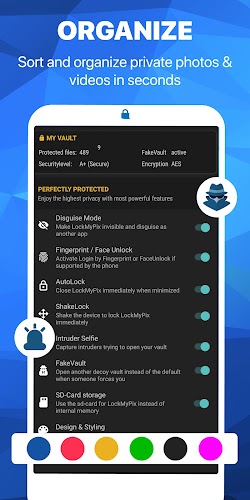
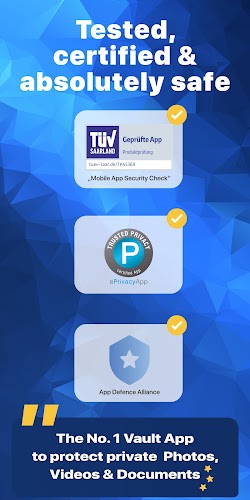
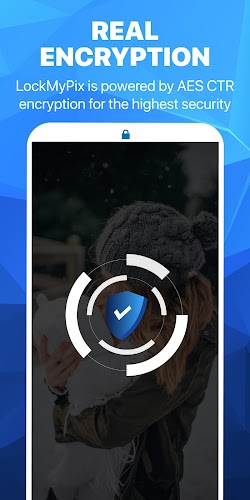
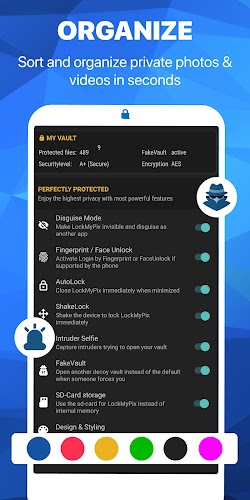
Security is the core of the product: industry-standard encryption protects files at rest, and strong lock options let you balance convenience and protection. Biometric unlocking speeds access on compatible devices, while PIN and password options provide broader device support. Everything operates locally by default, so protected files stay on the device unless you choose to export them. Because hidden files are isolated for safety, sharing or recovering content requires explicit export steps, which reduces accidental leaks but does mean recovery workflows are more deliberate.
Rather than a game-style progression, progression here refers to how your private library grows and stays manageable: create albums, rename and merge folders, and archive older collections to keep active albums focused. As you add more items the app scales with unlimited secure storage, maintaining thumbnail generation and fast search across large libraries. Organizational tools support long-term maintenance so the vault remains usable when your protected media expands over time.
The app offers sensible customization without complexity: choose between lighter or darker themes, set thumbnail sizes, and select default sorting preferences so the app looks and behaves the way you prefer. The clean, minimal visual style emphasizes media previews and readable controls, and preserves responsiveness on both phones and tablets. These visual and layout options help users with different preferences to work comfortably while keeping the security model intact.
Accessibility features include scalable text, large touch targets for key actions, and compatibility with standard screen readers so people with differing needs can operate the vault. The application functions fully offline, handling encryption, unlocking and viewing without any network connection, which supports users who prefer local-only privacy solutions and reduces dependencies on external services.
Strong, multi-layered security improves protection but can add steps when you need fast access to a file. Fingerprint unlocking requires compatible hardware and may not be available on all devices. Because files are isolated to protect privacy, sharing or recovering content is intentionally more involved than ordinary storage workflows. If you plan to move a large library, take time to learn import and export steps so you avoid accidental duplication or loss.
To begin, create a secure PIN or password, enable biometrics if your device supports it, and import a few test items so you can practice selecting, hiding, and exporting files. LockMyPix Photo Vault PRO provides a balance of strong encryption and user-focused controls that help you maintain privacy without needing to rely on cloud services or complex setups. Regularly review your albums and backup any critical exported copies through secure means if you want an extra layer of recovery protection.