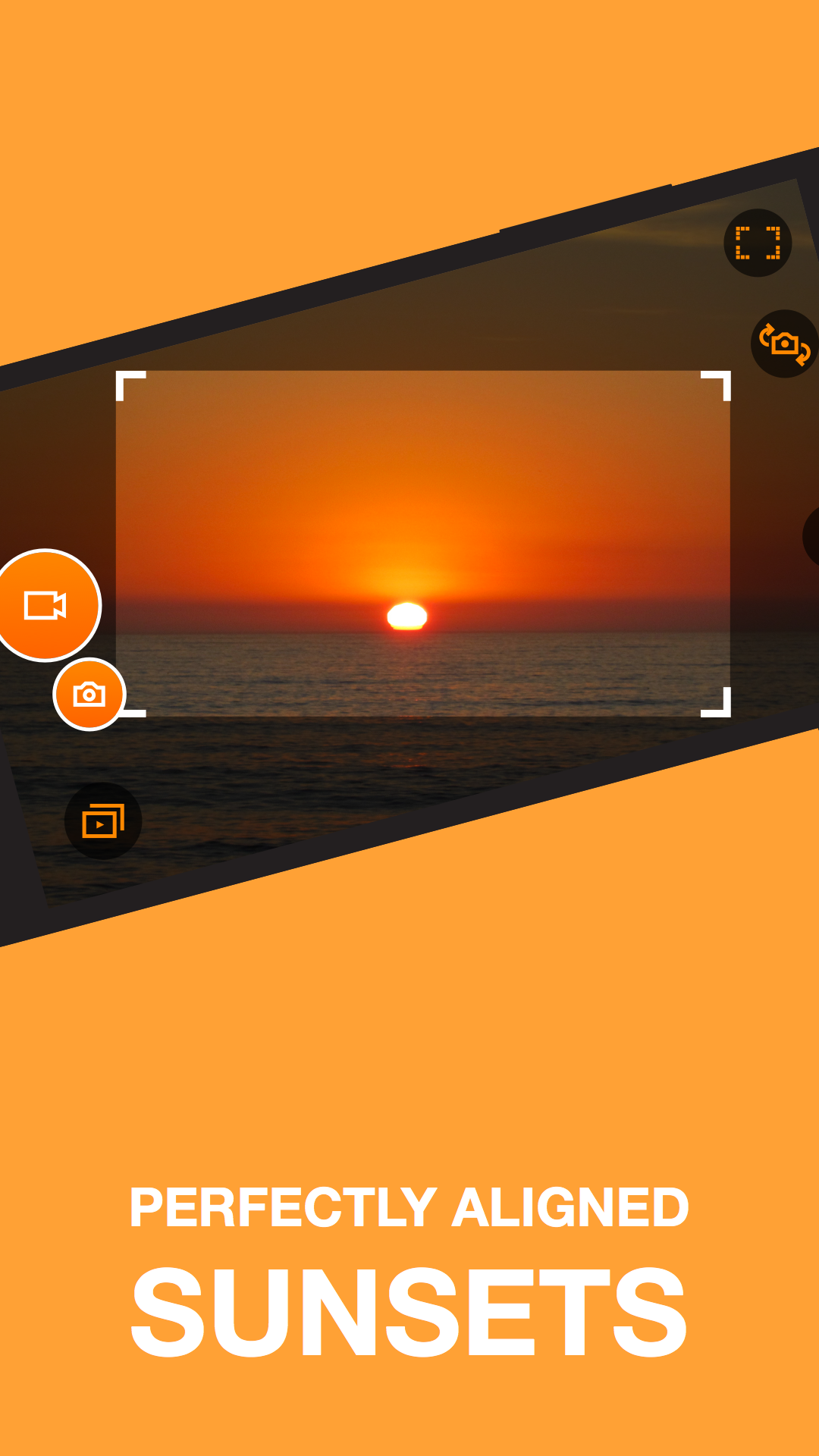
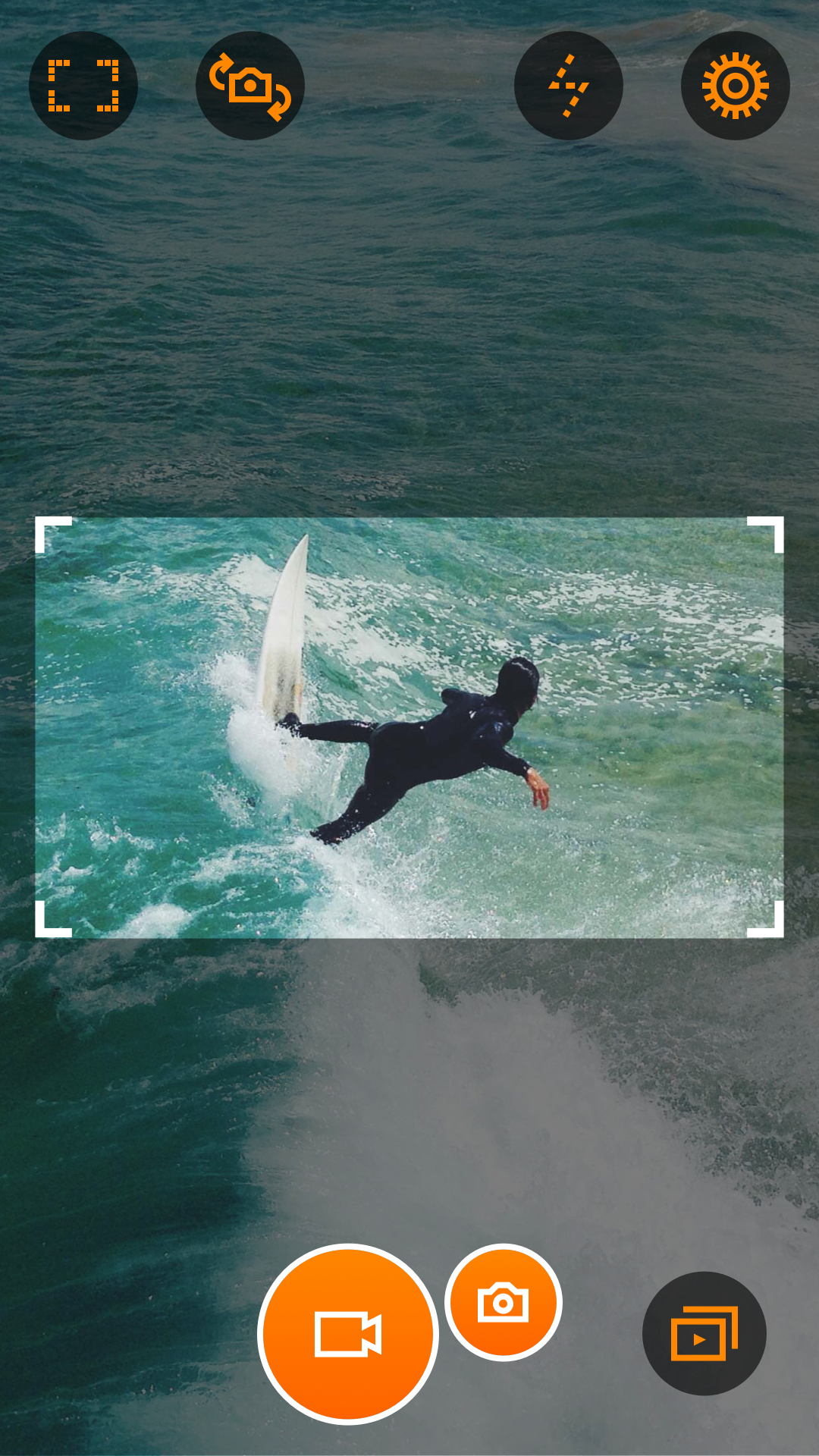
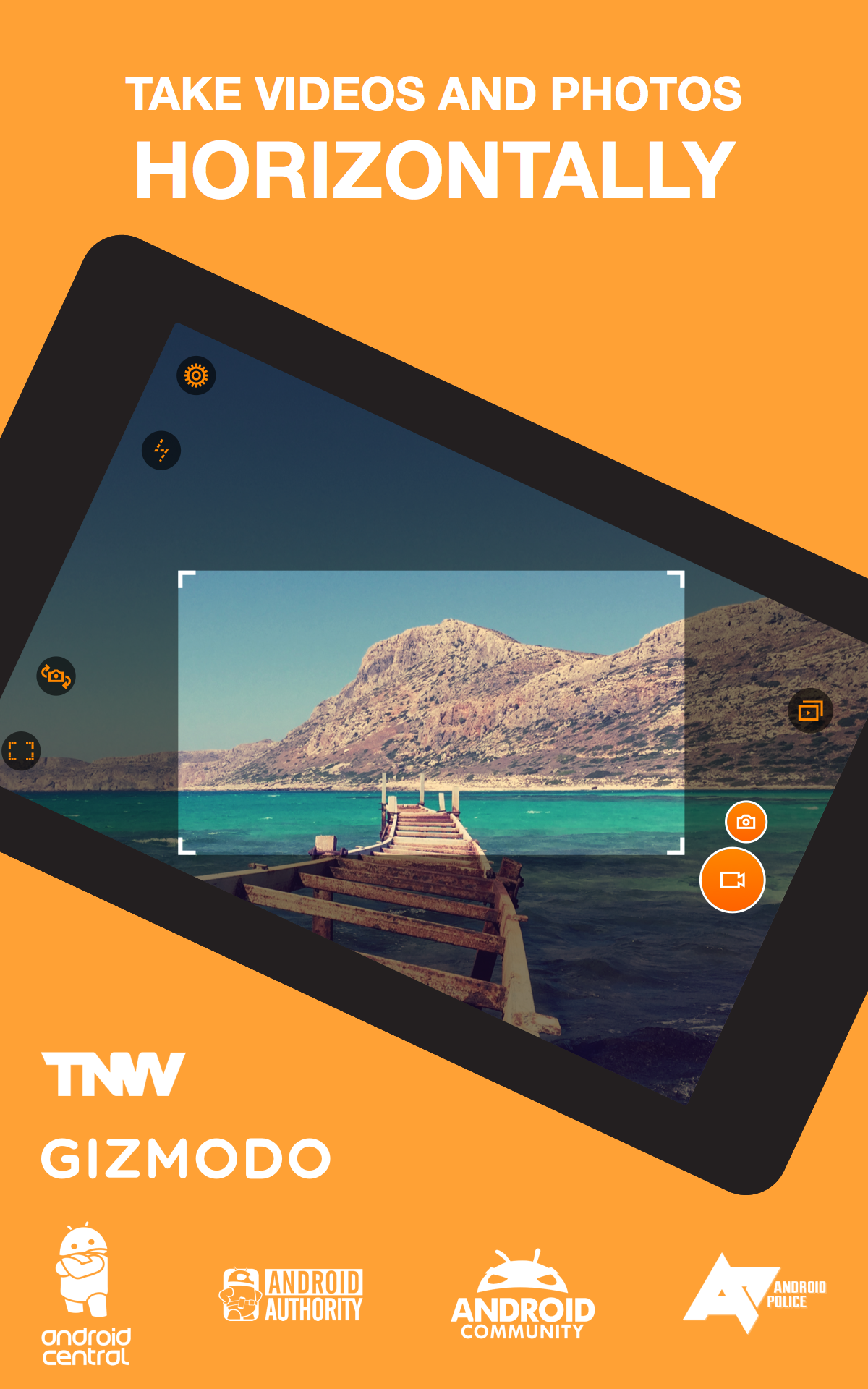
Tired of recording vertical clips that look awkward on a TV or laptop? Horizon Camera brings a practical fix by keeping your videos and photos level no matter how you hold the phone. The app uses motion sensors to lock the horizon, lets you zoom by tilting, and offers a range of quality and stabilization options so footage stays usable for social posts, home movies, or quick how-to clips. It works with hardware shutter keys, can save to external storage, and lets you keep shooting photos while recording video for more flexible capture.
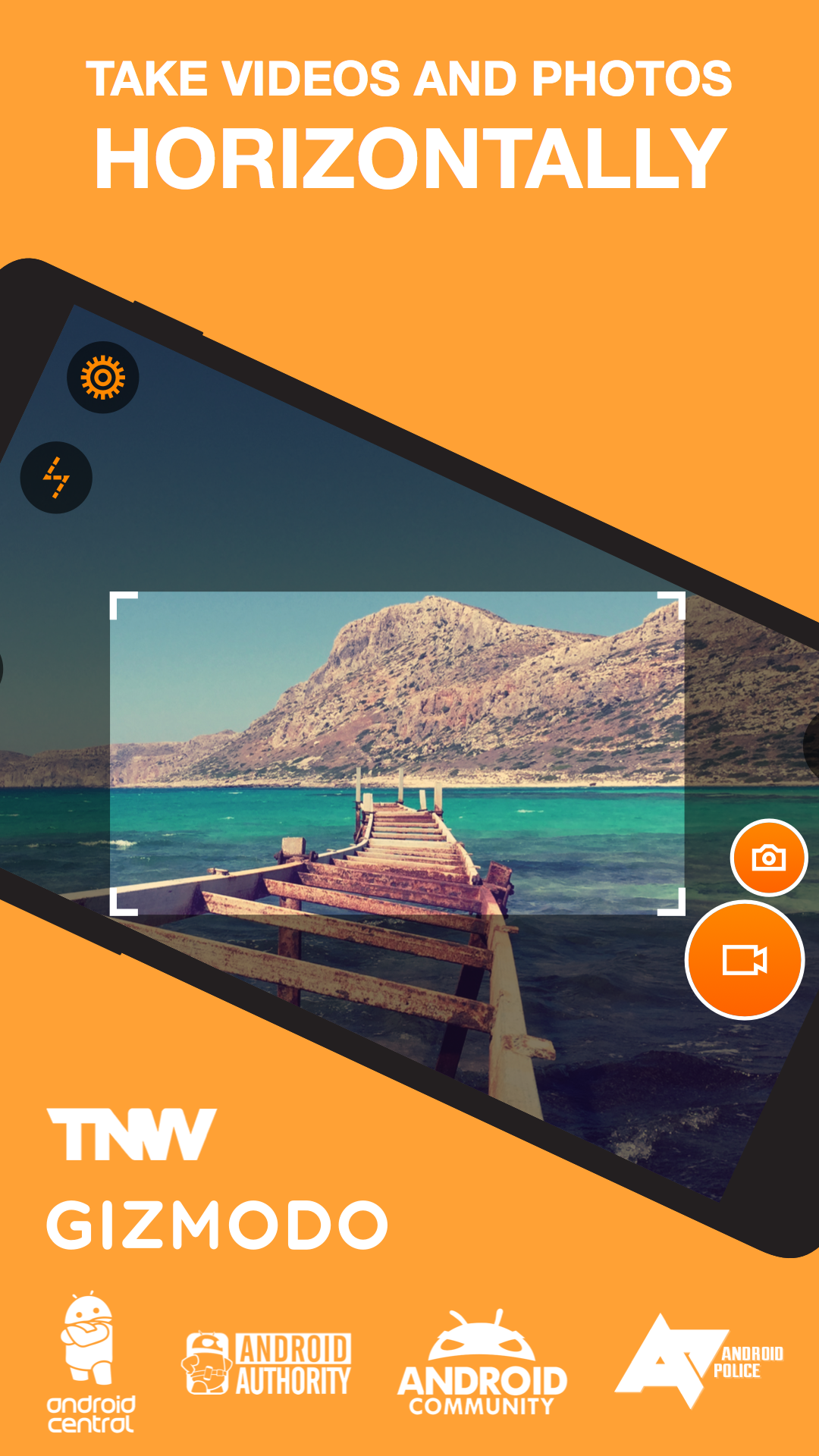
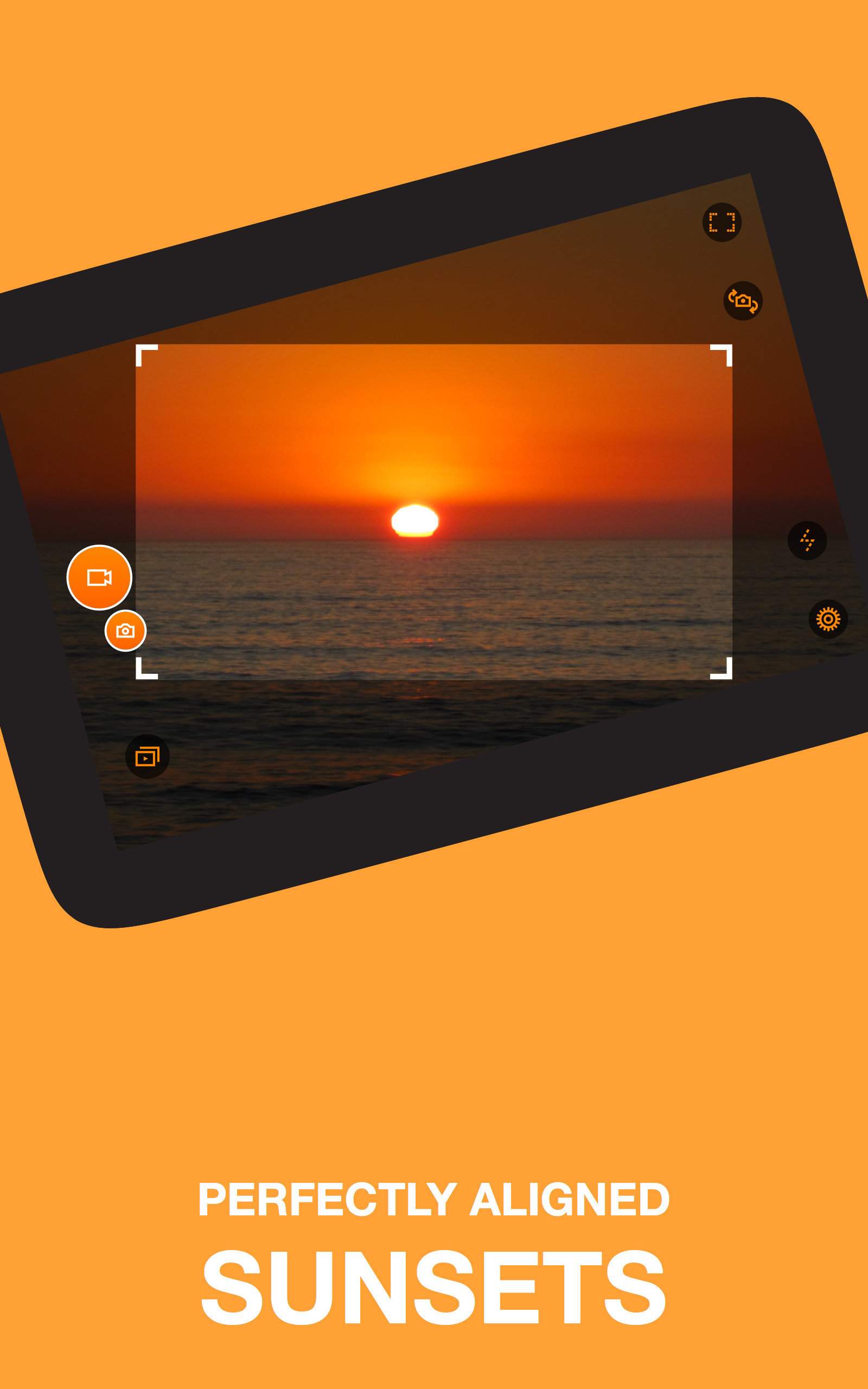
Automatic horizon leveling: The app monitors device orientation and keeps the recorded image parallel to the ground so clips stay horizontal even when you rotate the phone.
Tilt-to-zoom control: Instead of pinching the screen, you can tilt the device forward or back to zoom smoothly while recording.
Multiple resolution options: Choose from standard definitions up to Full HD and on supported devices higher output resolutions for sharper results.
Slow motion support: When your hardware allows, record at higher frame rates for smooth slow-motion playback.
Sensor-driven stabilization: The app uses accelerometer or gyroscope input to act like a software gimbal and reduce rotation artifacts during capture.
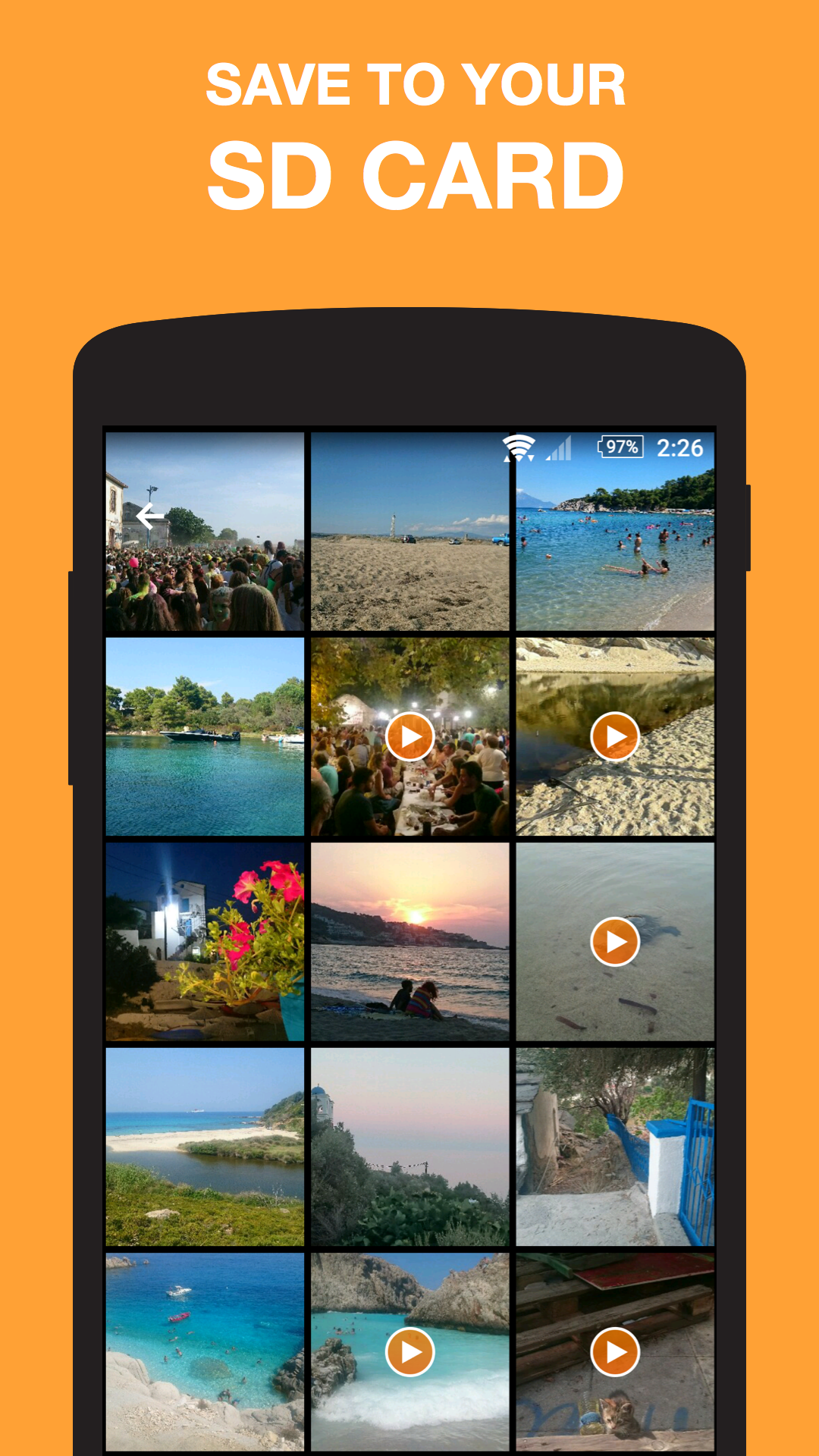
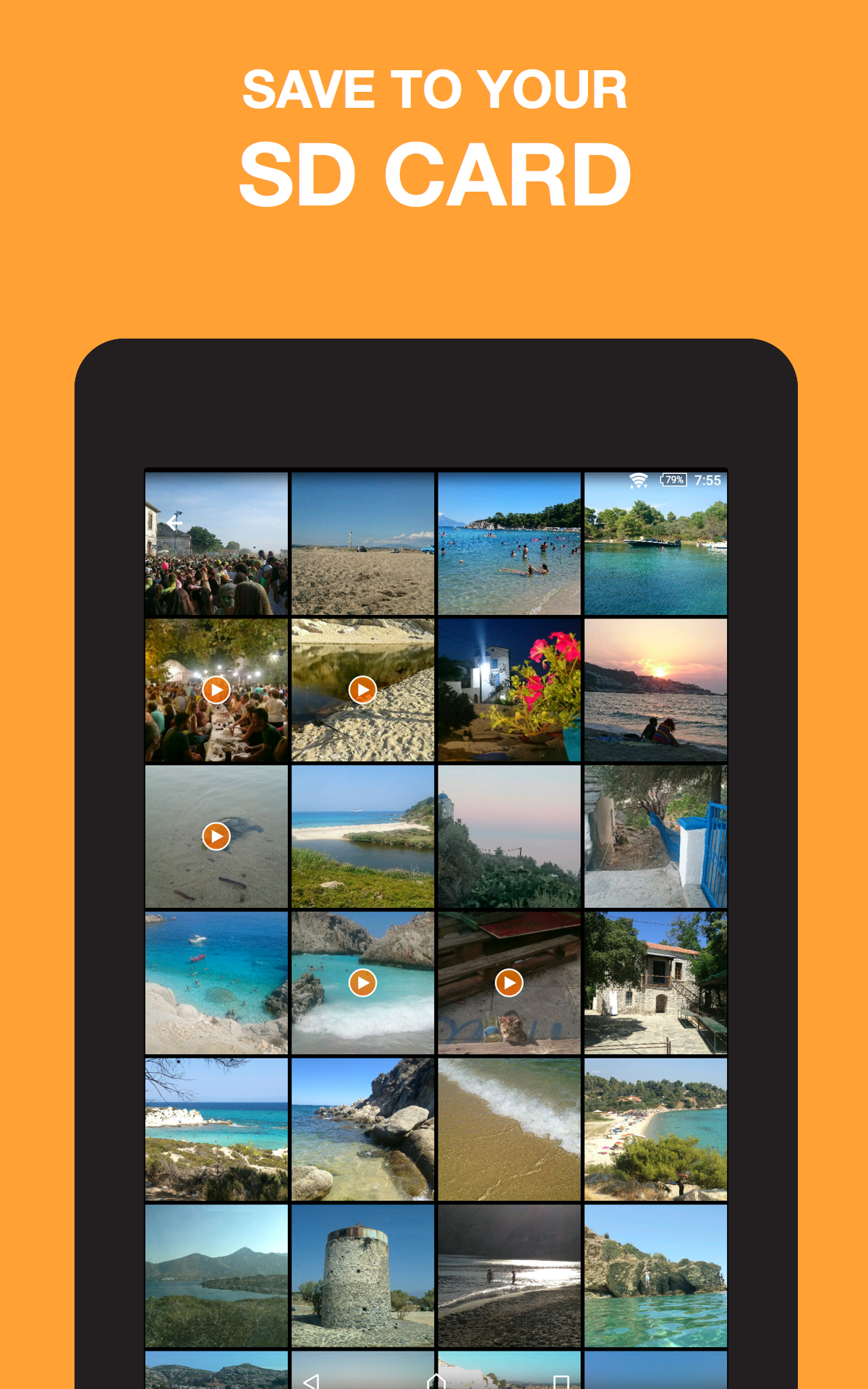
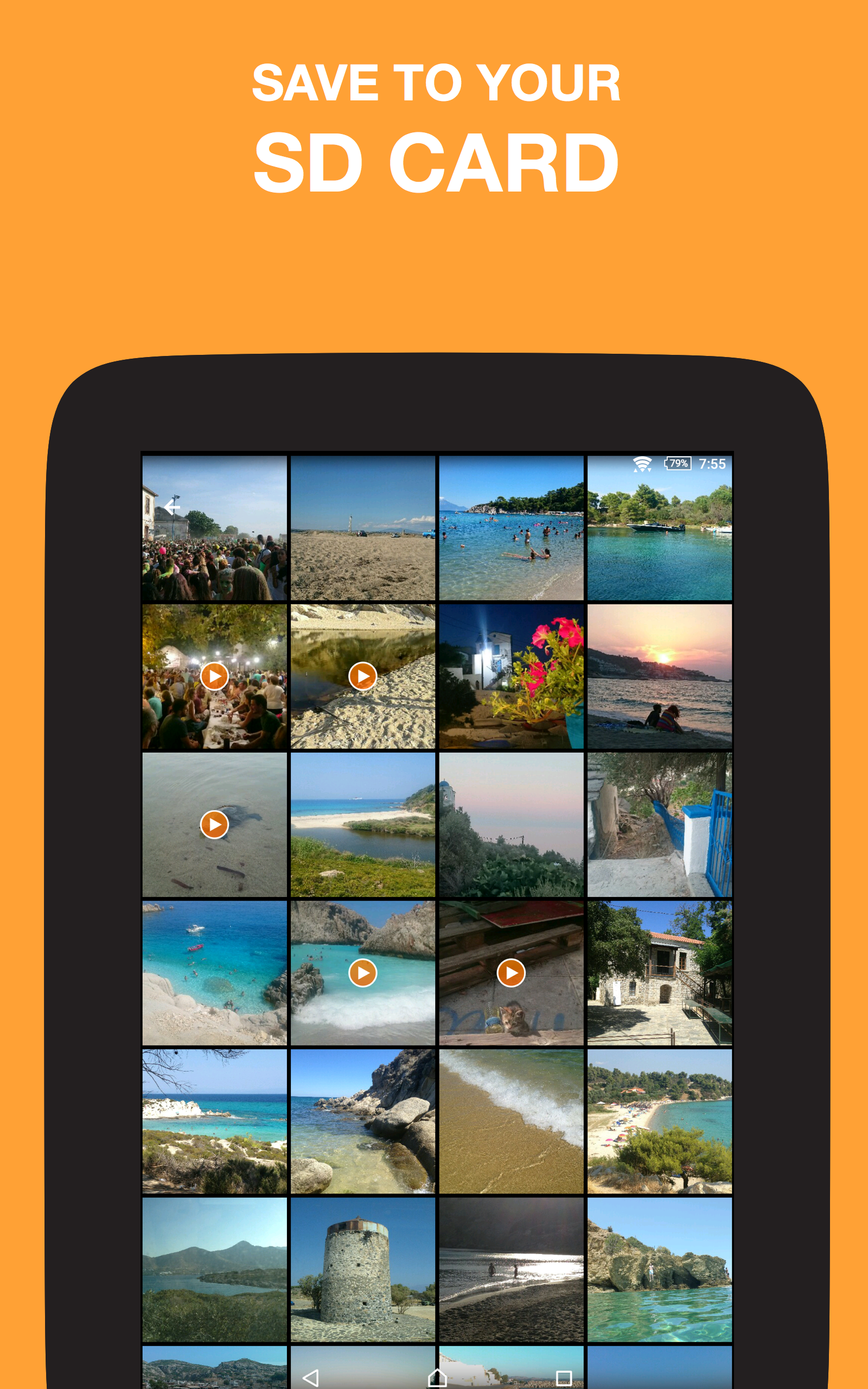
Save location control: Pick internal or SD storage as the destination so large videos don’t fill the phone memory unexpectedly.
Leveling modes: Flex, Rotate, and Locked modes let you pick how strictly the app enforces horizontal alignment based on your shooting style.
Hardware button support: Use the camera button or volume keys to start and stop recording for steadier handling.
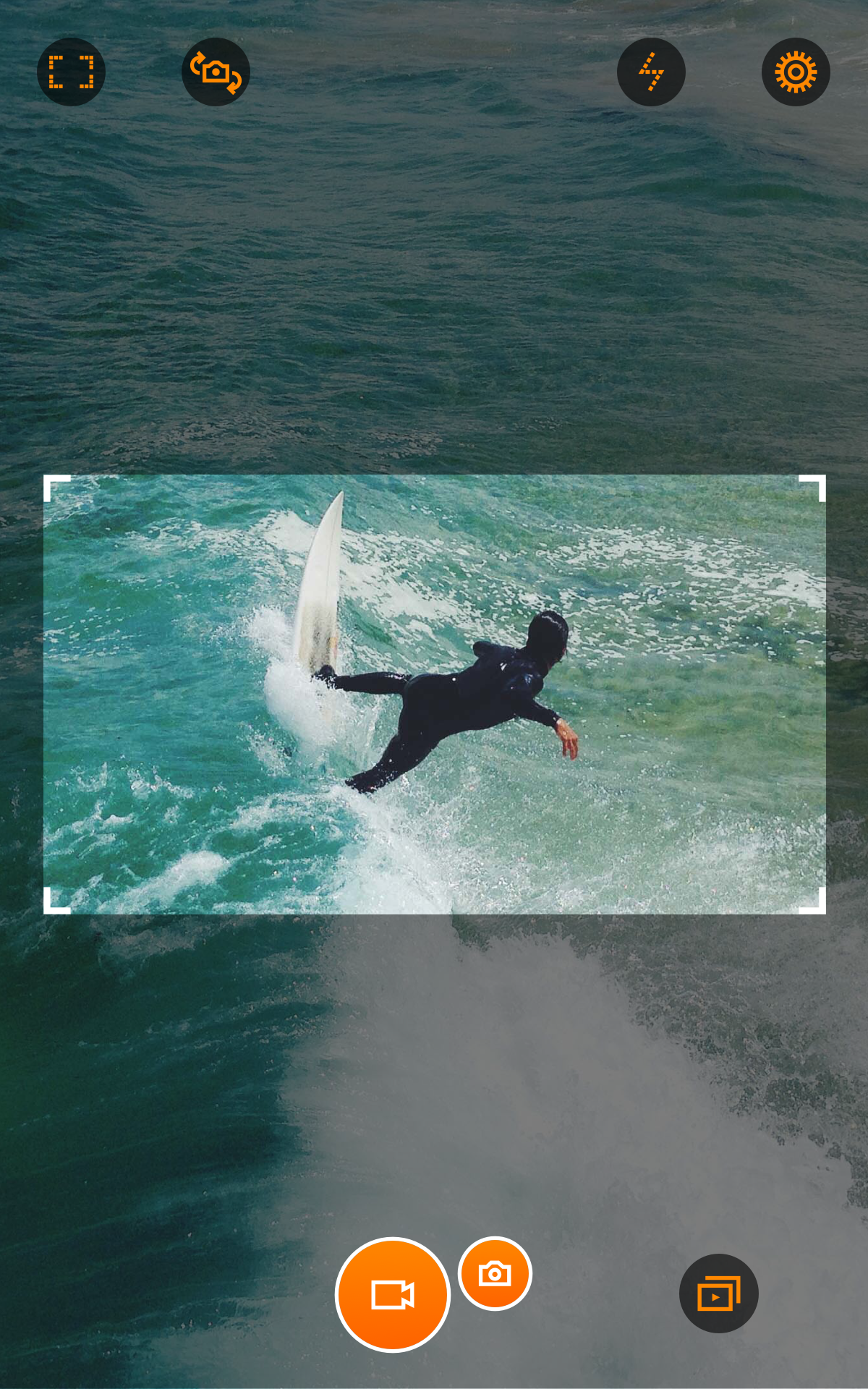
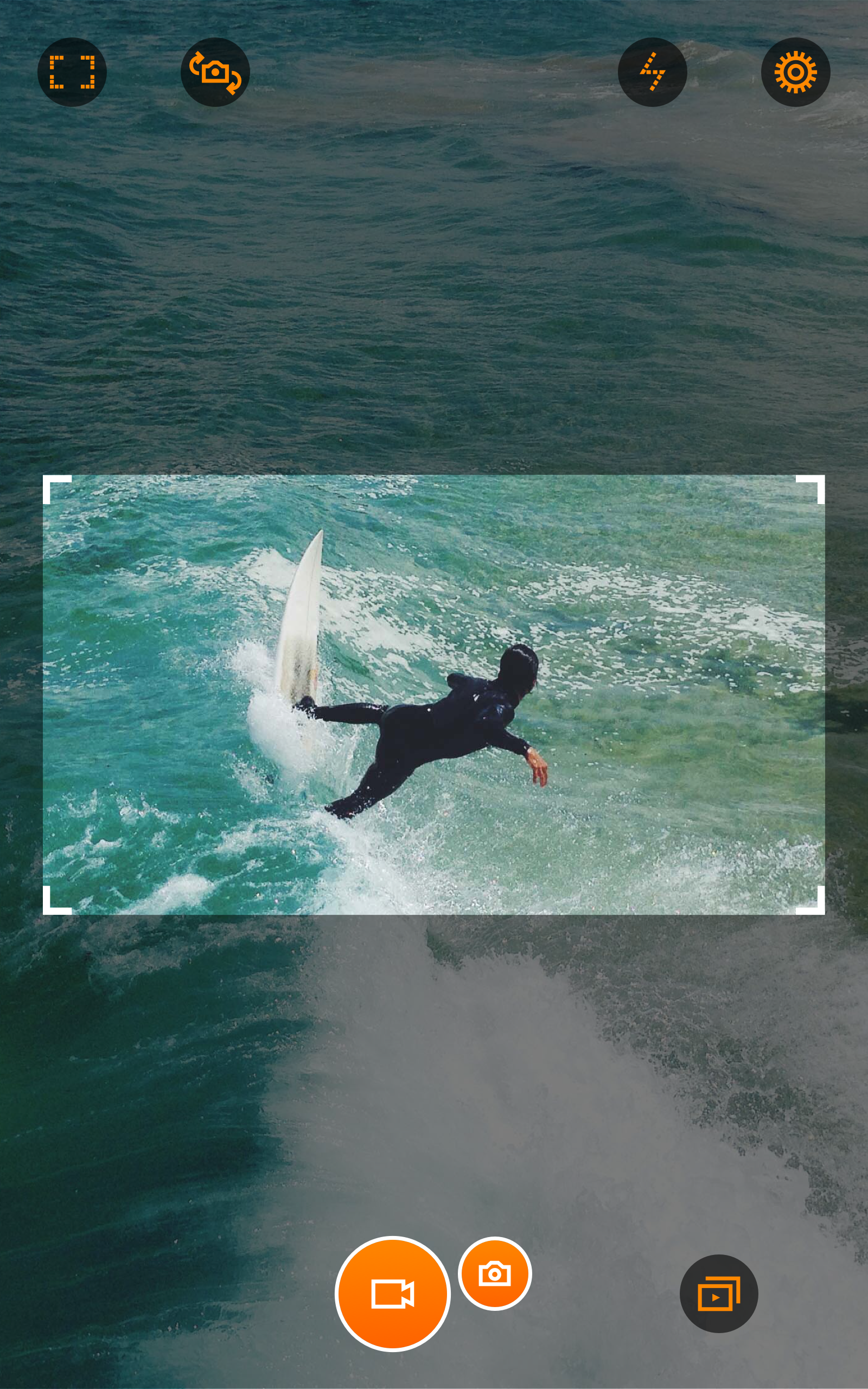
Live filters and quick library: Apply one of the built-in filters while recording and browse or select multiple clips with a simple swipe gesture.
Install and grant permissions: After installing, allow access to camera, microphone, and storage so the app can record and save files properly.
Pick a leveling mode: Try Flex first for casual shots, then experiment with Rotate or Locked when you need stricter horizon control.
Set resolution and quality: Select a recording size and a High/Medium/Low quality option to balance file size with image detail.
Assign storage and controls: Choose SD card saving if available and enable hardware button control to reduce on-screen interaction while filming.
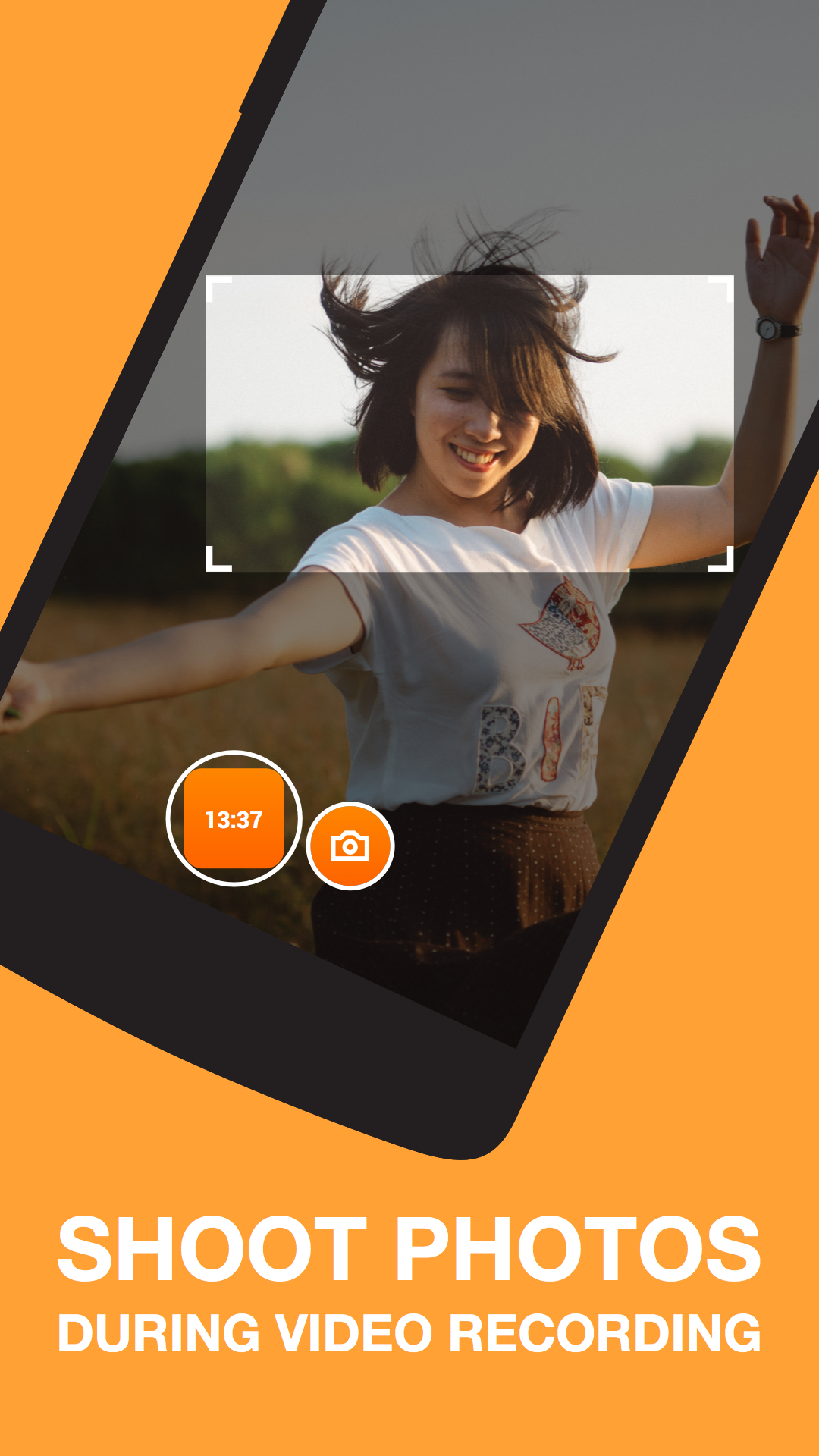
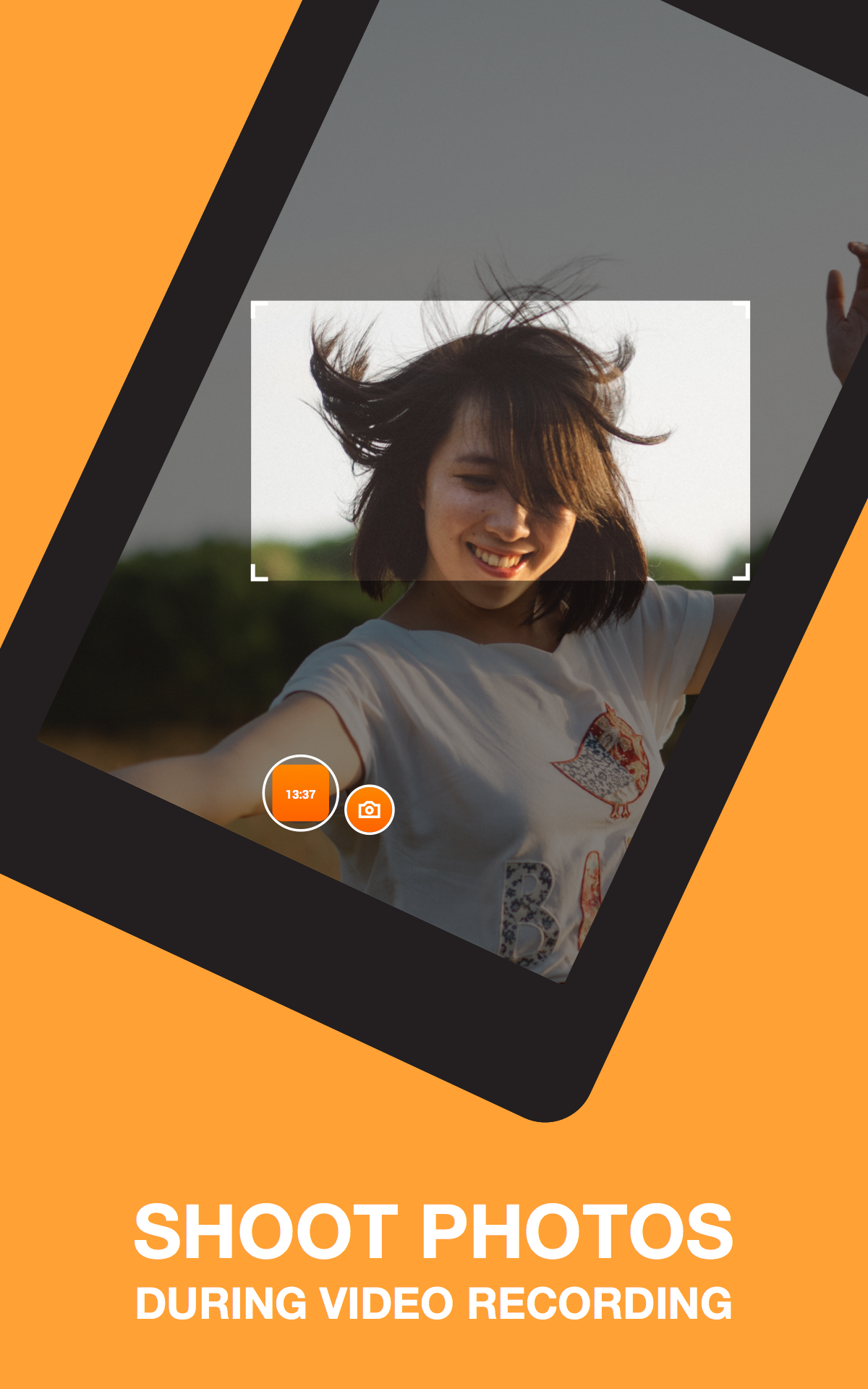
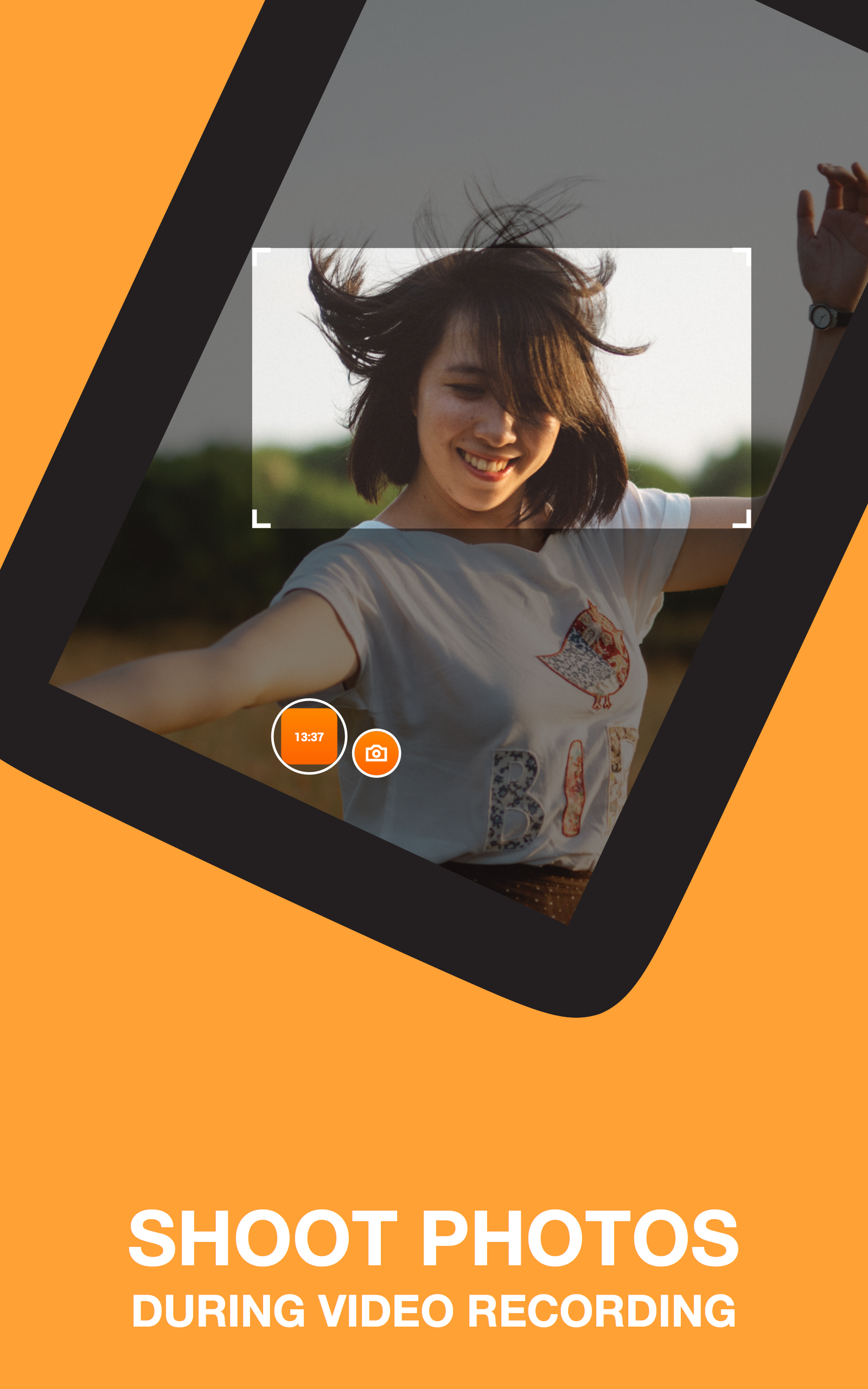
Use tilt-to-zoom and photo capture: Tilt to adjust zoom smoothly and tap the photo action to capture stills while video is running.
Do I need a gyroscope for horizon leveling?
The app requires either an accelerometer or a gyroscope to provide orientation data; without those sensors leveling features will be limited or unavailable.
Can I record slow motion clips?
Yes, slow-motion capture is supported at higher frame rates on compatible devices, but exact FPS availability depends on your phone's camera hardware.
Where are my videos stored?
You can set the save location to internal memory or an SD card when the device supports external storage, making it easier to manage large video files.
Is Horizon Camera free to use?
The core app is free with optional in-app purchases to remove ads and unlock premium support or extra features.
Compared with default camera apps that record whatever orientation you hold, Horizon Camera gives you consistent horizontal footage and simple controls, making it a good fit for casual creators and anyone who records on the move and wants cleaner results.