

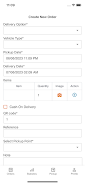
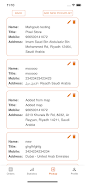

Rabbit SA is a lightweight Android app that lets you manage secure messaging, file transfers, and account connections from a single interface. Rabbit SA focuses on clear controls, privacy settings, and efficient synchronization across devices.
Open Rabbit SA, sign in or create an account, and follow the guided setup to configure contacts and sync preferences. Use the main menu to start conversations, send attachments, or adjust privacy controls. For transfers, select files from your device and confirm recipients before sending.
Rabbit SA requests only permissions necessary for core functions such as storage access for file transfers and optional contact access for easier connections. Account data is stored locally unless cloud backup is enabled. Review permission requests in settings and adjust synchronization options at any time.