
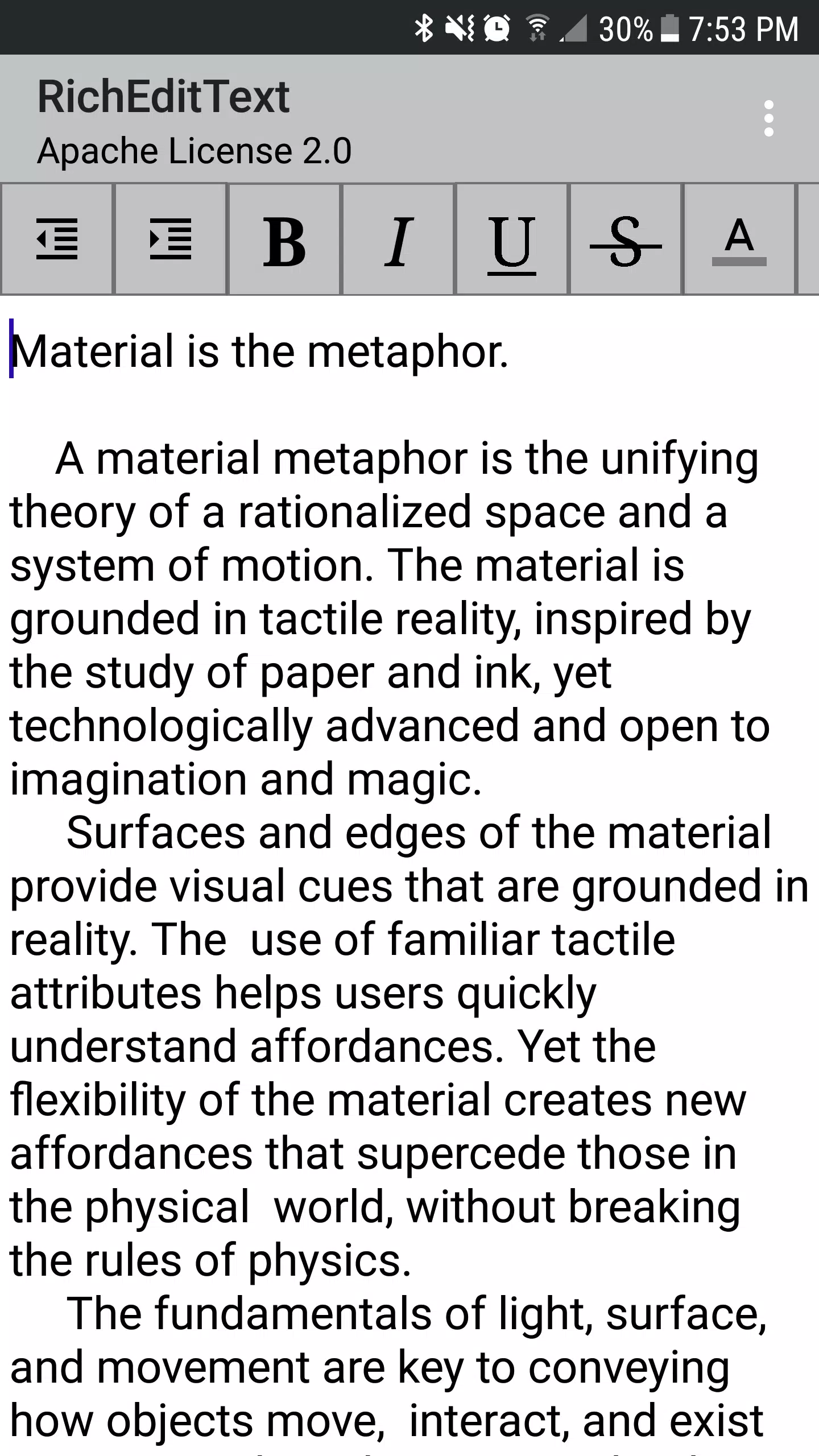
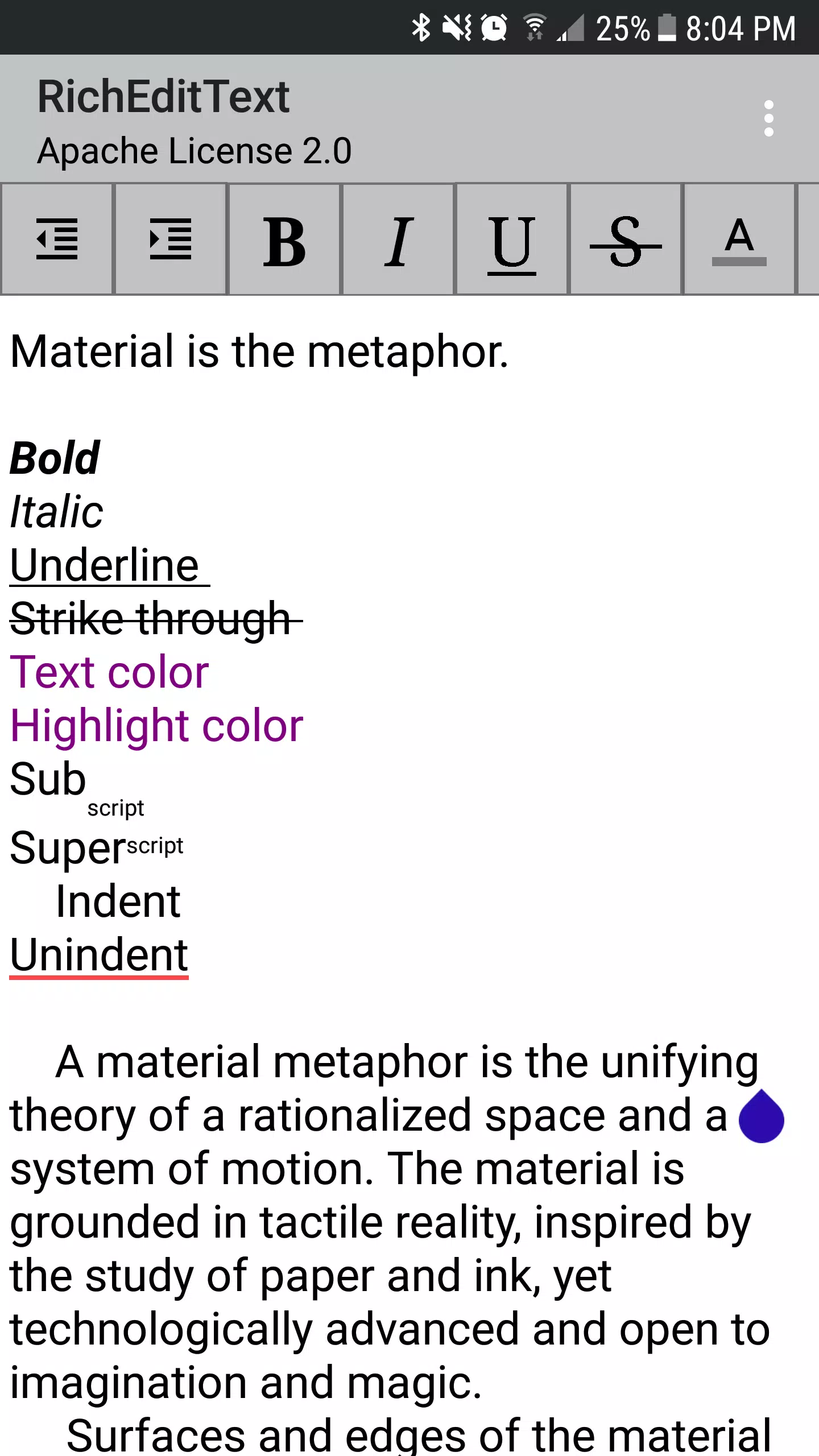
RichEditText is an advanced Android demo app that showcases a powerful rich-text widget and the formatting capabilities developers can embed into their own applications. The example app demonstrates how users can apply indentation, bold, italic, underline, strikethrough, text color and highlight, and subscript/superscript styling directly inside an editable field. Whether you are evaluating components for integration, building in-app note-taking, or testing formatting behavior in prototypes, RichEditText provides a compact, hands-on environment to explore practical editing tools without adding complex dependencies. It helps both designers and developers see how formatting features behave in real scenarios.
⭐ Indent and UnIndent controls let you increase or decrease paragraph indentation with simple actions.
⭐ Character-level styling including Bold, Italic, Underline and Strikethrough to emphasize text as needed.
⭐ Text color and highlight options enable changing font color and applying background highlights for selected text.
⭐ Subscript and Superscript support for mathematical notation, footnotes, or stylistic needs demonstrated in RichEditText.
✅ RichEditText bundles a wide range of common formatting tools into a single demo that’s easy to explore and test.
✅ The widget-focused approach makes it simple to evaluate how formatting behaves inside an editable field without extra overhead.
✅ Developers can use the app as a reference implementation when integrating rich-text controls into their own Android interfaces.
✅ Practical for prototyping, testing UI interactions, and demonstrating formatting capabilities to stakeholders.
❎ Designed primarily as a demonstration of the widget rather than a full-featured standalone editor with advanced document workflows.
❎ Emphasis on showcasing formatting tools means it may not include every convenience expected from dedicated note-taking applications.
❎ Targeted at developers and integrators, so casual users may find the interface more technical than consumer-focused editors.