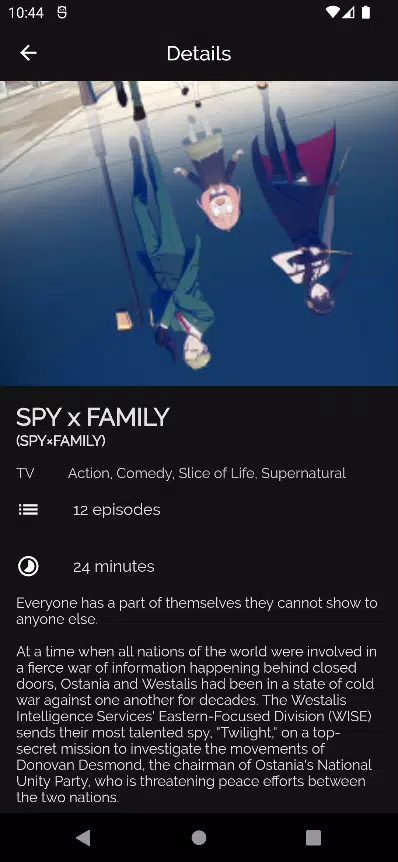
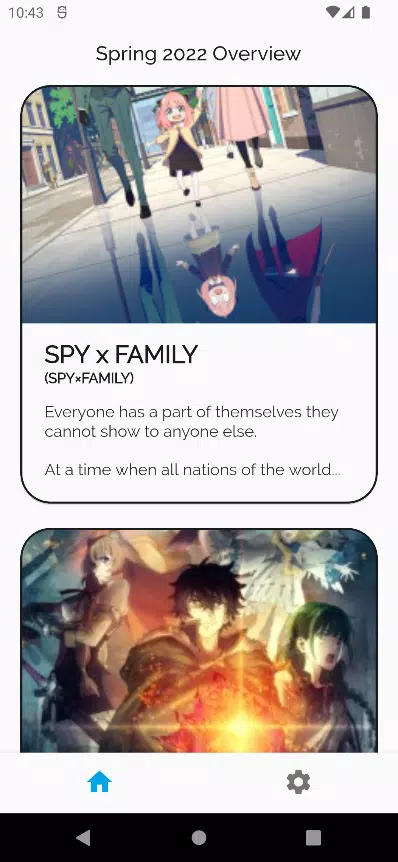
Anime Browser is a lightweight Android app built to discover, stream, and organize anime content with minimal fuss. It combines a clean browsing interface, fast search tools, and customizable playback options so users can find new series, manage watchlists, and enjoy episodes smoothly across devices.
Anime Browser focuses on helping users access anime quickly and reliably. The app provides fast search and filtering, curated lists, episode trackers, and multiple streaming sources to reduce buffering. Users can create watchlists, mark episodes as watched, and keep a personalized library that syncs with local storage options.
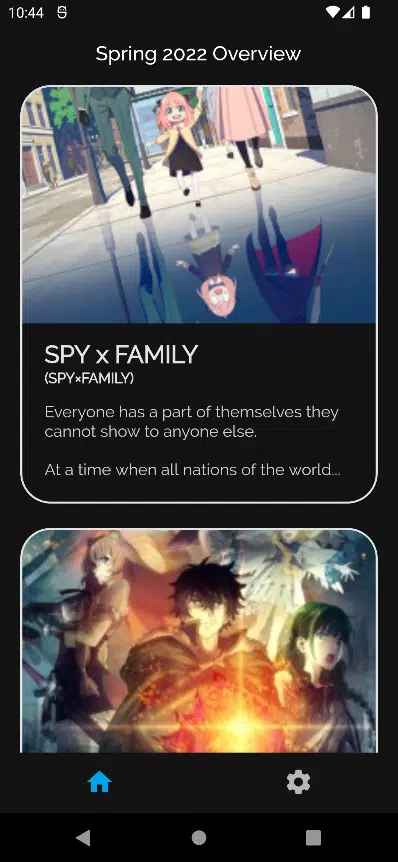
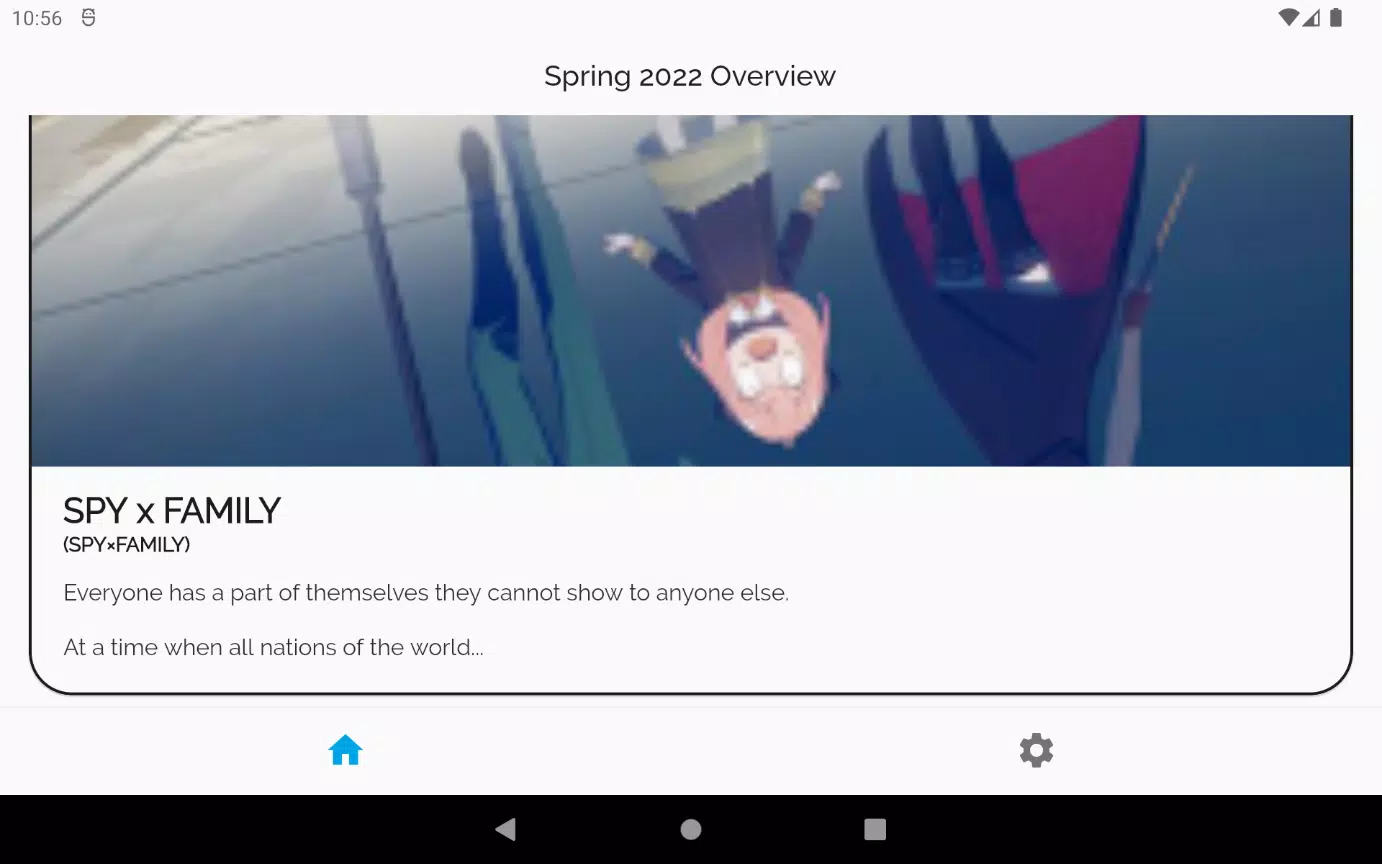
The user interface keeps navigation simple and intuitive. A bottom navigation bar or side menu (depending on device) gives instant access to Home, Search, Library, and Settings. Each section uses clear thumbnails and episode metadata to make scanning seasons easy. The layout adapts to both phones and tablets, so browsing remains efficient on different screen sizes.
Robust search tools are central to Anime Browser. The search field supports title suggestions, genre filters, and advanced options like year, sub/dub preference, and status (ongoing or completed). Discovery is boosted by curated categories and trending sections that surface seasonal hits, popular classics, and staff recommendations.
Playback is designed for flexibility. Anime Browser connects to multiple streaming hosts and switches sources when a link is slow or unavailable. A built-in player offers adjustable playback speed, subtitle selection, and an option to lock the screen orientation. For stream quality, users can choose adaptive streaming or fixed resolutions to suit bandwidth limits.
Organizing shows is straightforward. The Library keeps track of ongoing series, completed lists, and favorites. Users can add tags, sort entries by last watched or alphabetical order, and set automatic updates for new episodes. The watchlist feature supports episode-level progress tracking, so you can resume exactly where you left off.
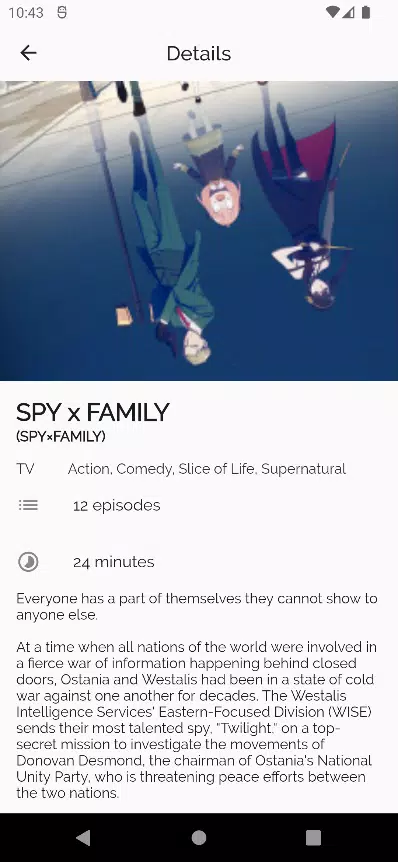
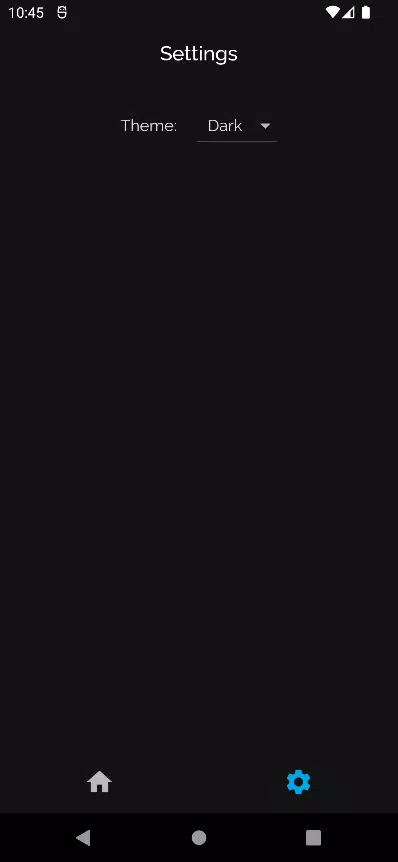
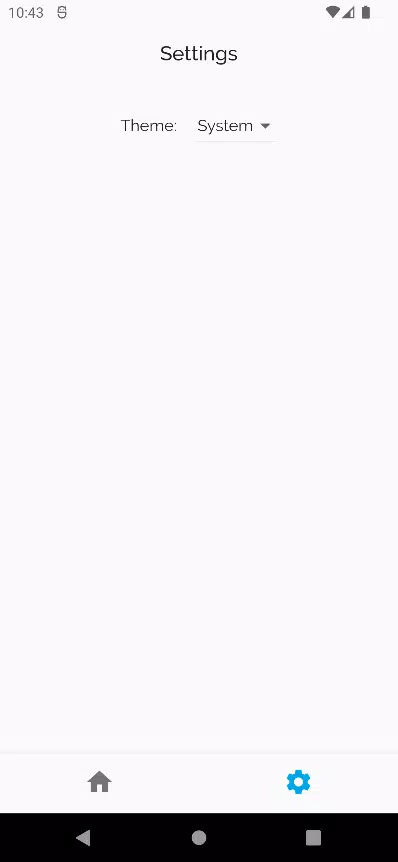
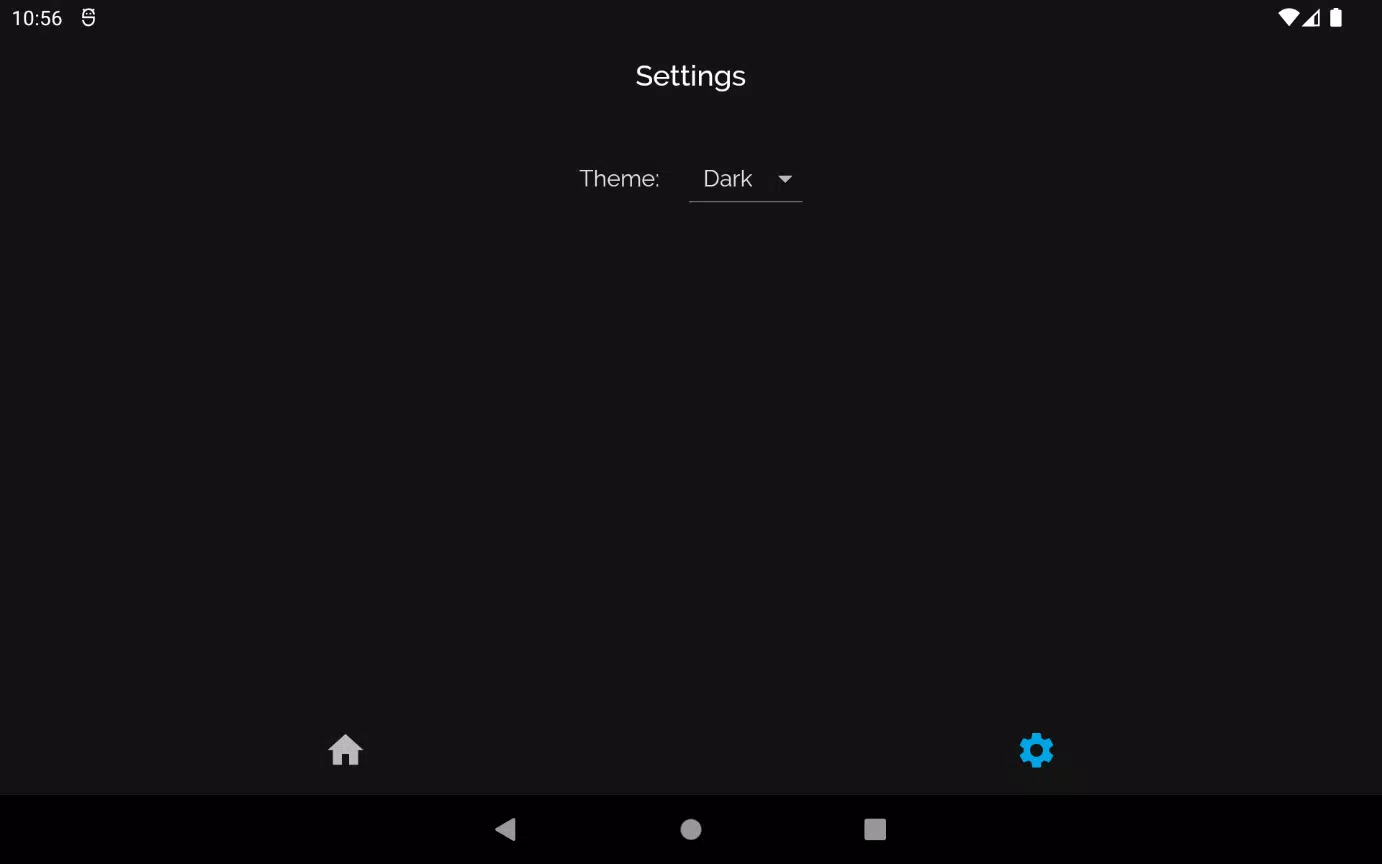
Anime Browser includes several customization options to personalize the experience. Themes and font sizes can be changed from the settings menu. Advanced users will appreciate support for external subtitle files and the ability to add third-party sources or browser extensions through a simple import system. These options expand content access and tailor playback to individual preferences.
Performance is optimized for low memory consumption and fast loading times. The app is compatible with a wide range of Android versions and performs well on mid-range devices. Background prefetching of episodes reduces wait times, and a cache manager lets users control storage use. These features help reduce interruptions and maintain smooth playback sessions.
For users who want to watch without an internet connection, Anime Browser supports offline downloads where permitted by the source. Download quality can be selected to balance space and clarity. Data usage controls allow users to restrict streaming and downloading to Wi-Fi only, or to set bandwidth caps for mobile networks.
Privacy settings are accessible and transparent. Anime Browser requests only necessary permissions and offers options to clear watch history or cached data easily. Frequent updates improve source compatibility and add usability tweaks. Notifications for new episodes and app updates can be toggled to match your preferences.
Begin by installing Anime Browser and granting minimal required permissions. Use the Home tab to browse featured titles, or jump straight into Search to find a specific show. Add favorites to your Library, set subtitle preferences, and try a download for offline testing. The onboarding prompts guide new users through key features the first time you open the app.
Anime Browser is suitable for viewers who prioritize a fast, organized way to explore anime on Android devices. It caters to casual watchers looking for quick discovery and to committed fans who want detailed library management and flexible playback controls. With a mix of convenience and customization, it fits a broad range of viewing habits.